
1. 이상view
The Roku Select Series HD TV provides a streamlined entertainment experience. This 32-inch 720p HD television integrates the Roku operating system for easy access to streaming content, live TV, and various applications. It features a voice remote for convenient control and includes technologies like Bluetooth Headphone Mode and Dolby Audio for enhanced sound.
주요 특징
- 끊김 없는 스트리밍: Fast Wi-Fi and quick app launches for immediate entertainment access.
- Extensive Content: Access to thousands of streaming apps, free movies, shows, and live TV channels.
- 사용자 정의 가능한 홈 화면: Organize apps and content for personalized view주고받음.
- 자동 소프트웨어 업데이트: Ensures access to the latest features and applications.
- 스마트 홈 통합: Compatible with Roku Voice, Siri, Alexa, and Google Assistant for voice control. Supports Apple AirPlay for content sharing.
- Clear HD Picture: 720p HD resolution with Roku Smart Picture technology for optimized visuals.
- 음성 원격: Search, play, and control streaming with voice commands.
- 향상된 오디오: Designed for clear speech and louder sound with Dolby Audio technology.
- 블루투스 헤드폰 모드: Private listening with wireless headphones.
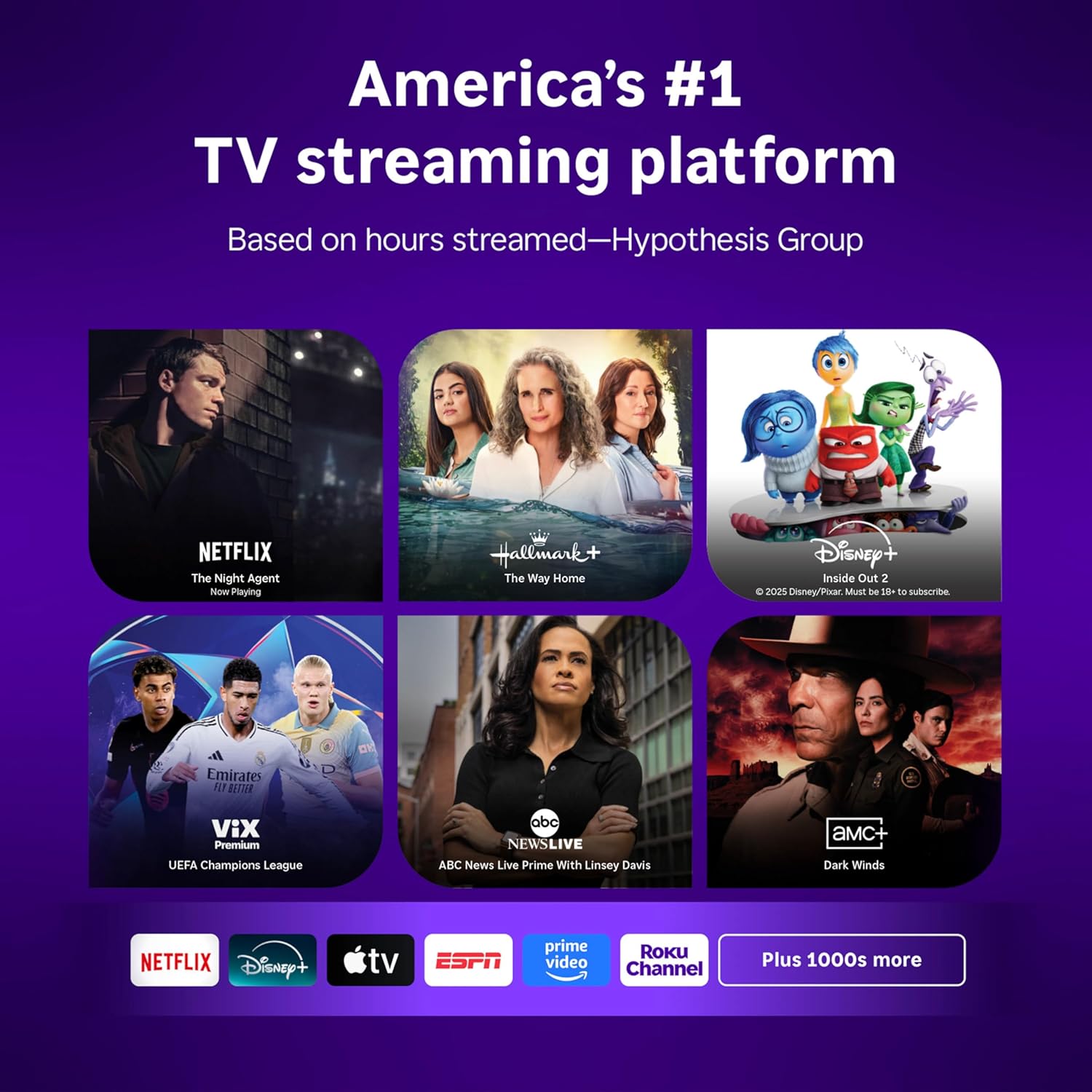
Image: Roku 32-inch Select Series HD Smart TV with included remote control.
2. 상자 안에 무엇이 들어있나요?
설치를 진행하기 전에 모든 구성 요소가 있는지 확인하세요.
- Roku Select Series 32" HD TV
- 스탠드와 나사
- Roku Voice Remote with batteries (2 AAA)
- 전원 케이블
- 사용 설명서 (본 문서)

Image: Contents of the Roku Select Series TV packaging.
3. 설정
3.1 풀기
TV와 모든 액세서리를 포장에서 조심스럽게 꺼내십시오. 향후 운송이나 서비스 시 필요할 수 있으므로 포장재를 보관하십시오.
3.2 스탠드 부착하기
- 긁힘을 방지하려면 부드럽고 깨끗한 표면에 TV 화면을 아래로 놓으세요.
- TV 스탠드를 TV 하단의 나사 구멍에 맞춥니다.
- 제공된 나사를 사용하여 스탠드를 고정하세요. 나사가 단단히 조여졌는지 확인하세요.
3.3 주변기기 연결하기
기기를 TV 뒷면의 해당 포트에 연결하세요.
- HDMI : Connect up to three HDMI devices (e.g., cable box, gaming console, Blu-ray player) to the HDMI ports.
- USB: Use the USB port for media playback or connecting compatible accessories.
- 광학(S/PDIF): 외부 오디오 시스템에 연결합니다.
- 전원 케이블 : 전원 케이블을 TV에 연결한 다음 벽면 콘센트에 연결하세요.
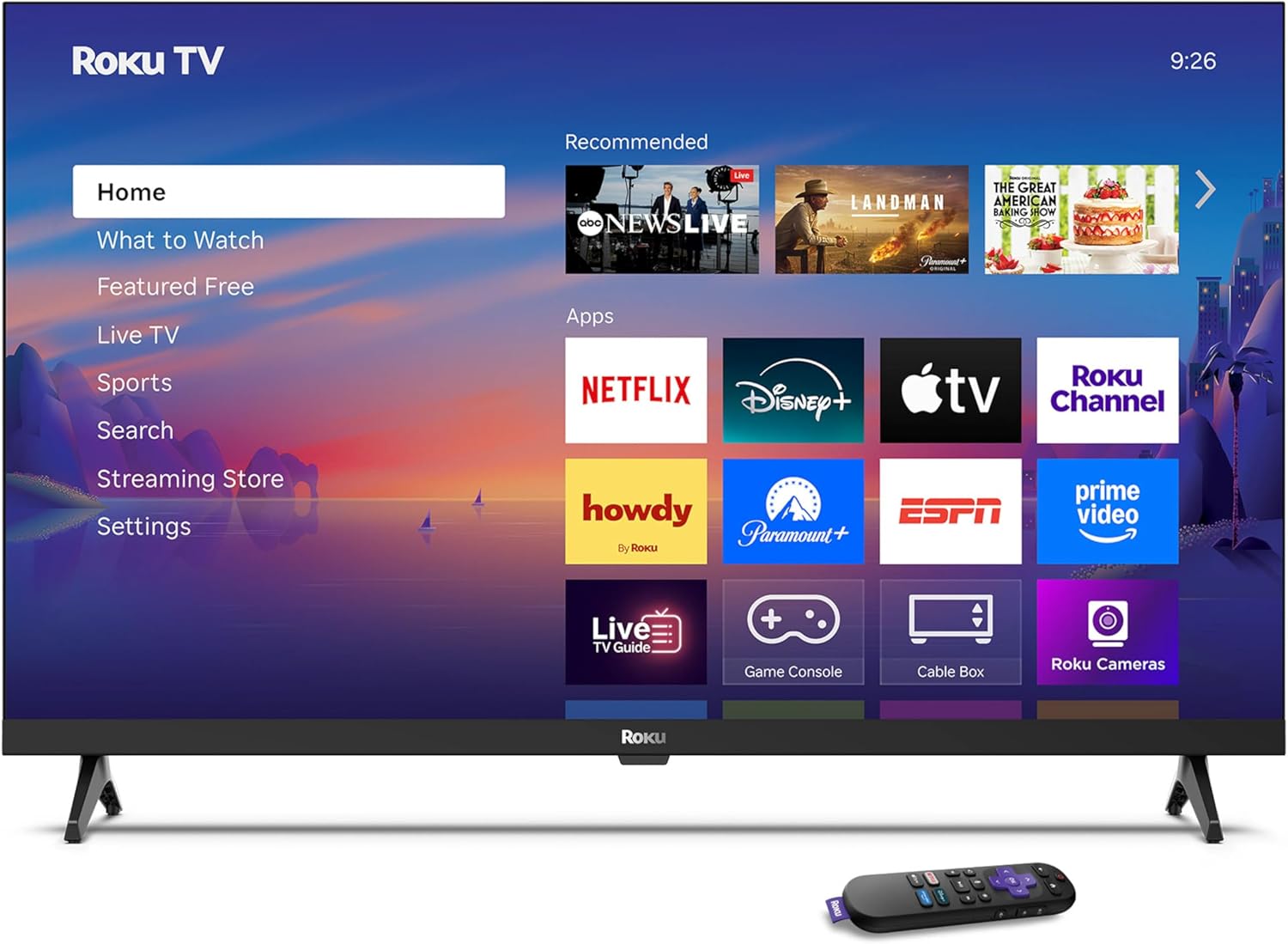
Image: Rear panel connections including HDMI, USB, and optical ports.
3.4 초기 전원 켜기 및 네트워크 연결
- Plug in the TV and press the power button on the remote or TV.
- 화면의 안내에 따라 언어를 선택하고 Wi-Fi 네트워크에 연결하세요.
- Activate your Roku account or create a new one.
비디오: 오버view of the Roku TV operating system, demonstrating its user interface and features. This video is provided by Roku, Inc.
4. 사용 설명서
4.1 음성 리모컨 사용
The Roku Voice Remote allows for intuitive control of your TV and streaming content.
- 음성 검색: Press and hold the voice button and speak your command to search for content, launch apps, or control playback.
- 항해: 방향키를 사용하여 메뉴를 이동하고 항목을 선택하세요.
- 앱 바로가기: 전용 버튼을 통해 인기 스트리밍 서비스에 빠르게 접속할 수 있습니다.

Image: Features of the Roku Voice Remote, highlighting voice control and shortcut buttons.
4.2 홈 화면 탐색
The Roku Home Screen provides access to all your installed apps, inputs, and settings.
- 집: 메인 홈 화면으로 돌아갑니다.
- 볼거리 : Discover recommended content.
- 라이브 TV: Access free live television channels.
- 스트리밍 스토어: 새로운 스트리밍 채널을 찾아보고 추가하세요.
- 설정: Adjust TV and system preferences.

Image: The Roku TV home screen interface.
4.3 화면 및 사운드 설정 조정
사용자 정의 viewing and listening experience through the settings menu.
- 사진 모드: Select from predefined modes like Standard, Vivid, Sports, or Movie. Roku Smart Picture automatically optimizes settings.
- 사운드 모드 : 사운드 프로를 선택하세요files or enable features like Night Mode for reduced volume fluctuations.
- 블루투스 헤드폰 모드: Pair your wireless headphones for private audio.

Image: Picture mode settings on the Roku TV.

Image: Bluetooth Headphone Mode in use.

Image: Dolby Audio technology for clear sound.
5. 유지관리
5.1 화면 청소
TV 화면을 청소하려면 부드럽고 마른 보풀 없는 천으로 살살 닦아주세요. 잘 지워지지 않는 얼룩은 가볍게 두드려 닦아내세요.amp물이나 화면에 안전한 세척액을 천에 적셔 사용하세요. 강한 화학 약품이나 연마성 재질은 사용하지 마세요.
5.2 소프트웨어 업데이트
Roku TV는 인터넷에 연결되어 있으면 자동으로 소프트웨어 업데이트를 받습니다. 이러한 업데이트에는 새로운 기능, 성능 향상 및 버그 수정이 포함됩니다. 최적의 성능을 유지하려면 TV가 인터넷에 항상 연결되어 있는지 확인하십시오.
6. 문제 해결
Roku TV 사용 중 문제가 발생하면 다음의 일반적인 해결 방법을 참조하십시오.
- 전원 없음: 전원 케이블이 TV와 정상적으로 작동하는 콘센트에 모두 단단히 꽂혀 있는지 확인하세요. 다른 콘센트에 연결해 보세요.
- 화면/소리 없음: 올바른 입력 소스가 선택되었는지 확인하십시오. 모든 케이블(HDMI, 오디오) 연결 상태를 확인하십시오. TV 전원 코드를 뽑았다가 30초간 다시 꽂아 TV를 재시작하십시오.
- 원격이 작동하지 않음: Replace the AAA batteries in the remote. Ensure there are no obstructions between the remote and the TV. For voice remote issues, re-pair the remote if necessary (refer to Roku support for specific steps).
- 네트워크 연결 문제: Restart your Wi-Fi router and modem. Go to the TV's settings menu, then Network, and try reconnecting to your Wi-Fi network.
- 앱이 로드되지 않거나 충돌하는 경우: Try restarting the app. If the issue persists, remove the app from the home screen, restart the TV, and then re-add the app from the Streaming Store.
7. 사양
| 특징 | 세부 사항 |
|---|---|
| 화면 크기 | 32 인치 |
| 디스플레이 기술 | 주도의 |
| 해결 | 720p |
| 새로 고침 빈도 | 60Hz |
| 특별 기능 | Bluetooth Headphone Mode, Dolby Audio, Voice Remote |
| 연결 기술 | 블루투스, Wi-Fi |
| 총 HDMI 포트 | 3 |
| 총 USB 포트 | 1 |
| 오디오 입력 | HDMI |
| 운영 체제 | 로쿠 OS |
| 장착 유형 | 탁상용, 벽걸이형 |
| VESA 마운트 표준 | 200 x 200mm |
| 제품 크기(D x W x H) | 7인치 깊이 x 28.3인치 너비 x 18.3인치 높이 |
| 품목 무게 | 7.5 파운드 |
| 모델 번호 | 32R2D5 |
| 한국어: | 829610008974 |
8. 보증 정보
8.1 제한 보증
Roku warrants the hardware against defects in materials and workmanship under normal use for a period of one (1) year from the date of purchase ("Warranty Period"). If Roku determines that the device’s hardware is defective during the Warranty Period, Roku’s sole obligation, and your exclusive remedy, will be to either repair or replace the unit with either a new or rebuilt device, at its option. This warranty applies if the product is used in accordance with the provided documentation.
8.2 반품 정책
You may return a device for any reason:
- Within thirty (30) days from the date of purchase from Roku.
- Within the applicable return period if purchased from an authorized reseller or distributor.
Additional details regarding product returns can be found on the Roku support site.
9. 지원
For further assistance, troubleshooting guides, and frequently asked questions, please visit the official Roku support web대지: