
소개
This manual provides detailed instructions for the Edifier W820NB Plus Gen 2 Wireless Over-Ear Noise Cancelling Headphones. Please read this manual thoroughly before using the product to ensure proper operation and to maximize your listening experience.
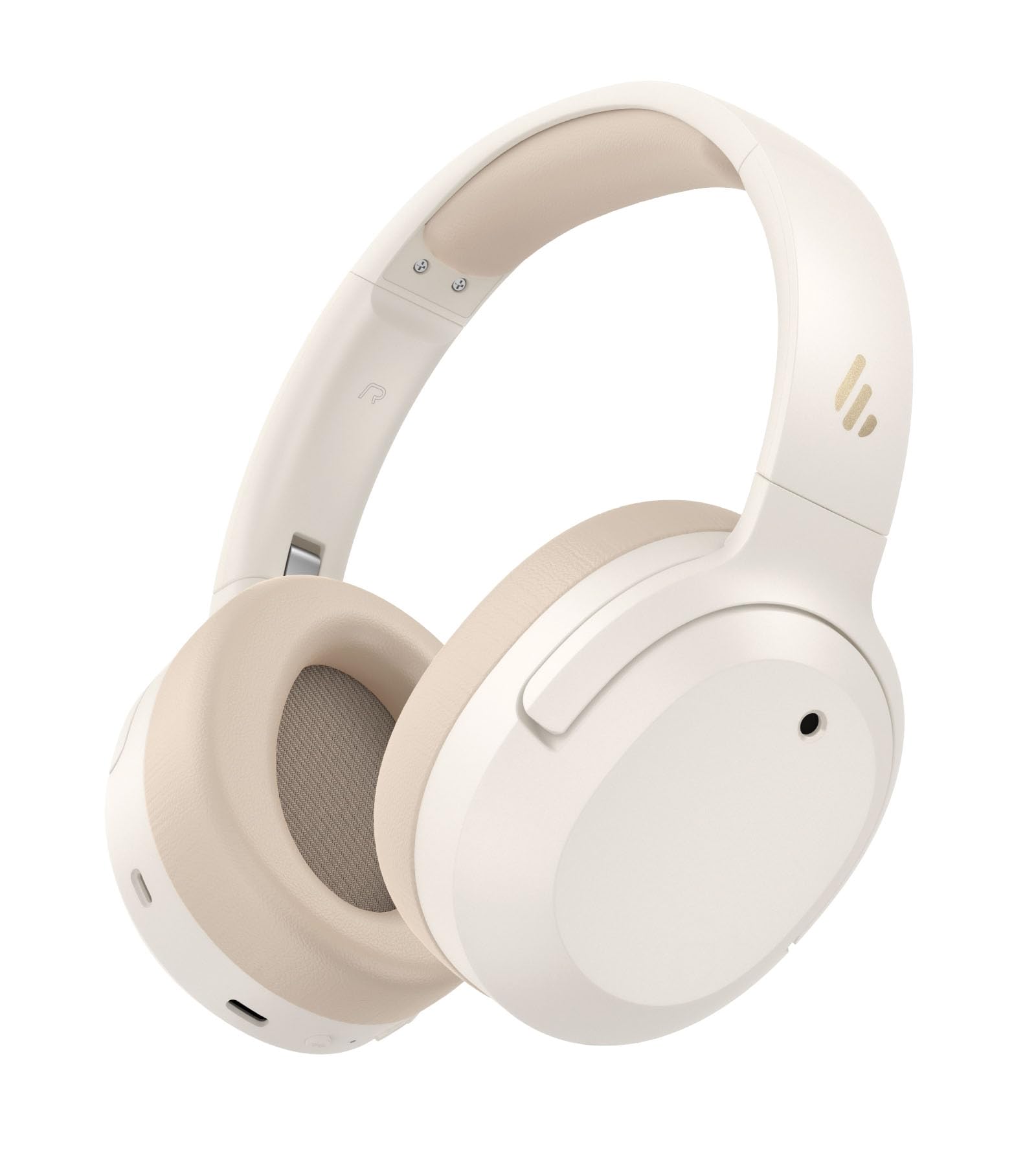
Image: Edifier W820NB Plus Gen 2 Headphones in Ivory.
상자 안에 무엇이 들어있나요?
Upon opening your Edifier W820NB Plus Gen 2 package, you should find the following items:
- Edifier W820NB Plus Gen 2 Headphones
- USB-C 충전 케이블 (1.2미터)
- 사용자 설명서
- 중요한 안전 정보
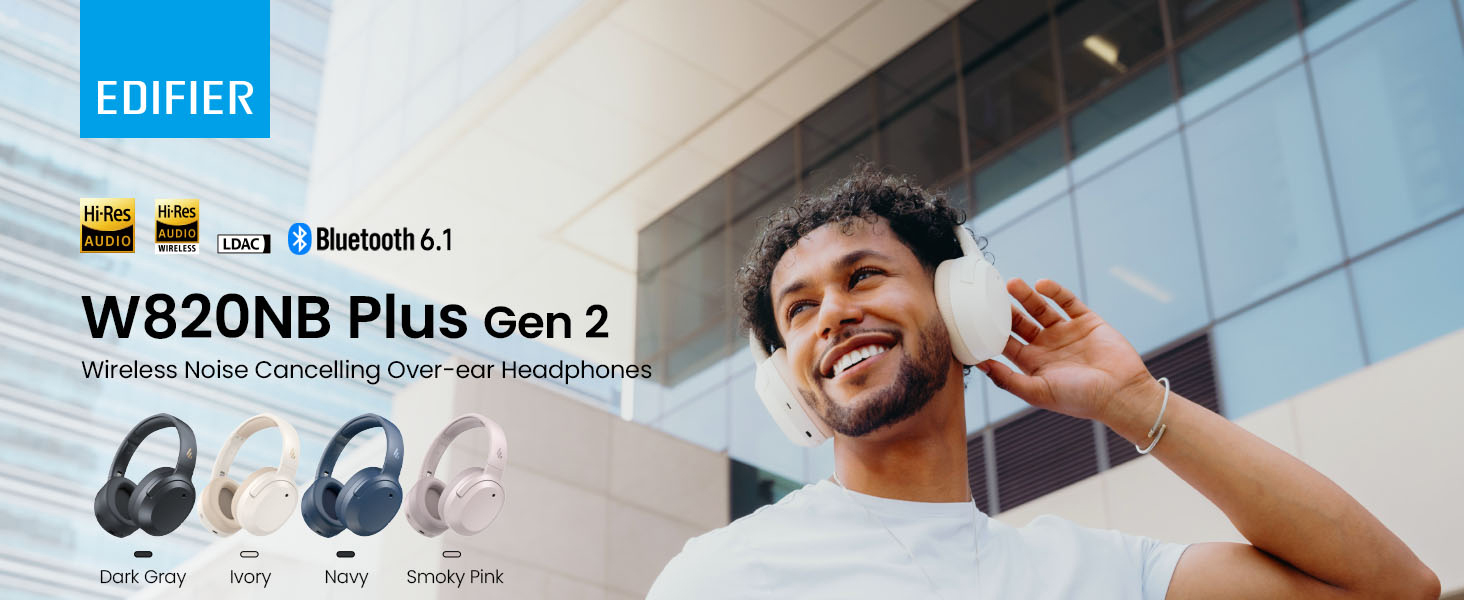
Image: Box contents showing the headphones, charging cable, and documentation.
설정
전원 켜기/끄기
- 전원 켜기: 전원 버튼을 약 2초 동안 길게 누르세요. 파란색 LED가 한 번 깜빡입니다.
- 전원 끄기 : 전원 버튼을 약 2초 동안 길게 누르세요. 빨간색 LED가 한 번 깜빡입니다.
블루투스 페어링
최초 페어링
- Power on the headphones. They will automatically enter Bluetooth pairing mode.
- The LED will blink blue and green alternately.
- On your phone or device, select "EDIFIER W820NB Plus" from the Bluetooth list.
- Once connected, the blue LED will blink twice.
Pairing a New Device (Multipoint)
- 헤드폰의 전원을 켭니다.
- Press and hold the multi-function button for about 3 seconds to re-enter Bluetooth pairing mode. The voice prompt will say "Pairing," and the LED will blink blue and green alternately.
- Select "EDIFIER W820NB Plus" on your new device to pair.
- To complete multipoint connection, go back to the first paired device and reconnect to "EDIFIER W820NB Plus".
Download the EDIFIER ConneX App
Enhance your experience by downloading the EDIFIER ConneX App. 검색 "EDIFIER ConneX" in your device's app store or scan the QR code provided in the packaging or user manual. The app allows you to switch ANC modes, customize EQ, adjust sound effects, set maximum volume levels, and access other settings.
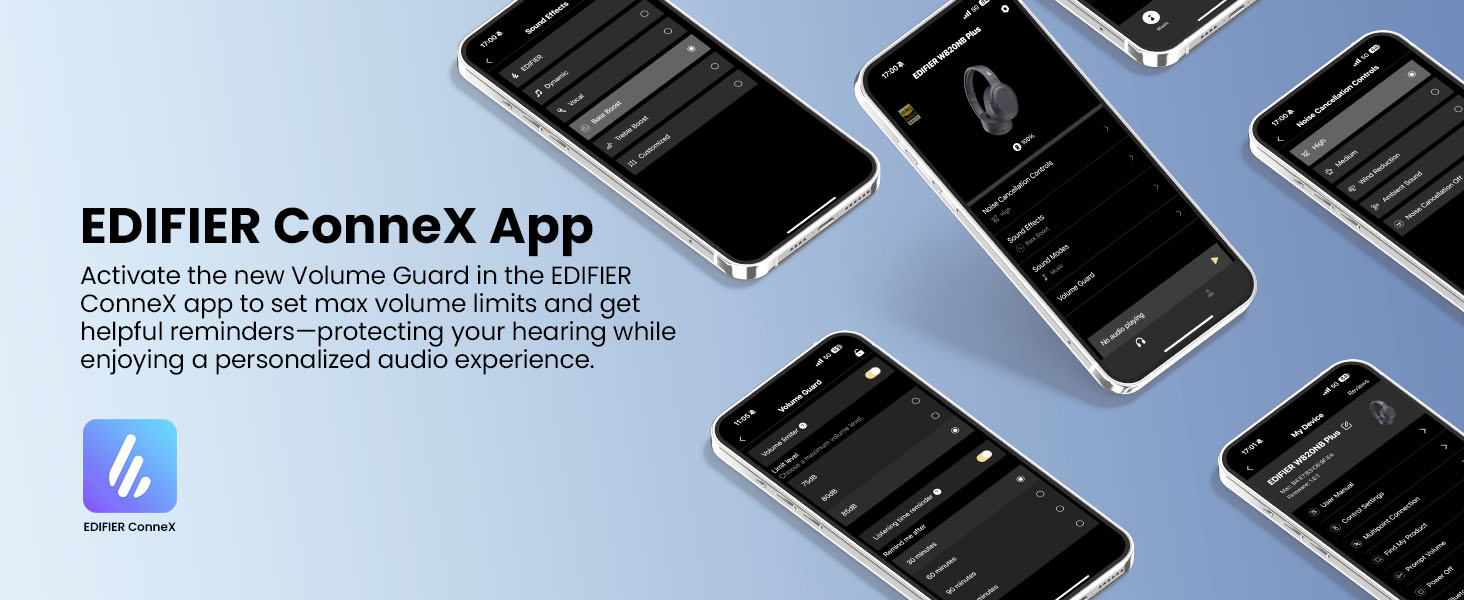
Image: The EDIFIER ConneX App provides extensive customization options.
공식 사용자 가이드 영상
Video: A detailed user guide video demonstrating various features and setup processes for the Edifier W820NB Plus Gen 2 headphones.
작동 지침
통제 수단
이 헤드폰은 직관적인 물리 버튼을 통해 쉽게 제어할 수 있습니다.
| 단추 | 행동 | 기능 |
|---|---|---|
| 전원 버튼(다기능) | 싱글 프레스 | 재생/일시 정지, 전화 받기/종료 |
| 전원 버튼(다기능) | 두 번 누르기 | 통화 거절, 음성 비서 |
| 전원 버튼(다기능) | 누르고 있기 | 전원 켜기/끄기 |
| 볼륨 업(+) | 싱글 프레스 | 볼륨을 높이다 |
| 볼륨 업(+) | 누르고 있기 | 다음 트랙 |
| 볼륨 작게 (-) | 싱글 프레스 | 볼륨 감소 |
| 볼륨 작게 (-) | 누르고 있기 | 이전 트랙 |
| ANC 버튼 | 싱글 프레스 | Switch ANC Modes (High Noise Cancellation / Ambient Sound / Noise Cancellation Off) |
| ANC 버튼 | 두 번 누르기 | Switch Sound Effects (Music Mode / Game Mode / Spatial Sound) |
| ANC 버튼 | 누르고 있기 | 블루투스 페어링 |
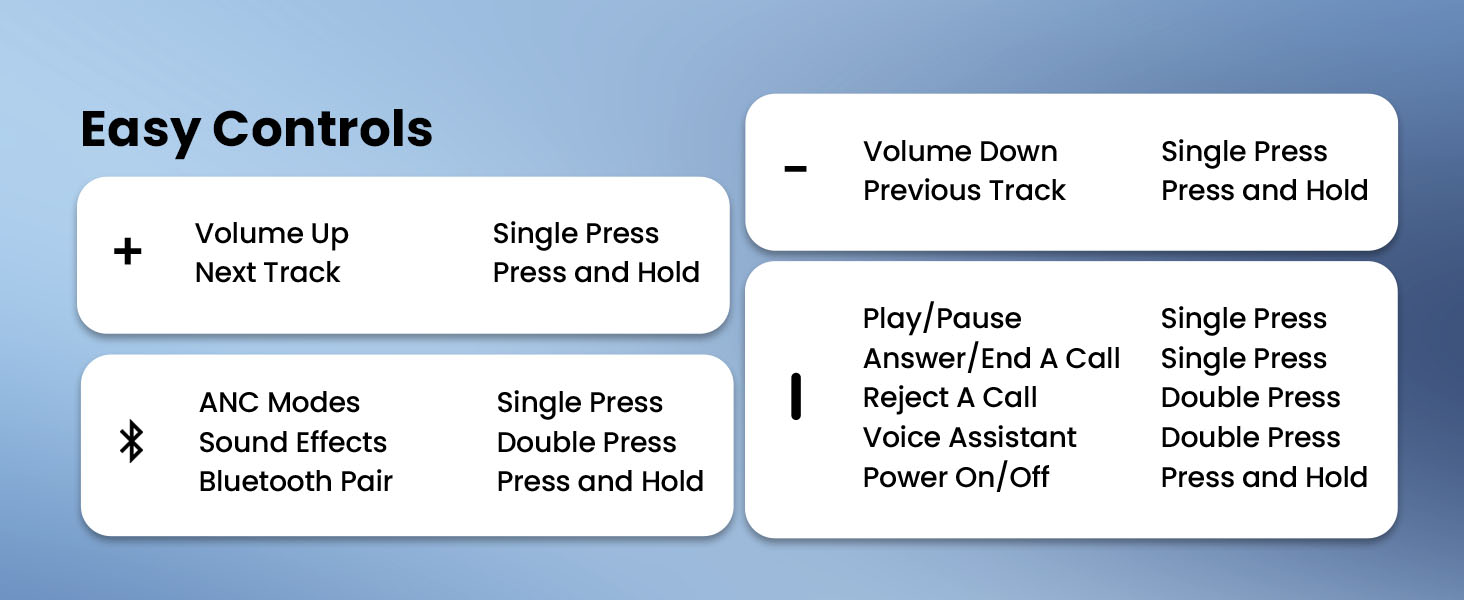
Image: Easy controls for managing audio and calls.
능동 잡음 제거 (ANC)
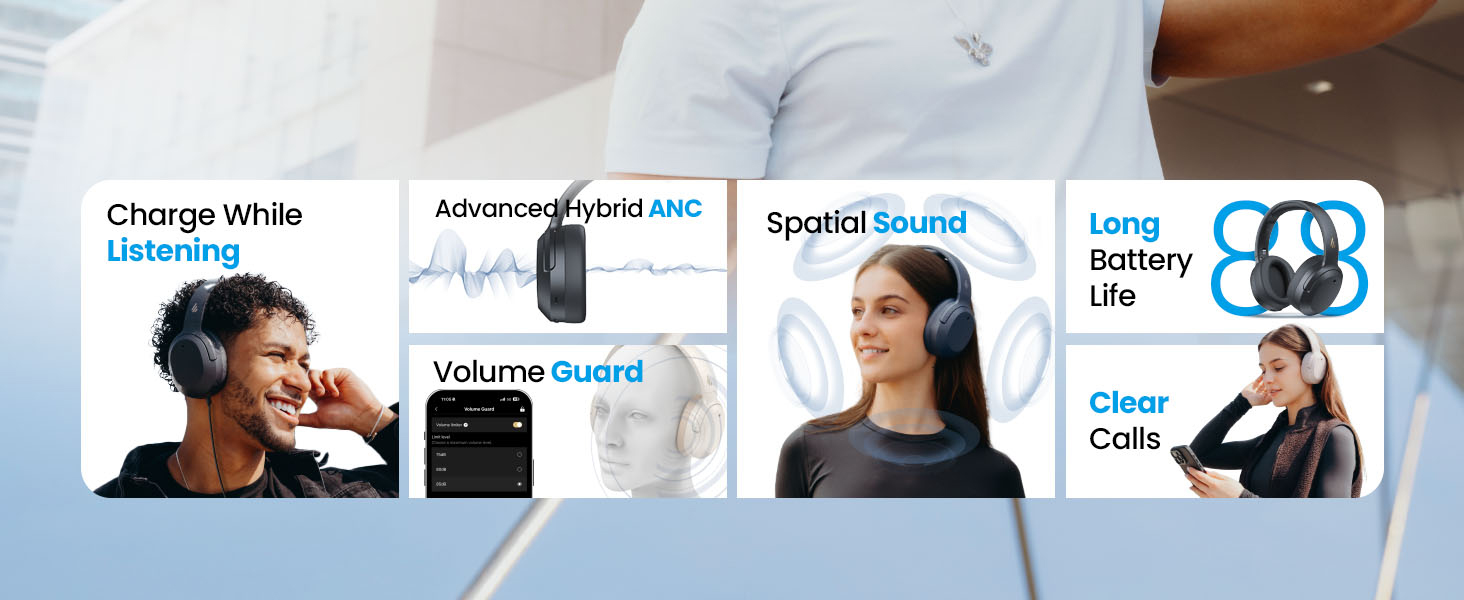
The headphones feature advanced -49dB hybrid ANC with multiple modes:
- 고음질 소음 제거: For maximum noise reduction in loud environments.
- 중간 수준의 노이즈 캔슬링: A balanced mode for moderate noise.
- 주변 소리: 오디오를 듣는 동안 주변 소리를 들을 수 있습니다.
- 풍속 감소: 바람 소음을 최소화하도록 특별히 설계되었습니다.
- 소음 제거 끄기: Disables ANC.
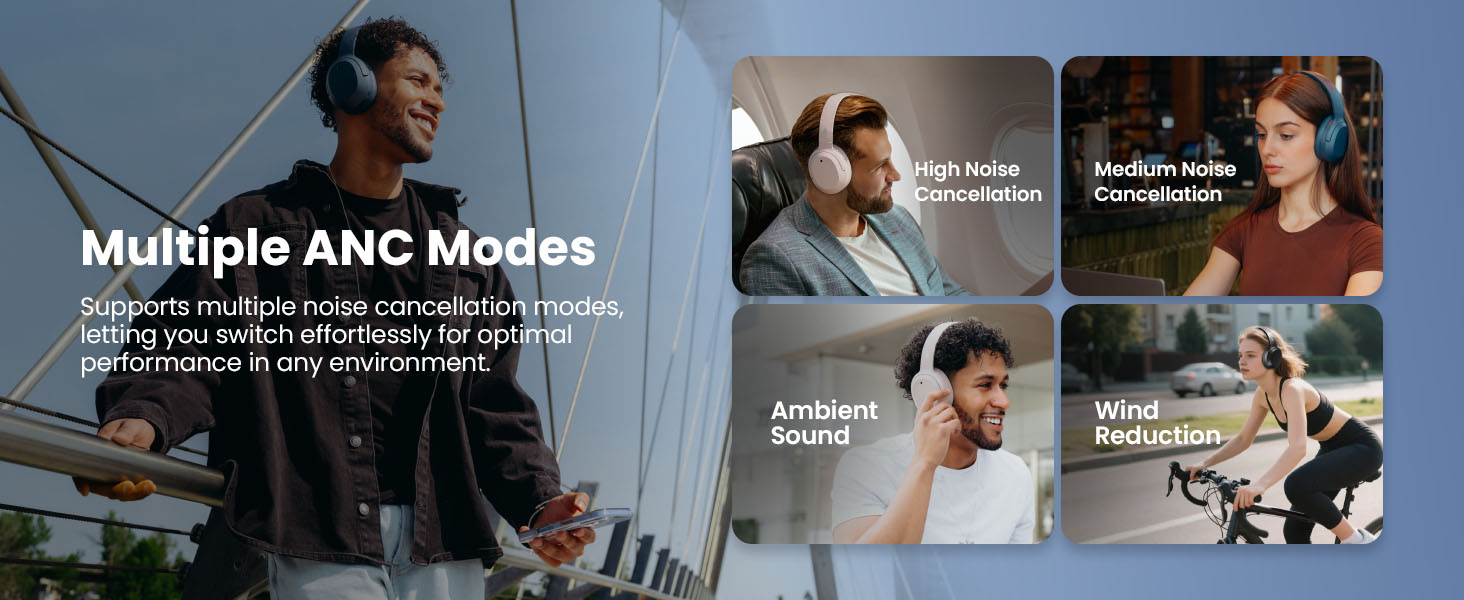
Image: Multiple ANC modes for various environments.
공간 사운드
Immerse yourself in a dynamic 360° surround sound experience with lifelike depth and clarity. Activate Spatial Sound via the EDIFIER ConneX App or by double-pressing the ANC button until the Spatial Sound effect is selected.
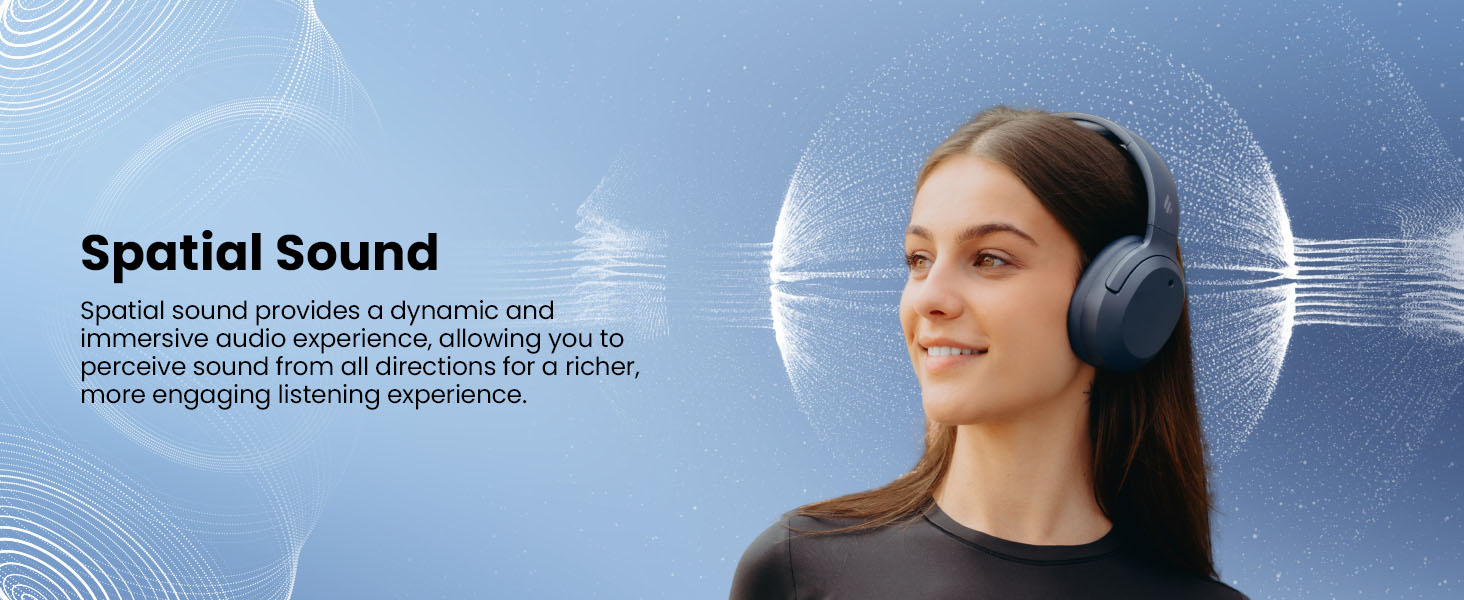
Image: Experience immersive spatial audio for 3D sound.
게임 모드
For a smoother, more immersive gameplay experience, activate Gaming Mode. This mode reduces audio latency for responsive sound. Access Gaming Mode via the EDIFIER ConneX App or by double-pressing the ANC button until the Game Mode effect is selected.
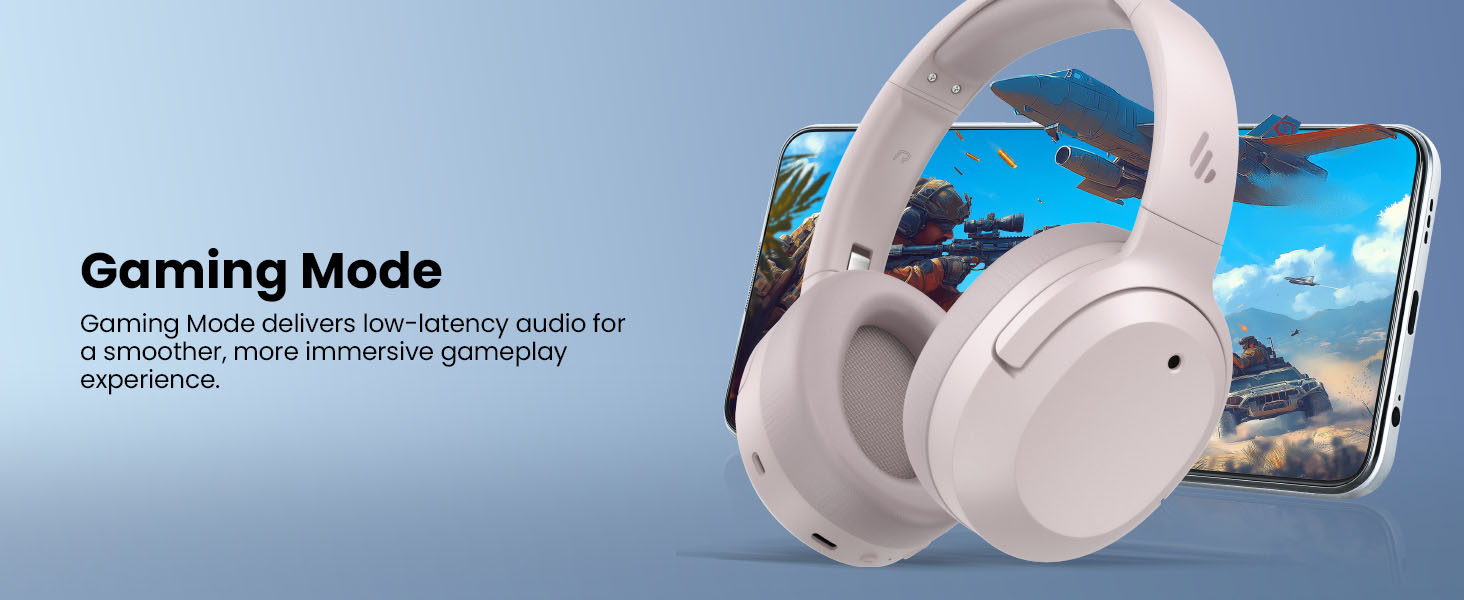
Image: Gaming Mode provides low-latency audio for an enhanced experience.
Volume Guard
The Volume Guard feature, accessible through the EDIFIER ConneX App, helps protect your hearing by allowing you to set a preferred maximum volume level and receive listening time reminders.
유선 연결
To use the headphones in wired mode, plug the included USB-C cable into the headphone's USB-C port and connect the other end to a computer or another device with a USB port. The wired connection will automatically disable Bluetooth mode.
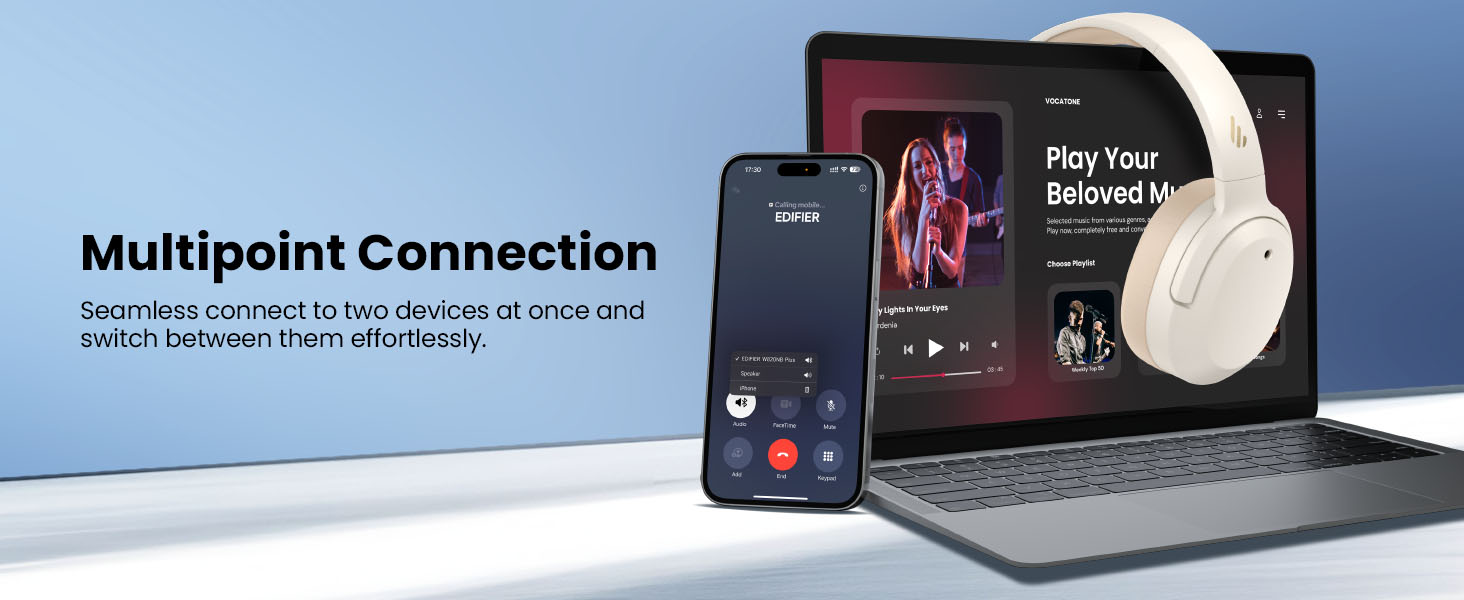
Image: Wired connection for continuous playback and charging.
유지
충전 중
The headphones offer up to 88 hours of continuous use (49 hours with ANC enabled). When the battery is low (less than 2%), a voice prompt will notify you: "Low battery, please charge," and the red LED will flash every 5 seconds.
To charge your headphones, plug the USB-C charging cable into the headphone's USB-C port and connect the other end to a computer or a wall charger. The LED will stay solid red while charging. It will turn green when fully charged if connected to a computer, or it will turn off when connected to a wall charger.
이미지: 배터리 수명과 빠른 충전 기능.
청소 및 보관
- 헤드폰을 닦을 때는 부드럽고 마른 천을 사용하십시오. 연마성 세척제나 용제는 사용하지 마십시오.
- 헤드폰은 서늘하고 건조하며 극한의 온도와 습도를 피해 보관하십시오.
- The headphones feature a compact and foldable design for easy storage and portability.
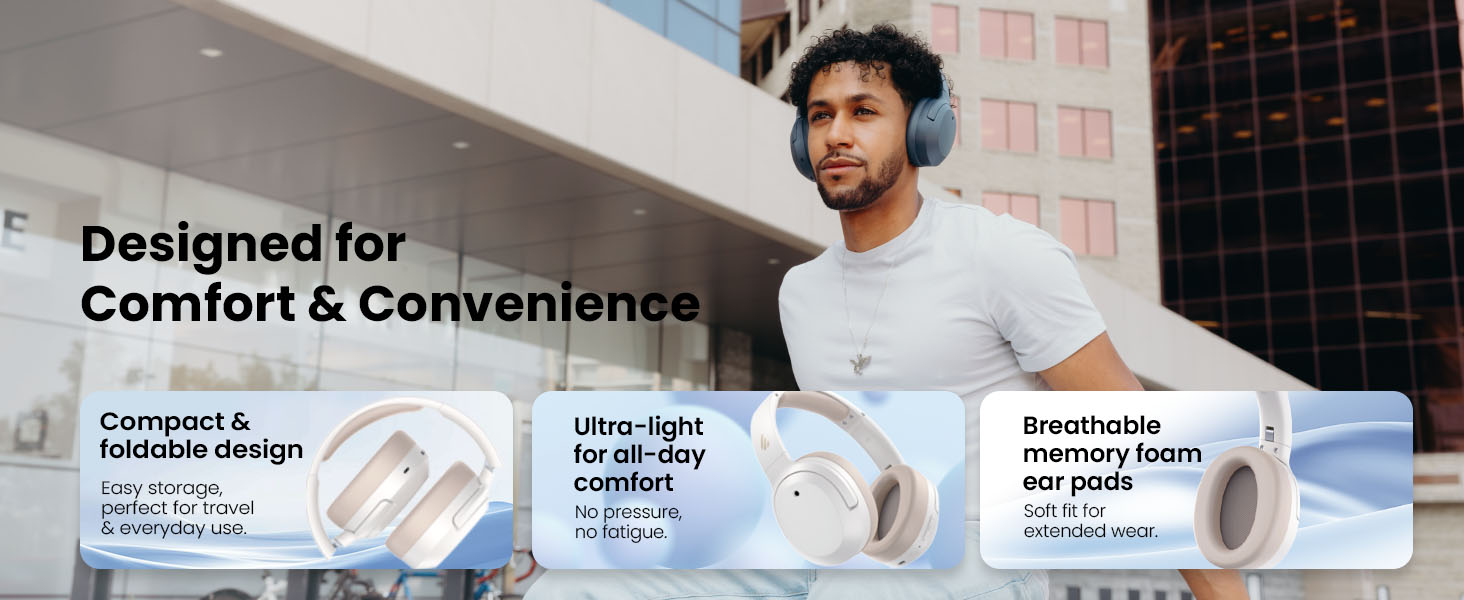
Image: Foldable design for comfort and convenience.
문제 해결
헤드폰 재설정
If you encounter any issues during use, you can reset the headphones to restore factory settings:
- Press and hold the top (+) and bottom (-) buttons simultaneously for 5 seconds.
- The blue LED will blink six times until the reset is complete.
- A voice prompt will say "Disconnected."
- The headphones will then enter Bluetooth pairing mode, with the LED blinking blue and green alternately, and a voice prompt will say "Pairing."
- Follow the pairing instructions to reconnect your device.
일반적인 문제
- 전원을 켤 수 없습니다: 헤드폰이 충전되어 있는지 확인하세요. USB-C 케이블을 사용하여 전원에 연결하세요.
- Bluetooth를 통해 페어링할 수 없습니다. Ensure the headphones are in pairing mode (LED blinking blue and green). Check your device's Bluetooth settings and try re-pairing. If issues persist, perform a factory reset.
- 소리가 나지 않습니다: Check the volume levels on both the headphones and your connected device. Ensure the headphones are properly paired or connected via wired mode.
- ANC가 효과적으로 작동하지 않음: Ensure ANC is enabled. Adjust the ANC mode via the multi-function button or the EDIFIER ConneX App to suit your environment.
- 통화 품질이 좋지 않음: Ensure the headphones are close to your device. Check for any obstructions between the headphones and your device.
명세서
| 특징 | 세부 사항 |
|---|---|
| 상표 | 에디파이어 |
| 모델 번호 | W820NBPLUS 2025 |
| 모델명 | W820NB Plus Gen 2nd |
| 색상 | 상아 |
| 귀 위치 | 귀 위 |
| 임피던스 | 40옴 |
| 제어 방법 | 푸시 버튼 |
| 배터리 충전 시간 | 2시간 |
| 배터리 평균 수명 | 88시간 (ANC 사용 시 49시간) |
| 소음 제어 | 능동형 소음 제거(-49dB) |
| 주파수 응답 | 40 kHz (XNUMX kHz) |
| 오디오 드라이버 유형 | 동적 드라이버 |
| 오디오 드라이버 크기 | 40 밀리미터 |
| 주파수 범위 | 20Hz - 20,000Hz |
| 인클로저 재료 | Plastic, Foam, Fabric |
| 호환 장치 | 스마트폰, 노트북, 데스크톱, 태블릿, 텔레비전, 게임 콘솔 |
| 헤드폰 잭 | USB-C |
| 연결 기술 | 무선(블루투스) |
| 블루투스 버전 | 6.1 |
| 품목 무게 | 247그램 |
| GTIN / UPC | 875674008313 |
보증 및 지원
보증 정보
The Edifier W820NB Plus Gen 2 headphones come with a 1년 제조업체 보증보증 청구를 위해 구매 증빙 서류를 보관하세요.
고객 지원
For further assistance, technical support, or warranty inquiries, please visit the official Edifier website or contact their customer service. You can also find additional resources and FAQs within the EDIFIER ConneX App.