

소개
This manual provides essential information for the safe and efficient operation of your Philips PLD2030P7 DVD Player. Please read these instructions thoroughly before using the device and retain them for future reference.
1. 설정
1.1 풀기
모든 구성품을 포장에서 조심스럽게 꺼내세요. 아래 나열된 모든 품목이 있는지 확인하세요.
- Philips PLD2030P7 DVD Player
- 원격 제어
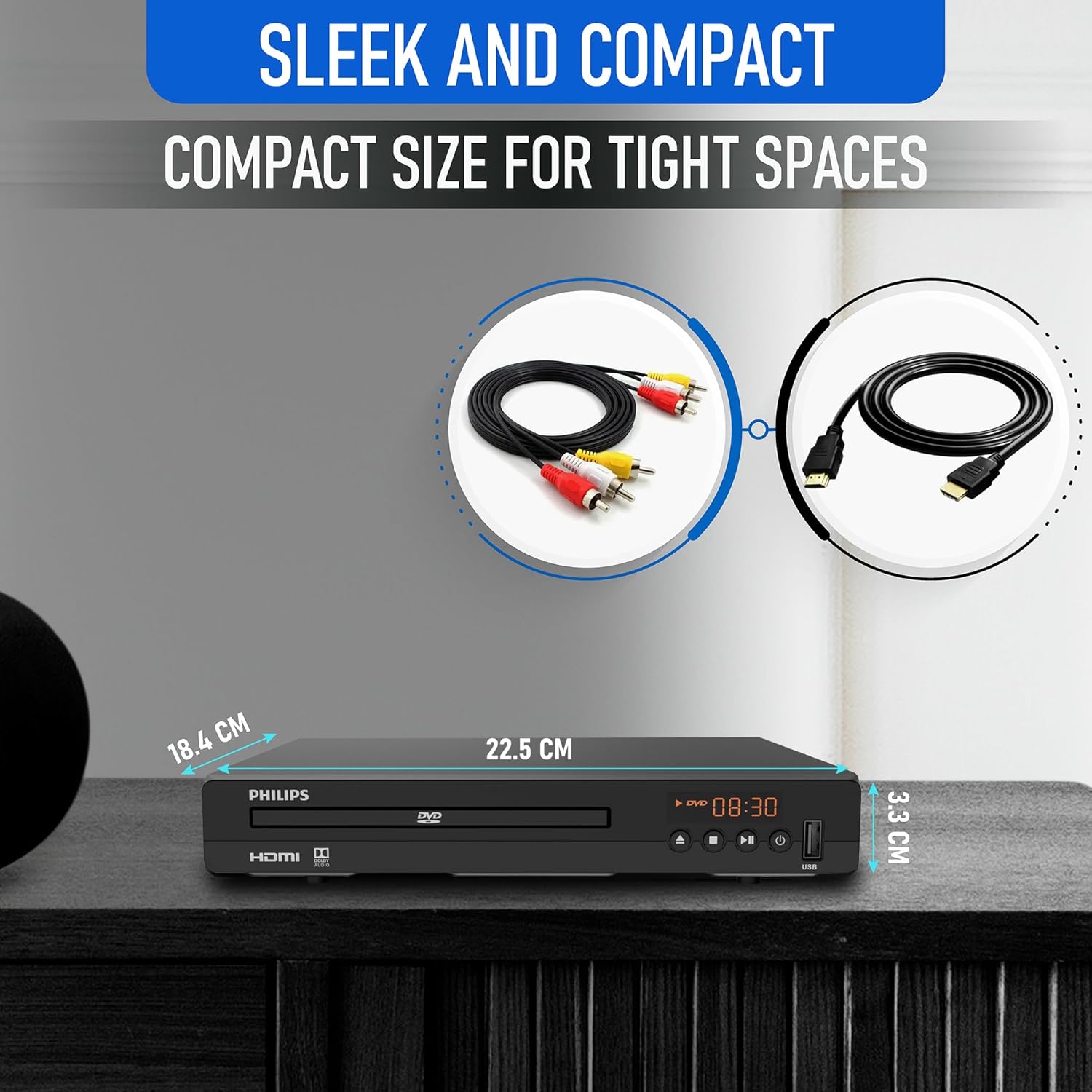
- HDMI 케이블
- RCA 케이블
1.2 TV에 연결하기
The Philips PLD2030P7 DVD Player offers both HDMI and RCA connections for video and audio output.
HDMI Connection (Recommended for HD TVs)
- Connect one end of the HDMI cable to the HDMI OUT port on the DVD player.
- HDMI 케이블의 다른 쪽 끝을 텔레비전의 사용 가능한 HDMI 입력 포트에 연결하십시오.
- 리모컨을 사용하여 TV에서 해당 HDMI 입력 단자를 선택하십시오.
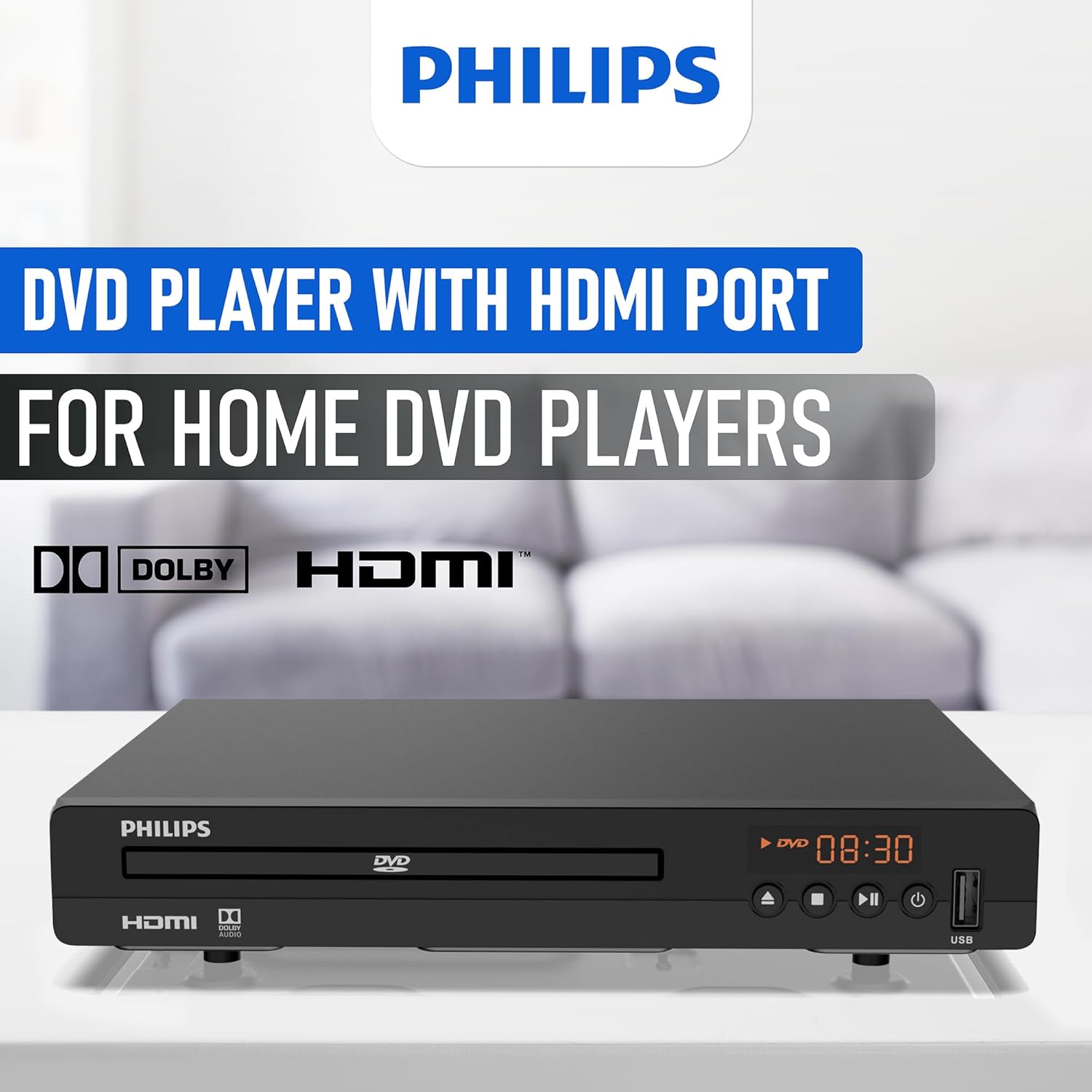
Illustration of the HDMI connection process, highlighting the 1080P upconversion capability from 480P resolution.
RCA Connection (For older TVs or alternative audio)
- Connect the red, white, and yellow RCA plugs from the RCA cable to the corresponding color-coded AV OUT jacks on the DVD player.
- Connect the other end of the RCA cable to the matching color-coded AV IN jacks on your television or home stereo system.
- Select the corresponding AV input on your television or stereo system.

Visual guide to various connection types, including HDMI for Smart TVs, projectors, and monitors, and RCA for older TVs, speakers, soundbars, amplifiers, and tuners.
1.3 전원 켜기
After connecting the player to your TV, plug the power cord into an electrical outlet. Press the Power button on the front panel or the remote control to turn on the DVD player.
1.4 Region Free Setup Guide
This DVD player supports multiple regions (1,2,3,4,5,6). To adjust region settings:
- Connect your DVD player to a TV.
- Ensure no disc is in the compartment, or press the 열기/닫기 button to eject the disc tray. The TV screen should display 'NO DISC'.
- Using the remote control, input the number "5168" to access the Super Setup Mode.
- 를 누르세요 UP button to highlight "REGION". Press the 오른쪽 button to highlight the region code. Press the UP button to highlight "TEST 0". Press the 입력하다 확인 버튼을 클릭하세요.
- 누르다 설정 종료합니다.
Visual instructions detailing the process to configure the DVD player for region-free playback, including remote control input and screen prompts.
2. 사용 설명서
2.1 디스크 재생
The Philips PLD2030P7 is compatible with CD, (S),VCD,DVD,DVD+R/RW,DVD-R/RW, or MP3 discs.
- 를 누르세요 열기/닫기 버튼을 눌러 디스크 트레이를 엽니다.
- Place a disc gently onto the tray with the label side facing up.
- 를 누르세요 열기/닫기 button again to close the tray. The player will automatically begin playback or display a disc menu.
- Use the remote control to navigate menus and control playback (Play, Pause, Stop, Skip, Fast Forward/Rewind).
2.2 USB 미디어 재생
The player supports media playback from USB devices for JPEG, MP3, and MP4 files.
- Insert your USB device into the USB port on the front of the DVD player.
- The player should automatically detect the USB device and display a media browser. If not, press the USB 리모컨의 버튼을 누르세요.
- 탐색하세요 file리모컨을 사용하여 누르세요 놀다 or 입력하다 재생을 시작하세요.

Demonstration of the USB input functionality, illustrating how to connect a USB device and the supported media formats including video (AVI, DIVX, MPG, MPEG, VOB), images (JPG), and music.
2.3 화면 맞춤 기능
To optimize the picture to fill your screen, press the 화면 맞춤 button on the remote control during playback. This feature adjusts the aspect ratio to match your display.
2.4 Audio and Video Quality
The player features a 10-bit/108 MHz video DAC for superior picture quality and a built-in Dolby decoder chip for immersive audio.

Visual representation emphasizing the DAC/Dolby audio technology, which provides an immersive audio experience.

Description of the 10-bit/108 MHz video processing, ensuring sharp and natural images.
3. 유지관리
3.1 장치 청소
To clean the exterior of the DVD player, use a soft, dry cloth. Do not use liquid or aerosol cleaners, as they may damage the finish. Ensure the unit is unplugged before cleaning.
3.2 디스크 관리
Handle discs by their edges to avoid fingerprints. Store discs in their cases when not in use to prevent scratches and dust accumulation. Clean discs with a soft, lint-free cloth, wiping from the center outwards.
4. 문제 해결
DVD 플레이어에 문제가 발생하면 다음의 일반적인 문제 및 해결 방법을 참조하십시오.
| 문제 | 가능한 원인 | 해결책 |
|---|---|---|
| 전원이 없습니다 | 전원 코드가 연결되지 않았습니다. 전원 콘센트가 활성화되지 않았습니다. | 전원 코드가 제대로 꽂혀 있는지 확인하십시오. 다른 장치로 콘센트를 테스트하십시오. |
| TV에 영상이 나오지 않아요 | TV에서 잘못된 입력 소스가 선택되었거나, 비디오 케이블 연결이 헐거워졌습니다. | Select correct HDMI/AV input on TV; Check HDMI/RCA cable connections |
| 소리가 나지 않습니다 | TV/receiver volume too low; Loose audio cable connection | Increase volume; Check HDMI/RCA audio cable connections |
| 디스크가 재생되지 않음 | Disc is dirty or scratched; Incorrect disc type; Region code mismatch | Clean disc; Ensure disc is compatible (DVD, CD, VCD); Verify region settings (refer to 1.4) |
| 리모컨이 작동하지 않습니다 | 배터리가 방전되었거나 잘못 삽입되었습니다. 리모컨과 플레이어 사이에 장애물이 있습니다. | Replace batteries; Ensure correct polarity; Remove obstructions; Point remote directly at player |
5. 사양
Below are the technical specifications for the Philips PLD2030P7 DVD Player:
| 특징 | 세부 사항 |
|---|---|
| 상표 | 필립스 |
| 모델명 | PLD2030P7 |
| 미디어 유형 | CD, DVD, VCD |
| 특징 | Compact, Progressive Scan |
| 해결 | 1280x800 (Internal processing), Video Output: 1080p |
| 커넥터 유형 | HDMI |
| 연결 기술 | HDMI |
| 색상 | 검은색 |
| 품목 무게 | 2.3 파운드 |
| 오디오 출력 모드 | 둘러싸다 |
| 지원되는 오디오 형식 | 돌비 디지털 |
| 서라운드 사운드 채널 구성 | 5.1 |
| HDMI 포트 총 개수 | 1 |
| 비디오 인코딩 | MPEG-2 |
| 호환 장치 | AV Receiver, Home Stereo System, Television |
| File 포맷(USB) | JPEG, MP3, MP4 |
| 내장 미디어 | DVD Player, HDMI Cable, RCA Cable, Remote Control |
| 한국어: | 850041387796 |
| ASIN | B0F4F53JSS |
| GTIN | 850041387796 |

Diagram illustrating the compact dimensions of the DVD player: 22.5 cm (width), 18.4 cm (depth), and 3.3 cm (height).
6. 보증 정보
For detailed warranty information, please refer to the warranty card included in your product packaging or contact Philips customer support. The manufacturer's warranty covers defects in materials and workmanship under normal use.
7. 고객 지원
If you require further assistance or have questions not covered in this manual, please contact Philips customer support through their official web사이트 또는 제품 설명서에 제공된 연락처 정보를 참조하세요.