
1. 중요 안전 지침
Please read all instructions carefully before using the projector and retain this manual for future reference. Improper use may result in electric shock, fire, or other hazards.
- 통풍구를 막지 마십시오. 적절한 공기 흐름을 위해 프로젝터 주변에 충분한 공간을 확보하십시오.
- 화재나 감전을 방지하려면 프로젝터를 비나 습기에 노출시키지 마십시오.
- 프로젝터 렌즈를 직접 쳐다보지 마십시오.amp 밝은 빛이 눈 손상을 유발할 수 있으므로 조명을 켜 두십시오.
- 제조사가 지정한 부속품/액세서리만 사용하세요.
- 천둥번개가 칠 때나 장기간 사용하지 않을 때는 프로젝터의 전원을 뽑아 두십시오.
- 본 제품을 직접 수리하려고 시도하지 마십시오. 모든 서비스는 자격을 갖춘 서비스 담당자에게 맡기십시오.
2. 설정 가이드
2.1 상자 내용물
패키지에 모든 품목이 들어 있는지 확인하세요.
- HOMPOW 미니 프로젝터
- 원격 제어
- 전원 어댑터
- HDMI 케이블
- 사용자 설명서
- 보증 카드

Image: The HOMPOW Mini Projector shown with its remote control, power adapter, and HDMI cable.
2.2 초기 설정
2.2.1 전원 연결
- 전원 어댑터를 프로젝터의 전원 입력 포트에 연결합니다.
- 전원 어댑터를 적합한 전기 콘센트에 연결하십시오.
2.2.2 배치 및 집중
프로젝터를 안정적이고 평평한 표면에 놓으십시오. 최적의 결과를 얻으려면 viewing, place it perpendicular to the projection surface (wall or screen).
- 투사 거리: The recommended projection distance ranges from 3.49 feet to 7.26 feet.
- 이미지 크기: This allows for an image size between 40 inches and 120 inches.
- 초점 조정: 프로젝터 렌즈의 초점 링을 돌려 이미지가 선명하고 또렷하게 보이도록 하십시오.

Image: Visual comparison demonstrating the clarity of 1080P Full HD supported resolution versus 480P.
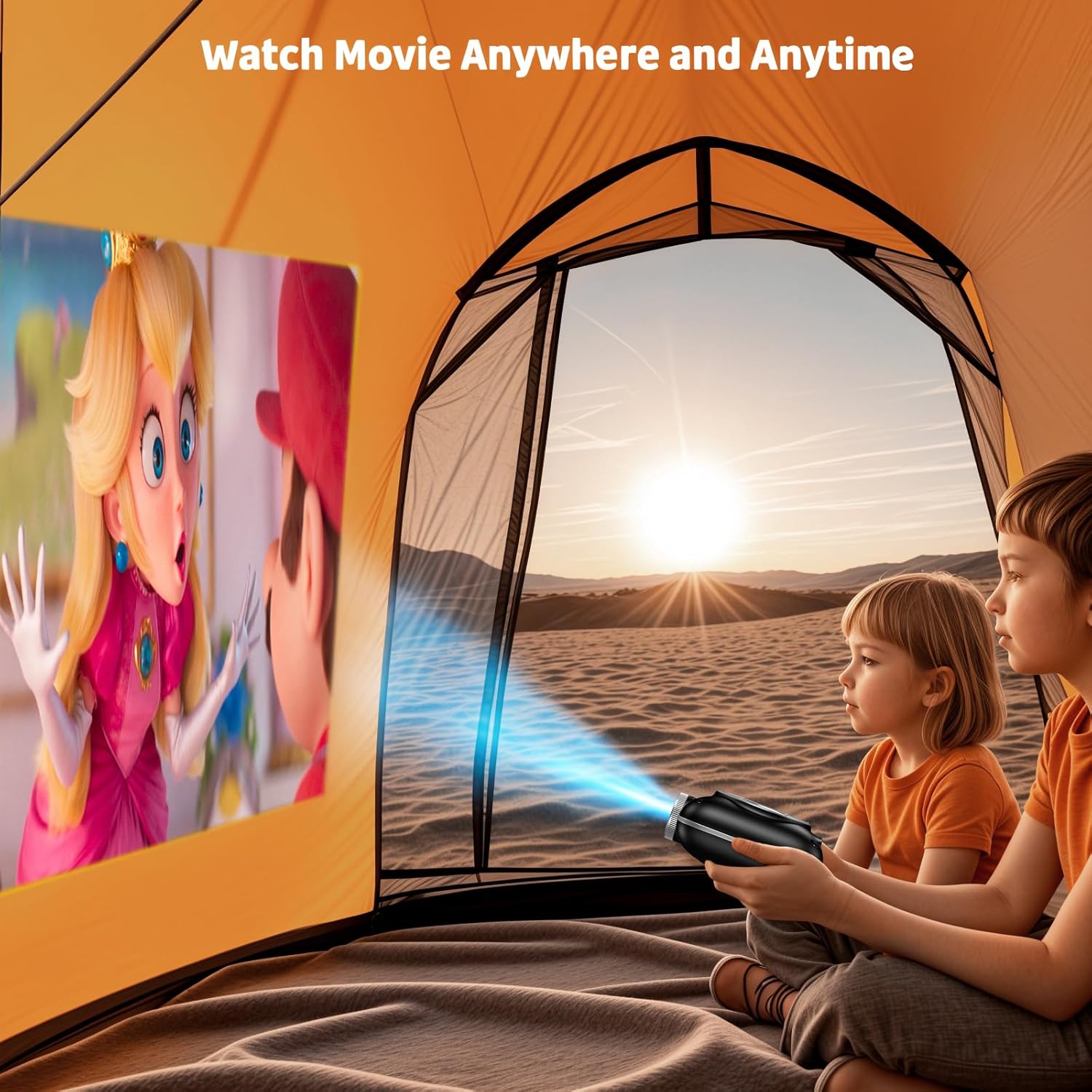
Image: The compact projector projecting a movie inside a tent, highlighting its portability for outdoor use.
3. 사용 설명서
3.1 전원 켜기/끄기
Press the power button on the projector or the remote control to turn the device on or off. The projector features an auto-off timer for convenient screen time management.
3.2 연결성
The HOMPOW Mini Projector offers multiple connectivity options:
- HDMI 2.0 포트: Connect to laptops, TV sticks, gaming consoles (PS4, PS5), and other HDMI-enabled devices using the included HDMI cable.
- USB 2.0 포트 : 미디어 재생을 위해 USB 드라이브를 연결하세요.
- 양방향 블루투스 5.1: Connect external Bluetooth speakers for enhanced audio or use the projector as a Bluetooth speaker to play music from your phone.

Image: The projector highlighting its wireless connectivity features, including WiFi and Bluetooth.

Image: A visual guide illustrating how to connect various devices such as smartphones, tablets, TV sticks, laptops, PS3/PS4, headphones, and USB drives to the projector.
3.3 화면 미러링
To mirror your smartphone or tablet screen:
- Android 휴대폰의 경우: 마이크로 USB/Type-C-HDMI 어댑터(별매)를 사용하십시오.
- 아이폰/아이패드용: 라이트닝-HDMI 어댑터(별매)를 사용하십시오.
- For Streaming Services: Plug in a TV stick (sold separately) for Netflix/Hulu and other HDCP-compliant streaming platforms.
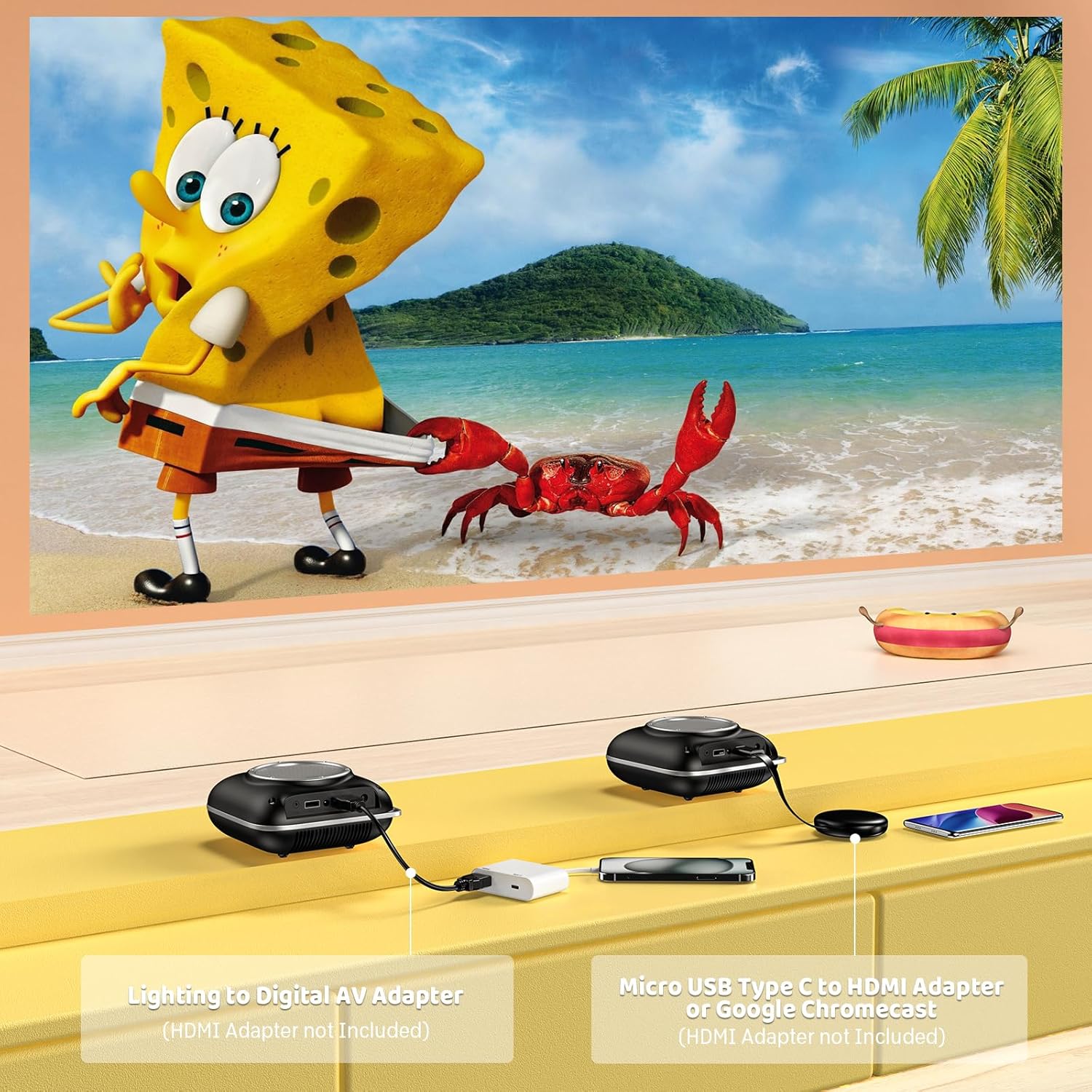
Image: Instructions for connecting mobile devices to the projector using Lightning to Digital AV Adapter for iOS and Micro USB Type-C to HDMI Adapter or Google Chromecast for Android.
3.4 오디오 출력
The projector features built-in 5W high-powered stereo speakers. For enhanced sound, utilize the bidirectional Bluetooth 5.1 to connect to external Bluetooth speakers or headphones.

Image: Diagram showing the projector's two-way Bluetooth functionality, allowing connection to an external speaker or functioning as a Bluetooth speaker for a phone.
3.5 Projection Size and Zoom
The projector supports a projection size from 40 to 120 inches. Use the 50%-100% zoom function to adjust the image size without moving the projector.

Image: A visual representation of the 50%-100% zoom function, showing how the projected image size can be adjusted.
4. 유지관리
4.1 청소
- 렌즈: 부드럽고 보풀이 없는 광학 렌즈용 천을 사용하세요. 연마성 세척제는 사용하지 마세요.
- 외부: 프로젝터 외부를 부드럽고 마른 천으로 닦으십시오. 강한 화학 약품이나 용제는 사용하지 마십시오.
- 통풍: 과열을 방지하기 위해 통풍구에 먼지와 이물질이 없는지 확인하세요.
4.2 보관
사용하지 않을 때는 프로젝터를 서늘하고 건조한 곳에 직사광선과 극한 온도 변화를 피해 보관하십시오. 먼지 축적 및 손상을 방지하기 위해 원래 포장재 또는 보호 케이스를 사용하십시오.
5. 문제 해결
일반적인 문제와 해결 방법은 아래 표를 참조하세요.
| 문제 | 가능한 원인 | 해결책 |
|---|---|---|
| 이미지가 투영되지 않았습니다 | 전원이 연결되지 않았고, 입력 소스가 잘못되었으며, 렌즈 캡이 켜져 있습니다. | 전원 연결을 확인하고 올바른 입력 소스(HDMI/USB)를 선택한 후 렌즈 캡을 제거하세요. |
| 흐릿한 이미지 | Focus not adjusted, projector too close/far. | Adjust the focus ring, ensure projector is within optimal projection distance (3.49-7.26 ft). |
| 소리가 나지 않습니다 | Volume too low, external speaker not connected, audio format unsupported. | Increase volume, connect Bluetooth speaker, check audio format compatibility. |
| 화면 미러링이 작동하지 않음 | Incorrect adapter, device compatibility issue. | Ensure correct HDMI adapter for your phone (Micro USB/Type-C for Android, Lightning for iOS). |
| 프로젝터 과열 | 통풍구 막힘, 장시간 사용. | Ensure clear space around vents, allow projector to cool down if used for extended periods. |
6. 기술 사양
| 특징 | 세부 사항 |
|---|---|
| 상표 | 홈포 |
| 모델 | B0F43PY223 |
| 네이티브 해상도 | 1280 x 720(720P) |
| 지원되는 해상도 | 1920 x 1080 (1080P 풀 HD) |
| 연결 기술 | HDMI, USB 2.0, Bluetooth 5.1 (Two-Way) |
| 디스플레이 유형 | CRT (as per specification, typically LCD for mini projectors) |
| 대비율 | 10000시 1분 |
| 투사 크기 | 40 - 120인치 |
| 던지는 거리 | 3.49 - 7.26피트 |
| 광원 작동 수명 | 50000시간 |
| 내장 스피커 | 5W High-Powered Stereo Speakers |
| 줌 기능 | 50%-100% |
| 치수(길이 x 너비 x 높이) | 4.9인치 x 4.9인치 x 2.1인치 |
| 무게 | 0.7 킬로그램 |
| 전력 소비 | 30 와트 |
| 권tage | 110 볼트 |
7. 보증 및 지원
7.1 보증 정보
The HOMPOW Mini Projector comes with:
- A 30-day replacement window.
- 2-year repair coverage.
보증 청구를 위해 구매 증명서를 보관하십시오.
7.2 고객 지원
For any questions, troubleshooting assistance, or warranty inquiries, please contact HOMPOW customer support. We offer 24/7 assistance to ensure stress-free ownership.
Contact information can typically be found on the HOMPOW official web사이트 또는 패키지에 포함된 보증 카드를 참조하세요.