
1. 서론
This manual provides essential information for setting up, operating, and maintaining your TCL 98Q7K 98-inch QLED 4K Google TV. This television features a stunning QLED 4K display with a 144 Hz panel for smooth motion, integrated Google TV for smart functionality, and advanced audio with Dolby Atmos. It also includes Google Assistant and Alexa compatibility for hands-free voice control, VisionHDR10+, and AiPQ™ processing for optimized picture quality.

2. 설정
2.1 언박싱 및 초기 검사
Carefully remove the television from its packaging. Inspect the TV and all included accessories for any signs of damage. Keep the packaging materials for future transport or service needs.
2.2 스탠드 설치
If you plan to use the TV with its included stand, follow these steps:
- 긁힘을 방지하려면 TV 화면을 아래로 하여 부드럽고 평평한 표면에 놓으세요.
- 스탠드 구성품을 TV 하단의 지정된 슬롯에 맞춰 정렬합니다.
- Secure the stand using the screws provided in the accessory kit. Ensure all screws are tightened firmly.

2.3 벽면 장착(선택 사항)
For wall mounting, a compatible VESA wall mount (not included) is required. Due to the size and weight of the 98-inch television, professional installation is highly recommended to ensure safety and proper mounting. Refer to the wall mount manufacturer's instructions for specific installation details.
2.4 주변기기 연결하기
Connect your external devices such as Blu-ray players, gaming consoles, sound systems, and cable/satellite boxes to the appropriate ports on the TV. The TCL 98Q7K features 4 HDMI ports and 2 USB ports for versatile connectivity.
3. 사용 설명서
3.1 전원 켜기/끄기
Connect the power cord to the TV and a power outlet. Press the power button on the remote control or on the TV itself to turn the television on or off.
3.2 Initial Setup with Google TV
Upon first power-on, the TV will guide you through the initial setup process for Google TV. This includes selecting your language, connecting to a Wi-Fi network, signing in with your Google account, and configuring basic settings. Follow the on-screen prompts.

3.3 리모콘 기능
The included remote control allows you to navigate the TV's interface, adjust volume, change channels, and access smart features. It supports voice control via Google Assistant and Alexa. Insert the provided batteries into the remote control before use.
3.4 스마트 기능 및 음성 제어
- 구글 TV: Access a wide range of streaming apps, movies, and shows.
- Google 어시스턴트 및 Alexa: Use voice commands for hands-free control of your TV, search for content, get information, and control smart home devices.
- Chromecast 내장: 호환되는 모바일 기기에서 TV로 직접 콘텐츠를 전송하세요.
3.5 게임 기능
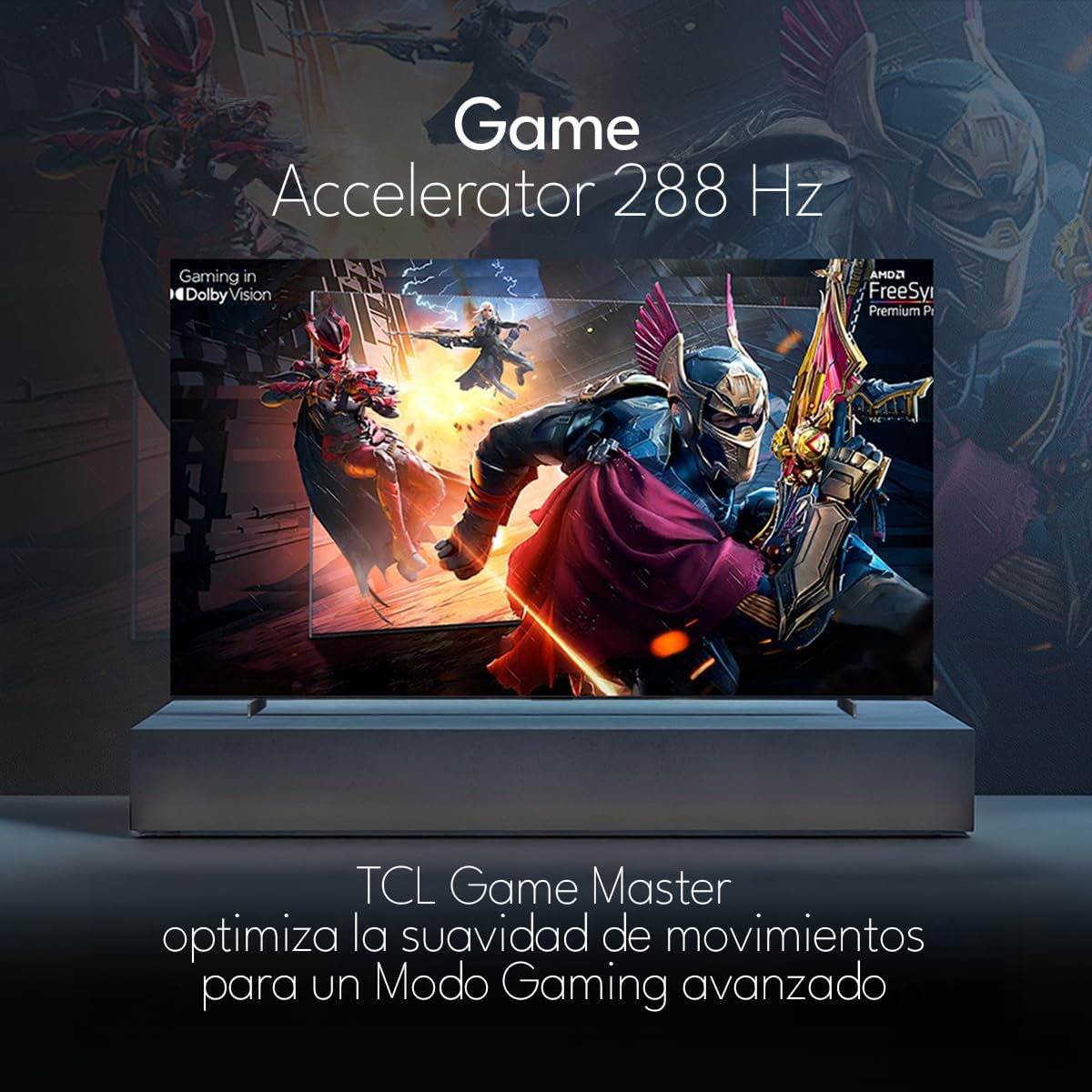
The TCL 98Q7K features a 144 Hz panel and Game Accelerator technology for an enhanced gaming experience with reduced latency and smoother motion.

3.6 오디오 기능
Experience immersive sound with Dolby Atmos and the integrated ONKYO Hi-Fi System 2.1 Channels, providing clear vocals and deep bass.

3.7개 제품 이상view 동영상
4. 유지관리
4.1 화면 청소
화면을 청소하려면 부드럽고 보풀이 없는 천으로 조심스럽게 닦으세요. 잘 지워지지 않는 얼룩은 가볍게 닦아주세요.amp천에 물이나 특수 화면 세척제를 묻혀 닦아주세요. 강한 화학 물질이나 연마재를 사용하거나 화면에 직접 액체를 분사하지 마세요.
4.2 TV 본체 청소
Wipe the TV body with a soft, dry cloth. Do not use liquid cleaners directly on the TV body.
4.3 소프트웨어 업데이트
Your TCL Google TV may receive automatic software updates. To manually check for updates, navigate to the settings menu, then select System > About > System update. Ensure your TV is connected to the internet for updates.
5. 문제 해결
TV에 문제가 발생하면 다음의 일반적인 해결책을 참조하세요.
- 전원 없음:
TV와 콘센트에 전원 코드가 제대로 꽂혀 있는지 확인하십시오. 다른 기기를 같은 콘센트에 꽂아 전원이 들어오는지 확인해 보세요. - 화면이나 소리가 나오지 않음:
Verify that the correct input source is selected (e.g., HDMI 1, AV). Check all cable connections between the TV and external devices. Ensure the volume is not muted or set to minimum. - 원격 제어가 작동하지 않음:
리모컨의 배터리를 교체하세요. 리모컨과 TV IR 센서 사이에 장애물이 없는지 확인하세요. - 네트워크 연결 문제:
Check your Wi-Fi router and ensure it is powered on and functioning correctly. Restart the TV and your router. In the TV settings, verify the Wi-Fi connection status. - 화질 문제 (예: 흐릿함, 왜곡):
Check the resolution settings of your input source. Ensure the cables are not damaged. Adjust picture settings (brightness, contrast, sharpness) in the TV menu.
For persistent issues, consult the full electronic manual available through the TV's help menu or contact TCL customer support.
6. 사양
| 특징 | 사양 |
|---|---|
| 화면 크기 | 98 인치 |
| 디스플레이 기술 | QLED |
| 해결 | 4K(3840 x 2160) |
| 새로 고침 빈도 | 144Hz |
| HDR 형식 지원 | 돌비 비전, HDR10, HDR10+, HLG |
| 최대 밝기 | 450니트 |
| 사운드 시스템 | Dolby Atmos, Dolby Digital, ONKYO Hi-Fi System 2.1 Channels |
| 운영 체제 | 구글 티비 |
| 음성 제어 | 구글 어시스턴트, 알렉사 |
| 연결성 | Wi-Fi, Ethernet, 4x HDMI, 2x USB |
| 치수(스탠드 포함) | 217.8 x 128.5 x 42cm |
| 치수(스탠드 제외) | 0.06prof. x 2.18an. x 1.25alt. Meters (approx. 6 cm depth) |
| 모델 연도 | 2025 |
| 포함된 구성 요소 | 사용 설명서, 리모컨, 배터리 |
7. 보증 및 지원
7.1 제품 보증
The TCL 98Q7K television comes with a 2년 한정 보증 구매일로부터. 본 보증은 정상적인 사용 중 발생한 제조상의 결함 및 고장에 적용됩니다. 보증 청구를 위해 구매 증빙 자료를 보관해 주십시오.
7.2 고객 지원
For technical assistance, troubleshooting beyond this manual, or warranty inquiries, please contact TCL customer support. Refer to the contact information provided in the separate warranty card or visit the official TCL web귀하의 지역에 대한 사이트.