
1. 서론
The Amazon Basics 3-Axis Smartphone Gimbal Stabilizer (AB-M01) is designed to provide smooth, stable footage for smartphone videography. This manual provides essential information for setting up, operating, and maintaining your gimbal to achieve professional-quality videos and photos.
2. 상자 안에 무엇이 들어있나요?
패키지에 모든 구성품이 들어 있는지 확인하세요.
- 짐벌 안정제
- 삼각대
- USB-C 충전 케이블
- 사용자 설명서
- 보관 가방

Image: All items included in the Amazon Basics 3-Axis Smartphone Gimbal Stabilizer package.
3. 제품 오버view 및 제어
Familiarize yourself with the main parts and control buttons of your gimbal:

Image: Labeled diagram of the gimbal's controls and components.
- Button/Power Button: Used to switch gimbal modes, toggle horizontal/vertical shooting, and display remaining power.
- 흔들리는 것: Controls the gimbal's movement for precise adjustments.
- 트리거 키: Activates features like lock follow, gimbal return, inception mode, lock mode, and mad dog mode.
- 조명 전원 버튼: Controls the integrated fill light's brightness and modes.
- 카메라 버튼: Initiates photo capture or video recording, and switches between front and rear cameras.
4. 설정 및 첫 사용
4.1 짐벌 펼치기
The gimbal features a foldable design for portability. Gently unfold the gimbal until it locks into its operational position.

Image: The gimbal in its folded and unfolded states, highlighting its compact design.
4.2 스마트폰 거치 및 균형 맞추기
- 전화선을 연장하세요amp 스마트폰을 중앙에 안전하게 놓으세요.
- Ensure the phone is balanced. If the phone tilts to one side, adjust its position within the clamp until it remains level when the gimbal is off. Proper balancing is crucial for optimal performance and battery life.
4.3 전원 켜기/끄기
Press and hold the Power Button for a few seconds to turn the gimbal on or off. The indicator lights will illuminate or extinguish accordingly.
4.4 앱 설치
For full functionality, download and install the "Gimbal Show" app on your smartphone. Scan the QR code provided in the product packaging or search for it in your device's app store. Connect the gimbal to the app via Bluetooth.

Image: QR code for downloading the Gimbal Show App and a preview 앱 기능의.
5. 작동 모드
The gimbal offers multiple operational modes to suit various shooting scenarios:

Image: Visual representation of the gimbal's 3-axis operational modes.
- Semi-Follow Mode (Pan Follow): The gimbal follows your pan movements while keeping the tilt and roll axes locked.
- All-Follow Mode (Pan + Tilt Follow): The gimbal follows both your pan and tilt movements, providing dynamic tracking.
- Full Lock Mode (Three-Axis Lock Mode): All three axes are locked, keeping the camera fixed on a single point regardless of gimbal movement.
- POV Mode (Three-Axis Following/FPV Mode): The gimbal follows all three axes, allowing for immersive first-person view 샷.
5.1 수평 및 수직 전환
Double-press the M Key (Mode Button) to quickly switch between horizontal and vertical shooting orientations, ideal for different social media platforms.
5.2 크리에이티브 모드
Utilize the "Gimbal Show" app to unlock creative shooting modes such as slow motion, hyper-lapse, panorama, and Inception Mode for dynamic visual effects.

Image: Multiple shooting modes available through the companion app.
6. AI Tracking Features
The gimbal incorporates advanced AI for intelligent subject tracking:

Image: Smart AI Tracking features for face and body focus.
- AI Smart Tracking: Automatically locks onto and follows your chosen subject or face, keeping them centered in the frame.
- 제스처 컨트롤: Use specific hand gestures to initiate recording or other functions without touching the gimbal or phone.
- Hitchcock Zoom Effect: Create dramatic zoom-in effects while maintaining focus on your subject, available through the app.
7. Adjustable Fill Light
Enhance your shots in various lighting conditions with the built-in adjustable fill light:
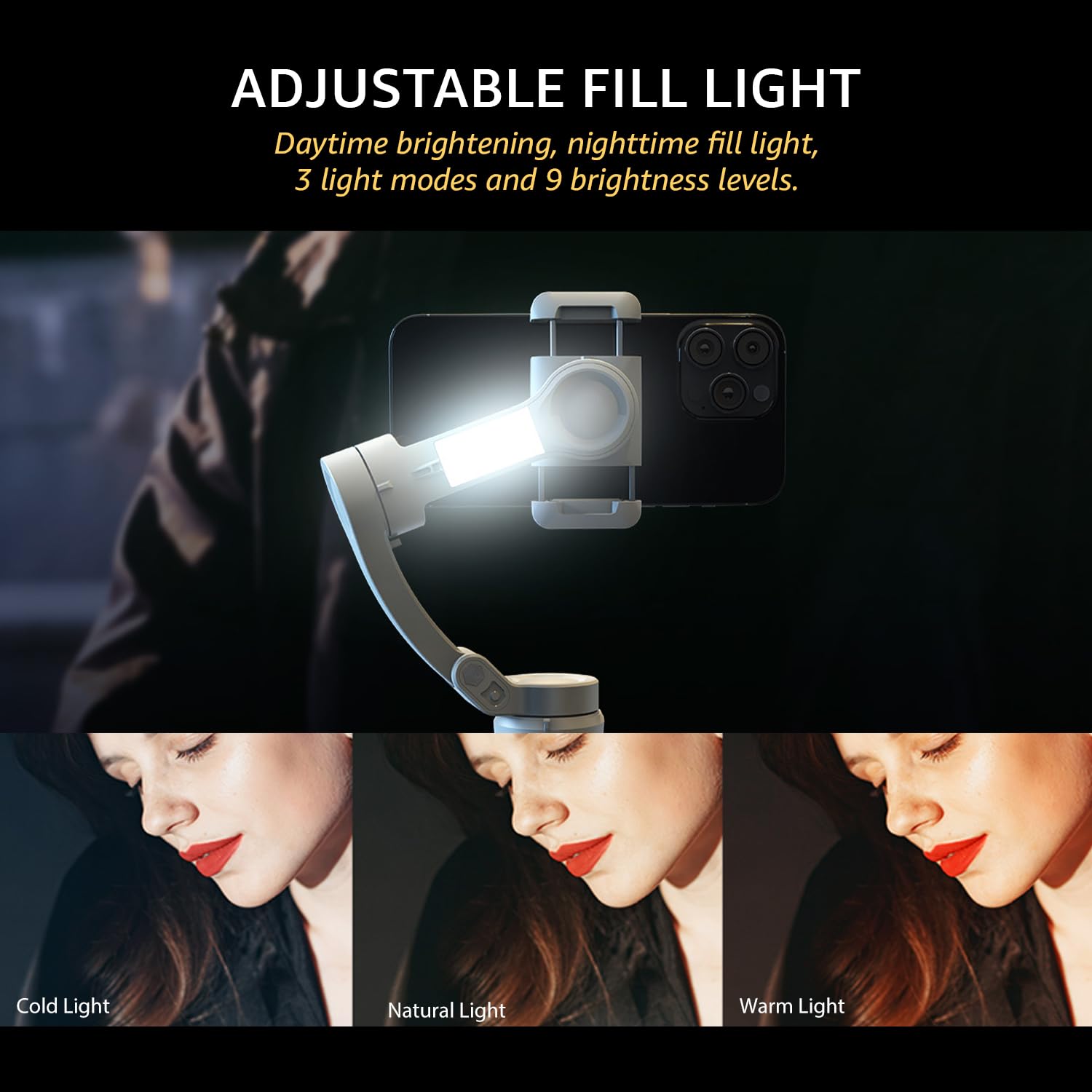
Image: The adjustable fill light with different color temperatures.
- The fill light offers 3 light modes (Cold, Natural, Warm) and 9 brightness levels.
- Press the Fill Light Power Button to cycle through modes and adjust brightness.
8. 배터리 및 충전
The gimbal is equipped with a high-capacity battery for extended use:
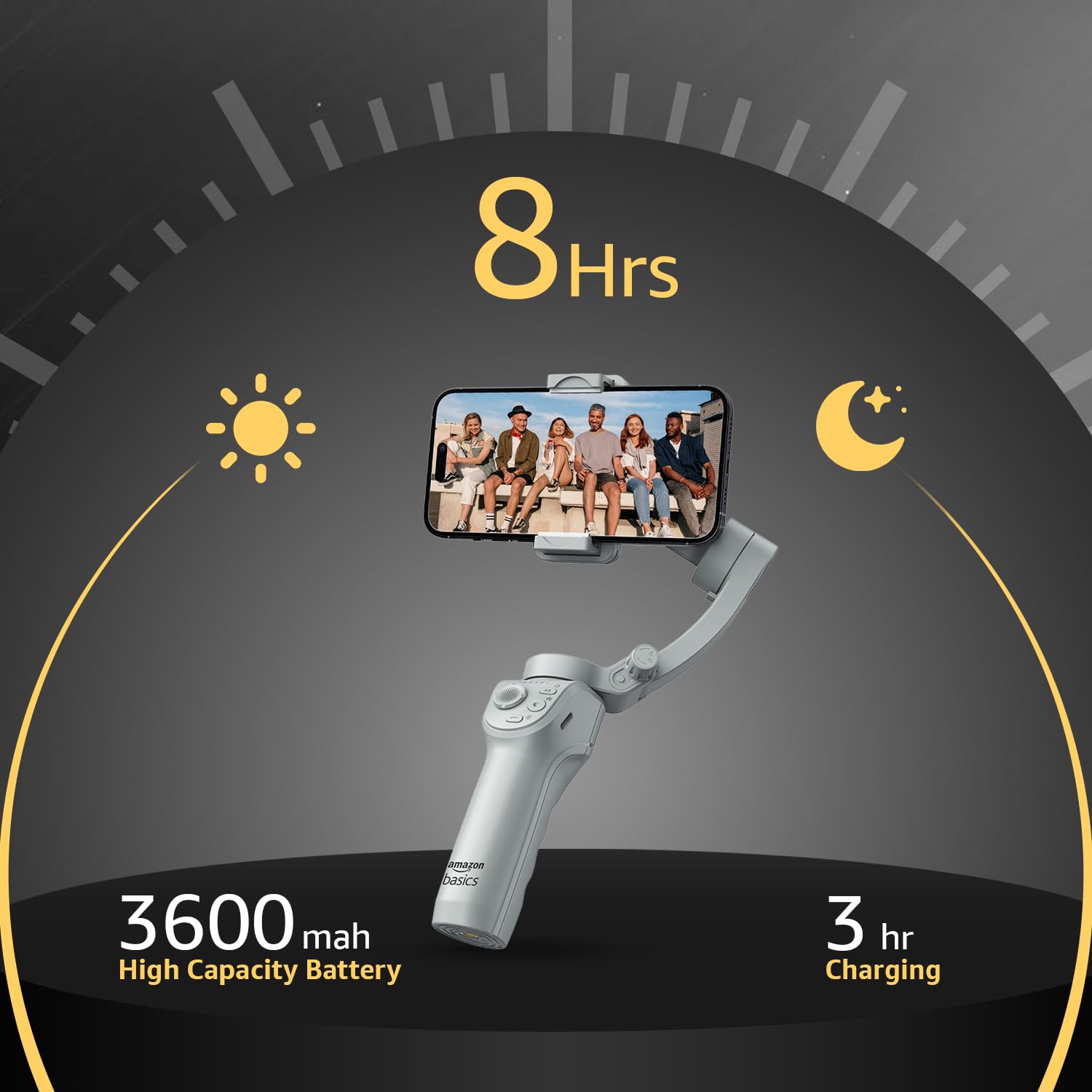
이미지: 배터리 수명 및 충전 정보.
- 배터리 수명: 완전 충전 시 최대 8시간 연속 사용 가능합니다.
- 충전 중: Use the provided USB-C cable to charge the gimbal. A full charge typically takes approximately 3 hours.
- The battery indicator lights on the gimbal will show the current charge level.
9. 유지관리
To ensure the longevity and optimal performance of your gimbal, follow these maintenance guidelines:
- 청소: 짐벌을 청소할 때는 부드럽고 마른 천을 사용하세요. 액체 세척제나 용제는 사용하지 마세요.
- 저장: When not in use, fold the gimbal and store it in the provided storage bag to protect it from dust and damage. Store in a cool, dry place.
- 배터리 관리 : 장기간 보관할 경우, 과방전을 방지하기 위해 3개월마다 배터리를 약 50~60% 정도 충전하십시오.
- 충격 방지: 짐벌을 떨어뜨리거나 강한 충격을 가하지 않도록 하십시오. 모터와 내부 부품이 손상될 수 있습니다.
10. 문제 해결
짐벌 사용 중 문제가 발생하면 다음의 일반적인 문제 및 해결 방법을 참조하십시오.
| 문제 | 가능한 원인 | 해결책 |
|---|---|---|
| 짐벌 전원이 켜지지 않습니다 | 배터리 부족; 전원 버튼을 제대로 누르지 않았습니다 | 짐벌을 완전히 충전한 후 전원 버튼을 3초 동안 길게 누르세요. |
| 불안정한 음식tage/vibration | Smartphone not balanced; Gimbal not calibrated | 스마트폰을 받침대에서 다시 균형 있게 놓으세요amp; Perform a gimbal calibration via the "Gimbal Show" app. |
| App not connecting to gimbal | Bluetooth off; App permissions; Gimbal not discoverable | Ensure Bluetooth is enabled on your phone; Grant necessary permissions to the app; Restart both gimbal and phone. |
| AI 추적이 작동하지 않습니다 | 조명이 좋지 않음; 피사체가 너무 멀거나 가까움; 앱 문제 | Ensure adequate lighting; Maintain optimal distance from subject; Restart the app and gimbal. |
11. 사양
| 특징 | 세부 사항 |
|---|---|
| 모델 번호 | AB-M01 |
| 제품 크기 (접었을 때) | 166mm x 105.2mm x 45.9mm |
| Tripod Dimensions (folded) | 94.7mm x 32.3mm x 32.3mm |
| 품목 무게 | 388g |
| 배터리 수명 | 최대 8시간 |
| 충전 시간 | 약 3시간(USB-C를 통해) |
| 특징 | AI Face & Body Tracking, Adjustable Fill Light |
| 호환 장치 | 스마트폰(아이폰, 안드로이드) |
| 재료 | 알류미늄 |
12. 공식 제품 영상
비디오: 오버view of the Amazon Basics 3-Axis Smartphone Gimbal Stabilizer, demonstrating its folding design, 3-axis stability, multiple shooting modes, AI intelligent tracking for faces and objects, inception auto shooting, and the beauty fill light feature. This video highlights the gimbal's ease of use and advanced capabilities for mobile photography and videography.
13. 보증 및 지원
For warranty information and customer support, please refer to the warranty card included in your product packaging or visit the official Amazon Basics support page. Keep your purchase receipt for warranty claims.