소개
This user manual provides comprehensive instructions for the installation, operation, and maintenance of your Mini 1080P WiFi Doorbell Camera. Please read this manual carefully before using the product to ensure proper functionality and safety. This device offers advanced security features, including HD video, two-way audio, and remote access, designed to enhance your home's protection and convenience.
제품 끝view
The Mini 1080P WiFi Doorbell Camera is a smart wireless video doorbell designed for home security. It features a 1080P HD camera, two-way intercom, and WiFi connectivity for remote monitoring via the Tuya Smartlife APP.

그림 1: 전면 view of the Mini 1080P WiFi Doorbell Camera, showing the camera lens, motion sensor, and doorbell button.
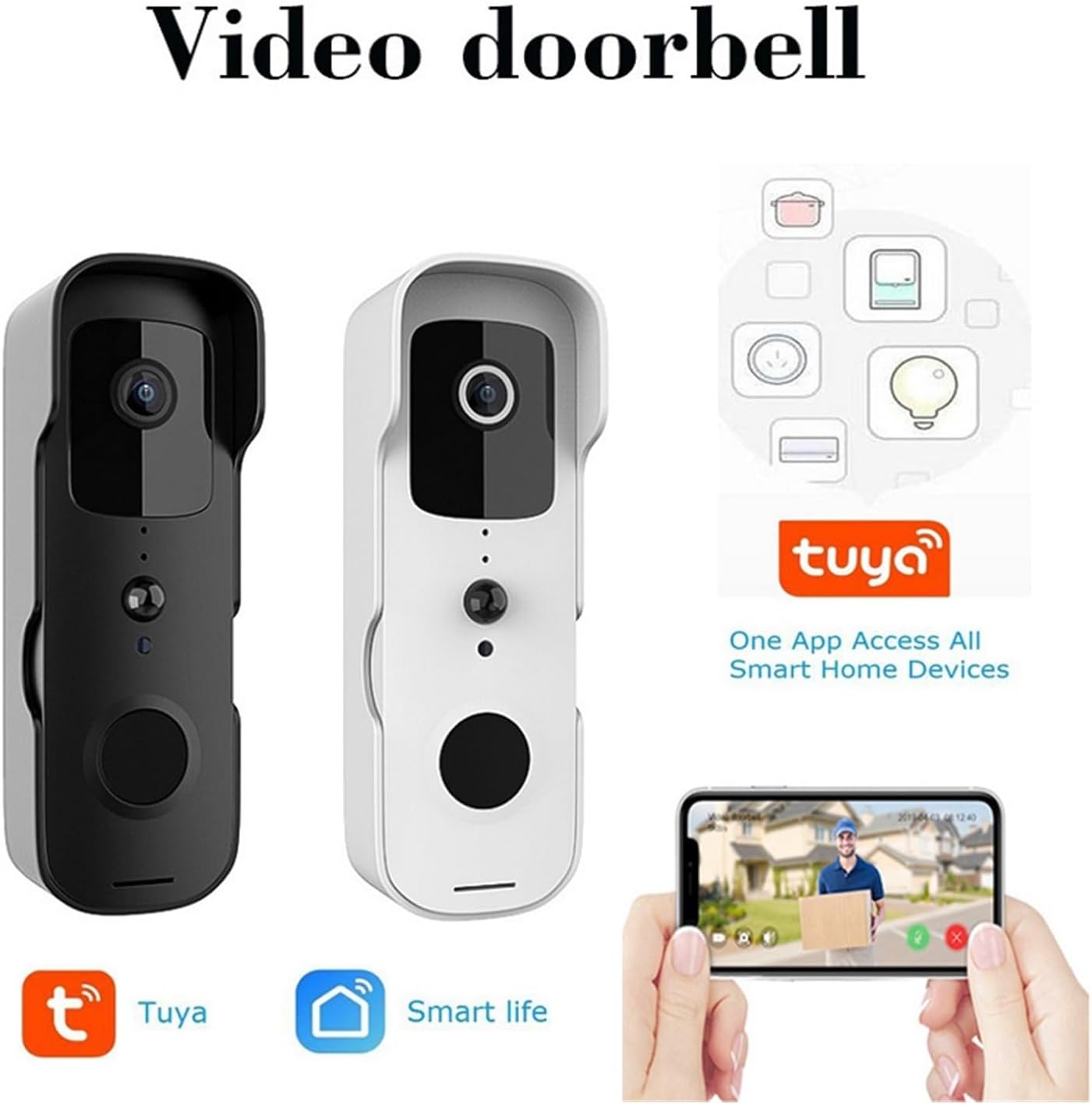
Figure 2: The Mini 1080P WiFi Doorbell Camera available in both black and white finishes, highlighting its compatibility with the Tuya and Smart Life applications for smart home integration.
주요 특징
- HD 1080P Picture Quality: Provides clear images and videos for effective doorway monitoring.
- 무선 연결: Easy communication with your smartphone or tablet via WiFi for remote view주고받음.
- 보안 보호: Equipped with intelligent detection and alert features for unusual activity or intrusion.
- Interactive Intercom: Built-in function for real-time two-way dialogue with visitors.
- Tuya Smartlife APP Support: Manage and control doorbell settings, including alarm settings and video playback, through the app.
- 간단한 설치: Designed for easy mounting and connection to your Wi-Fi network.
- 원격 접속: Monitor your doorway from anywhere with an internet connection.
- 저전력 설계: Optimized for extended battery life and reduced power consumption.
- 다중 사용자 공유: Share access to the doorbell camera with family or friends.
- 방수 디자인 : Ensures proper operation even in adverse weather conditions.
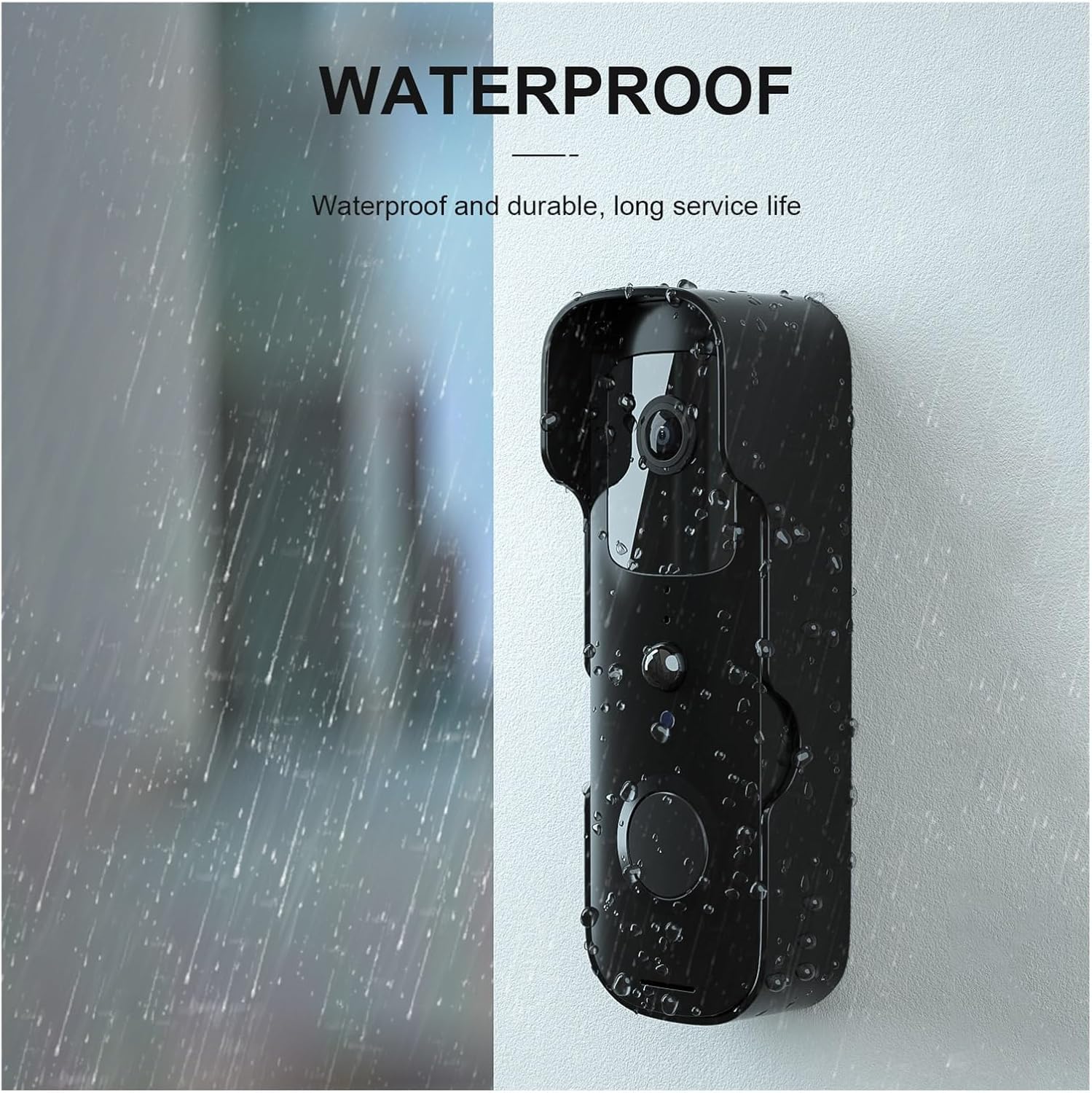
Figure 3: The doorbell camera features a waterproof design, ensuring durability and reliable performance in various weather conditions.

그림 4: 이상view of the video doorbell's capabilities, including outside control, doorbell function, visitor viewing, wireless connectivity, power status, induction light, open door detection, and warning alerts.
설정
1. 초기 충전
Before first use, fully charge the doorbell camera using the provided USB cable. A full charge ensures optimal performance and battery life.
2. 앱 다운로드 및 등록
- 다운로드 Tuya Smartlife APP 스마트폰의 앱 스토어(iOS 앱 스토어 또는 구글 플레이 스토어)에서 다운로드하세요.
- 앱을 열고 새 계정을 등록하거나 이미 계정이 있다면 로그인하세요.
3. 기기 페어링
- Ensure your doorbell camera is powered on and in pairing mode (refer to the device's indicator light for status).
- In the Tuya Smartlife APP, tap the "+" icon to add a new device.
- Select "Video Surveillance" or "Smart Doorbell" from the device list.
- Follow the on-screen instructions to connect the doorbell to your 2.4GHz Wi-Fi network. You may need to scan a QR code displayed on your phone with the doorbell camera.
- Once connected, name your device and complete the setup process.
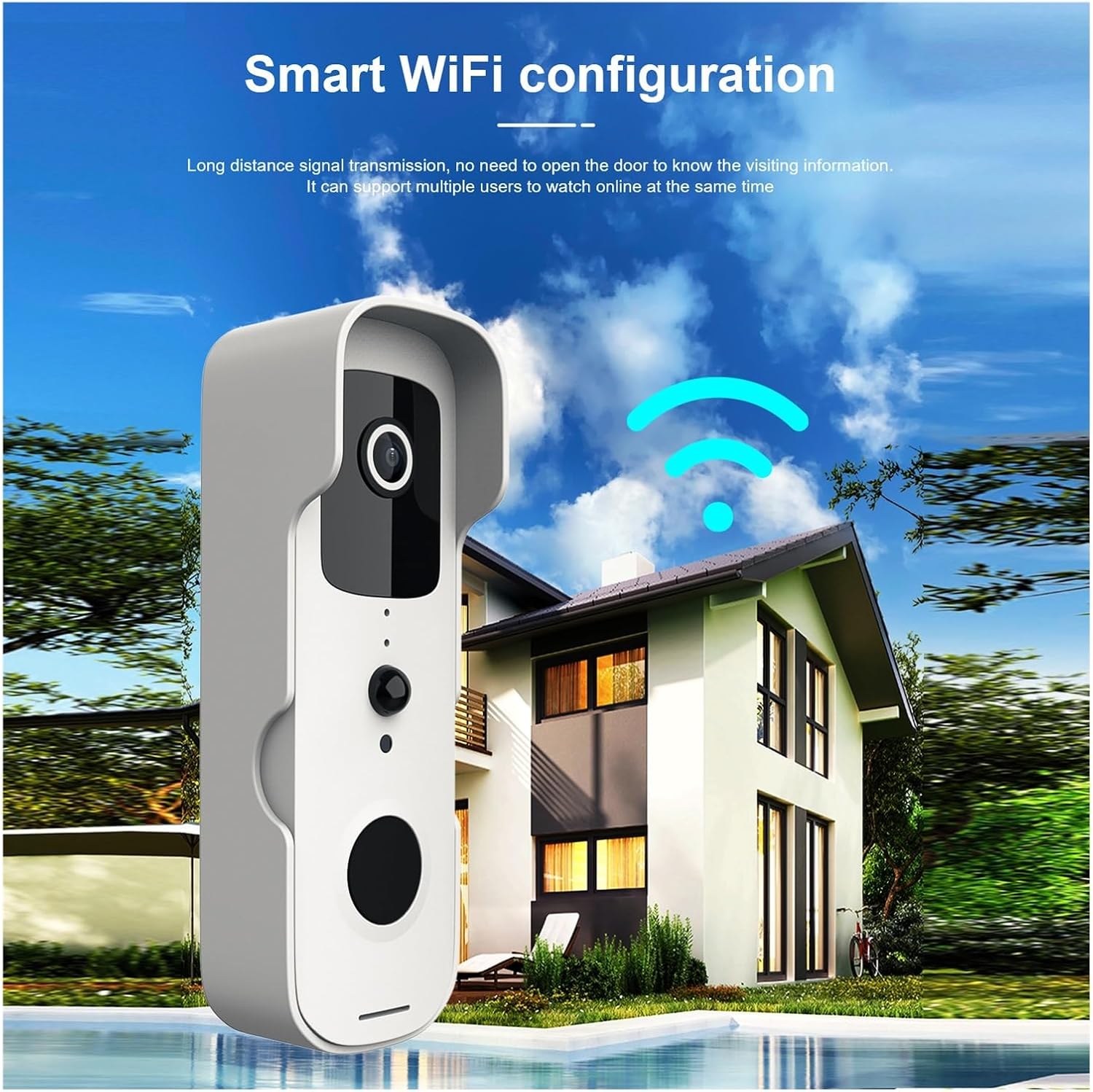
Figure 5: The doorbell camera establishing a wireless connection to a home network, indicating its WiFi configuration for remote access.
4. 물리적 설치
Choose a suitable location near your door, ensuring clear line of sight and good Wi-Fi signal strength. Use the provided mounting bracket and screws to securely fix the doorbell camera to the wall or door frame. Ensure the installation height allows for optimal view방문객 수.
작동 지침
1. 라이브 View 및 양방향 오디오
Open the Tuya Smartlife APP and select your doorbell device. You will see a live video feed from the camera. To speak with a visitor, tap the microphone icon in the app. To listen, ensure the speaker icon is enabled.

Figure 6: A mobile phone displaying a live video call from the doorbell camera, demonstrating the two-way communication feature compatible with both iPhone and Android devices.
2. 동작 감지 및 알림
The doorbell camera is equipped with PIR (Passive Infrared) detection to identify human and pet movement. When motion is detected, you will receive an instant notification on your smartphone. You can adjust the sensitivity of motion detection in the app settings to minimize false alerts.

Figure 7: Diagram illustrating the PIR detection capabilities of the doorbell camera, showing its ability to detect people, birds, and pets, while filtering out non-relevant movements like cars, wind, and insects.
3. 비디오 녹화 및 재생
The doorbell camera supports local storage (via microSD card, not included) or cloud storage (subscription may be required) for recording events. Access recorded videos through the Tuya Smartlife APP's playback function.
4. 다중 사용자 공유
To share access with family members, navigate to the device settings in the Tuya Smartlife APP and select "Share Device." You can invite other users to view 실시간 영상을 시청하고 알림을 받으세요.
유지
- 청소: 카메라 렌즈와 바디를 부드러운 천으로 가볍게 닦아주세요.amp 옷감. 강한 화학 물질이나 연마성 세제를 사용하지 마십시오.
- 배터리 수명: The low power design extends battery life. Recharge the device when the battery indicator in the app shows low power.
- 펌웨어 업데이트: Periodically check the Tuya Smartlife APP for available firmware updates to ensure optimal performance and security.
문제 해결
| 문제 | 가능한 원인 | 해결책 |
|---|---|---|
| Device won't connect to Wi-Fi. | 와이파이 비밀번호가 잘못되었습니다. 5GHz 와이파이 네트워크를 사용하고 있습니다. 신호가 약합니다. | Ensure correct 2.4GHz Wi-Fi password; move doorbell closer to router; restart router. |
| 움직임 감지 알림이 없습니다. | Motion detection disabled; low sensitivity; app notifications off. | Enable motion detection in app; increase sensitivity; check phone notification settings. |
| 비디오 품질이 좋지 않습니다. | Wi-Fi 신호가 약하고 렌즈가 더러워요. | Improve Wi-Fi signal strength; clean camera lens. |
| 양방향 오디오가 작동하지 않습니다. | Microphone/speaker muted in app; network issues. | Check app audio settings; ensure stable internet connection. |
명세서
- 모델: Mini 1080P WiFi Doorbell Camera
- 비디오 해상도: 1080P HD
- 연결성: Wi-Fi(2.4GHz만 해당)
- 앱 지원: Tuya Smartlife APP
- 동작 감지: PIR(수동 적외선)
- 오디오: 양방향 인터콤
- 힘: Low power consumption design (battery operated)
- 방수복: 예
- 제조업체: 유다스
- 원산지: 중국
- ASIN: B0F2M93Y7F
보증 및 지원
For warranty information and technical support, please refer to the contact details provided by your retailer or visit the official Generic brand web사이트. 보증 청구를 위해 구매 증빙 자료로 구매 영수증을 보관하세요.


