
1. 서론
Thank you for choosing the WORKPRO Mini Electric Screwdriver. This precision tool is designed for delicate tasks requiring accuracy and efficiency, such as repairing smartphones, laptops, cameras, watches, and other small electronic devices. This manual provides essential information for safe operation, setup, maintenance, and troubleshooting to ensure optimal performance and longevity of your screwdriver.
2. 안전 정보
- Always wear appropriate eye protection when operating power tools.
- Keep the tool and its accessories out of reach of children.
- Do not use the screwdriver near flammable liquids or gases.
- Ensure the tool is fully charged before use to avoid interruptions during delicate tasks.
- Avoid applying excessive force, as this may damage the tool or the workpiece.
- Do not expose the tool to water or extreme temperatures.
3. 패키지 내용
패키지에 모든 품목이 들어 있는지 확인하세요.
- WORKPRO Mini Electric Screwdriver (Model W121074AE)
- Magnetic Storage Case with Pop-Up Mechanism
- 36 S2 스틸 정밀 비트
- 2 Pry Bars
- USB Type-C 충전 케이블
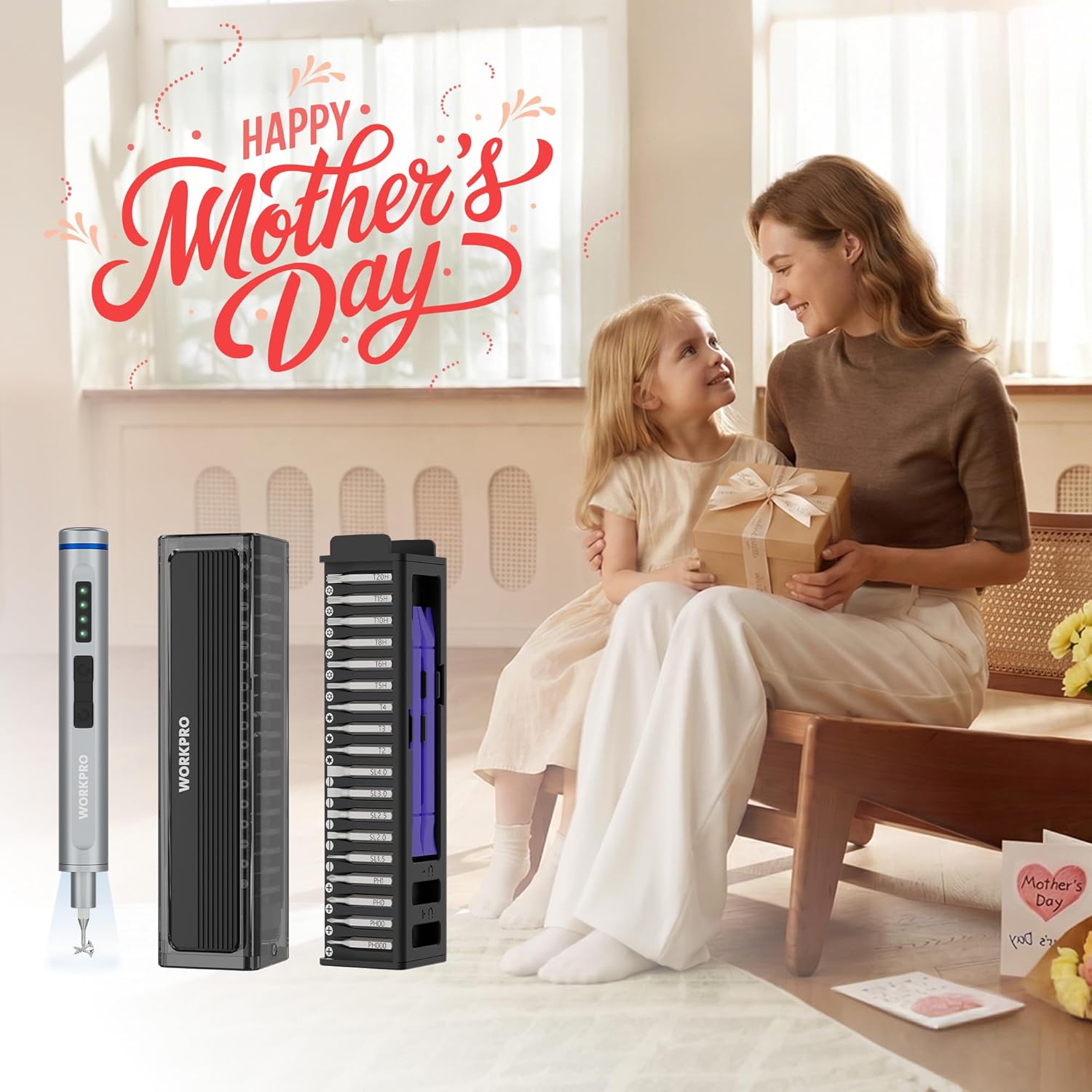
Figure 1: Complete WORKPRO Mini Electric Screwdriver set, including the screwdriver, magnetic bit case, and various S2 steel bits.
4. 제품 오버view
The WORKPRO Mini Electric Screwdriver features a sleek aluminum alloy body, dual LED lights, and intuitive controls for efficient operation. The accompanying magnetic case not only stores the 36 S2 steel bits and 2 pry bars but also includes a built-in magnetizer/demagnetizer.

Figure 2: The WORKPRO Mini Electric Screwdriver in action, demonstrating its compact size and precision for intricate repairs on a drone.
5. 설정
5.1 드라이버 충전
Before first use, fully charge the screwdriver. Connect the provided USB Type-C charging cable to the charging port located at the end of the screwdriver and to a compatible USB power source. The LED indicators will show the charging status. A full charge takes approximately 60 minutes and provides enough power to tighten up to 410 screws.

Figure 3: The screwdriver connected via its Type-C port for charging, illustrating its 350mAh lithium-ion battery capacity.
5.2 비트 삽입 및 제거
The screwdriver features a magnetic chuck for easy bit insertion and removal. Simply push the desired S2 steel bit into the chuck until it is securely seated. To remove, pull the bit straight out. The magnetic design ensures bits are held firmly during use.
5.3 Using the Built-in Magnetizer/Demagnetizer
The magnetic storage case includes a magnetizer/demagnetizer. To magnetize a bit, slide it through the 'U+' slot. To demagnetize, slide it through the 'U-' slot. This feature helps hold tiny screws firmly to the bit, preventing drops.
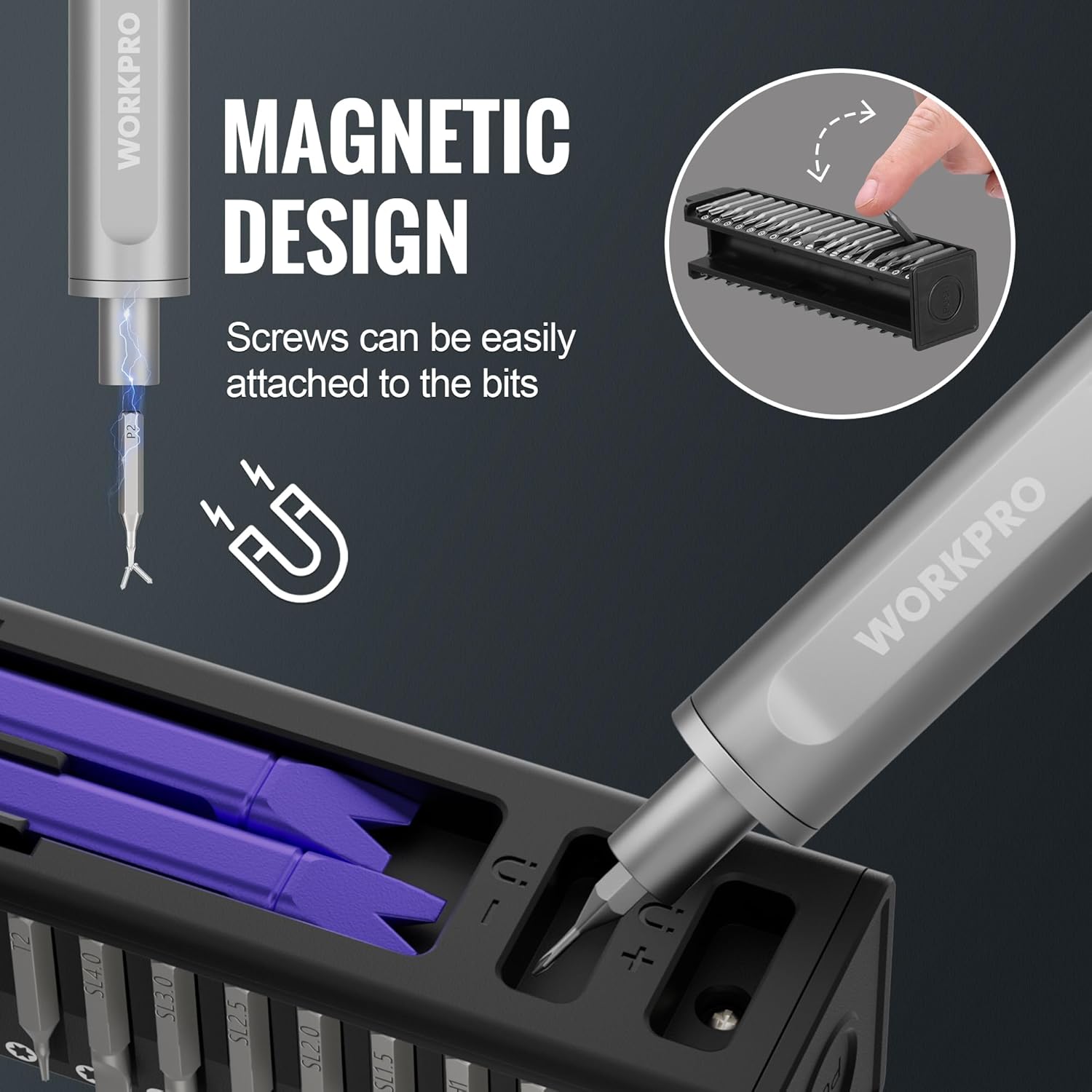
Figure 4: A screwdriver bit being magnetized using the dedicated slot in the storage case, enhancing its ability to hold small screws.
6. 사용 설명서
6.1 Power On/Off and Rotation
The screwdriver has two buttons for operation:
- 를 누르세요 윗 버튼 for forward (tightening) rotation.
- 를 누르세요 아래쪽 버튼 for reverse (loosening) rotation.
The screwdriver operates at 175 RPM with 0.3 N.m torque in electric mode. For tougher screws, you can continue to manually turn the screwdriver, providing up to 3 N.m of manual torque.
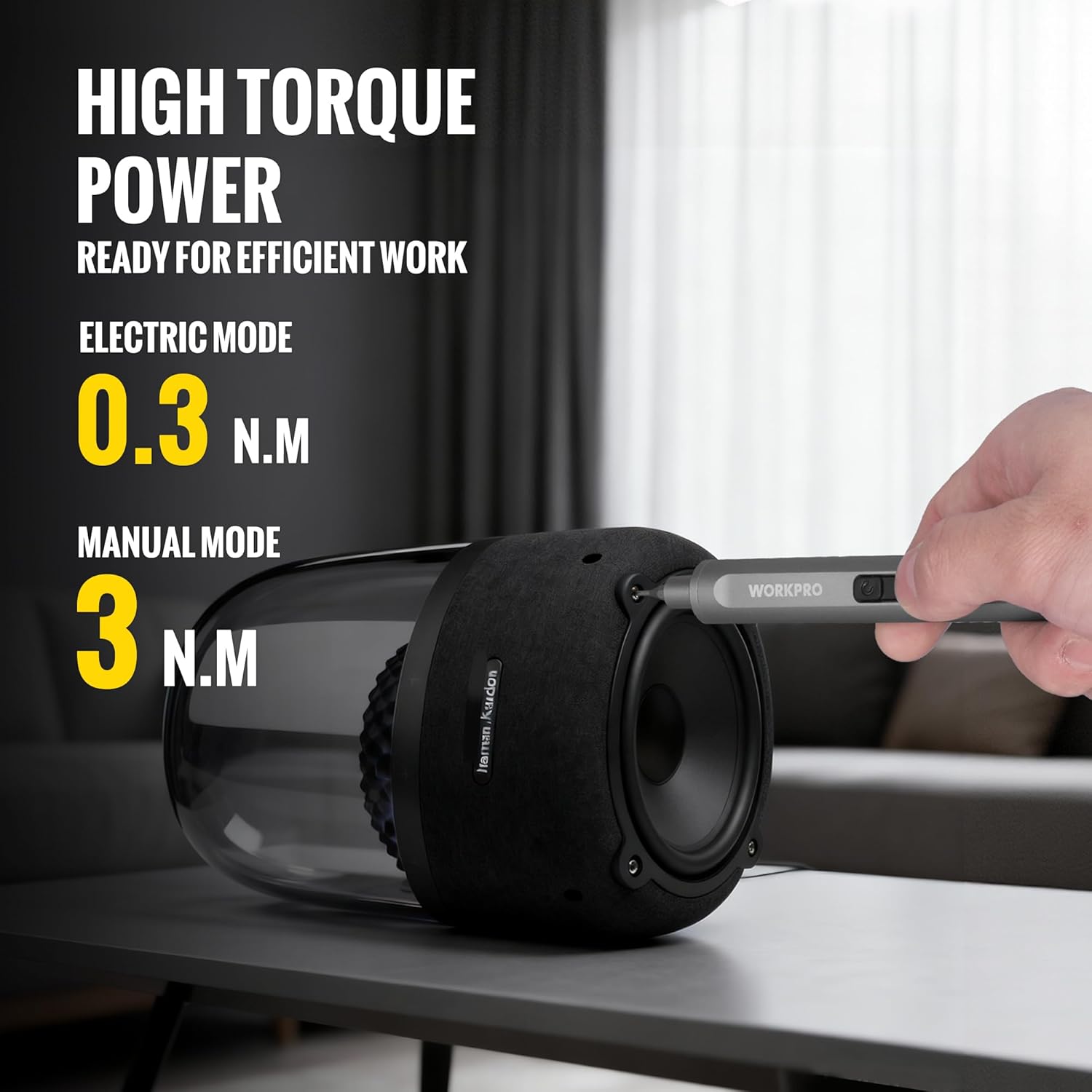
Figure 5: The screwdriver being used on a speaker, illustrating its dual electric and manual torque capabilities.
6.2 LED 작업등
The screwdriver is equipped with dual LED lights that automatically illuminate when the screwdriver is in operation, providing clear visibility in dark or confined spaces.
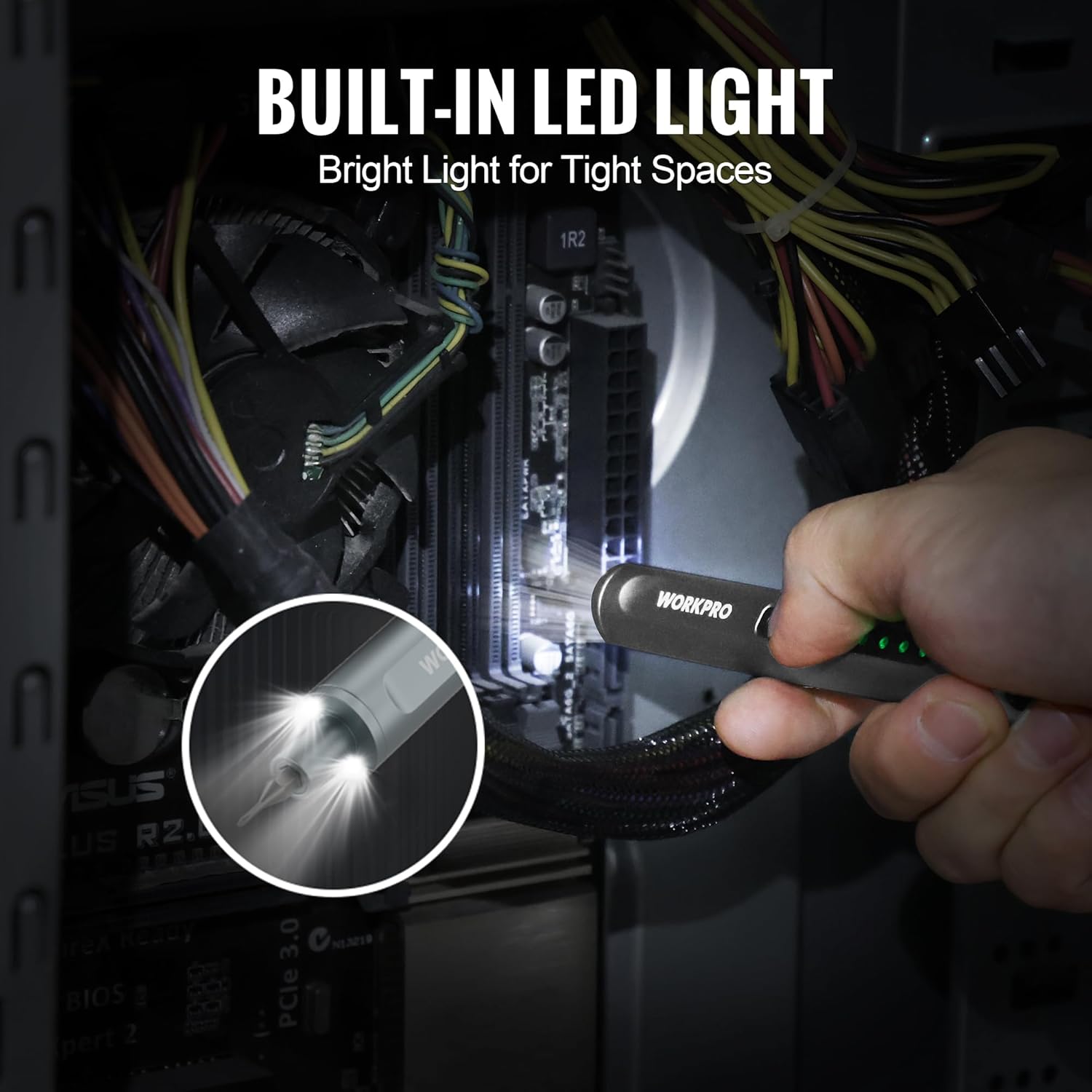
Figure 6: The screwdriver's LED lights illuminating the interior of a computer, highlighting its utility in low-light conditions.
6.3 일반적인 애플리케이션
This precision screwdriver is ideal for:
- 스마트폰 및 태블릿 수리
- Servicing laptops and desktop computers
- Maintaining digital cameras and drones
- Adjusting eyeglasses and watches
- Small DIY projects and household repairs

그림 7: 콜라주 작품asing the versatility of the screwdriver across various small electronic devices.
6.4 Product Video: Features and Operation
Video 1: This video demonstrates the pop-up mechanism of the bit case, the magnetic bit insertion, the screwdriver's operation (forward/reverse), and the LED light feature.
7. 유지관리
7.1 배터리 관리
To prolong the life of the 3.7V 350mAh lithium-ion battery, recharge the electric screwdriver every 3-6 months, especially if it is not used frequently.
7.2 청소 및 보관
Wipe the screwdriver and bits with a clean, dry cloth after each use. Store the screwdriver and all bits in the provided magnetic storage case to keep them organized and protected from dust and damage. The pop-up mechanism ensures easy access and secure storage.
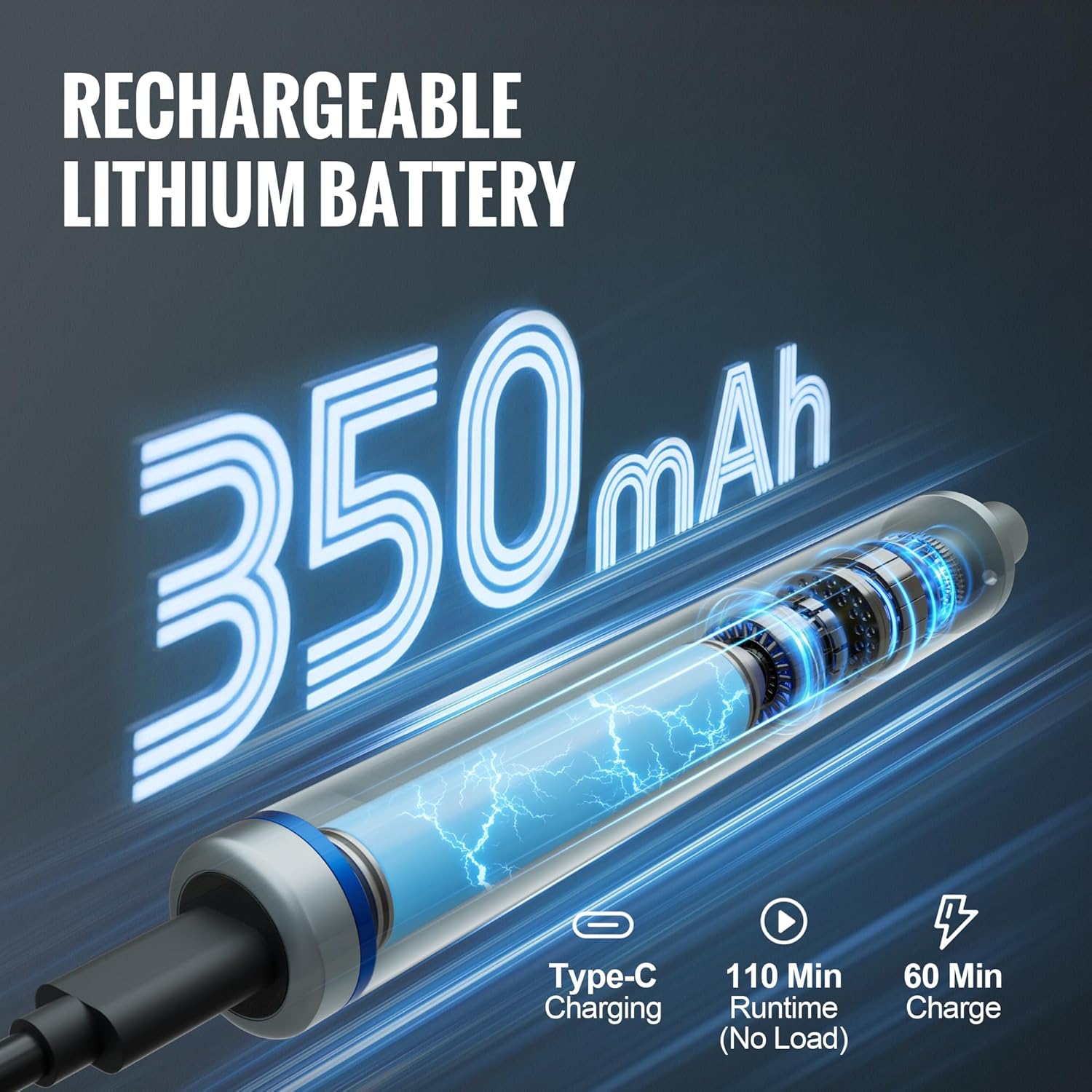
Figure 8: The magnetic storage case with its convenient pop-up mechanism, designed for organized and secure storage of the screwdriver and bits.
8. 문제 해결
If you encounter any issues with your WORKPRO Mini Electric Screwdriver, please refer to the following common solutions:
- 드라이버 전원이 켜지지 않음: Ensure the battery is fully charged. If the issue persists, try charging with a different USB Type-C cable and power adapter.
- 비트가 제대로 고정되지 않음: Verify that the bit is fully inserted into the magnetic chuck. If the bit's magnetism is weak, use the built-in magnetizer in the storage case.
- 토크 부족: For very tight screws, apply manual force while operating the screwdriver in electric mode. The manual torque capability is 3 N.m.
9. 사양
| 특징 | 사양 |
|---|---|
| 상표 | 워크프로 |
| 모델 번호 | W121074AE |
| 배터리 용량tage | 3.7V |
| 배터리 용량 | 350mAh 리튬 이온 |
| 무부하 속도 | 175 RPM |
| 전기 토크 | 0.3나노미터 |
| 수동 토크 | 3나노미터 |
| 충전 포트 | USB 타입-C |
| 비트 소재 | S2 스틸 |
| 비트 수 | 36 |
| 포함된 액세서리 | 2 Pry Bars, Magnetic Storage Case |
| 품목 무게 | 0.75 파운드 |
| 품목 치수(L x W x H) | 6.3 x 1.57 x 1.97 인치 |
10. 보증 및 지원
For warranty information, technical support, or service inquiries, please refer to the contact details provided with your product packaging or visit the official WORKPRO web사이트. 구매 증빙 자료로 구매 영수증을 보관하세요.