
1. 서론
Thank you for choosing the STF Sport One Pro Wireless Open-Ear Headphones. These headphones are designed to provide a comfortable and immersive audio experience while keeping you aware of your surroundings. Featuring IPX5 water resistance, a long-lasting battery, and an ergonomic hook design, they are ideal for sports and daily use. Please read this manual carefully before using the product to ensure proper operation and to maximize your listening experience.
2. 상자 안에 무엇이 들어있나요?
- STF Sport One Pro Wireless Open-Ear Headphones (Left and Right)
- 충전 케이스
- USB-C 충전 케이블
- 사용자 설명서
3. 제품 오버view
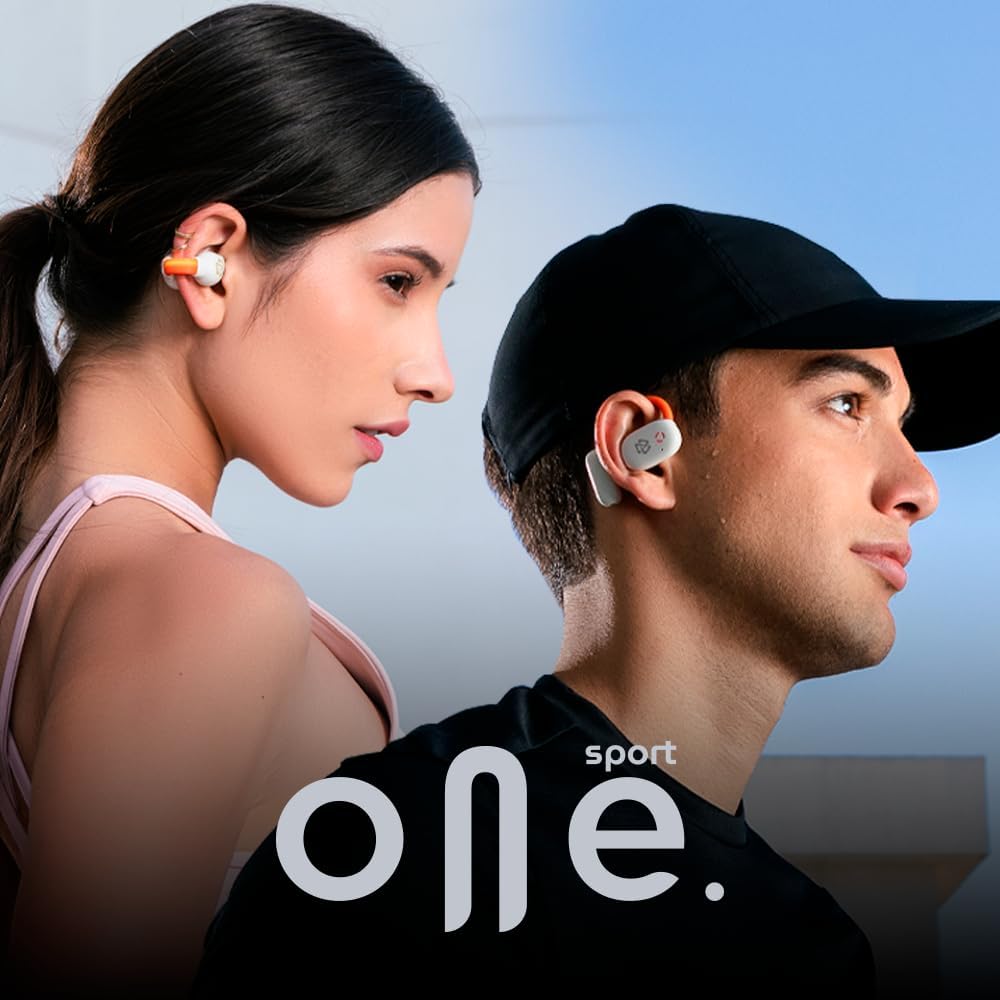
The STF Sport One Pro headphones feature an open-ear design for comfort and situational awareness, along with an ergonomic hook for a secure fit during activities. The charging case provides additional battery life and protects your headphones.
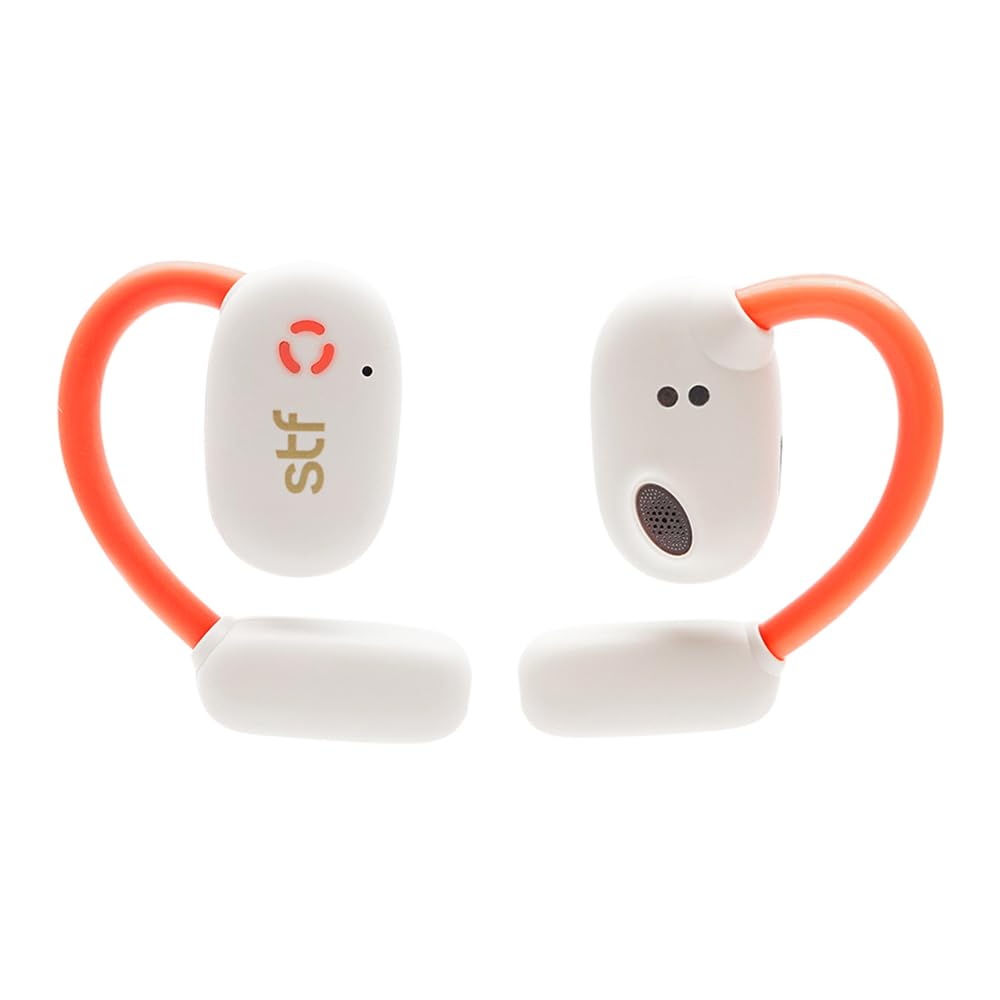


4. 설정
4.1 헤드폰 및 케이스 충전
Before first use, fully charge the headphones and charging case. Use the provided USB-C cable to connect the charging case to a power source. The LED indicator on the case will show the charging status.
- 충전 시간: 완전 충전에는 약 7시간이 소요됩니다.
- 배터리 수명: Up to 7 hours of continuous playback, with an additional 2 charges from the case, totaling up to 22 hours.
4.2 기기와 페어링
- 충전 케이스를 여세요. 헤드폰이 자동으로 켜지고 페어링 모드로 진입합니다.
- 기기(스마트폰, 태블릿 등)에서 Bluetooth를 활성화하세요.
- 검색 "STF Sport One Pro" in the list of available Bluetooth devices and select it to connect.
- Once connected, you will hear an audio prompt, and the LED indicator on the headphones will change.
5. 사용 설명서
The STF Sport One Pro headphones feature intuitive touch controls for easy management of your audio and calls.
5.1 기본 컨트롤
| 행동 | 왼쪽 이어버드 | 오른쪽 이어 버드 |
|---|---|---|
| 재생/일시정지 | 양쪽 이어폰을 두 번 탭하세요. | |
| 볼륨을 높이다 | 없음 | 싱글 탭 |
| 볼륨 낮추기 | 싱글 탭 | 없음 |
| 다음 트랙 | 없음 | 1.5초간 눌러주세요 |
| 이전 트랙 | 1.5초간 눌러주세요 | 없음 |
| 전화 받기/종료하기 | 양쪽 이어폰을 두 번 탭하세요. | |
| 전화 거부 | 한쪽 이어버드를 1.5초간 길게 누르세요 | |
| 음성 지원 활성화 | 양쪽 이어버드를 세 번 탭하세요 | |
5.2 특수 기능
- OWS (Open Wireless Stereo) Technology: Enjoy open audio that allows you to hear your surroundings while listening to music, enhancing safety during outdoor activities.
- IPX5 방수 : These headphones are resistant to splashes and water jets, making them perfect for workouts and outdoor use.
- LED 조명: Integrated LED lights provide battery status indication.


5.3 Video Demonstration (Similar Product)
The following video demonstrates the usage and features of a similar STF product, the Iron Earth headphones, which share common functionalities like wireless audio and water resistance. Please note that specific features or design elements may vary slightly from the Sport One Pro model.
Video 1: Demonstration of STF Iron Earth headphones, showcasing features like wireless audio and water resistance. This provides a general idea of STF product functionality.
6. 유지관리
To ensure the longevity and optimal performance of your STF Sport One Pro headphones, follow these maintenance guidelines:
- 청소: Regularly wipe the headphones and charging case with a soft, dry cloth. For stubborn dirt, use a slightly damp cloth with mild soap. Avoid using harsh chemicals or abrasive materials.
- 저장: 사용하지 않을 때는 헤드폰을 충전 케이스에 보관하여 먼지와 손상으로부터 보호하세요.
- 충전 중: If the headphones will not be used for an extended period, charge them at least once every three months to maintain battery health.
7. 문제 해결
7.1 연결 문제
- 헤드폰이 페어링되지 않음: Ensure both headphones are in the charging case, then open the lid. Check your device's Bluetooth settings to see if "STF Sport One Pro" appears. If not, try resetting the headphones (see manufacturer's website for specific reset instructions if not covered in this manual).
- 간헐적 연결: Ensure your device is within the effective Bluetooth range (typically 10 meters) and there are no major obstructions. Try disconnecting and reconnecting the headphones from your device's Bluetooth settings.
7.2 오디오 문제
- 소리가 나지 않습니다: 헤드폰과 연결된 기기의 볼륨 레벨을 확인하세요. 헤드폰이 제대로 페어링되었는지도 확인하십시오.
- 낮은 볼륨: Adjust the volume on both the headphones and your device. Ensure the earbuds are positioned correctly in your ears for optimal sound delivery.
7.3 충전 문제
- 헤드폰이 충전되지 않음: Ensure the charging contacts on the headphones and inside the case are clean and free of debris. Make sure the charging cable is securely connected to both the case and the power source.
- 케이스가 충전되지 않음: USB-C 케이블과 전원 어댑터가 제대로 작동하는지 확인하십시오. 다른 케이블이나 전원을 사용해 보십시오.
8. 사양
| 특징 | 세부 사항 |
|---|---|
| 상표 | 에스에프에프 |
| 모델명 | Sport One Pro |
| 모델 번호 | ST-E12476 |
| 색상 | 블랑코(화이트) |
| 귀 위치 | Open-Ear (Canal auditivo) |
| 폼 팩터 | Supraaurales (Over-ear hook) |
| 연결 기술 | 무선 전화 |
| 방수 레벨 | IPX5 (Resistant to water jets) |
| 배터리 수명(이어버드) | 최대 7시간 |
| 총 배터리 수명(케이스 포함) | 최대 22시간 |
| 충전 시간 | 약 7시간 |
| 제어 방법 | 푸시 버튼, 터치 |
| 호환 장치 | Desktop Computer, Tablets, Mobile Phones, Video Game Consoles |
| 원산지 | 중국 |
9. 보증 및 지원
The STF Sport One Pro headphones come with a 5년 보증. For warranty claims, technical support, or any questions regarding your product, please refer to the contact information provided on the official STF web사이트 또는 구매 문서.
또한 방문할 수 있습니다 STF Store on Amazon 자세한 정보와 제품 업데이트를 확인하세요.