
제품 끝view
The Feit Electric Smart WiFi Dimmer Switch with Remote offers advanced control over your home lighting. This versatile dimmer allows you to adjust brightness levels for non-smart dimmable bulbs from any location, whether through the intuitive Feit Electric App, voice commands via Alexa or Google Assistant, or direct manual operation. It supports single-pole, 3-way, and 4-way configurations, making it adaptable to various home wiring setups. The included wireless remote provides additional flexibility, allowing you to place a control point wherever it's most convenient without the need for complex wiring. Designed for ease of use and installation, this dimmer switch enhances your lighting experience with smart features like scheduling and grouping, while supporting up to 600W incandescent or 200W LED lighting.
중요한 안전 정보
⚠ WARNING: Ingestion Hazard
이 제품에는 버튼 셀 또는 코인 배터리가 포함되어 있습니다.
- 섭취하면 사망이나 심각한 부상이 발생할 수 있습니다.
- 버튼형 전지나 코인 배터리를 삼키면 다음과 같은 원인이 될 수 있습니다. 내부 화학 화상 최소한으로 2시간.
- 새 배터리와 사용한 배터리는 어린이의 손이 닿지 않는 곳에 보관하세요.
- 배터리를 삼켰거나 신체 내부에 삽입된 것으로 의심되는 경우 즉시 의사의 진료를 받으십시오.
무엇이 포함됩니까?
Your Feit Electric Smart WiFi Dimmer Switch package includes the following components:
- 스마트 WiFi 디머 스위치
- Wireless Wall-Mount Remote
- Decorative Wall Plate
- 와이어 너트
- 장착 나사
- Adhesive Strips (for remote mounting)

Image: All components included in the product package, laid out on a white surface.
명세서
| 특징 | 세부 사항 |
|---|---|
| 제품 치수 | 4.7 x 1.2 x 3인치; 4.8온스 |
| 품목 모델 번호 | DIM/BUTTON/WIFI |
| 제조업체 | 피트 일렉트릭 |
| 원산지 | 중국 |
| 작동 모드 | 온-오프 |
| 현재 평가 | 2 Amps |
| 운영 볼륨tage | 120 볼트 |
| 연락처 유형 | 일반적으로 오픈 |
| 커넥터 유형 | Clamp |
| 단말기 | 나사 |
| 회로 유형 | Single-Pole/3-Way/4-Way |
| 접촉 재료 | 플라스틱 |
| Max Incandescent Wattage | 600와트 |
| Max Dimmable LED Wattage | 200와트 |

Image: Detailed specifications including dimensions, compatible wiring (Single Pole, 3-way), voltage (120V-60Hz), wattage max (600W incandescent, 200W dimmable LED), and compatible light bulbs (Incandescent, Halogen, Dimmable LED).
설치 및 설정
중성선 요구 사항
A neutral wire is required for the installation of the wired dimmer switch. This is crucial for proper operation.

Image: A wiring diagram highlighting the neutral wire (white) connection within a wall box.
How to Check for a Neutral Wire:
- Turn power off at your breaker box.
- Take off the wall plate over your existing switch.
- 스위치에서 나사를 제거하고 기존 스위치를 당겨 전선을 살펴보세요.
- If you see a white wire (or group of them), it is very LIKELY that you have a neutral in that switch box.
- If you do not have a neutral wire, this dimmer will not work.
배선 구성
The Feit Electric Smart WiFi Dimmer Switch supports various wiring configurations, including single-pole, 3-way, and 4-way setups. The included wireless remote allows for flexible control options.

Image: Illustrations of various control setups: Switch & Dimmer, Dimmer & Companion Remote, Multiple Dimmers, and Single Dimmer.
Wireless Remote Installation
The wireless remote can be mounted anywhere using adhesive or mounting screws, providing convenient access to dimming control without additional wiring.

Image: A hand placing the wireless remote into its wall-mounted docking plate, indicating easy integration.

Image: Two options for securing the wireless remote: using adhesive backing for quick placement or mounting screws for a more permanent fixture.
작동 지침
수동 제어
The dimmer switch features intuitive buttons for manual control of your lighting.
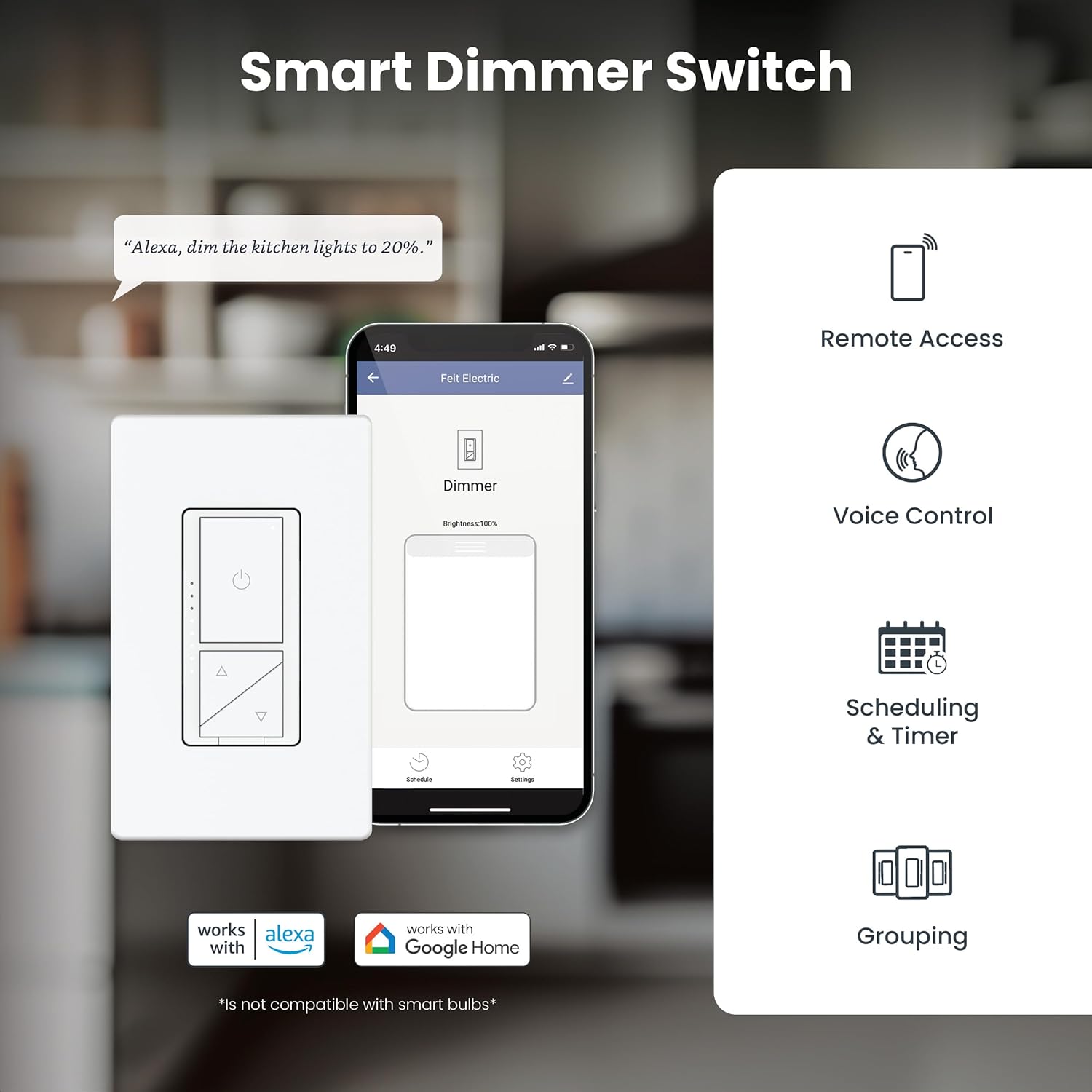
Image: A detailed diagram labeling the Max Brightness Button, Min. Brightness Button, Status Indicator, Brightness Indicator, Power Button, Dimming Button (Up), Dimming Button (Down), and Air-gap Switch Tab.
- 를 누르세요 전원 버튼 조명을 켜거나 끕니다.
- 사용하세요 Dimming Buttons (Up/Down) 밝기 수준을 조정합니다.
- 그만큼 밝기 표시기 LEDs show the current dimming level.
- 그만큼 Air-gap Switch Tab can be pulled out to completely cut power for maintenance.
Smooth Dimmability
The dimmer provides smooth, flicker-free dimming for compatible incandescent and LED bulbs. You can fine-tune the dimming range to suit your preference.

Image: A room with lights dimming from bright to very dim, illustrating the smooth dimmability feature.

Image: A living room scene with lighting adjusted to a comfortable dimmed level, emphasizing flicker-free operation.
App Control (Feit Electric App)
Control your lights from anywhere using the free Feit Electric App, available for Android and iOS devices. The app allows for remote access, scheduling, grouping, and more.

Image: A smartphone displaying the Feit Electric app, showing options for remote access, voice control, scheduling & timer, and grouping.

Image: A smartphone displaying the Feit Electric app's scheduling interface, highlighting features like remote access, grouping, dimming, voice control, scheduling, and device sharing.
음성 제어
Integrate your smart dimmer switch with Amazon Alexa or Google Assistant for convenient voice control of your lighting.

Image: An Amazon Echo Dot, illustrating that the dimmer switch works with Alexa and Hey Google when connected through the Feit app.
유지
The Feit Electric Smart WiFi Dimmer Switch is designed for long-lasting performance with minimal maintenance. Ensure the device is kept clean and free from dust. For any cleaning, disconnect power at the circuit breaker first and use a soft, dry cloth.
The device includes overheat protection for safety and durability.
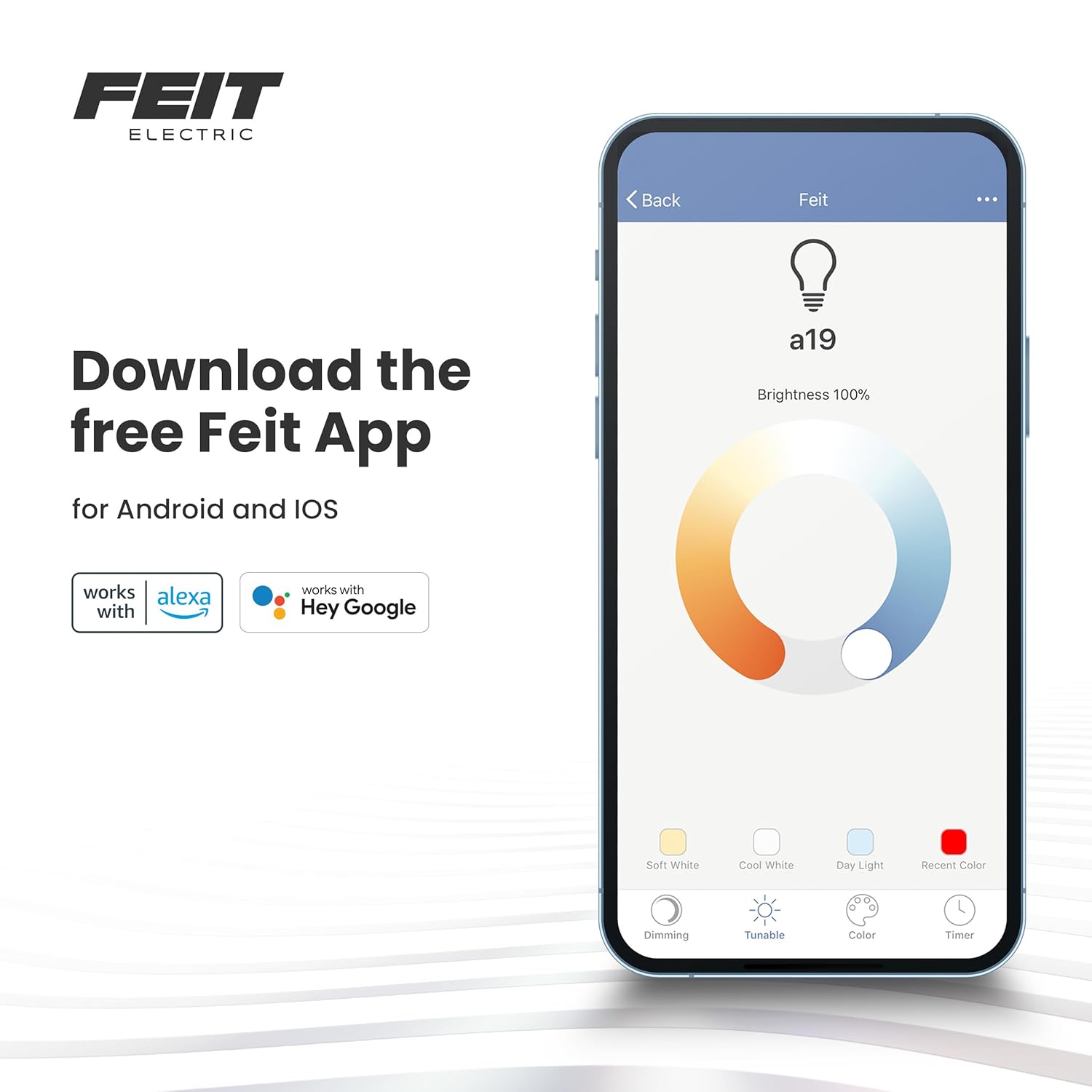
Image: A bedroom with a bedside lamp, indicating the product includes overheat protection and supports up to 600W incandescent or 200W LED lighting.
문제 해결
If you encounter any issues with your Feit Electric Smart WiFi Dimmer Switch, please refer to the following common troubleshooting tips:
- 전원 없음/응답 없음: Ensure the circuit breaker is ON and the air-gap switch tab on the dimmer is fully pushed in. Verify that a neutral wire is correctly connected.
- 깜빡거리는 불빛: Ensure your bulbs are dimmable. Adjust the minimum brightness level setting within the Feit Electric app if available.
- Wi-Fi 연결 문제: Ensure your Wi-Fi network is 2.4 GHz. Check your Wi-Fi signal strength at the switch location. Try restarting your router and the dimmer switch.
- 앱 제어가 작동하지 않습니다: Ensure your phone is connected to the internet and the Feit Electric app is updated to the latest version.
- 음성 제어가 작동하지 않음: Verify that the Feit Electric skill/service is linked correctly in your Alexa or Google Home app. Ensure your voice commands are clear and precise.
For more detailed troubleshooting or persistent issues, please contact Feit Electric customer support.
보증 및 지원
제조업체 보증
This Feit Electric Smart WiFi Dimmer Switch comes with a 1년 제조사 보증, ensuring reliability and performance. This warranty covers defects in materials and workmanship under normal use.
고객 지원
For 24/7 customer support and additional resources, please visit the Feit Electric help center:

Image: A graphic promoting 24/7 customer support, directing users to feit.com/help via a QR code.