
소개
The King Lucky i21 Open Ear Clip-on Earbuds are designed for comfort, secure fit, and high-quality audio while maintaining awareness of your surroundings. Featuring Bluetooth 5.4 technology and advanced ENC noise-cancelling, these earbuds provide a reliable and clear audio experience for various activities. This manual provides instructions for setup, operation, maintenance, and troubleshooting to ensure optimal use of your earbuds.
상자 안에 무엇이 들어있나요?
Your King Lucky i21 Open Ear Clip-on Earbuds package includes:
- One pair of King Lucky i21 Open Ear Clip-on Earbuds
- One Charging Case
- 사용자 설명서
설정
1. 초기 요금
Before first use, fully charge the earbuds and charging case. Place the earbuds into the charging case and connect the case to a power source using a compatible USB cable. The indicator lights on the case will show charging status. A full charge typically takes approximately 2 hours for the case.

2. 기기와 페어링
- 양쪽 이어버드가 모두 충전되어 있는지 확인하세요.
- Open the charging case. The earbuds will automatically power on and enter pairing mode, indicated by a flashing light on one of the earbuds.
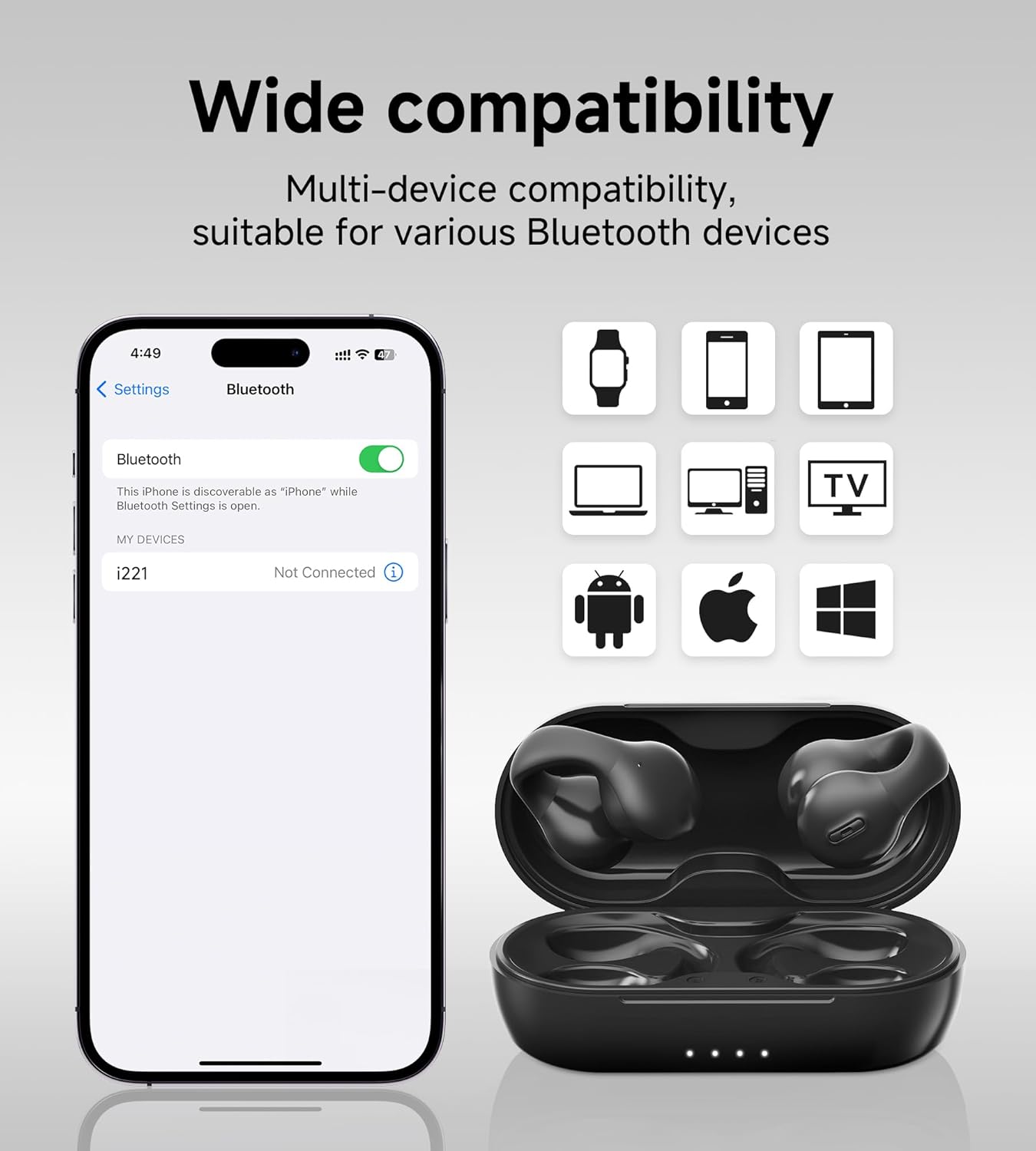
- 기기(스마트폰, 태블릿 등)에서 Bluetooth 설정으로 가서 Bluetooth를 켜세요.
- 검색 사용 가능한 장치 및 선택 'King Lucky i21' (or similar name) from the list.
- Once connected, the earbud indicator light will turn off or show a steady light, and you will hear a confirmation tone.
3. 이어버드 착용
The King Lucky i21 earbuds feature an upgraded C-shaped bridge design for a secure and comfortable open-ear fit. Gently clip the earbuds onto your ear, ensuring the speaker is positioned near your ear canal without entering it. This design allows you to enjoy high-quality audio while remaining aware of your surroundings.


작동 지침
전원 켜기/끄기
이어버드는 충전 케이스에서 꺼내면 자동으로 켜지고, 케이스에 다시 넣고 뚜껑을 닫으면 자동으로 꺼집니다.
음악 재생 (터치 컨트롤)
- 재생/일시 중지: 양쪽 이어버드를 한 번 탭합니다.
- 다음 트랙: 오른쪽 이어버드를 두 번 탭합니다.
- 이전 트랙 : 왼쪽 이어버드를 두 번 탭합니다.
통화 관리(터치 컨트롤)
- 전화 받기/종료: 수신 전화 또는 통화 중일 때 이어버드 중 하나를 한 번 탭하세요.
- 전화 거부: 전화가 오는 동안 한쪽 이어버드를 2초간 길게 누르세요.
볼륨 조절
Volume control is typically managed through your connected device. Please adjust the volume directly on your smartphone, tablet, or other Bluetooth-enabled device.
ENC 노이즈 캔슬링
The earbuds feature ENC (Environmental Noise Cancellation) technology for clear calls in noisy environments. This feature is automatically active during phone calls to reduce background noise for the person on the other end.

유지
청소
Gently wipe the earbuds and charging case with a soft, dry, lint-free cloth. Do not use abrasive cleaners, solvents, or immerse the earbuds or case in water. Ensure charging contacts are clean and dry.
저장
Store the earbuds in their charging case when not in use to protect them from damage and maintain battery charge. Avoid storing in extreme temperatures (hot or cold) or high humidity.
배터리 관리
To prolong battery life, avoid fully discharging the earbuds and charging case frequently. Charge regularly, even if not used for extended periods. Do not attempt to replace the battery yourself.
문제 해결
- 이어버드가 페어링되지 않음: Ensure both earbuds are charged and removed from the case. Turn off and on Bluetooth on your device. Forget the device from your Bluetooth list and try pairing again.
- 한쪽 이어버드에서 소리가 나지 않습니다. Place both earbuds back into the charging case, close the lid, wait a few seconds, then remove them. This can reset the connection between the earbuds.
- 충전 문제: Check the charging cable and power adapter. Ensure the charging contacts on the earbuds and inside the case are clean and free of debris. Try a different USB port or charger.
- 통화 품질이 좋지 않음: Ensure the earbuds are properly seated on your ears. Move closer to your connected device. Avoid environments with strong electromagnetic interference.
- Earbuds falling off: Ensure the earbuds are correctly clipped onto your ear, following the C-shaped design. Experiment with slight adjustments for a more secure fit.
명세서
| 상표 | 킹 럭키 |
| 모델명 | Clip on Earbuds Open Ear Earbuds |
| 모델 번호 | B0DWSQFRZK |
| 연결 기술 | 무선(블루투스 5.4) |
| 귀 위치 | 오픈 이어 |
| 폼 팩터 | 귀에 |
| 소음 제어 | 능동 소음 제거(통화용 ENC) |
| 오디오 드라이버 유형 | 다이내믹 드라이버(12mm) |
| 주파수 범위 | 20Hz - 20,000Hz |
| 배터리 수명(단일 충전) | 최대 6시간 |
| 배터리 수명(충전 케이스 포함) | 최대 50시간 |
| 제어 방법 | 만지다 |
| 방수 레벨 | 방수복 |
| 재료 | 플라스틱 |
| 이어 버드 무게 | 이어버드당 약 4.7g |


보증 및 지원
King Lucky products are designed for reliability and performance. For detailed warranty information, technical support, or customer service inquiries, please refer to the official King Lucky website or contact customer support through your original purchase platform. Please retain your proof of purchase for any warranty claims.
You can visit the King Lucky store for more information: King Lucky Store