
1. 서론
구매해주셔서 감사합니다asing the JONSBO ZA-120B PC Case Fan. This fan is designed to provide efficient cooling for your computer system while offering customizable ARGB lighting effects. Featuring a 28mm thick design, 4-sides infinity mirror, and PWM control, it ensures both aesthetic appeal and optimal performance. This manual provides detailed instructions for installation, operation, and maintenance to help you get the most out of your product.
2. 안전 정보
제품 손상이나 부상 방지를 위해 다음 안전 지침을 읽고 준수해 주시기 바랍니다.
- 컴퓨터의 내부 부품을 설치하거나 다루기 전에 항상 전원을 차단하십시오.
- Handle the fan by its frame to avoid touching the blades, which could cause damage or injury.
- 민감한 부품의 정전기 방전(ESD) 손상을 방지하기 위해 적절한 접지를 확보하십시오.
- 선풍기나 케이블을 임의로 개조하지 마십시오. 허가되지 않은 개조는 보증을 무효화하고 안전상의 위험을 초래할 수 있습니다.
- 선풍기를 액체나 과도한 습기로부터 멀리 두십시오.
- 사용하지 않을 때는 팬을 서늘하고 건조한 곳에 보관하십시오.
3. 패키지 내용
패키지에 모든 품목이 들어 있는지 확인하세요.
- JONSBO ZA-120B PC Case Fan
- 장착 나사
- 사용 설명서 (본 문서)
4. 제품 오버view
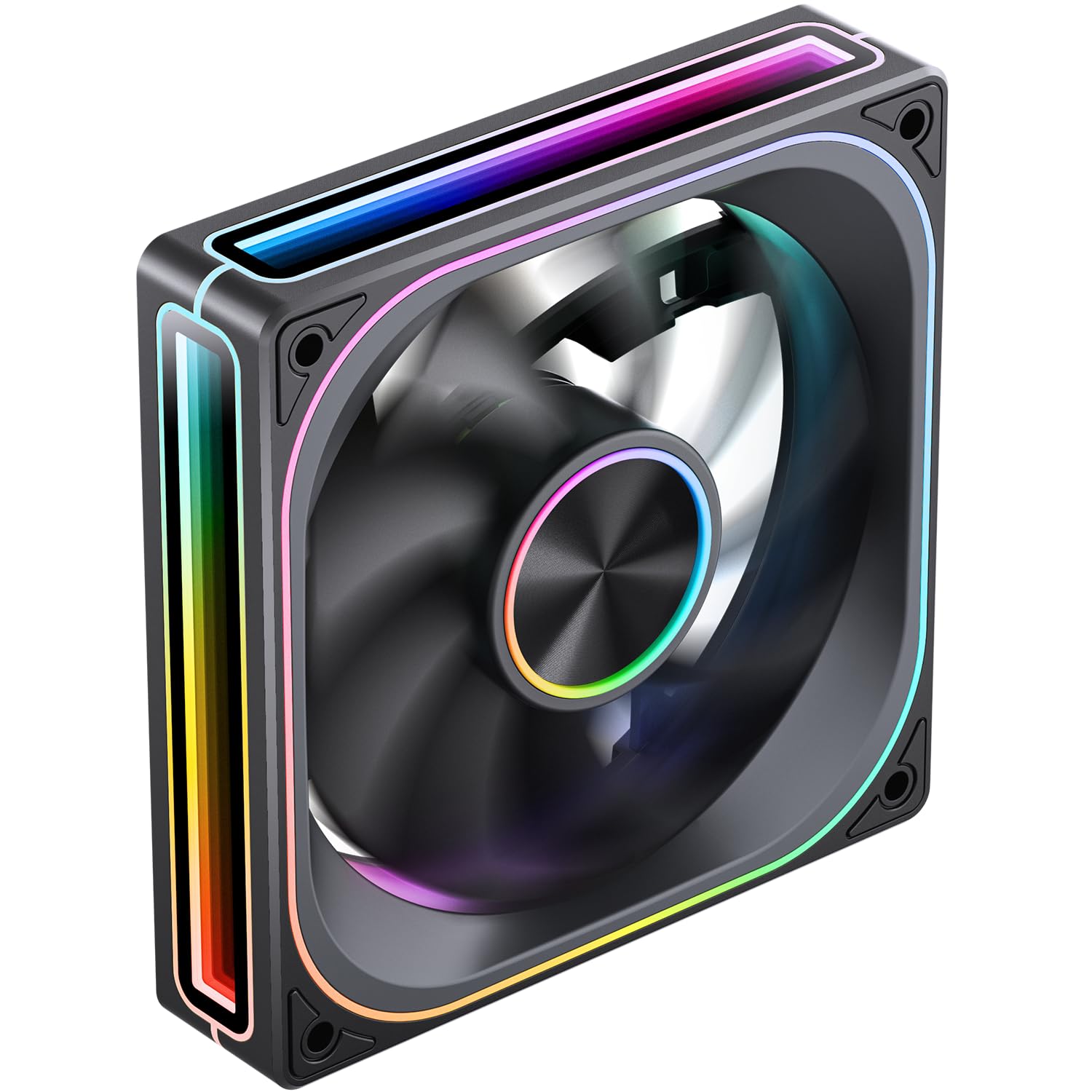
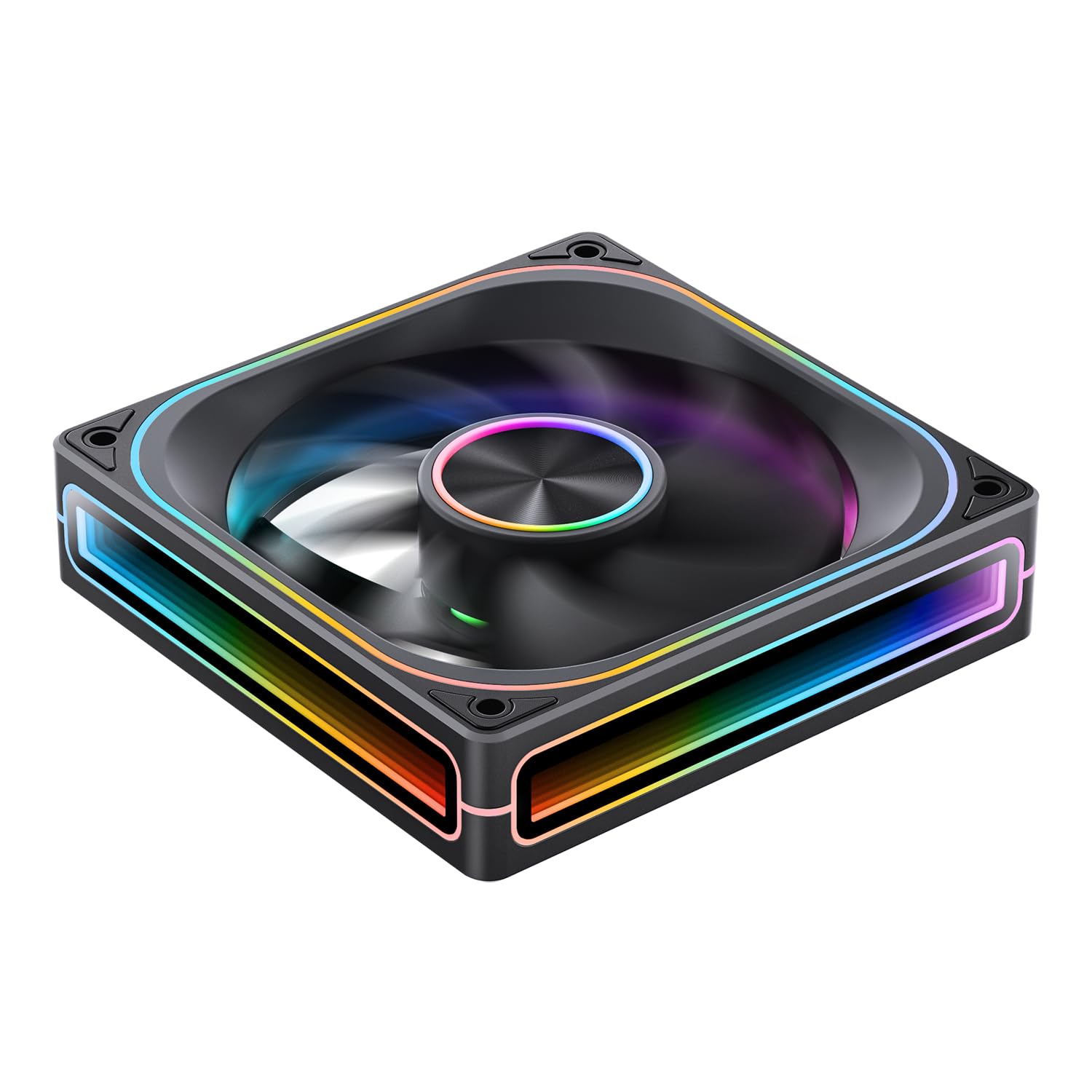
The JONSBO ZA-120B is a high-performance PC case fan designed for optimal airflow and stunning visual effects. Key features include:
- 4-Sides Infinity Mirror: Creates a deep, multi-layered lighting illusion from all angles.
- PWM 제어: Allows for precise fan speed adjustment (700-2400 RPM) to balance cooling performance and noise levels.
- Addressable RGB (ARGB) Sync: Compatible with motherboard ARGB software (3-pin 5V header) for synchronized lighting effects across your system.
- Simplified Cables: Integrated male and female PWM and ARGB headers for easy daisy-chaining and cable management.
- 알루미늄 명판: Features a durable aluminum CD pattern nameplate for a premium finish.
- 28mm Thick Design: Enhanced thickness for improved airflow and static pressure.



5. 설정 및 설치
Follow these steps to properly install your JONSBO ZA-120B PC Case Fan:
- 시스템 준비:
- Turn off your computer and disconnect it from the power outlet.
- Open your computer case to access the fan mounting locations.
- 팬 장착:
- Position the fan in your desired mounting location (e.g., front, top, rear, bottom of the case). Ensure the airflow direction is correct for your cooling setup (typically intake for front/bottom, exhaust for rear/top).
- Secure the fan to the case using the provided mounting screws. Tighten them evenly to prevent vibration.
- 전원 연결(PWM):
- Locate an available 4-pin fan header on your motherboard (labeled 'CPU_FAN', 'SYS_FAN', 'CHA_FAN', etc.).
- Connect the fan's 4-pin PWM cable to the motherboard header. If installing multiple fans, you can daisy-chain them using the integrated male and female PWM heads, then connect the last fan in the chain to a single motherboard header.
- ARGB 조명 연결:
- Locate an available 3-pin 5V ARGB header on your motherboard (often labeled 'ARGB_HEADER', 'D_LED', 'VDG', etc.). Do not connect to a 4-pin 12V RGB header, as this will damage the LEDs.
- Connect the fan's 3-pin ARGB cable to the motherboard header. Similar to PWM, you can daisy-chain multiple fans using the integrated male and female ARGB heads, connecting the last fan to a single motherboard ARGB header.
- If your motherboard does not have a 3-pin 5V ARGB header, you may need an external ARGB controller (not included) to control the lighting effects.
- 케이블 관리 :
- Route all cables neatly to ensure proper airflow and a clean build. Use cable ties if necessary.
- 케이스를 닫고 전원을 켜세요:
- 컴퓨터 케이스를 닫고 전원을 다시 연결하세요.
- Power on your computer and verify that the fan is spinning and the ARGB lighting is functioning.
6. 운영
Once installed, the JONSBO ZA-120B fan operates automatically based on your system's settings. Here's how to manage its functions:
- 팬 속도 제어(PWM):
- The fan speed is controlled via the 4-pin PWM connection to your motherboard.
- You can adjust fan curves and speeds through your motherboard's BIOS/UEFI settings or dedicated software provided by your motherboard manufacturer (e.g., ASUS AI Suite, Gigabyte SIV, MSI Dragon Center).
- This allows you to optimize for quiet operation at low loads and increased cooling performance under heavy loads.
- ARGB 조명 제어:
- The ARGB lighting effects are controlled via the 3-pin 5V ARGB connection to your motherboard.
- Use your motherboard's ARGB synchronization software (e.g., ASUS Aura Sync, Gigabyte RGB Fusion, MSI Mystic Light Sync, ASRock Polychrome Sync) to customize colors, patterns, and synchronize lighting with other ARGB components.
- If using an external ARGB controller, refer to the controller's manual for lighting adjustment instructions.
7. 유지관리
정기적인 유지 관리는 선풍기의 최적 성능과 수명 연장에 도움이 됩니다.
- 청소:
- Periodically (every 3-6 months, depending on environment) clean dust from the fan blades and frame.
- Use compressed air to blow away dust. Hold the fan blades gently to prevent them from spinning rapidly during cleaning, which can damage the bearings.
- For stubborn dust, use a soft, dry cloth or a cotton swab.
- 점검:
- Check cables for any signs of wear, fraying, or loose connections.
- Ensure mounting screws are still tight.
8. 문제 해결
If you encounter issues with your JONSBO ZA-120B fan, refer to the following common problems and solutions:
- 팬이 회전하지 않음:
- Ensure the 4-pin PWM cable is securely connected to a functional motherboard fan header.
- Check your motherboard's BIOS/UEFI settings to ensure the fan header is enabled and configured correctly (e.g., not set to 0 RPM).
- Test the fan on a different fan header or with a known working fan to rule out a faulty header or fan.
- ARGB 조명이 작동하지 않거나 색상이 잘못 표시됨:
- Verify the 3-pin ARGB cable is correctly connected to a 3-pin 5V ARGB header on your motherboard. Ensure it is not connected to a 4-pin 12V RGB header.
- Check your motherboard's ARGB software to ensure lighting is enabled and configured.
- If daisy-chaining, ensure all connections are secure and the total number of LEDs does not exceed your motherboard/controller's capacity. (Note: This fan has 68+ LEDs, which may exceed some basic controllers).
- Try updating your motherboard's BIOS and ARGB software to the latest versions.
- 과도한 소음:
- Ensure the fan is securely mounted and screws are tightened evenly to prevent vibration.
- 선풍기 날개에 쌓인 먼지를 깨끗이 닦아내세요.
- Adjust the fan speed curve in your motherboard's BIOS/UEFI or software to reduce RPMs at lower temperatures.
- 팬 날개를 가로막는 케이블이 없는지 확인하세요.
9. 사양
| 특징 | 사양 |
|---|---|
| 모델 번호 | ZA-120B |
| 치수 | 120 x 120 x 28mm(약 5.8 x 5 x 1.18인치) |
| 회전 속도 | 700-2400 RPM (±10%) |
| 소음 수준 | 21.3~37.3dB(A) |
| 전원 커넥터 유형 | 4 핀 (PWM) |
| ARGB 커넥터 유형 | 3-Pin (5V Addressable RGB) |
| 팬 볼륨tage | 직류 12볼트 |
| LED 볼륨tage | 5 볼트 |
| 팬 왓tage | 5.16 와트 |
| LED 와트tage | 5.80 와트 |
| 호환 장치 | PC 케이스 |
| 냉각 방식 | 공랭식(팬) |
| 항목 수 | 1 |

10. 보증 및 지원
JONSBO 제품은 높은 품질 기준에 따라 제조됩니다. 보증 정보 및 기술 지원에 대해서는 JONSBO 공식 웹사이트를 참조하십시오. web사이트를 방문하거나 가까운 판매점에 문의하세요. 보증 청구를 위해 구매 증빙 자료를 보관하세요.
추가 지원이 필요하면 다음을 방문하세요. JONSBO Store on Amazon or contact JONSBO customer service.