
1. 서론
Thank you for choosing the ARZOPA 15.6-inch D15 Digital Photo Frame. This manual provides detailed instructions for setting up, operating, and maintaining your new digital photo frame. Please read this manual thoroughly before use to ensure optimal performance and longevity of your device. The ARZOPA D15 allows you to display your cherished memories with its high-quality FHD touchscreen, unlimited cloud storage, and easy sharing features.
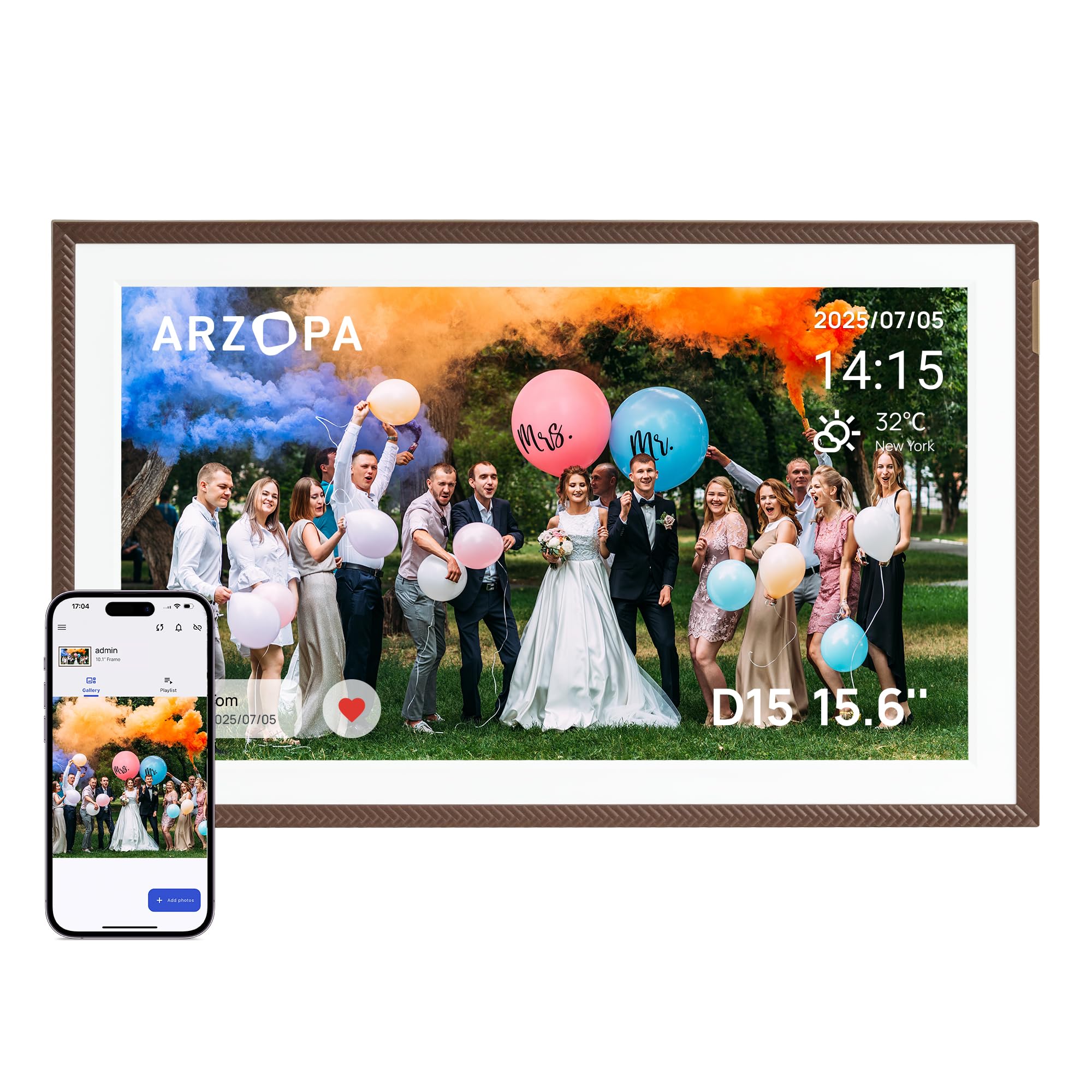
ARZOPA 15.6-inch D15 Digital Photo Frame displaying a family photo in a living room setting.
2. 상자 안에 무엇이 들어있나요?
- ARZOPA 15.6-inch D15 Digital Photo Frame
- 전원 어댑터
- 분리형 스탠드
- 사용자 설명서
3. 제품 오버view
주요 특징:
- 100% Free and Unlimited Cloud Storage: Transfer your photos and videos to your digital photo frame without a subscription. Enjoy the convenience of cloud storage without an SD card – add memories anytime, anywhere, even when the digital photo frame is offline (automatic synchronization upon reconnection).
- Gift Function, Pre-Loaded Joy: Pre-load photos, videos, and greeting cards via the FREE Arzopa app for a personalized and surprising gift even before the Arzopa D15 frame arrives, without needing to unbox it.
- 간편한 설치 및 직관적인 앱: Pre-set Wi-Fi for non-tech-savvy recipients (plug and play). Manage your connected photo frame with over 30 folders and share an unlimited number of photos and videos (up to 2 minutes per video, ≤125MB, 1080p).
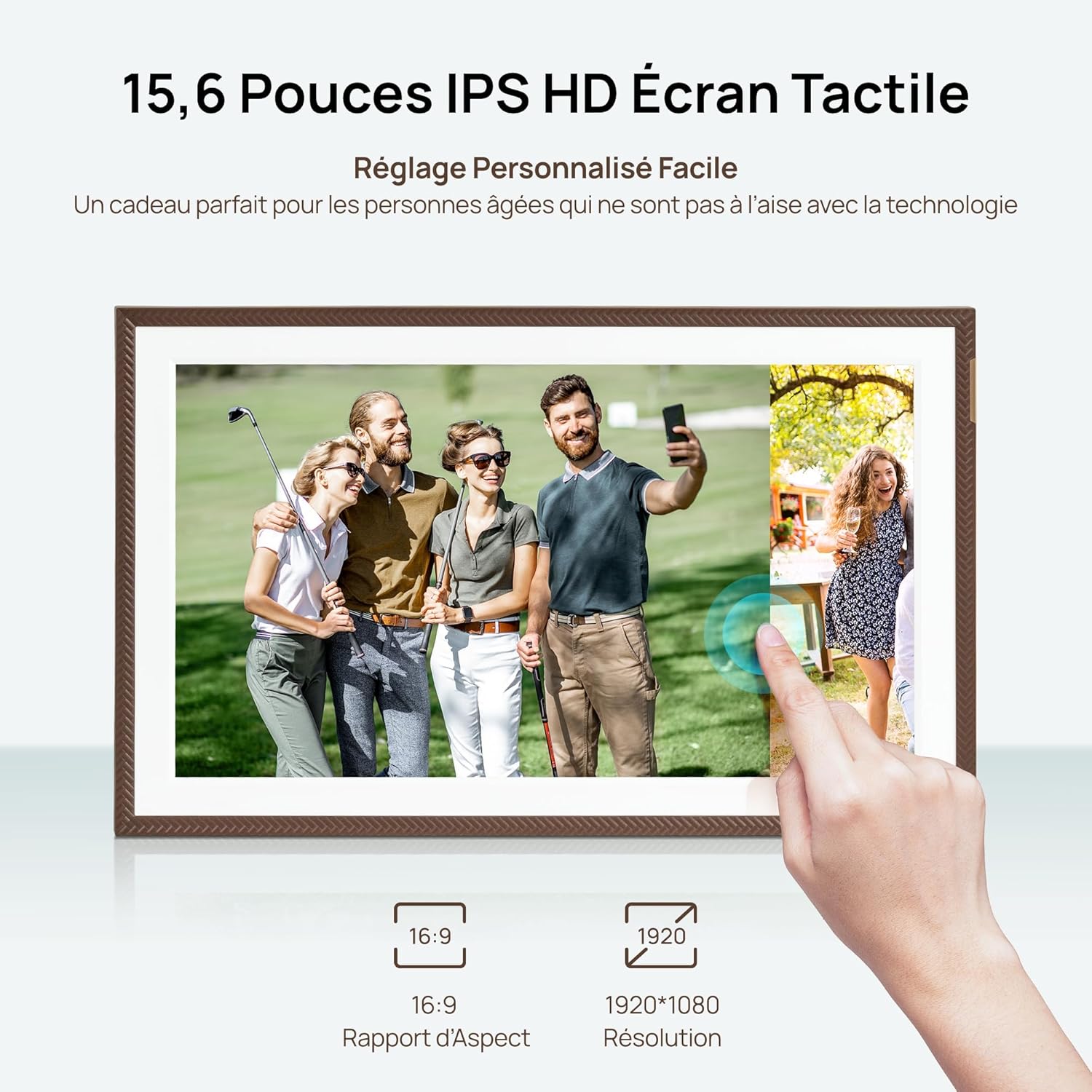
- High-Quality Screen & Smart Design: 15.6" FHD 1920*1080 IPS touchscreen with anti-glare technology for true-to-life colors and adjustable brightness (day/night mode). Practical functions (weather, alarm clock, calendar, etc.) and a smart sleep mode (30% energy saving) offer a smart user experience.
- Instant Multi-User Sharing: Invite your loved ones via the free Arzopa app to share their daily lives. 'Like' and 'Comment' on shared moments, enjoy a secure private space. Stay connected with over 30 languages remotely and strengthen family bonds, wherever you are.
구성 요소:
Familiarize yourself with the various parts of your ARZOPA D15 Digital Photo Frame:

뒤쪽 view of the ARZOPA D15 Digital Photo Frame showing ports for power, USB, and Micro SD card slot.
- 전원 버튼: Located on the back, used to turn the frame on/off.
- USB 포트: For connecting to a computer or USB drive to transfer media.
- 마이크로 SD 카드 슬롯: For expanding storage or transferring media from an SD card.
- DC 전원 입력: 전원 어댑터를 연결합니다.
- 벽걸이 구멍: 액자를 벽에 걸기 위한 용도입니다.
- 스피커: For audio playback with videos.
4. 설정
4.1 전원 켜기:
- Connect the power adapter to the DC power input port on the back of the frame.
- 전원 어댑터를 벽면 콘센트에 꽂으세요.
- The frame will automatically power on. If not, press and hold the power button for a few seconds.
4.2 Initial Wi-Fi Connection:
- 처음 전원을 켜면 프레임이 초기 설정 과정을 안내해 줍니다.
- 원하는 언어를 선택하세요.
- Connect to a Wi-Fi network. Ensure you are connecting to a 2.4 GHz network for optimal compatibility.
- 화면 키보드를 사용하여 Wi-Fi 비밀번호를 입력하세요.
4.3 App Download and Pairing:
To fully utilize the frame's features, download the ARZOPA app on your smartphone or tablet.
ARZOPA D15 Digital Photo Frame displaying app download options for App Store and Google Play.
- Scan the QR code displayed on the frame or search for "ARZOPA" in your device's app store (App Store for iOS, Google Play for Android).
- Download and install the ARZOPA app.
- 앱을 열고 계정을 만들거나 로그인하세요.
- Follow the in-app instructions to pair your smartphone with the digital photo frame. This usually involves scanning a QR code displayed on the frame.
5. 사용 설명서
5.1 Uploading Photos and Videos:
You can upload media to your ARZOPA D15 frame using the mobile app, a USB drive, or a Micro SD card.
Using the ARZOPA App:
- Open the ARZOPA app on your paired smartphone.
- Navigate to the 'Gallery' or 'Upload' section.
- Select the photos and videos you wish to upload. The frame supports unlimited photos and videos up to 2 minutes in length (≤125MB, 1080p).
- Confirm the upload. The media will be transferred to your frame via cloud storage.

Smartphone screen displaying the ARZOPA app interface for selecting and uploading photos and videos to the digital frame.
Using USB Drive or Micro SD Card:
- Insert a USB drive into the USB port or a Micro SD card into the Micro SD card slot on the frame.
- The frame will detect the external storage.
- Follow the on-screen prompts to import photos and videos to the frame's internal storage.
5.2 Gift Function:
The ARZOPA D15 offers a unique gift function, allowing you to pre-load content and even Wi-Fi settings before gifting the frame.
- In the ARZOPA app, select the 'Gift' option.
- Enter recipient details and choose a theme for the gift card (e.g., Birthday, Mother's Day).
- Upload photos and videos you wish to include.
- Optionally, pre-set the recipient's Wi-Fi network name and password. This allows the frame to connect automatically upon first power-on.
- Once prepared, the app will generate a gift code. The recipient can enter this code on their frame to receive the pre-loaded content.
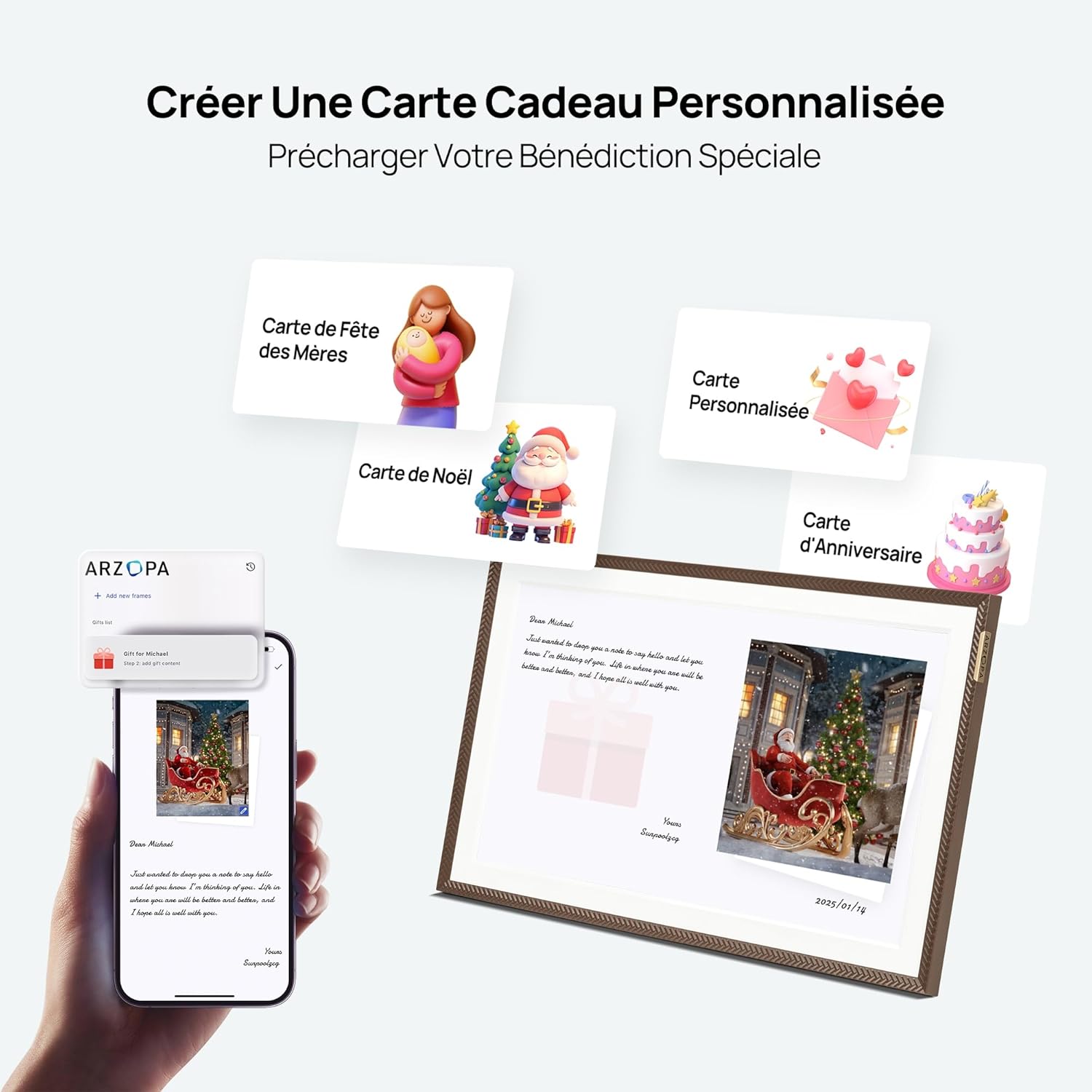
Image showing the process of creating a personalized gift card with photos and messages via the ARZOPA app.
5.3 Display Settings:
사용자 정의 viewing experience through the frame's settings menu.
- 명도: Adjust screen brightness for different lighting conditions.
- 수면 모드 : Set a schedule for the frame to automatically turn off or dim the screen to save energy and avoid disturbance.
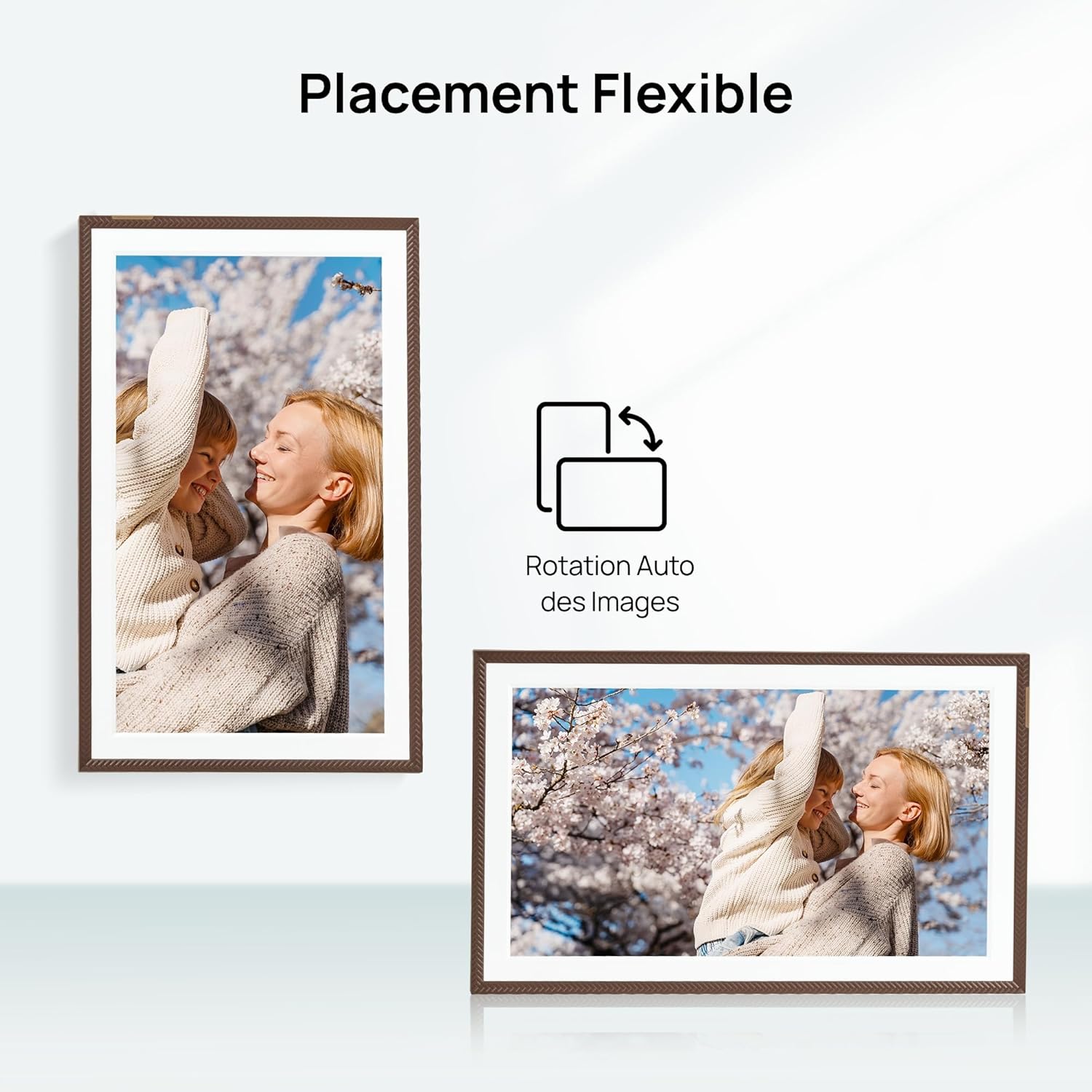
- 정위: The frame supports automatic rotation for both portrait and landscape display.

The ARZOPA D15 Digital Photo Frame demonstrating flexible placement and automatic image rotation for both portrait and landscape orientations.

The ARZOPA D15 Digital Photo Frame in a bedroom setting, illustrating the customized sleep mode feature for energy saving and undisturbed rest.
5.4 Cloud Storage:
The ARZOPA D15 comes with 100% free and unlimited cloud storage, allowing you to store and access your media securely from anywhere.
Graphic illustrating the free and secure cloud storage feature, supporting JPEG, PNG, WEBP, MP4, M4V, and MOV formats.
6. 유지관리
- 화면 청소: Use a soft, lint-free cloth to gently wipe the screen. Avoid using harsh chemicals or abrasive materials.
- 소프트웨어 업데이트: Ensure your frame's software is up to date for the best performance and new features. The frame will typically notify you of available updates.
- 스토리지 관리: 정기적으로 다시view 미디어 정리 files. While cloud storage is unlimited, managing local storage (if using SD card) can improve performance.
7. 문제 해결
| 문제 | 가능한 해결책 |
|---|---|
| 프레임의 전원이 켜지지 않습니다. | 전원 어댑터가 프레임과 작동하는 전원 콘센트에 단단히 연결되어 있는지 확인하세요. 다른 콘센트를 사용해 보세요. |
| Wi-Fi에 연결할 수 없습니다. | Verify the Wi-Fi password. Ensure the frame is within range of a 2.4 GHz Wi-Fi network. Restart your router and the frame. |
| Photos/Videos are not uploading. | Check your internet connection. Ensure the ARZOPA app is updated. Verify file formats and sizes (videos up to 2 minutes, ≤125MB, 1080p). |
| 화면이 응답하지 않습니다. | Restart the frame by unplugging and re-plugging the power adapter. If the issue persists, perform a factory reset (refer to the settings menu). |
| 이미지가 왜곡되거나 화질이 낮아 보입니다. | Ensure the original image/video resolution is high enough for the frame's 1920x1080 FHD display. |
8. 사양
| 특징 | 세부 사항 |
|---|---|
| 상표 | 아르조파 |
| 모델 | 디15 |
| 화면 크기 | 15.6인치 |
| 해결 | 1920x1080(FHD) |
| 종횡비 | 16시 9분 |
| 내부 저장소 | 32GB (XNUMX기가바이트) |
| 연결성 | USB, Wi-Fi (2.4GHz) |
| 입력 인터페이스 | 터치스크린 |
| 전원 | 전기 케이블 |
| 프레임 소재 | 아크릴로니트릴 부타디엔 스티렌(ABS) |
| 제품 크기(L x W x H) | 40 x 25 x 2.5cm |
| 제품 무게 | 2.43 킬로그램 |
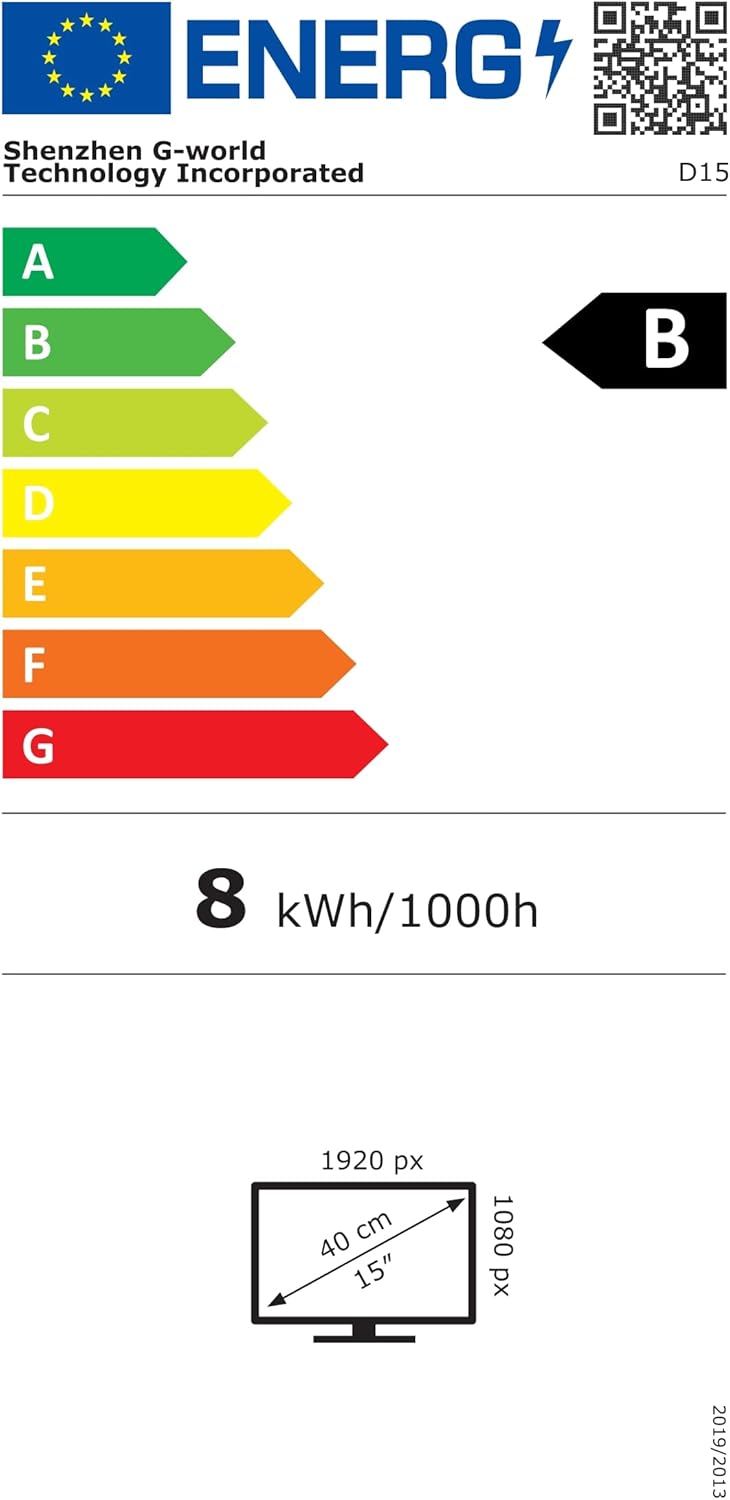
Energy label for the ARZOPA D15 Digital Photo Frame, showing energy consumption and display dimensions. For more details, visit: https://eprel.ec.europa.eu/qr/2089090
9. 보증 및 지원
Your ARZOPA D15 Digital Photo Frame comes with a standard manufacturer's warranty. For detailed warranty information, please refer to the warranty card included in your product packaging or visit the official ARZOPA website. If you encounter any issues or have questions not covered in this manual, please contact ARZOPA customer support through their official web해당 사이트 또는 보증서에 제공된 연락처 정보를 참조하십시오.