
CINMOORE CM-BC3U
CINMOORE 4MP Wireless Home Security Camera
Model: CM-BC3U - User Manual
소개
Thank you for choosing the CINMOORE 4MP Wireless Home Security Camera. This manual provides detailed instructions for setting up, operating, and maintaining your camera to ensure optimal performance and security for your home, both indoors and outdoors. This camera features 2.5K 1440P ultra-HD resolution, full-color night vision, AI human detection, two-way audio, and flexible storage options.
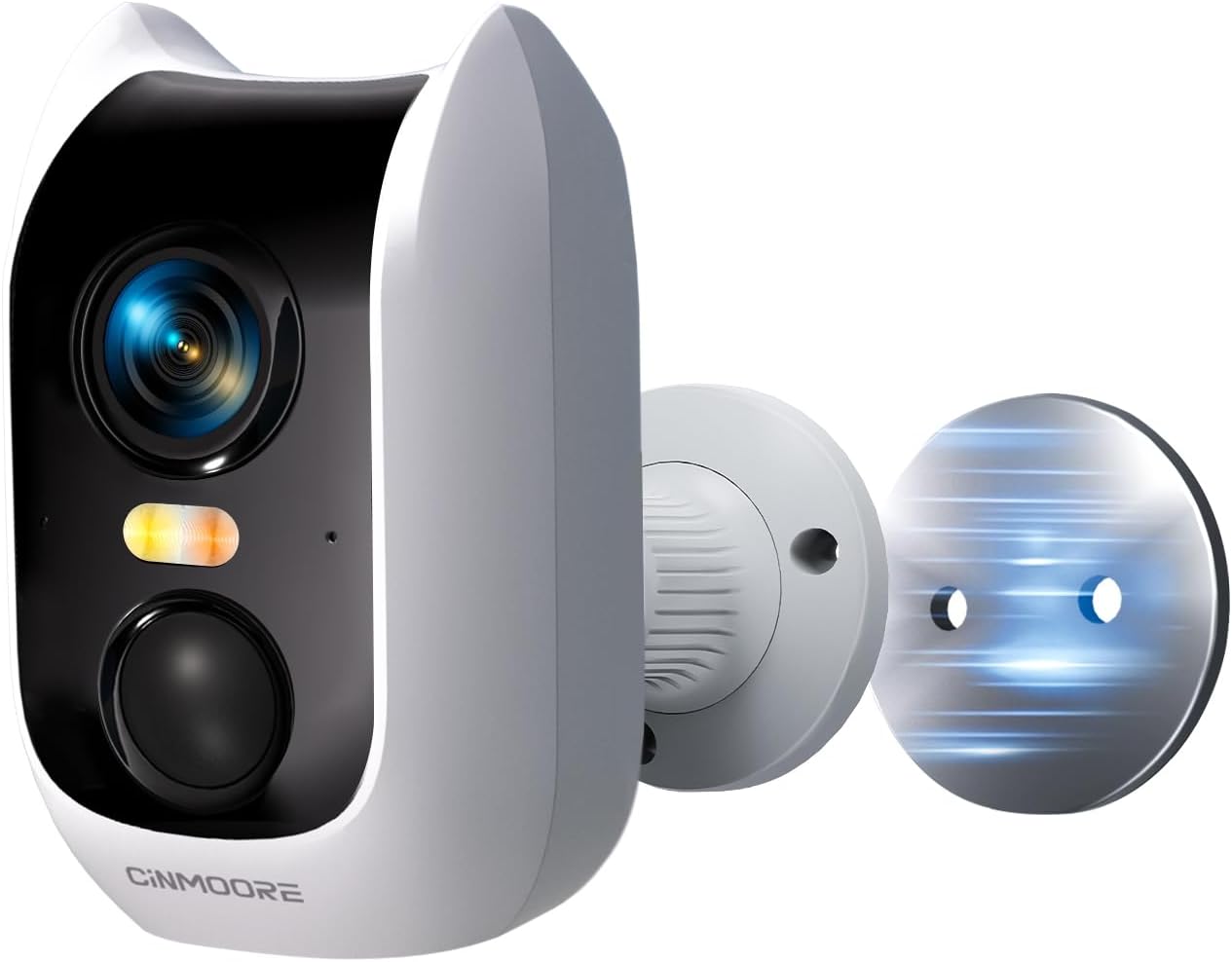
Image: The CINMOORE 4MP Wireless Home Security Camera, showcasing its compact design and magnetic mounting capability.
상자 안에 무엇이 들어있나요?
모든 품목이 들어 있는지 확인하려면 패키지 내용물을 확인하세요.
- 카메라 x1
- Mounting Screws x1 set
- 사용 설명서 x1
- 충전 케이블 x1
- 마운팅 브래킷 x1
- 빠른 장착 플레이트 x1
제품 끝view
The CINMOORE CM-BC3U camera is designed for versatile security monitoring with advanced features:
- 2.5K 1440P Ultra-HD Resolution: Provides sharp and detailed images for clear surveillance.
- 풀컬러 야간 투시경: 음식이 깨끗함을 보장합니다tage even in low-light conditions, offering enhanced visibility compared to traditional IR night vision.
- AI 인간 감지: Minimizes false alerts by accurately identifying human shapes, reducing notifications from pets or moving branches.
- Built-in Siren & Light Alarms: Activates instantly upon motion detection to deter intruders and send real-time alerts.
- 100% Wire-Free & Rechargeable Battery: Equipped with a powerful 5200mAh battery for long-lasting, flexible placement without power cables.
- 2.4G WiFi 연결: Enables smooth real-time monitoring and remote access via your mobile device.
- Magnetic Camera Base: Allows for easy and flexible installation indoors or outdoors.
- IP66 방수: Designed to withstand various weather conditions for reliable year-round performance.
- Full Duplex Two-Way Audio: Features a built-in microphone and speaker for real-time communication.
- 유연한 스토리지: Supports local storage via microSD card (up to 512GB, not included) and offers a 30-day free trial of cloud storage.
- Pre-Roll Mode: Captures 5 seconds of video before a detected event, providing a more complete picture of what happened.
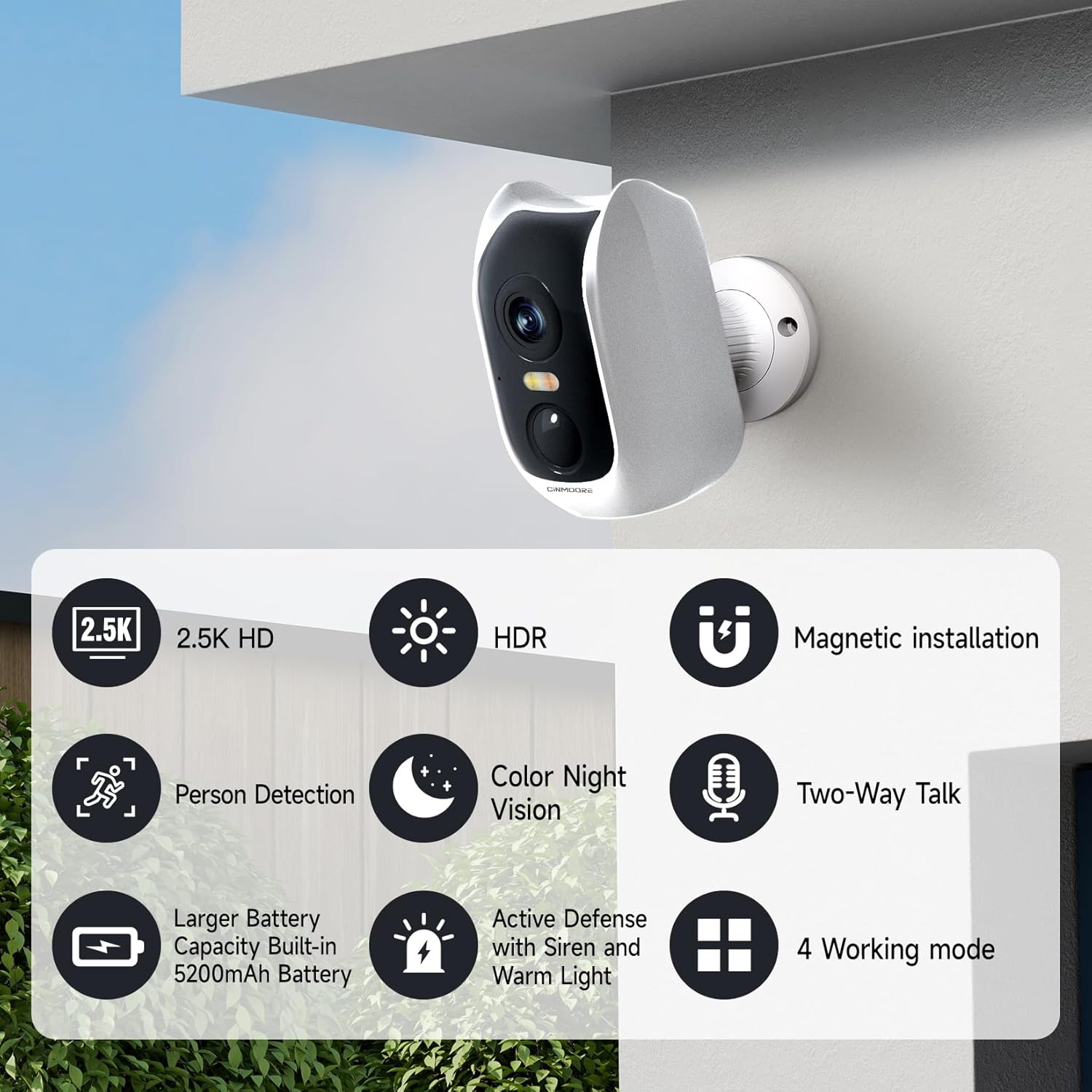
Image: Visual representation of key features including 2.5K HD, HDR, Person Detection, Color Night Vision, 5200mAh Battery, Active Defense, Magnetic Installation, Two-Way Talk, and 4 Working Modes.
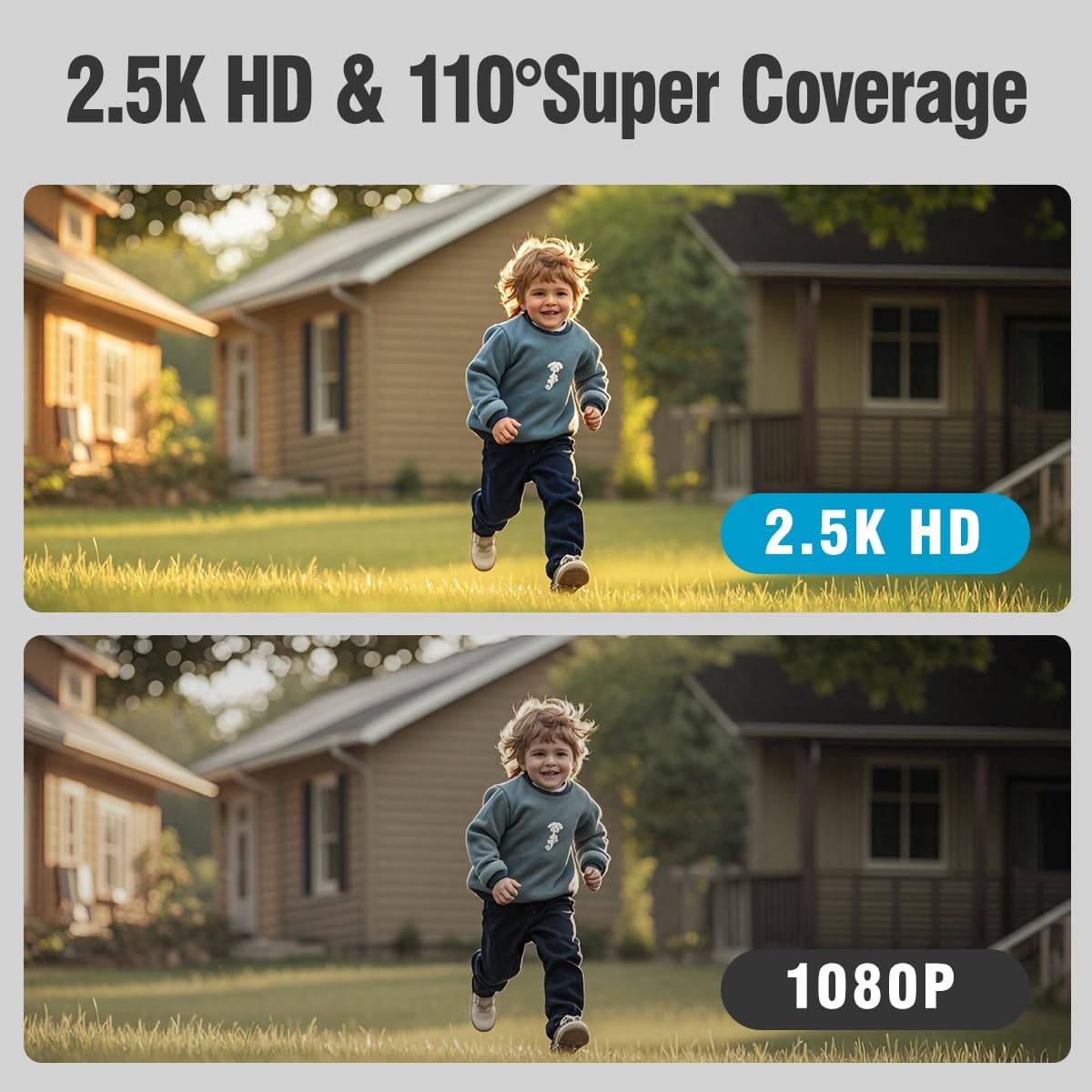
Image: A side-by-side comparison demonstrating the superior clarity of 2.5K HD resolution over 1080P.
설정
1. 카메라 충전
Before initial use, fully charge the camera using the provided charging cable. Connect the cable to the camera's charging port and a standard USB power adapter (not included). The charging indicator light will show the charging status.
2. 앱 설치 및 계정 생성
- Download the official CINMOORE app from your smartphone's app store (iOS or Android).
- 앱을 열고 화면의 지시에 따라 새 계정을 만들거나 이미 계정이 있는 경우 로그인하세요.
3. Wi-Fi에 연결하기
- 스마트폰이 2.4GHz Wi-Fi 네트워크에 연결되어 있는지 확인하십시오. 카메라는 2.4GHz Wi-Fi만 지원합니다.
- 앱에서 '기기 추가'를 선택하고 카메라 모델을 선택하세요.
- Follow the app's prompts to connect the camera to your Wi-Fi network. This usually involves scanning a QR code generated by the app with the camera lens.
4. 카메라 장착
The camera offers flexible installation options thanks to its magnetic base and included mounting hardware.
- 실내 설치: The magnetic base allows for easy attachment to metallic surfaces like refrigerators, or use the mounting plate for walls or ceilings.
- 야외 설치: Use the mounting bracket and screws to securely attach the camera to an outdoor wall or eaves. Ensure the camera is positioned to cover the desired area and is within Wi-Fi range. The IP66 rating ensures it can withstand outdoor elements.

Image: The camera demonstrating its magnetic base for easy indoor placement on a metallic surface like a refrigerator.

Image: The camera mounted on an exterior wall, illustrating its suitability for outdoor security.
카메라 작동
1. 라이브 View
Open the CINMOORE app and select your camera from the device list to access the live video feed. You can view 실시간 푸tage 인터넷 연결이 가능한 곳 어디에서나 가능합니다.
2. 양방향 오디오
라이브에서 view screen, tap the microphone icon to speak through the camera's speaker, and listen to audio from the camera's microphone. This allows for real-time conversations with visitors or to deter unwanted guests.
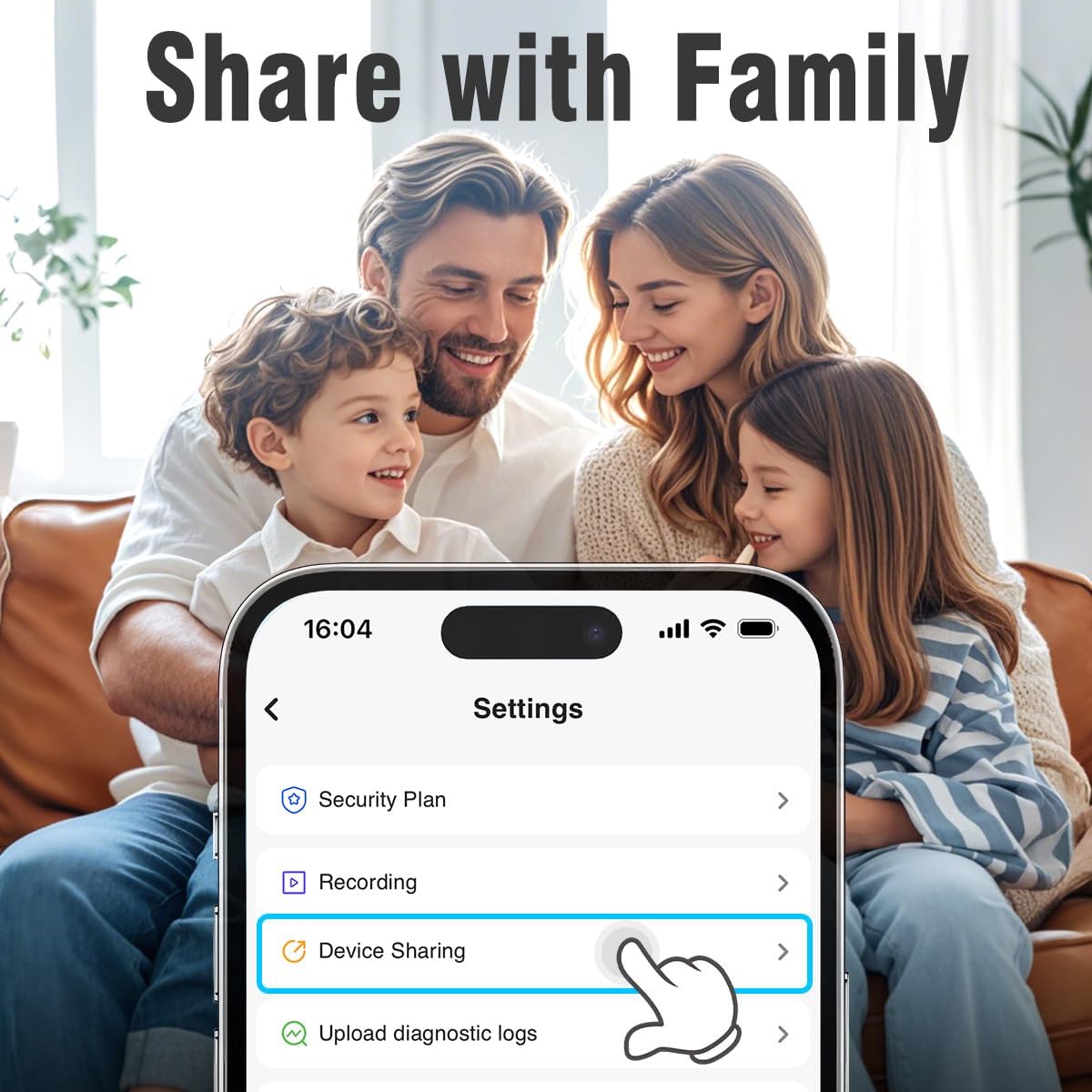
사진: 한 가족 viewing the device sharing settings on a smartphone, highlighting the ease of sharing camera access.

Image: A visual representation of the two-way audio feature, showing speech bubbles between the camera and a person.
3. AI Human Detection & Alerts
The camera's advanced AI detection focuses on human shapes, reducing irrelevant notifications. When motion is detected, the camera can activate its built-in siren and light alarms, and send instant alerts to your phone. Customize detection sensitivity and alert settings within the app.

Image: An illustration of the camera's AI detection capabilities, showing a person detected at night with spotlight, notification, and siren icons.

Image: A screenshot of the app's Smart Detection settings, showing options for human detection, motion detection, and sensitivity.
4. 야간 투시경
The camera offers both traditional IR night vision and advanced full-color night vision. Full-color night vision provides a clearer, more detailed view in low-light conditions, enhancing identification of objects and individuals.

Image: A comparison showing the difference between normal night vision (monochrome) and full-color night vision, highlighting improved detail and color in darkness.

Image: Another comparison illustrating the clarity of color night vision versus traditional IR night vision, specifically with vehicles.
5. Pre-Roll Mode
When an event is triggered, the camera's pre-roll mode captures the 5 seconds of video leading up to the event. This provides crucial context and a more complete understanding of what occurred.
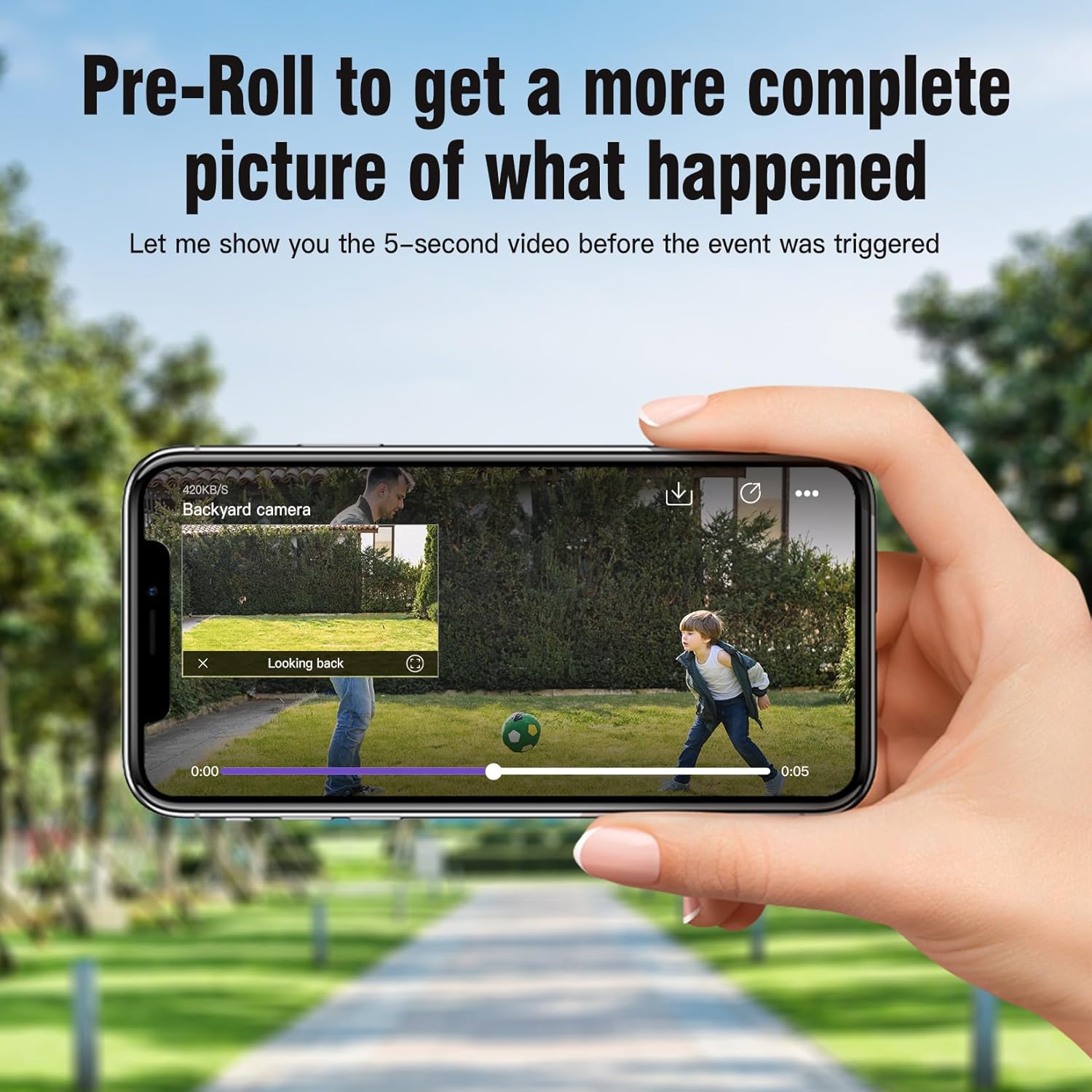
Image: A smartphone screen displaying a video playback with a timeline, indicating the 5-second pre-roll footag행사 전에.
6. 저장 옵션
카메라는 두 가지 저장 방법을 지원합니다.
- MicroSD 카드: Insert a microSD card (up to 512GB, not included) into the camera's slot for local storage of recordings.
- 클라우드 스토리지: A 30-day free trial of cloud storage is available, offering advanced features like AI recognition and upgraded memory. Subscription plans are available after the trial.
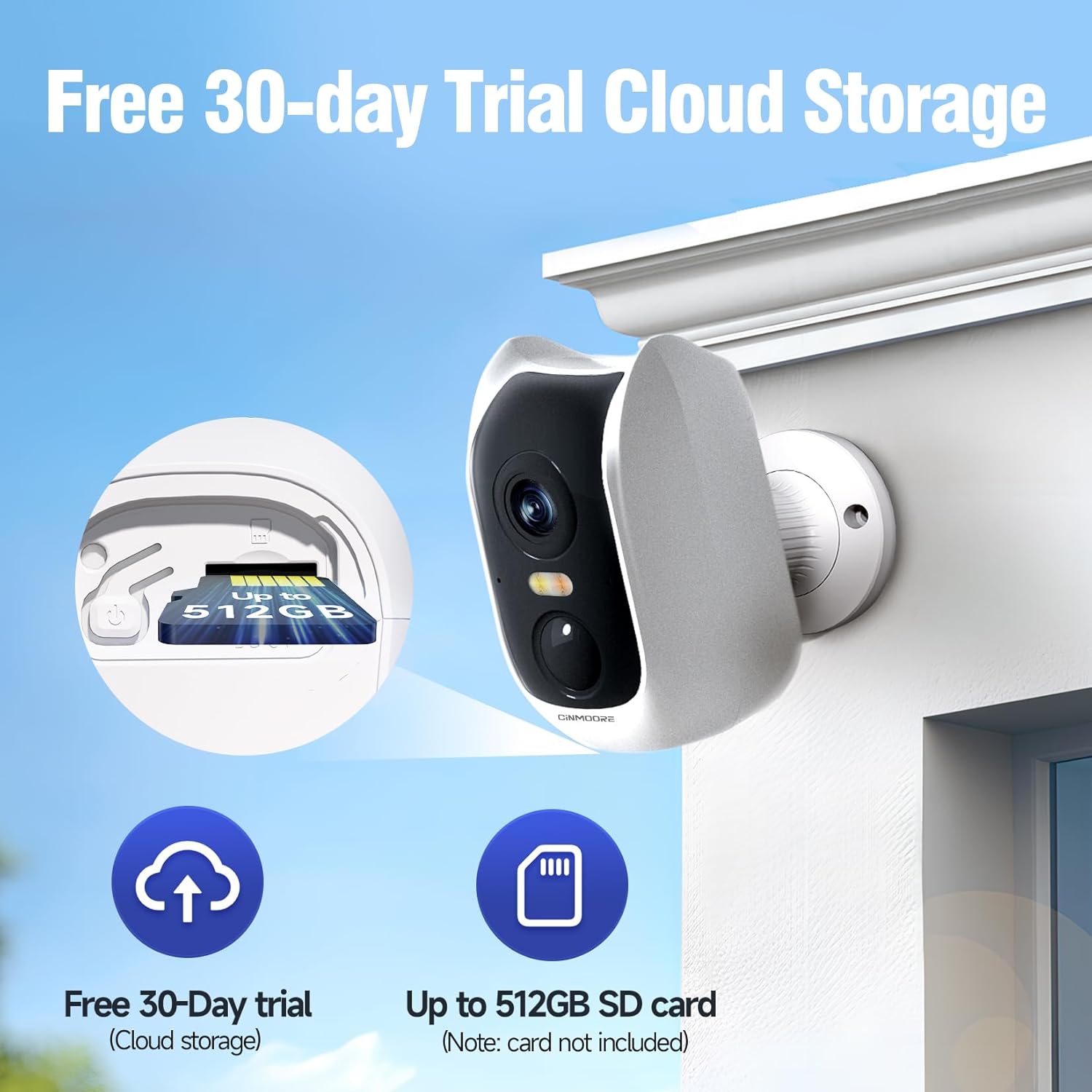
Image: The camera with an emphasis on its microSD card slot and icons representing cloud storage and SD card storage options.

Image: A collage showing various surveillance scenarios and the camera's secure local and cloud storage capabilities.
7. 접근 권한 공유
You can easily share access to your camera's live feed and recordings with family members through the CINMOORE app. Navigate to the 'Device Sharing' option in the settings to invite others.
유지
1. 배터리 충전
The camera is equipped with a 5200mAh rechargeable battery. Monitor the battery level in the app and recharge the camera when prompted. Battery life can vary based on usage, recording frequency, and environmental factors.
2. 청소
To maintain optimal image quality, periodically clean the camera lens with a soft, dry, lint-free cloth. For the camera body, use a slightly damp 옷감. 가혹한 화학 물질이나 연마재를 사용하지 마십시오.
3. 내후성
The camera has an IP66 weatherproof rating, meaning it is protected against dust and powerful water jets. While designed for outdoor use, avoid submerging the camera in water or exposing it to extreme weather conditions beyond its rating.
문제 해결
- 카메라가 Wi-Fi에 연결되지 않음:
Ensure your Wi-Fi network is 2.4GHz. Check that the camera is within range of your router. Restart both the camera and your router. Verify your Wi-Fi password is correct. - 이미지 품질이 좋지 않음:
Clean the camera lens. Ensure there are no obstructions in front of the lens. Check your Wi-Fi signal strength; a weak signal can affect video quality. - 짧은 배터리 수명:
잦은 동작 감지 이벤트, 지속적인 실시간 viewing, or extreme temperatures can reduce battery life. Adjust detection sensitivity, reduce live view time, or consider placing the camera in a less active area if possible. - 알림을 받지 못했습니다.
Check app notification settings on your phone and within the CINMOORE app. Ensure the camera is connected to Wi-Fi and has sufficient battery. - 양방향 오디오가 작동하지 않습니다.
앱에서 마이크와 스피커 설정을 확인하세요. 휴대폰 볼륨이 켜져 있는지 확인하세요.
명세서
| 특징 | 사양 |
|---|---|
| 모델명 | Smart Battery Camera (CM-BC3U) |
| 해결 | 2.5K 1440P (4MP) |
| 연결성 | 2.4GHz 와이파이 |
| 전원 | 배터리 구동식 (5200mAh 충전식 배터리) |
| 나이트 비전 | Full-Color Night Vision, IR Night Vision (33 Feet range) |
| 오디오 | Full Duplex 2-Way Audio |
| 발각 | AI Human Detection, Motion Detection |
| 저장 | Micro SD(최대 512GB), 클라우드 스토리지 |
| 내후성 | IP66 방수 |
| 장착 유형 | Wall Mount (Magnetic Base) |
| 치수(길이 x 너비 x 높이) | 1.8 x 2.4 x 3.8 인치 |
| 품목 무게 | 14 온스 |
| 재료 | 아크릴로니트릴 부타디엔 스티렌(ABS) |
보증 및 지원
For warranty information and technical support, please refer to the contact details provided with your product packaging or visit the official CINMOORE web대지. 보증 청구를 위해 구매 영수증을 보관하십시오.
Ask a question about this manual
Ask about setup, troubleshooting, compatibility, parts, safety, or missing instructions. Manuals+ will review the question and use this page’s manual context to help answer it.