1. 서론
구매해주셔서 감사합니다asing the Portable Mini Projector. This device is designed to provide a versatile and immersive viewing experience, supporting high-definition decoding and various connectivity options for both indoor and outdoor use. Please read this manual thoroughly before operating the projector to ensure proper use and to maximize its performance and lifespan.
2. 안전 정보
To prevent fire, electric shock, or damage to the projector, please observe the following safety precautions:
- 통풍구를 막지 마십시오. 프로젝터 주변에 적절한 공기 흐름이 유지되도록 하십시오.
- 프로젝터를 비나 습기에 노출시키지 마십시오. 물 근처에 두지 마십시오.
- 프로젝터와 함께 제공된 전원 어댑터만 사용하세요.
- 프로젝터 렌즈를 직접 쳐다보지 마십시오.amp 밝은 빛은 눈의 피로나 손상을 유발할 수 있으므로 켜져 있어야 합니다.
- 프로젝터를 분해하거나 개조하지 마십시오. 모든 서비스는 자격을 갖춘 전문가에게 맡기십시오.
- 프로젝터가 넘어지지 않도록 안정적이고 평평한 표면에 놓으십시오.
- 프로젝터를 직사광선, 열원 및 극한 온도로부터 멀리 두십시오.
3. 패키지 내용
상자를 푼 후 패키지 내용물을 확인하세요.
- 휴대용 미니 프로젝터
- 전원 어댑터
- 원격 제어 (배터리 포함되지 않음)
- HDMI 케이블
- 사용자 설명서
4. 제품 특징 및 구성품
Familiarize yourself with the projector's key features and components:
- 투사 렌즈: 화면이나 표면에 이미지를 투사합니다.
- 초점 링: 투사된 이미지의 선명도를 조절합니다.
- 입력 포트 : HDMI, USB, AV, Memory Card slot for various device connections.
- 내장 스피커: 오디오 출력을 제공합니다.
- 환기 그릴: 방열을 위해.
- 전원 버튼: 프로젝터를 켜거나 끕니다.
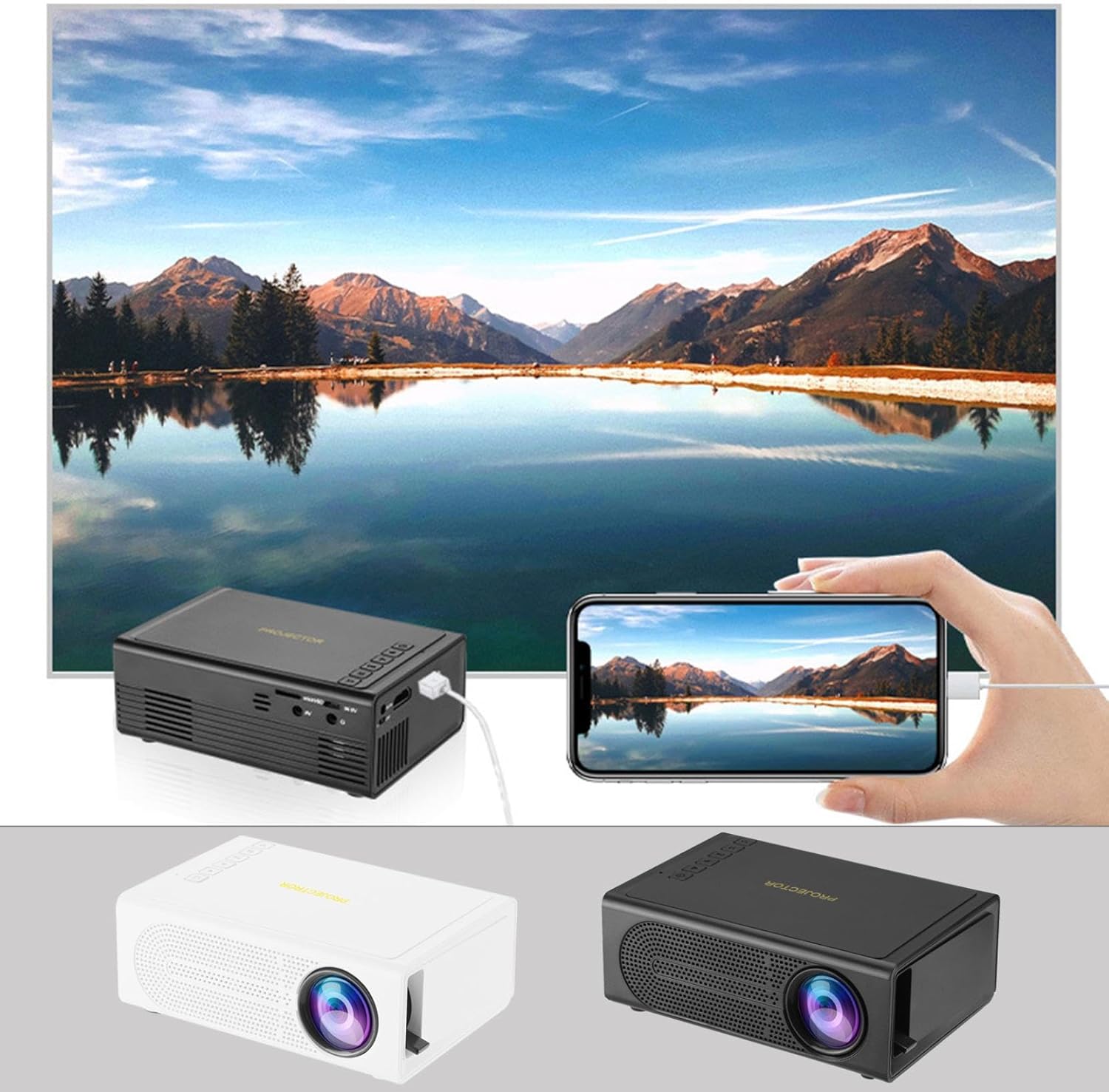
Image: The Portable Mini Projector in use, demonstrating its ability to mirror a smartphone screen onto a large display. Both black and white color options of the projector are shown.

Image: Physical dimensions of the projector, indicating its compact size.
5. 설정
- 전원 연결: Connect the supplied power adapter to the projector's power input port and then plug it into a power outlet.
- 놓기: 프로젝터를 안정적이고 평평한 표면에 놓으십시오. 최적의 성능을 위해서는 view프로젝터를 투사면(벽 또는 스크린)에 수직으로 놓으십시오.
- 전원 켜기: 프로젝터나 리모컨의 전원 버튼을 눌러 장치를 켜세요.
- 초점 조정: Once powered on, rotate the focus ring on the projector until the projected image appears clear and sharp.
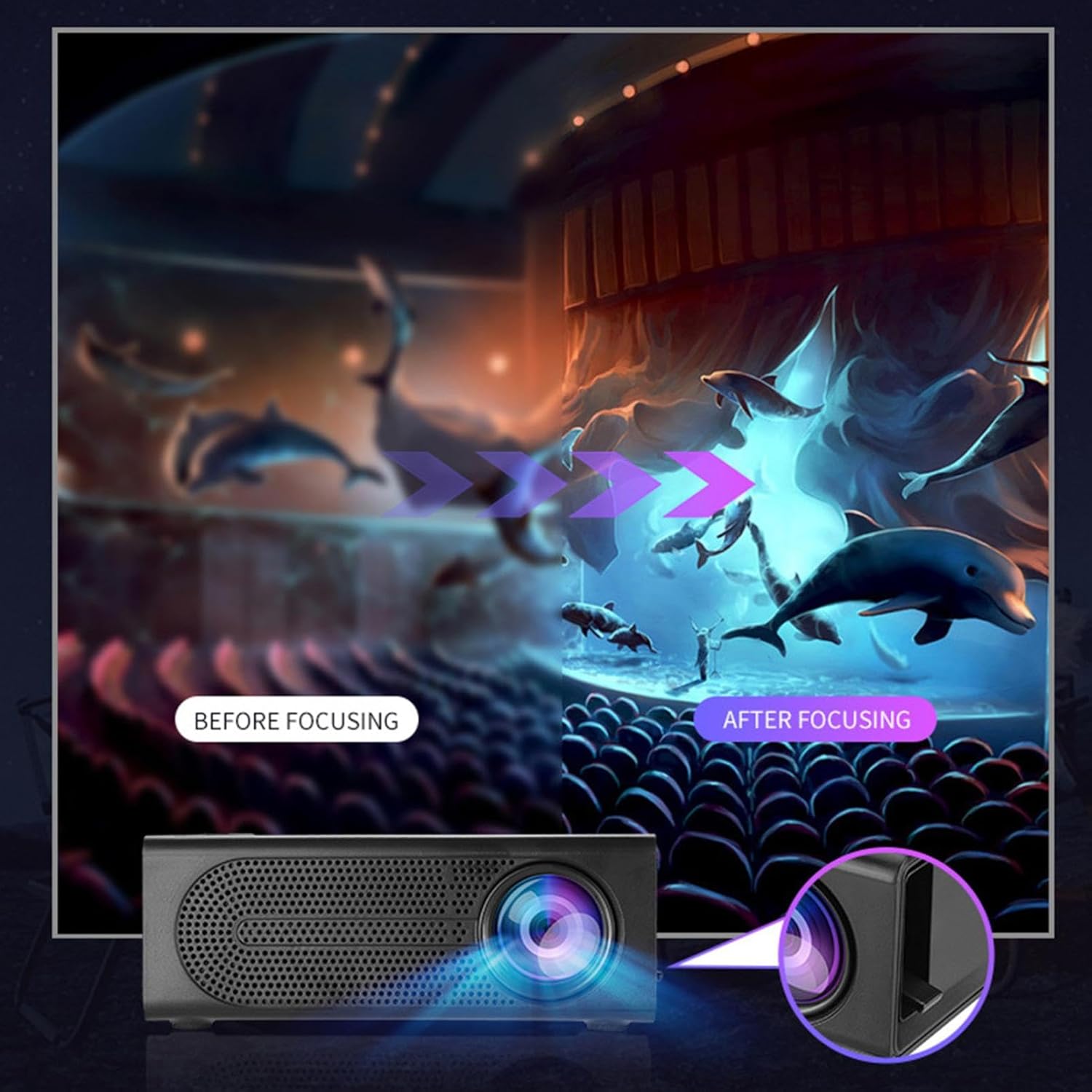
Image: Visual demonstration of focus adjustment, showing the difference between a blurry and a sharp image.
6. 사용 설명서
6.1 장치 연결
The projector supports various input sources. Select the appropriate input mode from the projector's menu after connecting your device.
- HDMI : Connect laptops, gaming consoles, DVD players, or other HDMI-enabled devices using an HDMI cable.
- USB: 미디어를 재생하려면 USB 플래시 드라이브를 삽입하세요. file직접적으로.
- 유명인 : Use an AV cable to connect older devices like VCRs or some set-top boxes.
- 메모리 카드: Insert a compatible memory card to view 사진 또는 비디오.
- 스마트폰/태블릿: For wired phone same screen playback, connect your smartphone or tablet via a compatible cable (e.g., USB to Lightning/USB-C for screen mirroring, if supported by your device and the projector).

Image: Connectivity diagram illustrating the wide range of devices compatible with the projector.
6.2 Adjusting Projection Size
The projector can project images ranging from 32 to 100 inches. The projection size is determined by the distance between the projector and the projection surface. Move the projector closer to the surface for a smaller image, and further away for a larger image.
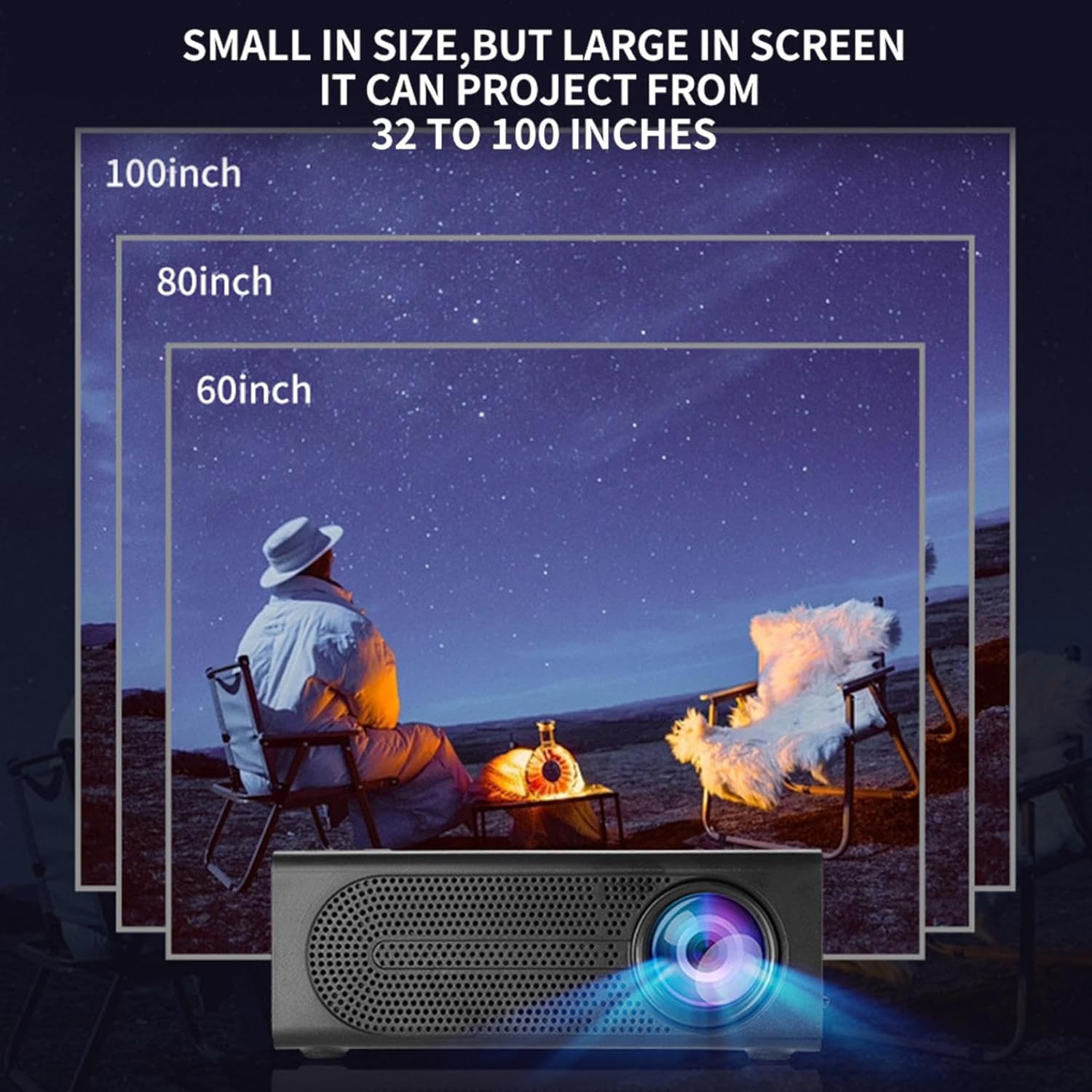
Image: Illustration of various projection sizes achievable with the projector, from 32 to 100 inches.
6.3 사용 시나리오
This projector is suitable for a variety of environments and uses:
- Parent-child interaction: Enjoy movies or educational content with family.
- Outdoor cinema: Set up a movie night in your backyard.
- Bedroom projection: Watch content comfortably from your bed.
- Living room cinema: Transform your living space into a home theater.

이미지: 전amples of diverse usage scenarios for the projector, from indoor home theater to outdoor entertainment.

Image: Depiction of family entertainment using the projector, alongside a technical diagram explaining the benefit of diffuse reflection for eye comfort compared to direct-ray light from a TV.
7. 유지관리
적절한 유지관리는 프로젝터의 수명과 최적의 성능을 보장합니다.
- 렌즈 세척: 광학 렌즈 전용으로 제작된 부드럽고 보풀 없는 천으로 프로젝터 렌즈를 살살 닦아주세요. 연마성 세척제나 과도한 힘을 사용하지 마십시오.
- 먼지 제거: Regularly clean the ventilation grilles with a soft brush or compressed air to prevent dust buildup, which can affect cooling and performance.
- 저장: 장기간 사용하지 않을 경우 프로젝터를 직사광선과 극한 온도를 피해 시원하고 건조한 곳에 보관하세요.
- 전원을 올바르게 끄십시오: 프로젝터를 사용할 때는 항상 전원 버튼을 사용하여 전원을 끄고, 플러그를 뽑거나 이동하기 전에 충분히 식히십시오.
8. 문제 해결
프로젝터에 문제가 발생하면 다음의 일반적인 문제와 해결 방법을 참조하세요.
| 문제 | 가능한 원인 | 해결책 |
|---|---|---|
| 이미지가 투영되지 않았습니다 | Power not connected; Input source not selected; Lens cap on. | Ensure power is connected and unit is on; Select correct input source; Remove lens cap. |
| 이미지가 흐릿함 | 초점이 조정되지 않았습니다. 프로젝터가 스크린에서 너무 가깝거나 멀리 떨어져 있습니다. | 초점 링을 조절하고, 투사 거리를 조절하십시오. |
| 소리가 나지 않습니다 | Volume too low; Audio cable not connected; Muted. | Increase volume; Check audio connections; Unmute projector/source device. |
| 리모컨이 작동하지 않습니다 | 배터리가 방전되었거나 잘못 삽입되었을 수 있습니다. 리모컨과 프로젝터 사이에 장애물이 있을 수 있습니다. | 배터리를 교체하십시오. 적외선 수신기와의 시야가 확보되었는지 확인하십시오. |
이러한 해결 방법을 시도한 후에도 문제가 지속되면 고객 지원팀에 문의하세요.
9. 사양
- 제품 유형: 휴대용 미니 프로젝터
- 상표: 일반적인
- 호환 장치: Laptop, Gaming Console, Tablet, Camera, Smartphone
- 이미지 명암비: 높은
- 투사 크기: 32 ~ 100 인치
- 비디오 디코딩 : H.264, H.265
- 연결성: HDMI, USB, AV, Memory Card
- 치수: Approximately 5in (L) x 3.2in (W) x 1.9in (H) / 12.7cm (L) x 8.15cm (W) x 4.85cm (H)
10. 보증 및 지원
This product comes with a standard manufacturer's warranty. Please refer to the warranty card included in your package for specific terms and conditions. For technical support, troubleshooting assistance, or warranty claims, please contact the retailer or manufacturer's customer service department.
고객 지원 연락처: Please refer to retailer or manufacturer web연락처 정보 사이트.