
1. 서론
This manual provides comprehensive instructions for the setup and operation of your Techkey Bluetooth Adapter 5.3 USB Mini EDR Dongle. This device enables Bluetooth connectivity for your desktop or laptop computer, allowing you to connect various Bluetooth-enabled peripherals.
The adapter features Bluetooth 5.3 + EDR technology, offering enhanced anti-interference capabilities, improved stability, and reduced transmission efficiency loss in the 2.4 GHz frequency band. It supports a transmission rate of up to 3Mbps and a range of up to 30 meters in open areas. Its ultra-small, compact design ensures it can be easily carried and used without obstructing adjacent USB ports.
시스템 호환성: This adapter is designed for Plug & Play functionality and supports Windows 11, Windows 10, and Windows 8.1 operating systems. It is backward compatible with Bluetooth 5.2/4.2/4.0/3.0/2.1. 참고 사항: This adapter does not support Mac, Linux, Unraid, TV, car stereo systems, PS4, or Xbox consoles.
2. 설정 및 설치
2.1. Disabling Built-in Bluetooth (If Applicable)
If your computer has a built-in Bluetooth module, it is recommended to disable it before installing the Techkey Bluetooth Adapter to prevent conflicts and ensure optimal performance. Follow these steps:
- Right-click on the "This PC" or "My Computer" icon on your desktop and select "Manage".
- In the "Computer Management" window, click on "Device Manager" in the left pane.
- Expand the "Bluetooth" category. You will see a list of Bluetooth devices.
- Locate your computer's built-in Bluetooth adapter (e.g., "Intel Wireless Bluetooth"). Right-click on it and select "Disable device". 중요한: 반드시 확인하세요 장애를 입히다 it, not uninstall it. A computer cannot use two Bluetooth adapters simultaneously.
- Confirm the action if prompted.
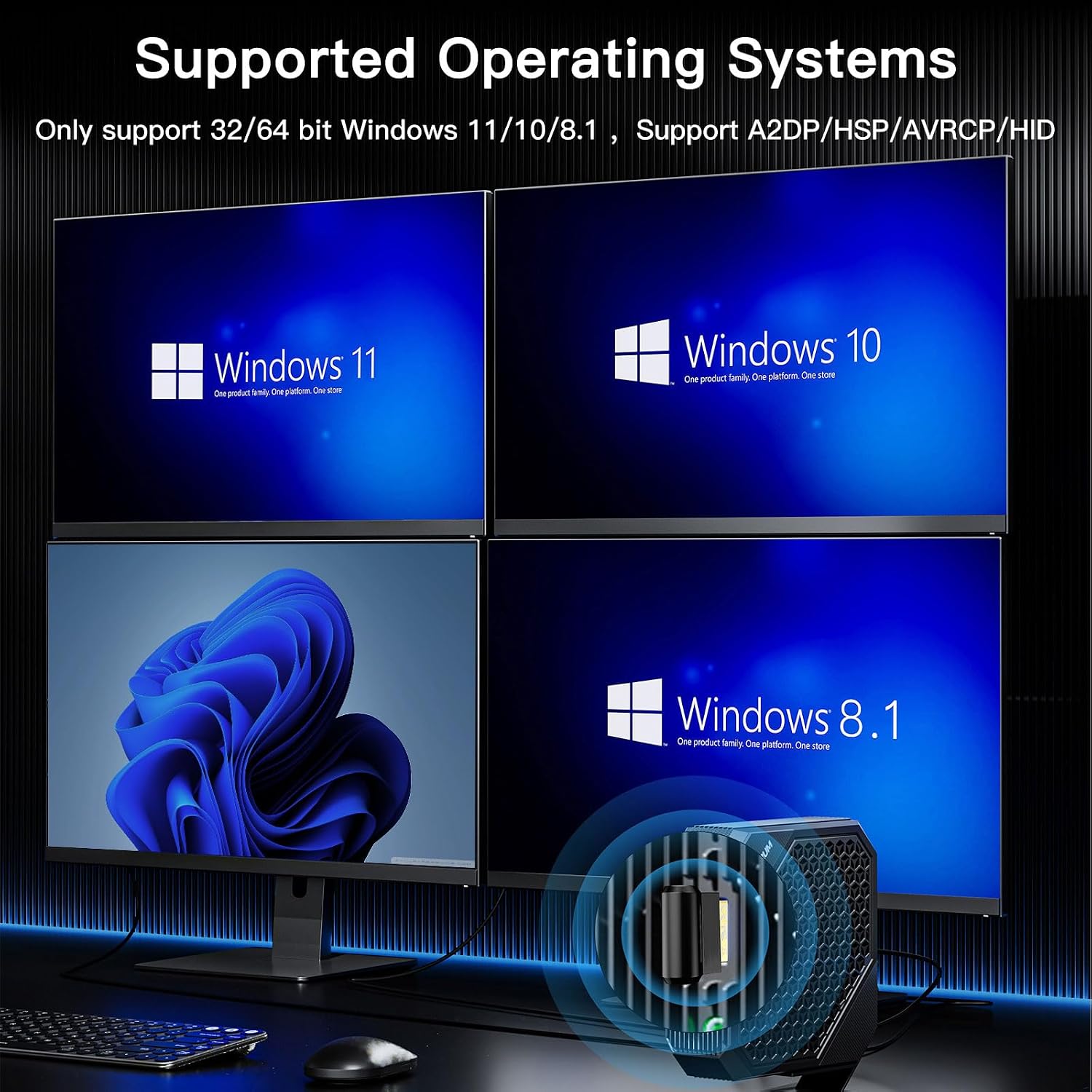
영상: Supported Operating Systems. This image illustrates the Windows operating systems compatible with the Bluetooth adapter: Windows 11, Windows 10, and Windows 8.1.
2.2. Plug & Play Installation
The Techkey Bluetooth Adapter is designed for easy installation:
- Insert the Techkey Bluetooth Adapter into an available USB port on your desktop or laptop computer.
- Allow 3 to 5 minutes for your system to automatically detect, download, and install the necessary drivers. A notification will typically appear once the device is ready.

영상: Plug & Play Installation. This image demonstrates the simple plug-and-play nature of the adapter, requiring no manual driver installation.

영상: Techkey Bluetooth 5.3 USB Adapter. A detailed view of the compact Bluetooth 5.3 USB dongle.
3. 사용 설명서
3.1. Pairing Your Devices
Once the driver is installed, the Bluetooth icon should appear in your system tray (bottom-right corner of your screen). If you cannot find it, refer to section 3.2.
- Right-click on the Bluetooth icon in the system tray.
- Select "Add a Bluetooth Device" from the context menu.
- In the "Add a device" window, choose "Bluetooth" (for mice, keyboards, pens, audio, and other Bluetooth devices).
- Ensure your Bluetooth device is in pairing mode and discoverable.
- 목록에서 연결하려는 기기를 선택하세요.
The adapter supports connecting multiple devices simultaneously, such as Bluetooth speakers, keyboards, headsets, and mice, allowing for wireless file transfer and audio streaming.

영상: Multi-Device Connectivity. This image illustrates the ability to connect up to 5 different Bluetooth devices simultaneously, including a mouse, headphones, keyboard, and game controller.

영상: Fast Data Transmission. This image highlights the adapter's capability for fast data transmission, enabling seamless music streaming, video playback, and file 장치 간 전송.
3.2. Locating the Bluetooth Icon
If you are having trouble finding the Bluetooth icon in the system tray, follow these steps:
- Click the "Start" icon in the lower-left corner of your screen.
- Click on "Settings".
- Select "Devices".
- In the left pane, click on "Bluetooth & other devices".
- On the right side, find and click "More Bluetooth options".
- In the "Bluetooth Settings" window, check the box next to "Show Bluetooth icon in the notification area". Click "OK" or "Apply".
4. 유지관리
To ensure the longevity and optimal performance of your Techkey Bluetooth Adapter, please observe the following:
- 어댑터를 깨끗하고 먼지가 없는 상태로 유지하세요. 청소 시에는 부드럽고 마른 천을 사용하세요.
- 어댑터를 극한의 온도, 습도 또는 직사광선에 노출시키지 마세요.
- 사용하지 않을 때는 어댑터를 안전한 곳에 보관하여 물리적 손상을 방지하세요.

영상: Mini Compact Design. This image highlights the small and unobtrusive design of the adapter, making it easy to use and transport.
5. 문제 해결
- 어댑터가 인식되지 않거나 작동하지 않습니다.
- Ensure your computer's built-in Bluetooth is disabled (refer to Section 2.1).
- 어댑터를 다른 USB 포트에 꽂아보세요.
- 어댑터를 연결한 후 컴퓨터를 다시 시작하십시오.
- Verify that your operating system is Windows 11, 10, or 8.1. Other operating systems are not supported.
- Check Windows Update to ensure your system has the latest updates, which may include necessary drivers.
- 기기를 페어링할 수 없습니다:
- Ensure your device is in pairing mode and discoverable.
- Make sure the Bluetooth function is enabled on your computer (refer to Section 3.2 for locating the icon).
- Move the device closer to the adapter to ensure it's within the 30-meter range.
- 컴퓨터의 블루투스 설정에서 이전에 페어링된 해당 기기 항목을 모두 제거한 후 다시 페어링을 시도하십시오.
- Intermittent Connection / Poor Audio Quality:
- 어댑터와 연결된 장치 사이의 거리를 줄이세요.
- 어댑터와 장치 사이에 물리적 장애물(벽, 큰 금속 물체)을 최소화하세요.
- Avoid interference from other 2.4 GHz wireless devices (Wi-Fi routers, cordless phones).
6. 사양
| 특징 | 세부 사항 |
|---|---|
| 모델 | Bluetooth Adapter 5.3 USB Mini EDR Dongle |
| 블루투스 버전 | 5.3 + EDR(향상된 데이터 전송 속도) |
| 이전 버전과의 호환성 | Bluetooth 5.2 / 4.2 / 4.0 / 3.0 / 2.1 |
| 하드웨어 인터페이스 | USB |
| 데이터 전송 속도 | 최대 3Mbps(초당 메가비트) |
| 전송 거리 | (개방된 공간에서) 최대 30미터 |
| 운영 체제 지원 | Windows 11 / 10 / 8.1 (32/64 bit) |
| 호환되지 않는 시스템 | Mac, Linux, Unraid, TV, car stereo, PS4, Xbox |
| 호환 장치 | Headphones, Keyboards, Laptops, Mice, Speakers, Game Controllers, Printers, Smartphones/Tablets |
| 제품 치수 | 1.18 x 0.59 x 0.2인치(3 x 1.5 x 0.5cm) |
| 품목 무게 | 1.13온스(0.03킬로그램) |
| 색상 | 검은색 |

영상: Upgraded Bluetooth 5.3 + BLE. This image represents the advanced Bluetooth 5.3 chip with Low Energy (BLE) for high-speed and stable signal transmission.
7. 보증 및 지원
For warranty information or technical support, please contact the manufacturer, Techkey, or your retailer. Please retain your proof of purchase for any warranty claims.