
1. 제품 오버view
The GEMMAC XLN-297SW is a versatile multifunction emergency radio designed for reliability in various situations, including outdoor activities and emergencies. It integrates AM/FM/SW radio reception, multiple charging options, a power bank function, an LED flashlight, and an SOS alarm.

이미지 1.1: 앞면 view of the GEMMAC XLN-297SW Emergency Radio.
2. 주요 특징
- AM/FM/SW 라디오: Access to a wide range of radio frequencies for news, weather, and entertainment.
- 다중 전원: Rechargeable via solar panel, hand crank dynamo, or USB-C cable.
- 2000mAh 파워뱅크: Built-in lithium-ion battery to charge smartphones and other USB devices.
- LED 손전등: Integrated flashlight with multiple modes for illumination.
- 조난 신호: 비상 신호를 보내면 큰 사이렌과 깜박이는 불빛이 작동합니다.
- 소형 및 휴대성: 운반 및 보관이 용이하도록 설계되었습니다.
3. 패키지 내용
다음 품목이 패키지에 포함되어 있는지 확인하세요.
- GEMMAC XLN-297SW Emergency Radio
- USB 충전 케이블
- Keychain Cord
- 사용 설명서 (본 문서)
4. 제품 다이어그램
Familiarize yourself with the components of your emergency radio:

Image 4.1: Detailed diagram showing the antenna, solar panel, flashlight, SOS button, frequency dial, speaker, volume control, channel knob, AM/FM/SW switch, Type-C input, headphone jack, USB output, battery compartment, and crank handle.
5. 초기 설정
- 배터리 설치/점검: The radio comes with a pre-installed 2000mAh lithium-ion battery. Ensure it is securely in place in the battery compartment.
- 초기 청구 : For optimal performance, fully charge the radio using the USB-C cable before first use. Connect the USB-C cable to the radio's Type-C input and the other end to a standard USB power adapter (not included) or computer USB port. The charging indicator will illuminate.
6. 사용 설명서
6.1. 라디오 기능
- 전원 켜기/끄기: 회전하다 권 (Volume) knob clockwise to turn on the radio and adjust the volume. Rotate counter-clockwise until it clicks to turn off.
- 밴드 선택: 사용하세요 오전/FM/남서 switch to select the desired radio band (AM, FM, or SW).
- 튜닝 스테이션: 회전하다 곡조 knob to scan for radio stations. Extend the telescopic antenna for better FM/SW reception. For AM, the internal antenna is generally sufficient.
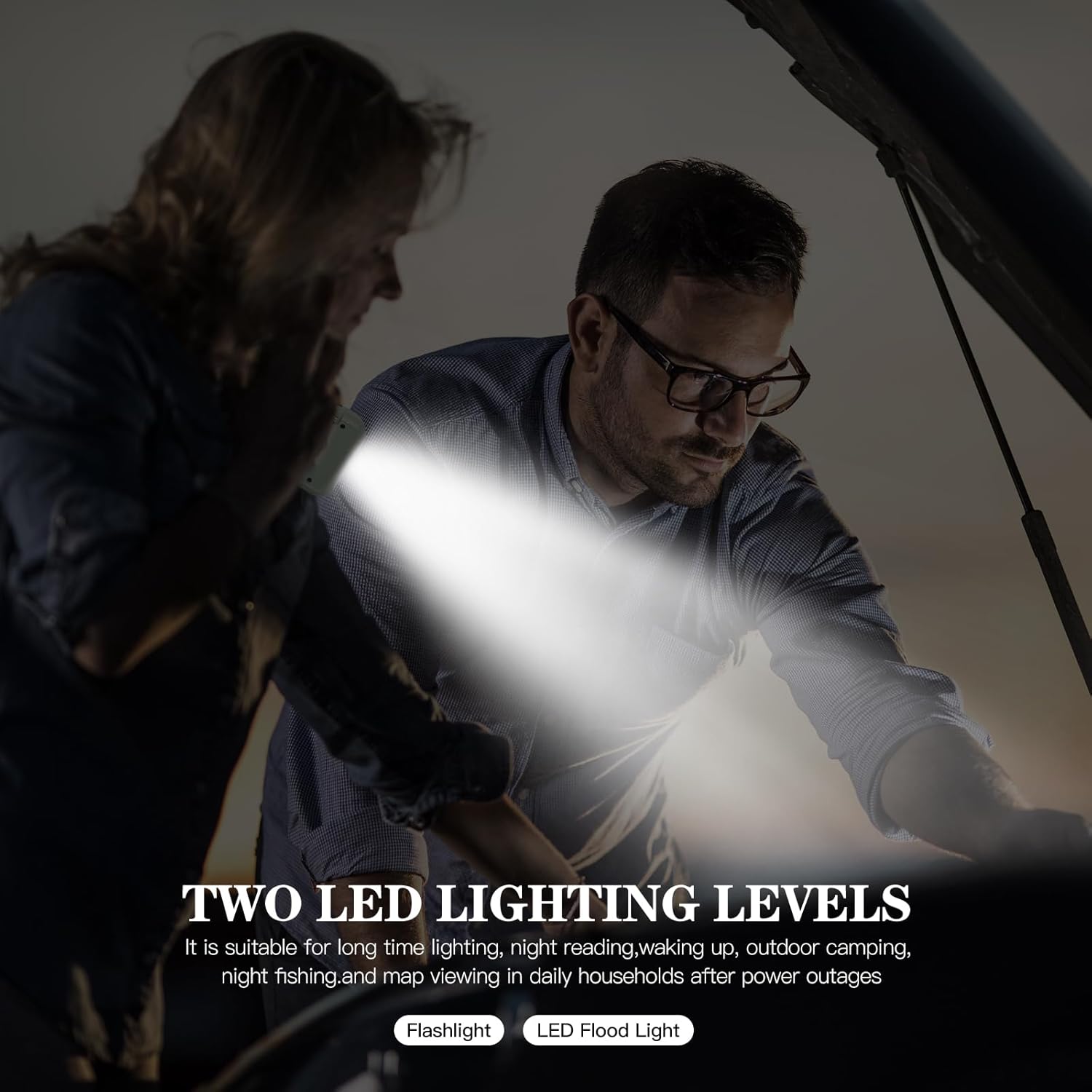
Image 6.1: The radio with its telescopic antenna extended for improved signal reception.
6.2. 라디오 충전
The radio offers three methods for charging its internal 2000mAh battery:
- USB 충전: Connect the provided USB-C cable to the radio's Type-C input and a USB power source. This is the fastest charging method.
- 핸드크랭크 충전: Rotate the hand crank handle (located on the back) clockwise or counter-clockwise at a steady pace of 120-180 cycles per minute. This method is ideal for emergencies when other power sources are unavailable.
- 태양열 충전: Place the radio with the solar panel (on top) facing direct sunlight. The solar charging indicator will light up. This method is suitable for maintaining battery charge or slow charging in outdoor environments.

Image 6.2: Illustration of the three charging methods: hand crank, solar panel, and USB port.
6.3. 파워뱅크 기능
The radio can act as a power bank to charge external USB devices:
- Connect your smartphone or other USB device to the radio's USB 출력 port using your device's charging cable.
- 라디오의 내장된 2000mAh 배터리가 기기를 충전하기 시작합니다.
Note: The power bank function will drain the radio's internal battery. Use judiciously in emergency situations.

Image 6.3: The emergency radio being used to charge a smartphone, demonstrating its power bank capability.
6.4. LED 손전등 작동
The integrated LED flashlight provides illumination:
- 를 누르세요 Flashlight/SOS Button once to turn on the flashlight in high brightness mode.
- Press again to switch to eco mode (lower brightness).
- Press a third time to activate the strobe mode (flashing light).
- 네 번째로 누르면 손전등이 꺼집니다.

Image 6.4: The emergency radio with its powerful LED flashlight activated.
6.5. SOS 알람
In an emergency, activate the SOS alarm to signal for help:
- 길게 누르세요 Flashlight/SOS Button 약 3초 동안.
- The radio will emit a loud siren sound and the flashlight will flash in a distress pattern.
- To deactivate the SOS alarm, long press the Flashlight/SOS Button 다시.

Image 6.5: The emergency radio with its SOS alarm function active, indicating a distress signal.
7. 유지관리
- 청소: 부드럽고 마른 천으로 라디오를 닦으세요. 연마성 세제나 용제를 사용하지 마세요.
- 저장: 라디오는 직사광선과 극한의 온도를 피해 서늘하고 건조한 곳에 보관하세요.
- 배터리 관리 : To prolong battery life, fully charge the radio at least once every three months, even if not in use.
- 방수 기능: The radio is designed for outdoor use but is not fully waterproof. Avoid submerging it in water.
8. 문제 해결
| 문제 | 가능한 원인 | 해결책 |
|---|---|---|
| 라디오가 켜지지 않습니다. | 배터리가 소진되었습니다. | Charge the radio using USB, hand crank, or solar power. |
| 라디오 수신 상태가 좋지 않습니다. | 안테나가 펼쳐지지 않았거나 신호가 약합니다. | 텔레스코픽 안테나를 완전히 펼치세요. 라디오 위치를 다시 조정해 보세요. |
| 외부 기기를 충전할 수 없습니다. | Radio battery is low or cable is faulty. | Ensure the radio is sufficiently charged. Try a different USB cable. |
| 손전등이 작동하지 않습니다. | 배터리가 소진되었습니다. | 라디오를 충전하세요. |
9. 사양
- 모델: XLN-297SW
- 상표: Gemmac
- 라디오 밴드: AM, FM, SW
- 배터리: 2000mAh Lithium-ion (replaceable)
- 충전 방법: USB-C, Solar Panel, Hand Crank Dynamo
- 전력 출력(보조 배터리): USB
- 특별 기능: LED Flashlight (3 modes), SOS Alarm, Integrated AM Antenna, Portable
- 치수: 13.3L x 4.3W x 7.4Hcm
- 연결성: USB
- 포함된 구성 요소: Keychain cord, USB cable, User manual
10. 보증 및 지원
10.1. 보증 정보
This product is covered by a return or refund policy within 30 days of purchase. Please retain your proof of purchase for any warranty claims.
10.2. 고객 지원
For any questions, issues, or support needs regarding your GEMMAC XLN-297SW Emergency Radio, please contact your retailer or the manufacturer's customer service. Refer to the product packaging or retailer's web연락처 정보 사이트.