
LEXiBOOK RL800SO
LEXiBOOK RL800SO Soccer Ball Night Light Alarm Clock Instruction Manual
Model: RL800SO | Brand: LEXiBOOK
소개
This manual provides detailed instructions for the setup, operation, and maintenance of your LEXiBOOK RL800SO Soccer Ball Night Light Alarm Clock. This device combines an alarm clock with a night light feature, offering various sounds and melodies for a personalized experience.
안전 정보
- 장치를 물과 습기로부터 멀리하십시오.
- 극한의 온도나 직사광선에 노출시키지 마십시오.
- Use only the specified battery type (3 x AA/LR6, not included).
- 배터리는 어린이의 손이 닿지 않는 곳에 보관하십시오.
- 기기를 직접 분해하거나 수리하지 마십시오. 문제가 발생하면 고객 지원팀에 문의하십시오.
패키지 내용
- 1 x LEXiBOOK RL800SO Soccer Ball Night Light Alarm Clock
- 1 x 사용 설명서
Note: 3 x AA/LR6 batteries are required and not included.
설정
1. 배터리 설치
- 알람시계 아랫면에 있는 배터리함을 찾으세요.
- 배터리 덮개를 엽니다.
- Insert 3 new AA/LR6 batteries, ensuring correct polarity (+/-).
- 배터리 덮개를 단단히 닫으세요.

Image: Underside of the LEXiBOOK RL800SO alarm clock, highlighting the battery compartment.
2. 초기 시간 설정
- Press and hold the "Time Set" button (often indicated by a clock icon) located on the back or side of the unit.
- While holding the "Time Set" button, use the '+' and '-' buttons (usually on the front or top) to adjust the hour.
- Release and press the "Time Set" button again to switch to minute adjustment. Use '+' and '-' buttons to set the minutes.
- Press the "Time Set" button one last time to confirm and exit time setting mode.
작동 지침
1. 알람 설정
- Press and hold the "Alarm Set" button (often indicated by a bell icon) located on the back or side of the unit.
- While holding the "Alarm Set" button, use the '+' and '-' buttons to adjust the alarm hour.
- Release and press the "Alarm Set" button again to switch to minute adjustment. Use '+' and '-' buttons to set the alarm minutes.
- Press the "Alarm Set" button one last time to confirm and exit alarm setting mode. The alarm icon will appear on the LCD screen, indicating the alarm is active.
2. 스누즈 기능
When the alarm sounds, press down on the top of the soccer ball or the designated snooze button (if available) to activate the snooze function. The alarm will temporarily stop and sound again after a few minutes (typically 5-10 minutes).

Image: A child sleeping peacefully with the LEXiBOOK RL800SO Soccer Ball Night Light Alarm Clock illuminating the room.
3. 야간 조명 작동
To activate the night light, press down on the soccer ball. The ball will illuminate, creating a soft glow. Press again to turn it off. The night light can be used independently of the alarm function.
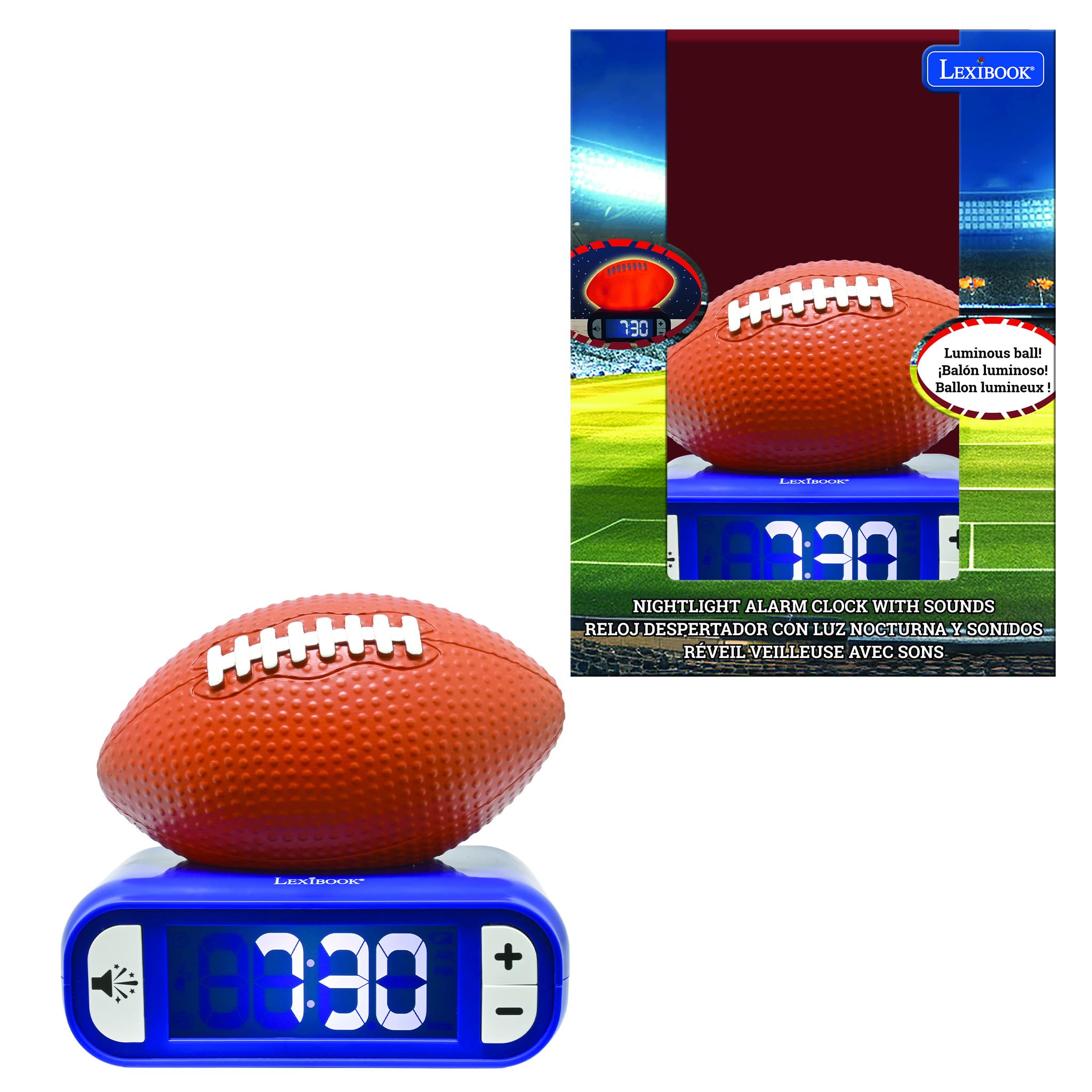
Image: The LEXiBOOK RL800SO Soccer Ball Night Light Alarm Clock with the soccer ball illuminated, showing its night light feature.
4. Sound and Melody Selection
Your alarm clock offers 6 different ringtones/melodies. To cycle through them, press the "Sound" button (often indicated by a speaker icon). Stop on your preferred melody. The volume can also be adjusted using dedicated volume buttons or by repeatedly pressing the sound button after selecting a melody.

Image: Icon representing volume control.
5. LCD Screen Backlight
The LCD screen features a backlight. You can choose to keep the LCD screen on or off during the night for peaceful sleep without glare. Refer to the specific buttons on your device for backlight control (often integrated with the light/snooze button or a dedicated button).
유지
- 청소: 부드럽고 마른 천으로 기기를 닦으세요. 연마성 세제나 용제를 사용하지 마세요.
- 배터리 교체: LCD 화면에 배터리 부족 표시등이 나타나면 배터리를 교체하여 지속적인 작동을 보장하십시오.
- 저장: 장기간 보관할 경우 누액을 방지하기 위해 배터리를 제거하십시오.
문제 해결
| 문제 | 해결책 |
|---|---|
| 알람이 울리지 않습니다. | Check if the alarm is activated (alarm icon on display). Ensure batteries are not low and are inserted correctly. |
| 디스플레이가 어둡거나 아무것도 표시되지 않습니다. | Replace batteries. Check LCD backlight settings. |
| 야간 조명이 작동하지 않습니다. | Ensure batteries are not low. Press the soccer ball firmly. |
명세서
- 상표: 영어책
- 모델 번호: RL800SO
- 디스플레이 유형: 디지털
- 전원: Battery Powered (3 x AA/LR6, not included)
- 특징: Battery Indicator, Night Light, Alarm, Snooze, Sounds & Melodies
- 제품 크기: 폭 3.54인치 x 높이 7.17인치
- 재료: 플라스틱
- 색상: Orange/Blue (Soccer Ball style)
제품 비디오
The following videos, created by various content creators, demonstrate the features and functionality of LEXiBOOK alarm clocks, including models similar to the Soccer Ball Night Light Alarm Clock. While not all videos feature the exact RL800SO model, they provide useful insights into the product's operation.
LEXiBOOK Alarm Clock Features Overview (Stitch Model)
Video Description: This video provides a detailed review of a LEXiBOOK night light alarm clock, demonstrating how to set the time, alarm, and adjust sounds. It also shows the night light feature in both bright and dark environments. The model shown is a Disney Stitch version, but the operational steps are similar for the Soccer Ball model.
Soccer Ball Alarm Clock Demonstration (Preview)
Video Description: A brief demonstration of a Soccer Ball night light alarm clock, highlighting its night light function and various soccer-themed alarm sounds. This video is a preview, offering a quick look at the product's main features.
Basketball Alarm Clock Features
Video Description: This video showcases a basketball-themed LEXiBOOK alarm clock, demonstrating its light-up feature and ease of use for children. The functionality is similar to the Soccer Ball model.
Baseball Alarm Clock Overview
영상 설명: 다시view of a baseball-themed LEXiBOOK alarm clock, highlighting its battery operation, simple button layout, and themed alarm sounds. This provides a good overview of the user-friendly design across different sports models.
보증 및 지원
제공된 제품 데이터에는 제품 보증 및 고객 지원 관련 정보가 포함되어 있지 않습니다. 제품 포장 또는 제조업체 공식 웹사이트를 참조하십시오. web자세한 내용은 사이트.
Ask a question about this manual
Ask about setup, troubleshooting, compatibility, parts, safety, or missing instructions. Manuals+ will review the question and use this page’s manual context to help answer it.