
1. 서론
This manual provides detailed instructions for the installation, setup, operation, and maintenance of your LIFEMOI Outdoor Dual-Band WiFi Extender with Solar Panel. This device is designed to extend your existing WiFi network coverage to outdoor areas, utilizing solar power for continuous operation.
2. 안전 정보
- 설치 및 사용 전에 모든 지침을 주의 깊게 읽으십시오.
- Ensure the device is installed in a location with adequate sunlight for optimal solar charging.
- 장치를 열거나 개조하지 마십시오. 모든 정비는 자격을 갖춘 기술자에게 맡기십시오.
- Keep the device away from extreme heat sources or open flames.
- 설치 시에는 제공되거나 권장되는 부속품만 사용하십시오.
3. 패키지 내용
패키지에 모든 품목이 들어 있는지 확인하세요.
- 1x WiFi Extender (with integrated solar panel)
- 1x 사용자 설명서
- 1x 마운팅 브래킷
- 설치용 나사 및 벽 플러그
4. 제품 오버view
The LIFEMOI Outdoor Dual-Band WiFi Extender is equipped with a 15W/5V solar panel, a 20000mAh built-in battery, and two external high-gain antennas. It supports 2.4GHz WiFi at 300Mbps and features an IP65 waterproof and dustproof enclosure with a built-in lightning arrester.
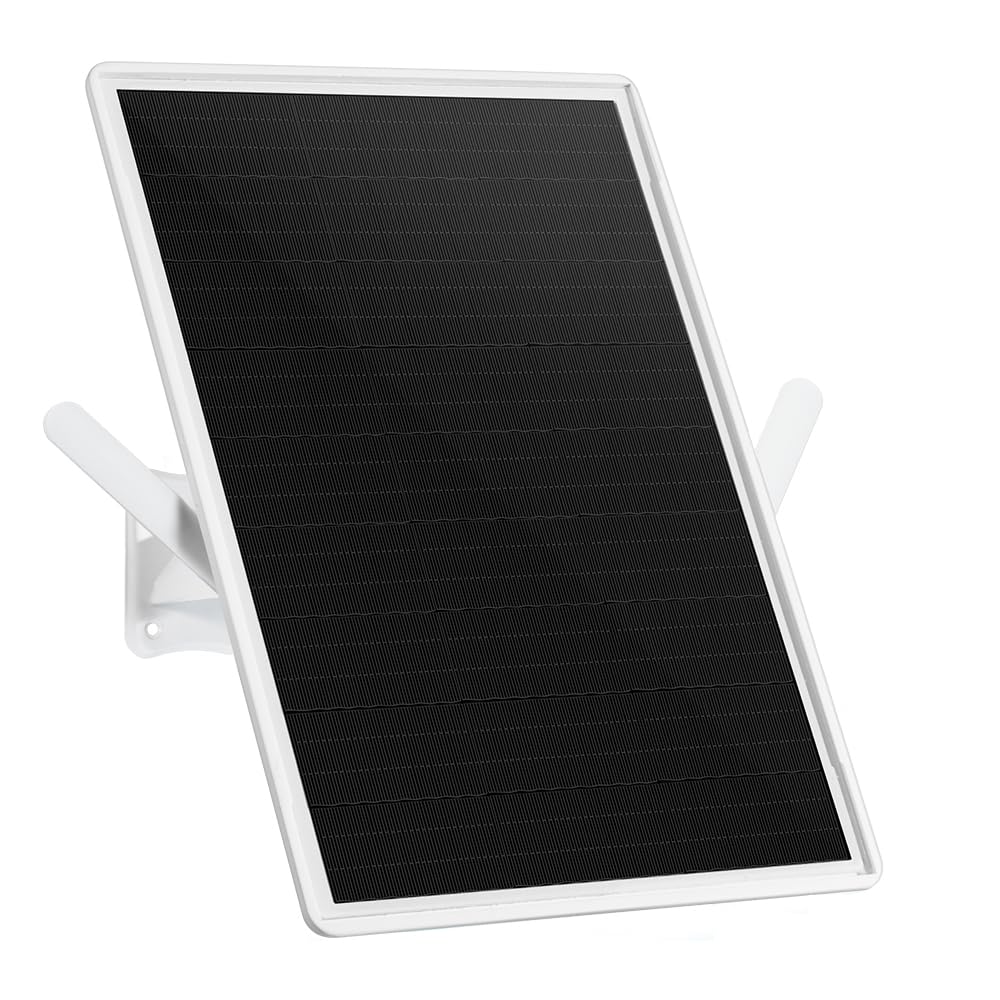
Figure 4.1: The LIFEMOI Outdoor Dual-Band WiFi Extender, featuring a solar panel for continuous power and two external high-gain antennas for extended coverage.

그림 4.2: 후면 view of the WiFi extender, highlighting mounting points and antenna connections.
5. 설치
Proper installation is crucial for optimal performance and durability.
5.1 설치 위치
- Choose a location that receives direct sunlight for most of the day to ensure continuous solar charging.
- Mount the device horizontally or at a 45-degree angle for best WiFi coverage.
- Ensure the location is within range of your existing router's WiFi signal for initial pairing.
5.2 장착 단계
- Attach the mounting bracket to the back of the solar panel unit.
- Position the device at the desired outdoor location (e.g., wall, pole, tree).
- 장착 브래킷의 드릴링 지점을 표시하세요.
- Drill holes and insert wall plugs if mounting on a wall.
- 제공된 나사를 사용하여 장착 브래킷을 표면에 고정합니다.
- 태양광 패널의 각도를 조정하여 햇빛을 최대한 많이 받을 수 있도록 하십시오.
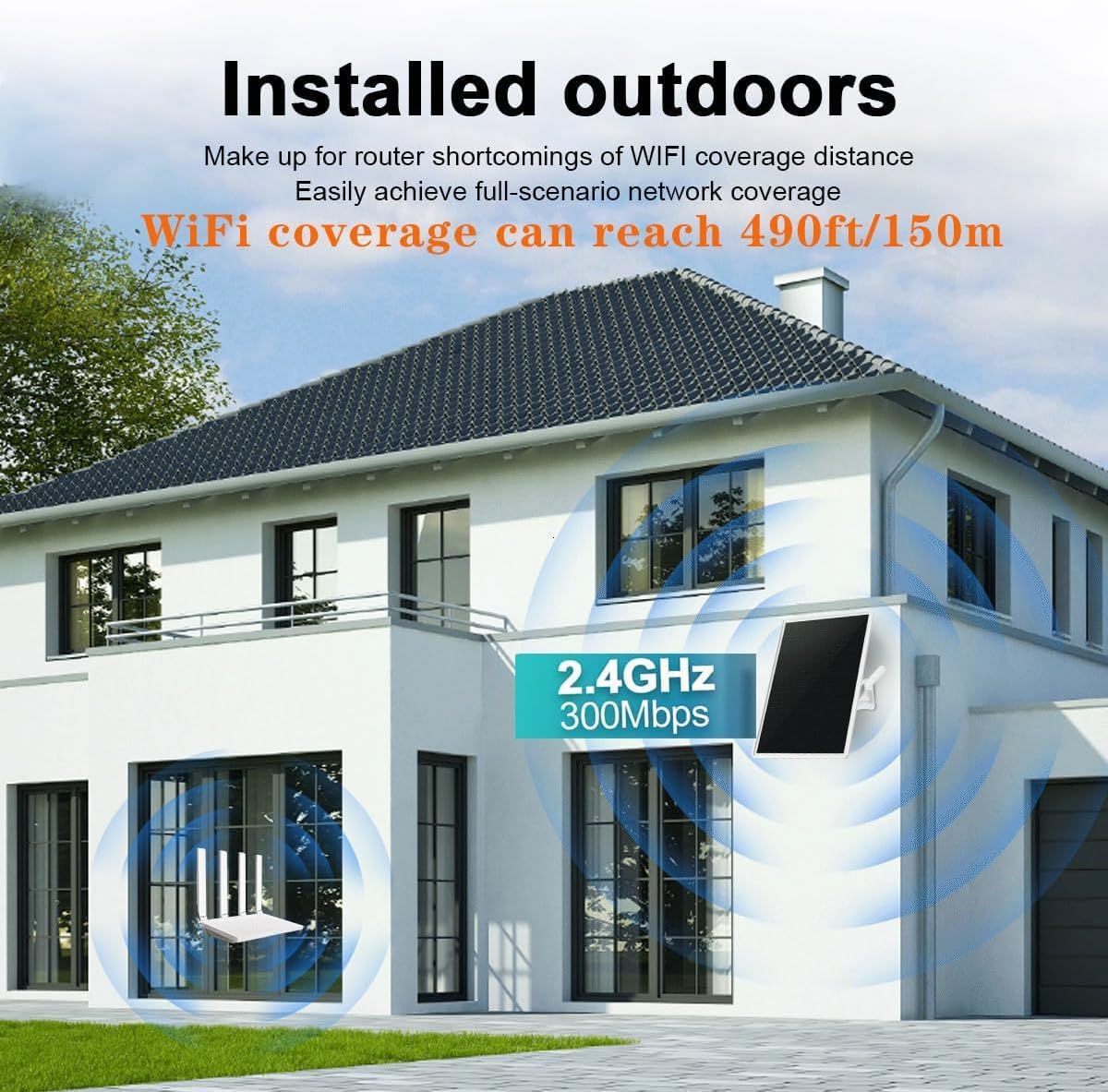
그림 5.1: 예ample installation of the WiFi extender on an exterior wall of a building, demonstrating its outdoor placement.
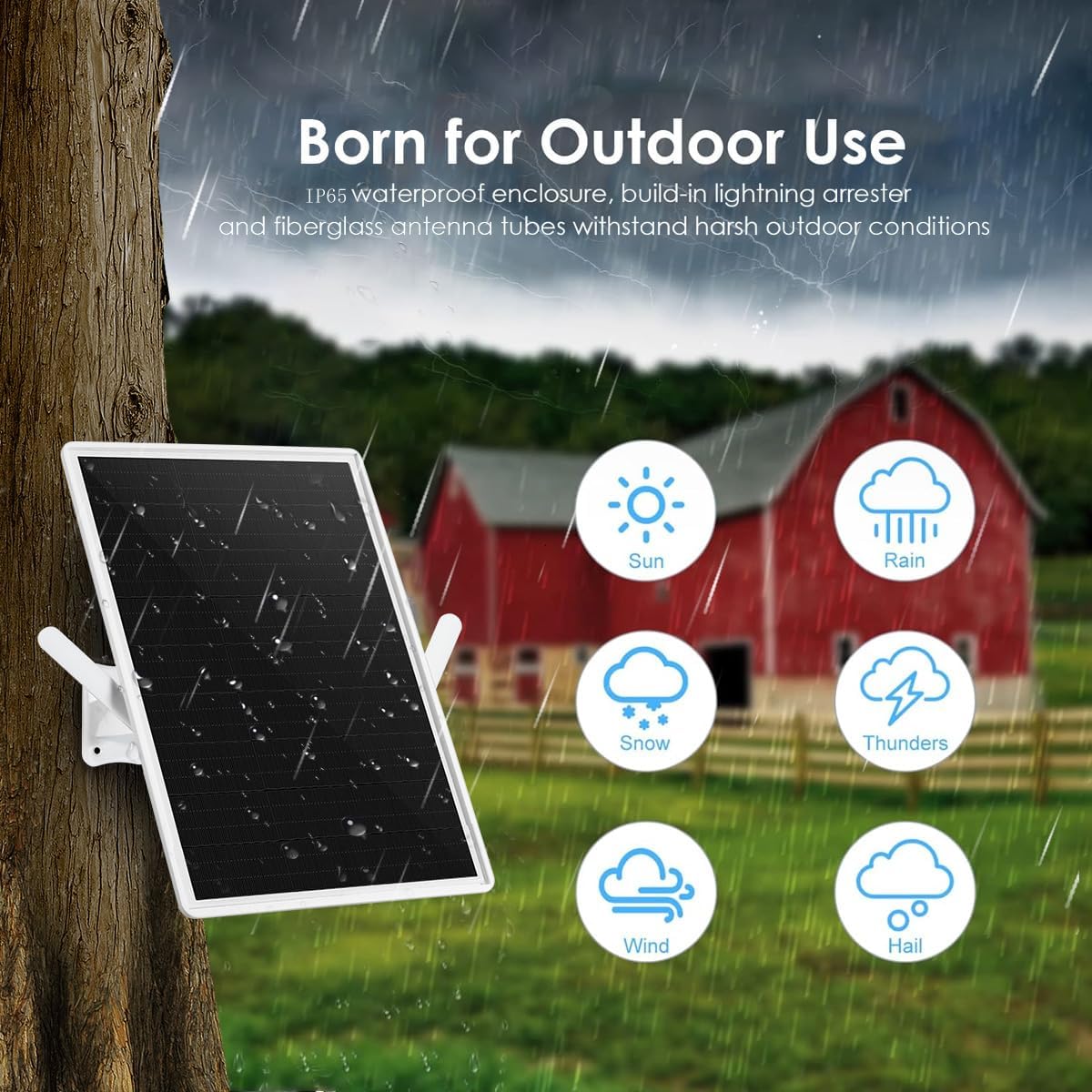
Figure 5.2: The WiFi extender mounted on a tree, showcasing its IP65 dustproof and waterproof design, suitable for various outdoor conditions including sun, rain, snow, and wind.
6. 설정
Follow these steps to configure your WiFi extender.
6.1 초기 전원 켜기
- Before initial setup, ensure the device is fully charged. It is recommended to charge it overnight via solar power or using the Type-C port.
- Once powered, the device will broadcast its own WiFi network (SSID).
6.2 네트워크 구성
- Connect your computer or smartphone to the extender's WiFi network (SSID usually found on the device label or in the manual).
- 열기 web browser and enter the default IP address (e.g., 192.168.1.1) or domain name (e.g., repeater.net) provided in the manual.
- Log in using the default username and password (also found in the manual).
- Follow the on-screen wizard to select your existing WiFi network (router's SSID).
- Enter the password for your existing WiFi network.
- Configure the extender's new SSID and password, or choose to clone your router's settings.
- Save the settings and restart the extender if prompted.
- Once restarted, the extender will broadcast the extended WiFi network.

Figure 6.1: A step-by-step diagram illustrating the process of connecting and configuring the WiFi extender to an existing network.
7. 운영
After successful setup, the extender will operate automatically.
7.1 LED 표시등
The device features an LED indicator to show its status:
- 녹색: Device is operating normally, and the internal battery is sufficiently charged.
- 주황색: Device is operating, but the internal battery charge is at a medium level.
- 빨간색: Device is operating, but the internal battery is low.
- 빨간색으로 깜박임: Internal battery is critically low and requires immediate recharging. Connect to a Type-C power source if solar charging is insufficient.
7.2 최적의 성능
For maximum WiFi coverage (up to 150 meters in clear, unobstructed conditions), ensure the extender is positioned optimally and has a strong signal from the main router.

Figure 7.1: Illustrates various outdoor scenarios where the extended WiFi coverage can be beneficial, such as by a pool, in a yard, park, or farm.
8. 유지관리
Regular maintenance helps ensure the longevity and performance of your device.
- 청소: 태양광 패널 표면은 주기적으로 부드러운 천으로 닦아주세요.amp 충전 효율을 방해할 수 있는 먼지, 흙 또는 이물질을 제거하기 위한 천입니다.
- 울로 둘러싼 땅: Inspect the device enclosure for any signs of damage or wear, especially after severe weather conditions.
- 안테나 : Ensure antennas are securely attached and free from obstruction. The antennas are detachable and can be replaced with more powerful ones if needed (SMA connector).
- 배터리: The integrated 20000mAh lithium battery is continuously recharged by the solar panel. If prolonged periods of low sunlight occur, you can manually charge the device via its Type-C interface.
9. 문제 해결
If you encounter issues with your WiFi extender, refer to the following common problems and solutions.
| 문제 | 가능한 원인 | 해결책 |
|---|---|---|
| 전원 없음/LED 꺼짐 | Low battery, insufficient solar charging. | Ensure solar panel is clean and exposed to direct sunlight. Charge via Type-C port. |
| Weak or no extended WiFi signal | Extender too far from router, obstructions, incorrect placement. | Relocate extender closer to the router. Ensure optimal placement (horizontal or 45° angle). Check for physical obstructions. |
| Cannot connect to extender's WiFi | Incorrect WiFi password, extender not configured. | Verify the WiFi password. Re-run the setup wizard via the web 인터페이스. |
| 인터넷 속도가 느림 | Signal degradation, network congestion. | Ensure a strong signal between the router and extender. Minimize interference from other devices. |
10. 사양
Technical details of the LIFEMOI Outdoor Dual-Band WiFi Extender:
- 상표: LIFEMOI
- 모델 번호: 中継器-150M
- 무선 통신 표준: 802.11b/n/ac
- 데이터 전송 속도: 300Mbps
- 주파수 대역 등급: 단일 대역(2.4GHz)
- 지원되는 주파수 대역: 2.4GHz
- 특별 기능: 20000mAh Battery, 15W Solar Panel, IP65 Waterproof
- 적용 범위: 개방된 공간에서 최대 150미터(490피트)
- 호환 장치: 와이파이 라우터
- 제품 크기(깊이 x 너비 x 높이): 1.2 x 25 x 33cm
- 작동 온도: -30°C ~ +60°C (-22°F ~ +158°F)
- 전원: Solar Panel (15W/5V), Built-in 20000mAh Lithium Battery, Type-C input
- 색상: 하얀색
- 원산지: 중국
11. 보증 및 지원
Your LIFEMOI Outdoor Dual-Band WiFi Extender comes with a 1-year manufacturer's warranty.
For technical support or warranty claims, please contact your retailer or visit the official LIFEMOI web추가 지원은 사이트를 참조하세요.