
INFINMIND L980
INFINMIND Wireless Bluetooth Multi-Device Mouse User Manual
모델 : L980
Brand: INFINMIND
소개
This manual provides detailed instructions for the setup, operation, and maintenance of your INFINMIND Wireless Bluetooth Multi-Device Mouse. Please read this manual thoroughly before using the product to ensure optimal performance and longevity.
패키지 내용
- INFINMIND Wireless Bluetooth Multi-Device Mouse (Black)
- 2.4G USB 수신기
- AA 건전지 (2개 포함)
- 사용 설명서 (본 문서)
제품 끝view
The INFINMIND Wireless Bluetooth Multi-Device Mouse is designed for versatile use across multiple devices, offering seamless switching and ergonomic comfort. Key features include 4-way scrolling, adjustable DPI, and silent clicks.
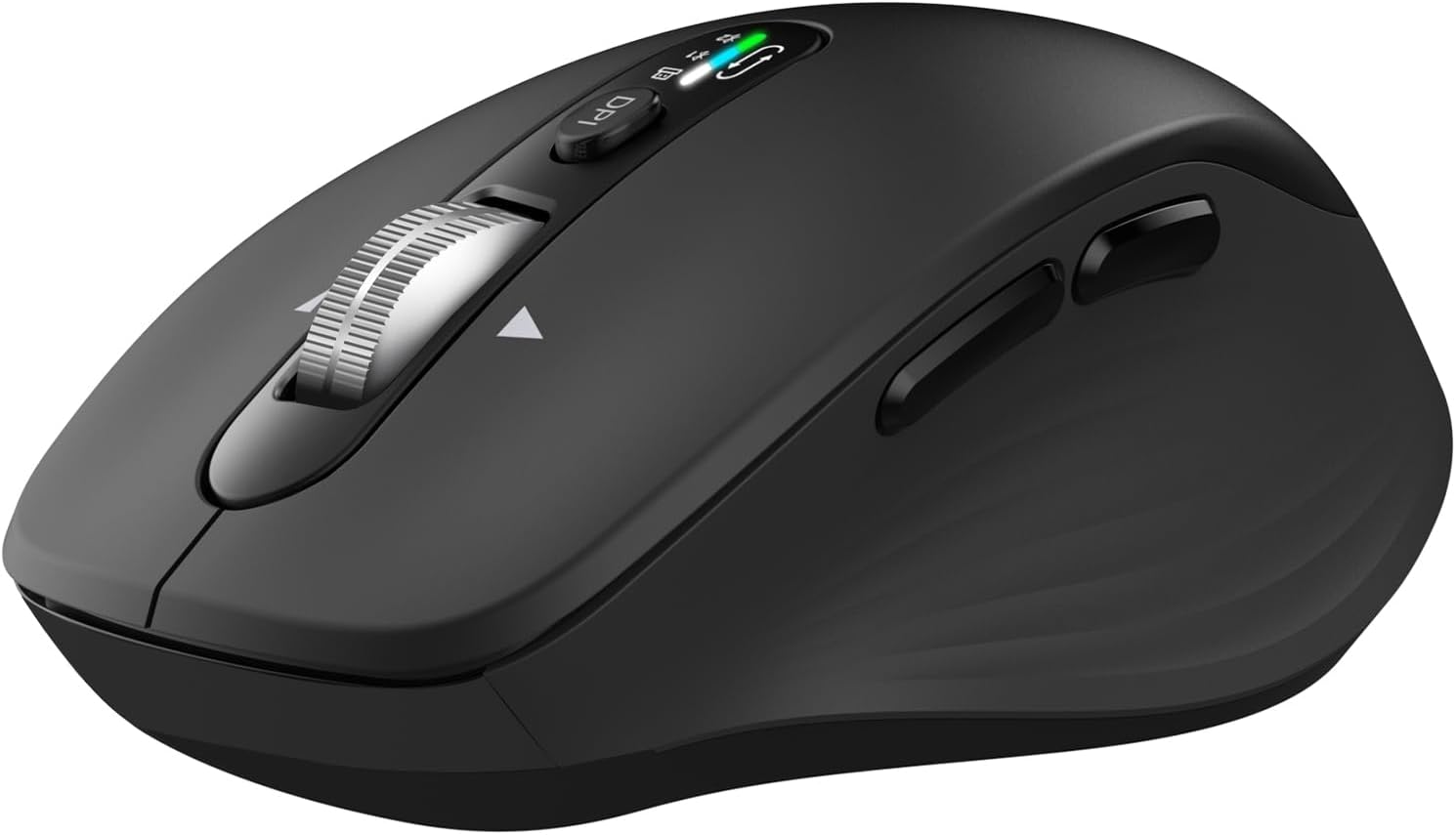
이미지: 위에서 아래로 view of the INFINMIND Wireless Bluetooth Multi-Device Mouse in black, showing the scroll wheel, DPI button, and mode indicator lights.
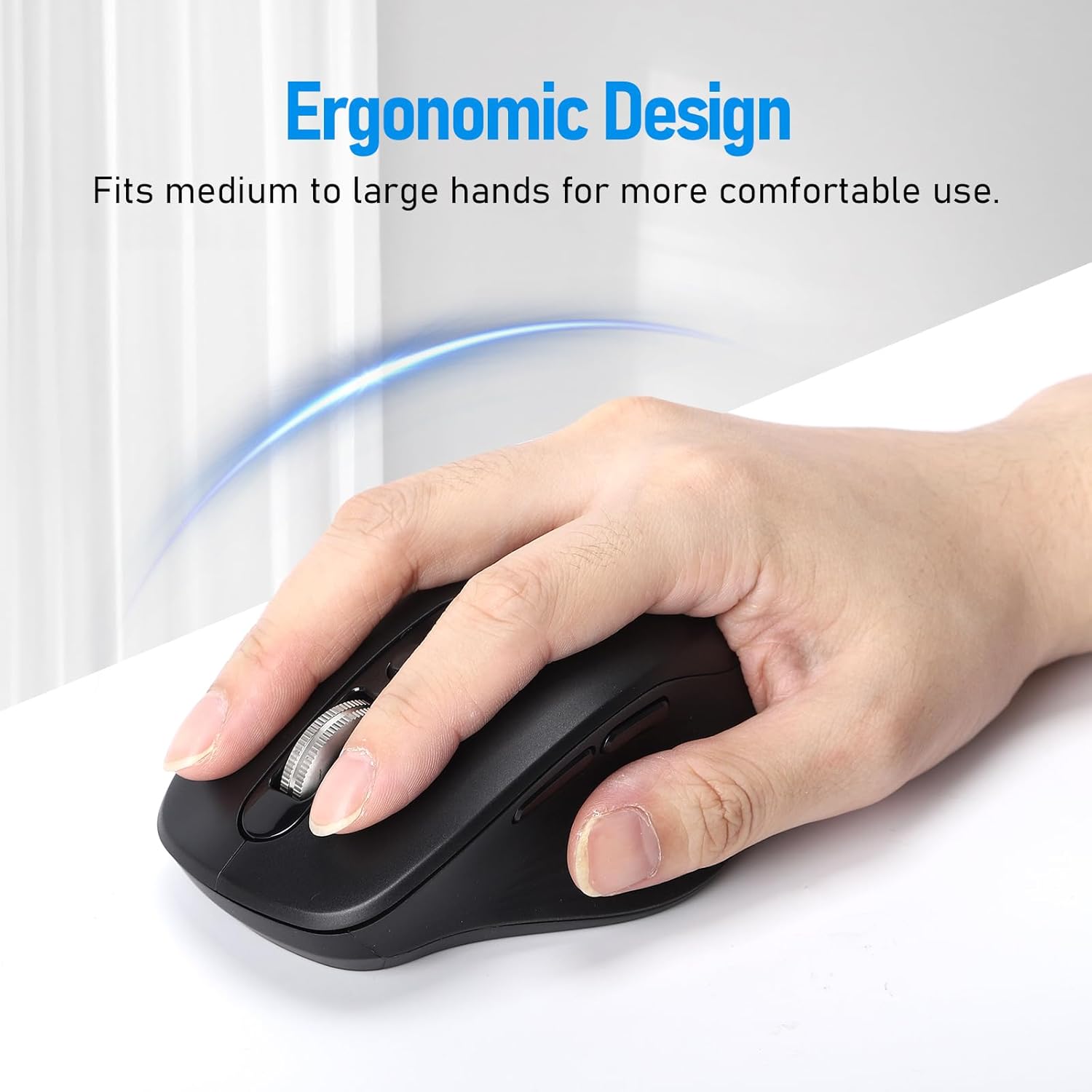
Image: A hand comfortably gripping the INFINMIND mouse, illustrating its ergonomic design suitable for medium to large hands.
마우스 구성 요소
- 왼쪽 클릭 버튼
- 오른쪽 클릭 버튼
- 4-Way Scroll Wheel (Scroll up/down, tilt left/right)
- DPI 조정 버튼
- Mode Indicator Lights (for 2.4G, BT1, BT2)
- Forward Button (Thumb side)
- Backward Button (Thumb side)
- Device Switch Button (Bottom of mouse)
- Power ON/OFF Switch (Bottom of mouse)
- Battery Compartment (Bottom of mouse)
- USB Receiver Storage Slot (Bottom of mouse)
설정
1. 배터리 설치
- 마우스 밑면에서 배터리 칸을 찾으세요.
- 배터리 덮개를 엽니다.
- Insert the two included AA batteries, ensuring correct polarity (+/-). The mouse can operate with one or two AA batteries to adjust weight.
- 배터리 덮개를 닫습니다.
- 바닥에 있는 ON/OFF 스위치를 사용하여 마우스를 켭니다.
2. 2.4G USB 수신기를 통한 연결
- Remove the 2.4G USB receiver from its storage slot on the bottom of the mouse.
- USB 수신기를 컴퓨터나 노트북의 사용 가능한 USB 포트에 연결합니다.
- Press the device switch button on the bottom of the mouse until the indicator light for 2.4G (usually green) illuminates.
- 마우스가 자동으로 장치에 연결됩니다.
3. 블루투스 연결 (BT1 / BT2)
- ON/OFF 스위치를 사용하여 마우스를 켭니다.
- Press the device switch button on the bottom of the mouse to select either BT1 or BT2. The corresponding indicator light (usually blue) will flash slowly.
- To enter pairing mode, press and hold the device switch button for 3-5 seconds until the BT1 or BT2 indicator light flashes rapidly.
- On your device (computer, laptop, tablet, iPad, MacBook):
- Bluetooth 설정으로 이동합니다.
- 블루투스가 활성화되어 있는지 확인하십시오.
- 검색 새로운 장치.
- Select "INFINMIND Mouse" or a similar name from the list of available devices.
- Confirm pairing. The indicator light on the mouse will stop flashing and remain solid for a few seconds, then turn off, indicating a successful connection.
- Repeat these steps to connect to a second Bluetooth device using the other Bluetooth channel (BT1 or BT2).
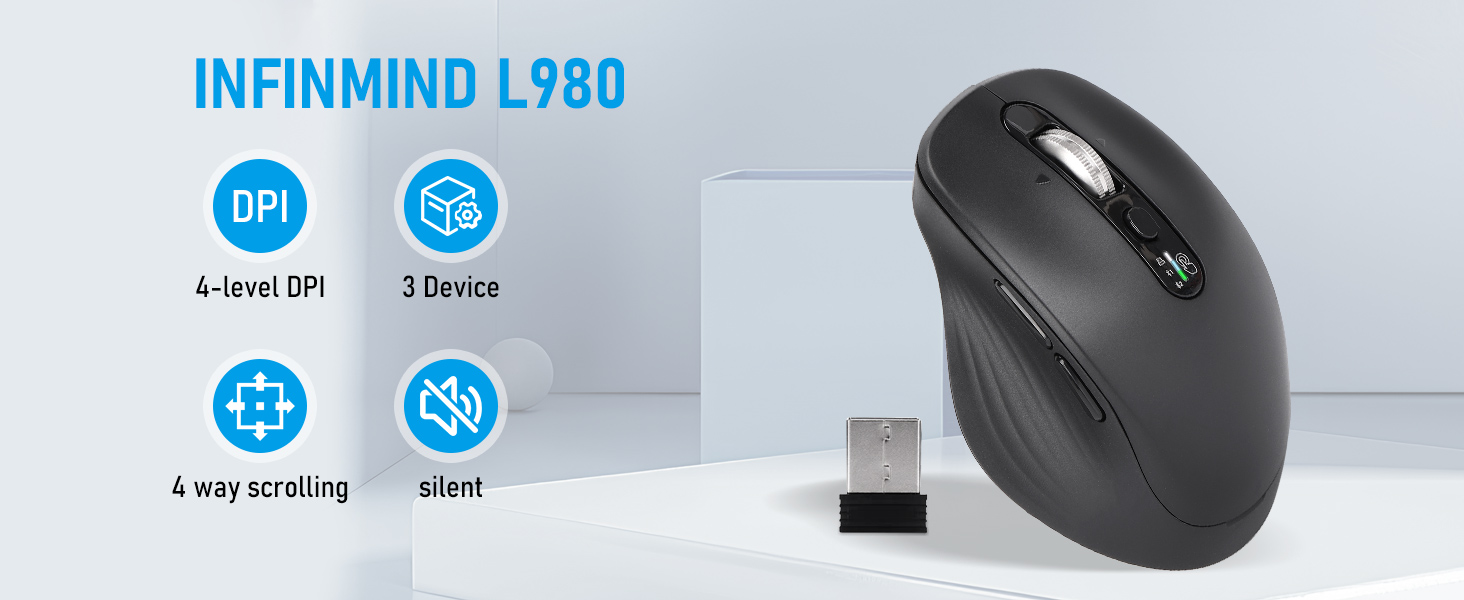
Image: Diagram illustrating the mouse connecting to three different devices (Windows PC via 2.4G USB, macOS laptop via Bluetooth, iOS phone via Bluetooth) with a "One key switch" label.
작동 지침
1. 장치 간 전환
The mouse supports connection to up to three devices simultaneously (one 2.4G USB and two Bluetooth devices). To switch between connected devices:
- Press the device switch button located on the bottom of the mouse.
- Each press will cycle through the connected channels: 2.4G, BT1, BT2.
- The corresponding indicator light on the mouse will briefly illuminate to show the active channel.
2. DPI(감도) 조정
The mouse features four adjustable DPI levels to suit different tasks and preferences:
- Press the DPI adjustment button located on the top of the mouse, behind the scroll wheel.
- Each press will cycle through the DPI settings: 1000, 1600, 2400, and 3000 DPI.
- The indicator lights may briefly flash to indicate the current DPI level (e.g., one flash for 1000, two for 1600, etc.).

Image: A hand operating the mouse, with an overlay showing the four DPI levels: 1000, 1600, 2400, and 3000 DPI, indicating adjustable sensitivity.
3. 4-Way Scrolling
The metal scroll wheel allows for both vertical and horizontal scrolling:
- 세로 스크롤: Roll the scroll wheel up or down to navigate vertically through documents or web 페이지.
- 가로 스크롤: Tilt the scroll wheel to the left or right to scroll horizontally. This feature is useful for wide spreadsheets or timelines.
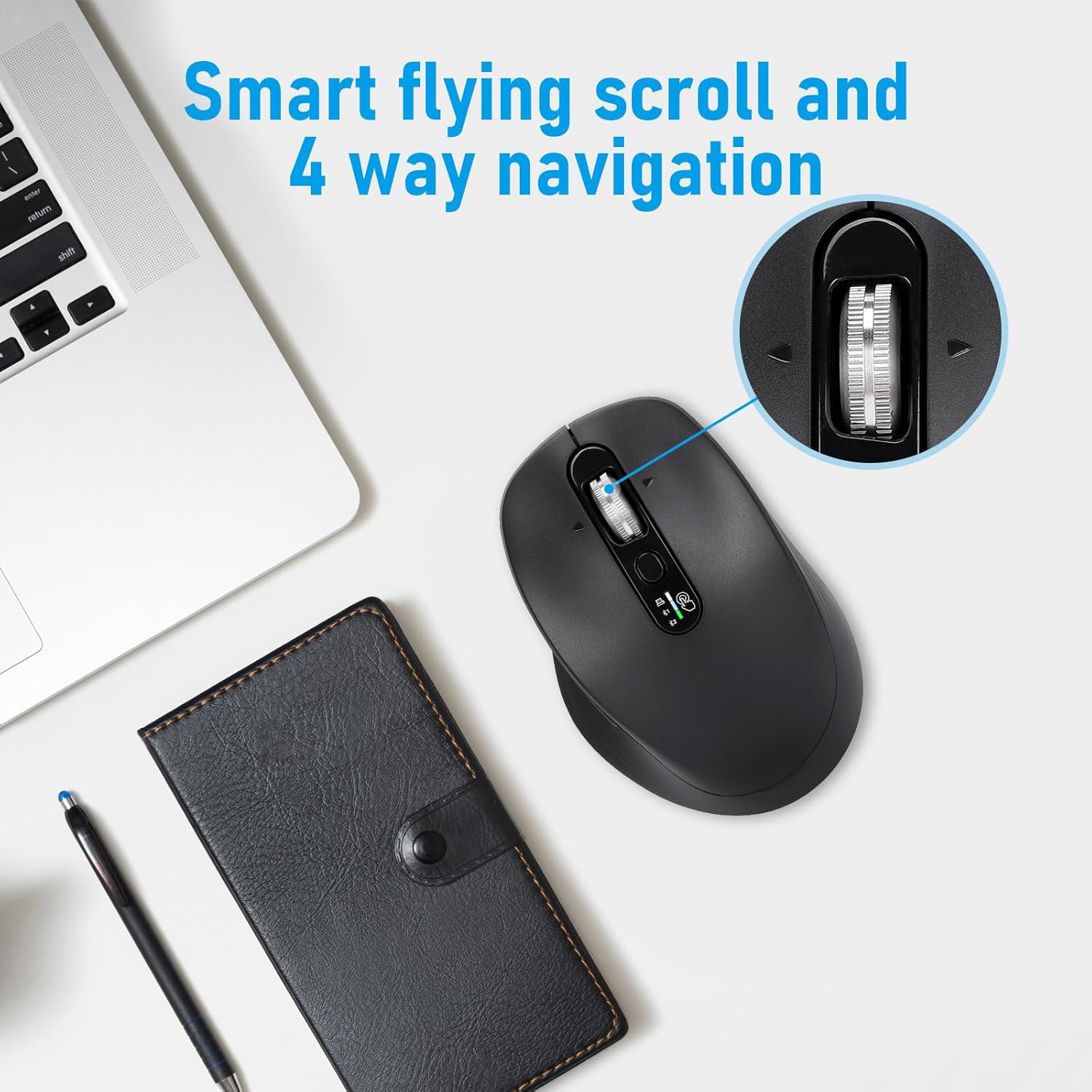
Image: Close-up of the mouse scroll wheel, highlighting its ability for smart flying scroll and 4-way navigation (vertical and horizontal scrolling).
4. 무음 클릭
The mouse is designed with silent click buttons, reducing noise for a quieter working environment. This feature is beneficial in offices, libraries, or shared spaces.

Image: A person using the INFINMIND mouse at a desk, with an icon indicating silent clicks, suitable for various environments and flat surfaces.
5. 사용 시나리오
The INFINMIND mouse is suitable for various environments and tasks, including:
- 사무직: Efficient navigation and multi-device switching for productivity.
- 공부하다: Quiet operation minimizes distractions.
- 여행하다: Compact design and wireless connectivity for on-the-go use.
- 가정용: Comfortable grip for extended periods.
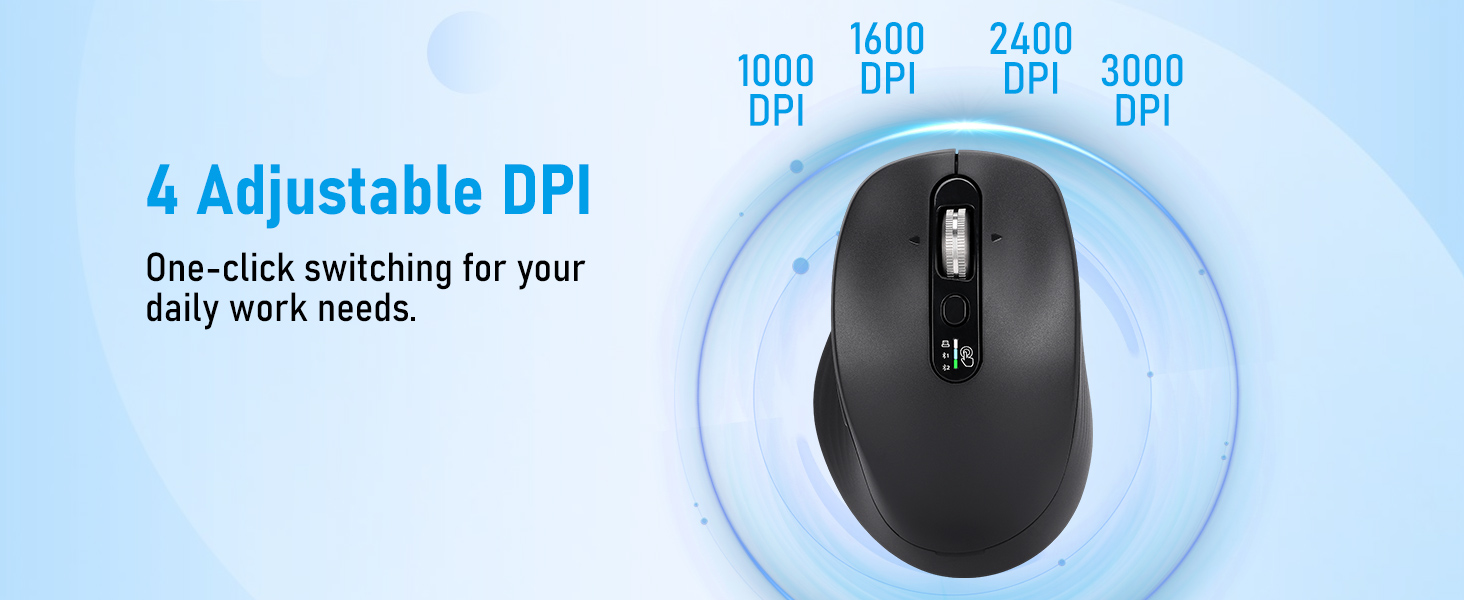
Image: A collage showing the INFINMIND mouse being used in different settings: a study room, during travel, in an office, and at home, highlighting its versatility.
유지
1. 청소
- 청소하기 전에 마우스가 꺼져 있는지 확인하세요.
- 부드럽고 건조하며 보푸라기가 없는 천을 사용하여 마우스 표면을 닦으세요.
- 완고한 먼지에는 약간 damp천에 물이나 순하고 연마성이 없는 세제를 묻혀 닦아주세요. 과도한 습기는 피하세요.
- 독한 화학 물질, 용제 또는 연마제를 사용하지 마십시오. 이러한 것들은 마우스의 마감을 손상시킬 수 있습니다.
2. 배터리 교체
When the mouse's performance degrades or the indicator light signals low battery, replace the AA batteries:
- 마우스를 끄십시오.
- 밑면의 배터리함을 엽니다.
- 오래된 배터리를 제거하고 현지 규정에 따라 폐기하십시오.
- 새 AA 배터리를 넣을 때는 극성을 정확히 확인하십시오.
- 덮개를 닫고 마우스를 다시 켜세요.
메모: The mouse can operate with one or two AA batteries. Using two batteries can extend battery life up to 40 months, while one battery can last up to 20 months.
문제 해결
| 문제 | 가능한 원인 | 해결책 |
|---|---|---|
| 마우스가 응답하지 않음 |
|
|
| 지연 또는 간헐적 연결 |
|
|
| DPI 버튼으로 감도를 변경할 수 없습니다. |
|
|
명세서
| 모델 번호 | L980 |
| 연결 기술 | 2.4G 무선, 블루투스(BT1, BT2) |
| 움직임 감지 | 광학 |
| DPI 레벨 | 1000 / 1600 / 2400 / 3000 |
| 특별 기능 | 4-Way Scrolling, Multi-Device Connection, Silent Clicks, Ergonomic Design |
| 전원 | 2 x AA 배터리(포함) |
| 배터리 수명 | Up to 20 months (1 AA battery), up to 40 months (2 AA batteries) |
| 호환성 | Windows, macOS, Chrome OS, Linux, iPadOS |
| 품목 무게 | 6.3 온스 |
| 치수 | 4.65 x 3.23 x 2.05 인치 |
| 색상 | 검은색 |
보증 및 지원
INFINMIND products are designed for reliability and performance. For warranty information, technical support, or customer service inquiries, please refer to the contact information provided with your purchase or visit the official INFINMIND web대지.
온라인 리소스: 추가 지원 및 FAQ는 다음 페이지를 방문하세요. INFINMIND Store on Amazon.
Ask a question about this manual
Ask about setup, troubleshooting, compatibility, parts, safety, or missing instructions. Manuals+ will review the question and use this page’s manual context to help answer it.