
1. 서론
Thank you for choosing the Vormooi V71 Digital Voice Recorder. This device is designed for high-quality audio recording, offering extensive storage, long battery life, and intuitive operation. Please read this manual carefully to understand its features and ensure optimal performance.

Figure 1: Vormooi V71 Digital Voice Recorder with accessories.
2. 제품 오버view
2.1. 상자 안에 무엇이 들어있나요?
- 1x Vormooi V71 Digital Voice Recorder
- 1x 3.5mm External Microphone
- 1x USB-C 데이터 케이블
- 1x 64GB TF Memory Card (pre-installed)
- 1x 3.5mm Transcription Cable
- 1x 라니어드
- 1x 사용자 설명서

Figure 2: Package contents of the Vormooi V71 recorder.
2.2. 장치 레이아웃 및 컨트롤
Familiarize yourself with the buttons and ports on your Vormooi V71 recorder:

Figure 3: Labeled components of the Vormooi V71 recorder.
- USB-C 포트: 충전 및 데이터 전송용입니다.
- 잠금/잠금 해제 스위치: Prevents accidental button presses. Slide up to lock, down to unlock.
- Previous / Fast Rewind Button: Navigate backward or fast rewind during playback.
- TF 카드 슬롯 : For inserting a microSD (TF) card to expand storage.
- Menu / Settings Button: Access device settings and menu options.
- Power / Play / Pause / OK Button: Long press to power on/off, short press to play/pause or confirm selections.
- 3.5mm 잭: For connecting headphones or the external microphone.
- Record / Save Switch: Slide up to start recording, slide down to save the recording.
- 볼륨 +/- 버튼: 재생 볼륨을 조정합니다.
- Next / Fast Forward Button: Navigate forward or fast forward during playback.
- Back / Delete Files Button: Go back in menus or delete selected files.
3. 설정
3.1. 초기 충전
Before first use, fully charge the device using the provided USB-C cable connected to a computer or a compatible USB power adapter. A full charge takes approximately 2 hours and provides up to 110 hours of continuous recording at 512kbps.

Figure 4: The recorder's display showing battery status and recording time.
3.2. 메모리 카드
The Vormooi V71 comes with 32GB of built-in memory and a pre-installed 64GB TF card, providing a total of 96GB storage. This allows for approximately 7000 hours of recording at 32kbps. The device supports TF cards up to 128GB. If using an additional TF card, it must be formatted within the recorder for proper functionality.
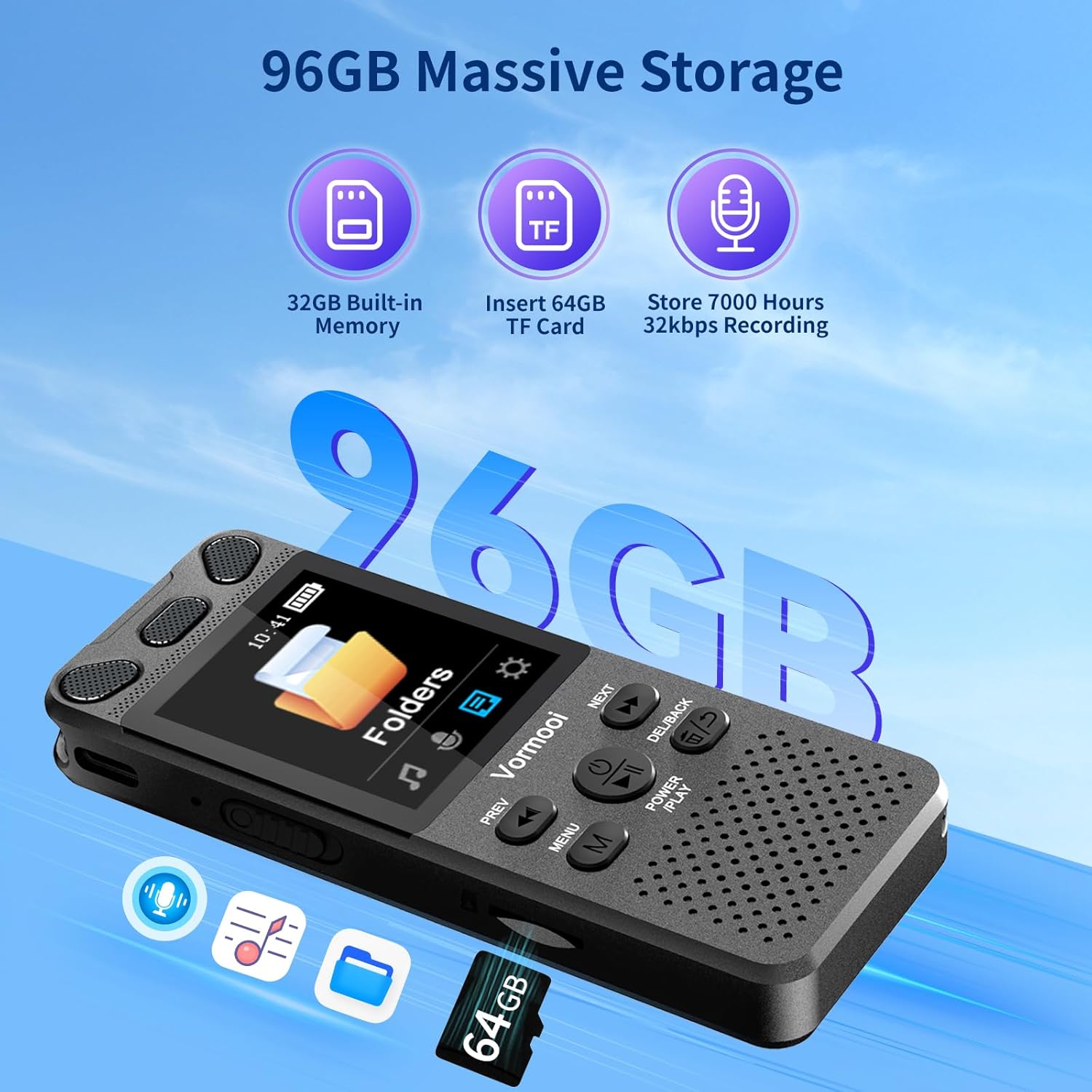
Figure 5: Illustration of the recorder's 96GB storage capacity.
4. 사용 설명서
4.1. 기본 녹음
To start recording, simply slide the red button on the right side of the recorder upwards. The device will begin recording immediately. To save the recording, slide the button downwards. This one-touch operation ensures you can capture audio quickly and efficiently.

Figure 6: One-touch record/save functionality.
4.2. Recording Methods
The V71 offers multiple recording options:
- 내장 듀얼 마이크: For general recording, utilizing automatic noise reduction.
- 외부 마이크: Connect the included 3.5mm external microphone for close-range audio capture, reducing friction noise and improving clarity.
- 라인 입력 녹음: Use the 3.5mm transcription cable to connect to a mobile phone, computer, or MP3 player for direct audio recording.

Figure 7: Using the external microphone for recording.
4.3. 음성 활성화 녹음(AVR)
Enable Voice Activated Recording (AVR) in the settings. The recorder will automatically start recording when sound is detected and pause when there is no sound or the sound level is too low. This feature helps conserve memory and battery life.
4.4. 재생
Use the built-in speaker or connect headphones to the 3.5mm jack for audio playback. Adjust the volume using the +/- buttons. The device supports variable speed playback and A-B repeat functions, which are useful for transcription or language learning.
4.5. 메뉴 탐색
The V71 features a 2.15-inch color screen with four main UI interfaces: Music, Recording, Folders, and Settings. Use the 'MENU' button to access options and the 'PREV'/'NEXT' buttons to navigate. The 'POWER/PLAY' button confirms selections, and 'DEL/BACK' returns to the previous screen.
4.6. 암호 보호
Set a 6-digit password in the settings to protect your recordings and privacy. Once enabled, the password will be required to access the device or connect it to a computer.
5. File 관리
5.1. 전송 Files에서 PC로
Connect the recorder to your computer using the USB-C cable. The device will appear as a removable disk, allowing you to easily transfer recording files to your PC. Recordings are automatically named with the date and time for easy organization.
5.2. 삭제 Files
삭제할 수 있습니다 files directly from the device using the 'DEL/BACK' button during playback or within the file management menu. The device supports one-click deletion for convenience.
6. 유지관리
To ensure the longevity of your Vormooi V71 recorder:
- 기기를 건조하게 보관하고 극한의 온도에 두지 마세요.
- 부드럽고 마른 천으로 화면과 본체를 닦으십시오. 연마성 세척제 사용은 피하십시오.
- 장치를 떨어뜨리거나 강한 충격을 가하지 마십시오.
- 배터리 성능을 유지하려면 자주 사용하지 않더라도 배터리를 정기적으로 충전하세요.
7. 문제 해결
If you encounter issues with your Vormooi V71, consider the following:
- 장치가 켜지지 않음: 배터리가 충전되어 있는지 확인하세요. 전원에 연결한 후 다시 시도해 보세요.
- 녹음할 수 없습니다: Check if the 'Record/Save' switch is in the correct position. Ensure there is sufficient storage space. Verify the microphone input setting (internal, external, line-in) is correct.
- 오디오 품질 불량: Check recording bitrate settings. Ensure the microphone is not obstructed. Reduce background noise in the recording environment.
- 장치가 응답하지 않음: Try performing a soft reset by long-pressing the power button. If the issue persists, you may consider restoring factory settings (note: this will not delete file에스).
- Formatting TF card: If you insert a new TF card and it's not recognized, format it directly on the device via the System Settings menu. This ensures compatibility.
8. 사양
| 상표 | 보르무이 |
| 모델 | V71 |
| 치수 | 10 x 3.9 x 1.26cm |
| 무게 | 98g |
| 메모리 용량 | 96 GB (32GB internal + 64GB TF card) |
| 화면 크기 | 2.15인치 |
| 배터리 수명 | 최대 110시간 (512kbps 기준) |
| 녹음 형식 | MP3, WAV (PCM 32-1536Kbps) |
| 음악 형식 | MP3, WMA, WAV, FLAC, APE, OGG |
| 인터페이스 | USB-C |
| 호환 장치 | PC, MP3 Player, Smartphone |
9. 보증 및 지원
Vormooi offers comprehensive after-sales support for your product:
- 2년 보증: If the device fails due to non-human factors within 2 years of purchase, please contact Vormooi for a replacement or refund.
- 기술 지원: 평생 기술 지원이 제공됩니다.
- 응답 시간: 문의하신 내용에 대해서는 24시간 이내에 답변을 드리겠습니다.
For support, please contact us via Amazon's station letter or the after-sales email provided with your purchase. We appreciate your support and understanding.