
1. 서론
This manual provides detailed instructions for the setup, operation, and maintenance of your TMY Native 1080P Mini Projector. Please read this manual thoroughly before using the projector to ensure proper function and longevity.
2. 상자 안에 무엇이 들어있나요?
- TMY Native 1080P Mini Projector
- 원격 제어
- 전원 코드
- HDMI 케이블
- 사용자 설명서
- 청소 키트
3. 제품 오버view
The TMY Native 1080P Mini Projector is designed for versatile home entertainment, offering native 1080P resolution and various connectivity options in a compact form factor.

3.1 연결 포트
이 프로젝터는 다양한 장치를 연결할 수 있는 여러 포트를 갖추고 있습니다.

- HDMI 포트 : For connecting devices such as TV sticks, PCs, gaming consoles, and DVD players.
- USB 포트: 미디어를 재생하기 위해 USB 드라이브를 연결하려면 files.
- 3.5mm 오디오 잭: For connecting external wired speakers or headphones.
- 전원 입력: 전원 코드를 연결합니다.
4. 설정
4.1 배치
Position the projector on a stable, flat surface. The projection distance can range from 1.5 meters to 5 meters, producing a screen size from 40 inches to 200 inches. Ensure there are no obstructions between the projector and the projection surface.
4.2 전원 연결
- 프로젝터의 전원 입력 포트에 전원 코드를 연결하십시오.
- 전원 코드의 다른 쪽 끝을 전원 콘센트에 꽂습니다.
4.3 초기 전원 켜기
프로젝터 또는 리모컨의 전원 버튼을 눌러 기기를 켜세요. 표시등이 켜집니다.
4.4 초점 및 키스톤 보정
To achieve a clear and rectangular image, adjust the focus ring and keystone correction dial located on the projector. The projector supports ±15° vertical keystone correction.

5. 사용 설명서
5.1 장치 연결
프로젝터는 다양한 기기 연결 방법을 제공합니다.

5.1.1 HDMI 연결
Connect your device (e.g., TV Stick, PC, gaming console) to the projector's HDMI port using an HDMI cable. Select the corresponding HDMI input source from the projector's menu.
5.1.2 USB 연결
Insert a USB drive into the USB port. Navigate to the media player function in the projector's menu to browse and play files.
5.1.3 WiFi 연결(화면 미러링)
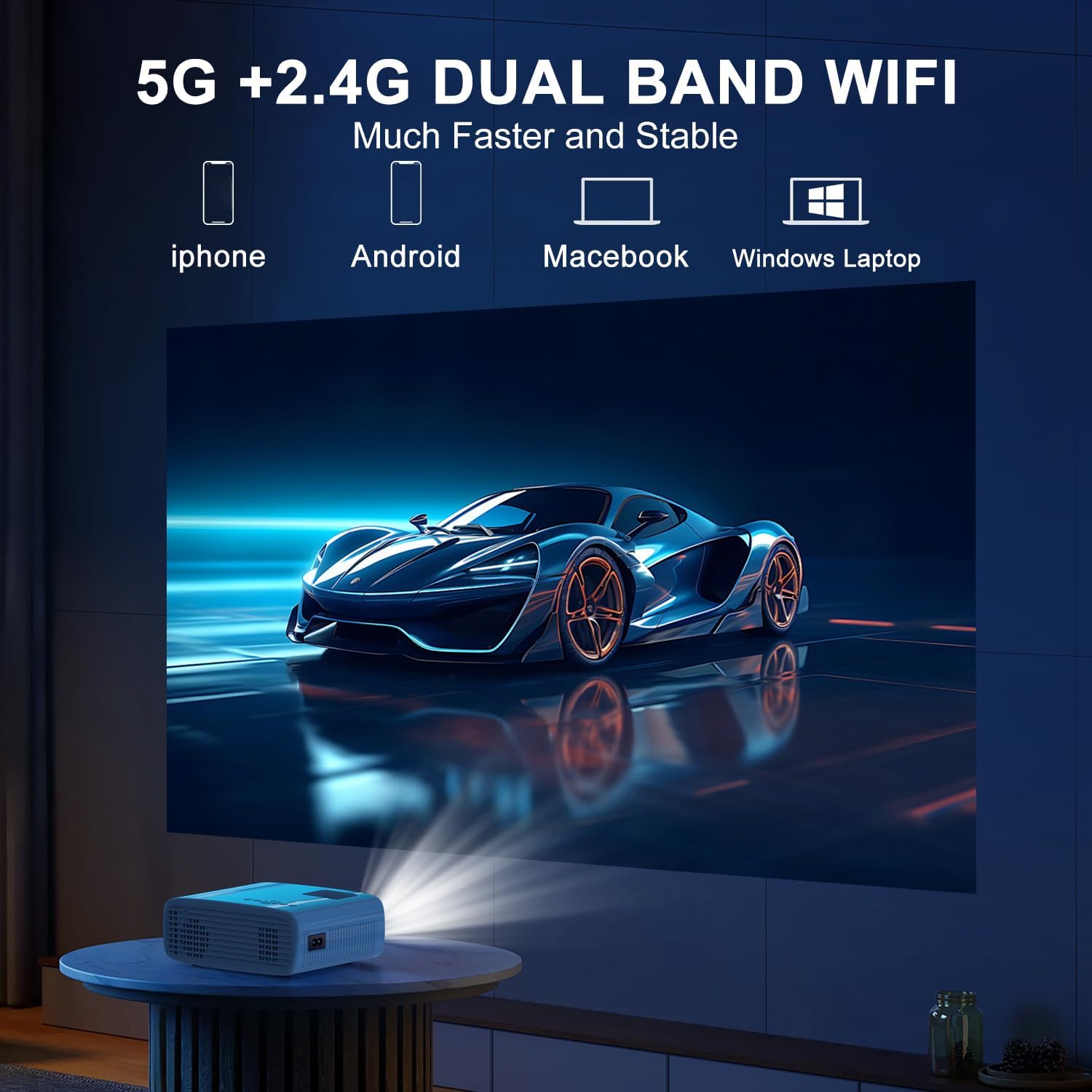
The projector supports 5G/2.4G dual-band WiFi for wireless screen mirroring from compatible smartphones, tablets, and laptops. Access the WiFi settings in the projector's menu to connect to your home network and initiate screen mirroring.

5.1.4 블루투스 연결
The projector features two-way Bluetooth 5.2 technology. It can connect to external Bluetooth speakers or headphones for audio output. Additionally, it can function as a Bluetooth speaker itself, allowing you to connect your smartphone or tablet to play audio through the projector's built-in speakers.
메모:
- Bluetooth does not support screen mirroring with your phone.
- When connecting to external Bluetooth speakers, ensure the speaker is in pairing mode.
5.2 줌 기능
The projector includes a 100% to 50% zoom function, allowing you to adjust the screen size digitally without physically moving the projector. This feature is accessible through the projector's menu settings.
5.3 메뉴 탐색
Use the remote control to navigate through the projector's on-screen menu. The menu allows you to select input sources, adjust picture settings (brightness, contrast, color), sound settings, and other system configurations.
6. 유지관리
6.1 청소
- 렌즈: Use the provided cleaning cloth or a soft, lint-free cloth to gently wipe the projector lens. Avoid abrasive materials.
- 외부: 프로젝터 외부를 부드럽고 마른 천으로 닦으십시오. 액체 세척제나 용제를 사용하지 마십시오.
- 통풍구: Periodically check and clean the air vents to ensure proper airflow and prevent overheating.
6.2 보관
사용하지 않을 때는 프로젝터를 서늘하고 건조한 곳에 직사광선과 극한 온도 변화를 피해 보관하십시오. 먼지 축적 및 손상을 방지하기 위해 원래 포장재 또는 보호 케이스를 사용하십시오.
7. 문제 해결
- 전원 없음: Ensure the power cord is securely connected to both the projector and the power outlet. Check if the power outlet is functional.
- 이미지 없음: Verify that the correct input source is selected in the projector's menu. Check all cable connections (HDMI, USB).
- 흐릿한 이미지: Adjust the focus ring on the projector until the image is clear. Ensure the projection distance is within the recommended range.
- Image Not Rectangular: Use the keystone correction dial to adjust the image until it appears rectangular.
- 소리 없음: Check the volume settings on both the projector and the connected device. If using external speakers, ensure they are properly connected and powered on.
- Sound/Video Lag: For screen mirroring, ensure a stable WiFi connection. For wired connections, try a different cable or port. Note that Bluetooth does not support screen mirroring and may introduce slight audio delay with external speakers.
- 과열: Ensure the projector's air vents are not blocked. Operate the projector in a well-ventilated area.
8. 사양
| 특징 | 사양 |
|---|---|
| 상표 | 티엠아이 |
| 모델 | B0DMW2G124 |
| 디스플레이 해상도 | 기본 해상도 1920 x 1080 (1080P) |
| 연결 기술 | 3.5mm Jack, Bluetooth 5.2, HDMI, USB, Wi-Fi (5G/2.4G) |
| 특별 기능 | 50%-100% Zoom, Built-In Cooling System, Two-way Bluetooth, Wi-Fi Ready |
| 추천 용도 | 게임, 홈시네마 |
| 품목 무게 | 2.51파운드 |
| 패키지 크기 | 9.09 x 8.7 x 4.17 인치 |
| 색상 | 흰색+검정색 |
9. 보증 및 지원
For warranty information or technical support, please refer to the warranty card included in your product packaging or contact TMY customer service directly. Contact details can typically be found on the official TMY web사이트나 구매 플랫폼을 통해서도 구매하실 수 있습니다.