
1. 서론
Thank you for choosing the Hivento Smart Tower Fan. This manual provides essential information for the safe and efficient operation of your new appliance. Please read it thoroughly before use and retain it for future reference.
This smart tower fan features WiFi connectivity, an aroma box, multiple operating modes, and advanced safety features designed for comfort and convenience in your home or office.
2. 안전 지침
화재, 감전, 부상의 위험을 줄이려면 전기 제품을 사용할 때 항상 기본적인 안전 예방 조치를 따르세요.
- 전원 공급 장치 볼륨을 확인하십시오.tage는 팬의 요구 사항을 충족합니다.
- 전원 코드나 플러그가 손상된 경우 선풍기를 작동하지 마십시오. 수리가 필요한 경우 고객 지원 센터에 문의하십시오.
- Keep hands, hair, and loose clothing away from the fan's openings during operation.
- 팬 통풍구에 물건을 넣지 마십시오.
- 청소나 유지관리 작업을 하기 전에는 반드시 팬의 플러그를 전원 콘센트에서 뽑아주세요.
- 습기가 있거나 d인 환경에서는 팬을 사용하지 마십시오.amp 욕실과 같은 환경.
- 선풍기가 넘어지지 않도록 안정적이고 수평인 표면에 놓으세요.
- This fan includes a safety plug with a fuse to prevent damage from power surges. Do not attempt to bypass or modify this feature.
- The child lock feature helps prevent accidental operation by children. Always activate it when children or pets are nearby.
3. 제품 오버view
The Hivento Smart Tower Fan is designed for efficient air circulation with user-friendly controls.

Image: The Hivento Smart Tower Fan, its remote control, and a smartphone displaying the control app.
구성 요소:
- Main Fan Unit: Bladeless design for safety and quiet operation.
- 제어판: Located on top of the fan with an LED display for settings and status.
- 원격 제어: For convenient operation from up to 6 meters away.
- 아로마 박스: Integrated compartment for essential oils to diffuse fragrance.
- 안정된 기반: Ensures the fan remains upright and stable.
4. 설정
4.1 초기 조립
Most tower fans require minimal assembly, typically attaching the base. Refer to the quick start guide included in your packaging for specific base assembly instructions.
4.2 전원 연결
- 선풍기를 단단하고 평평한 표면에 놓으세요.
- 전원 코드가 손상되지 않았는지 확인하십시오.
- 팬을 표준 전기 콘센트에 연결하십시오.
4.3 와이파이 및 앱 설정
To utilize the smart features, connect your Hivento Smart Tower Fan to your home WiFi network via the dedicated app.

Image: Visual guide for connecting the smart tower fan to the mobile application, illustrating the steps from adding a device to controlling it.
- Download the compatible smart home application (e.g., Tuya Smart, Smart Life) from your device's app store.
- 계정에 등록하거나 로그인하십시오.
- 스마트폰이 다음에 연결되어 있는지 확인하세요. 2.4GHz WiFi 네트워크. 5GHz Wi-Fi 네트워크는 지원되지 않습니다.
- Open the app and select 'Add Device' or the '+' icon.
- Follow the on-screen instructions to put the fan into pairing mode (usually by pressing and holding a button on the fan's control panel).
- Confirm the indicator light on the fan is blinking as described in the app.
- 2.4GHz WiFi 네트워크를 선택하고 비밀번호를 입력하세요.
- Wait for the fan to connect to the network. Once connected, you can control the fan via the app.
- The fan is compatible with Alexa, Google Assistant, and Siri for voice control. Follow the app's instructions to link your fan to these smart assistants.
5. 사용 설명서
Your Hivento Smart Tower Fan can be operated using the control panel on the unit, the included remote control, or the smartphone app.

Image: A hand operating the Hivento Smart Tower Fan with its remote control.
5.1 제어판 및 원격 기능
- 전원 버튼: 팬을 켜거나 끕니다.
- 속도 버튼: 풍속은 약, 중, 강 세 단계로 순환합니다.
- 모드 버튼: 3가지 작동 모드 중에서 선택할 수 있습니다.
- 자연 모드: Simulates a natural breeze with varying fan speeds.
- 수면 모드 : Operates at a lower speed and reduced noise level for undisturbed rest. The display screen will dim after 10 seconds in sleep mode. Press any button to re-illuminate the screen.
- 에코 모드: Adjusts fan speed automatically based on ambient temperature for energy efficiency.
- 발진 버튼(OSC): Activates or deactivates the 70° wide-angle oscillation feature, distributing airflow across the room.
- 타이머 버튼: Sets the auto-off timer from 1 to 15 hours in 1-hour increments. The LED display will show the set duration.
- 어린이 잠금 버튼: Activates or deactivates the child lock, preventing accidental changes to settings via the control panel.

Image: Illustration of the fan's three modes and three speed settings, demonstrating customizable airflow.

Image: The tower fan demonstrating its 70-degree oscillation feature, circulating air throughout a room.
5.2 아로마 박스 사용법
Enhance your environment by adding essential oils to the integrated aroma box.
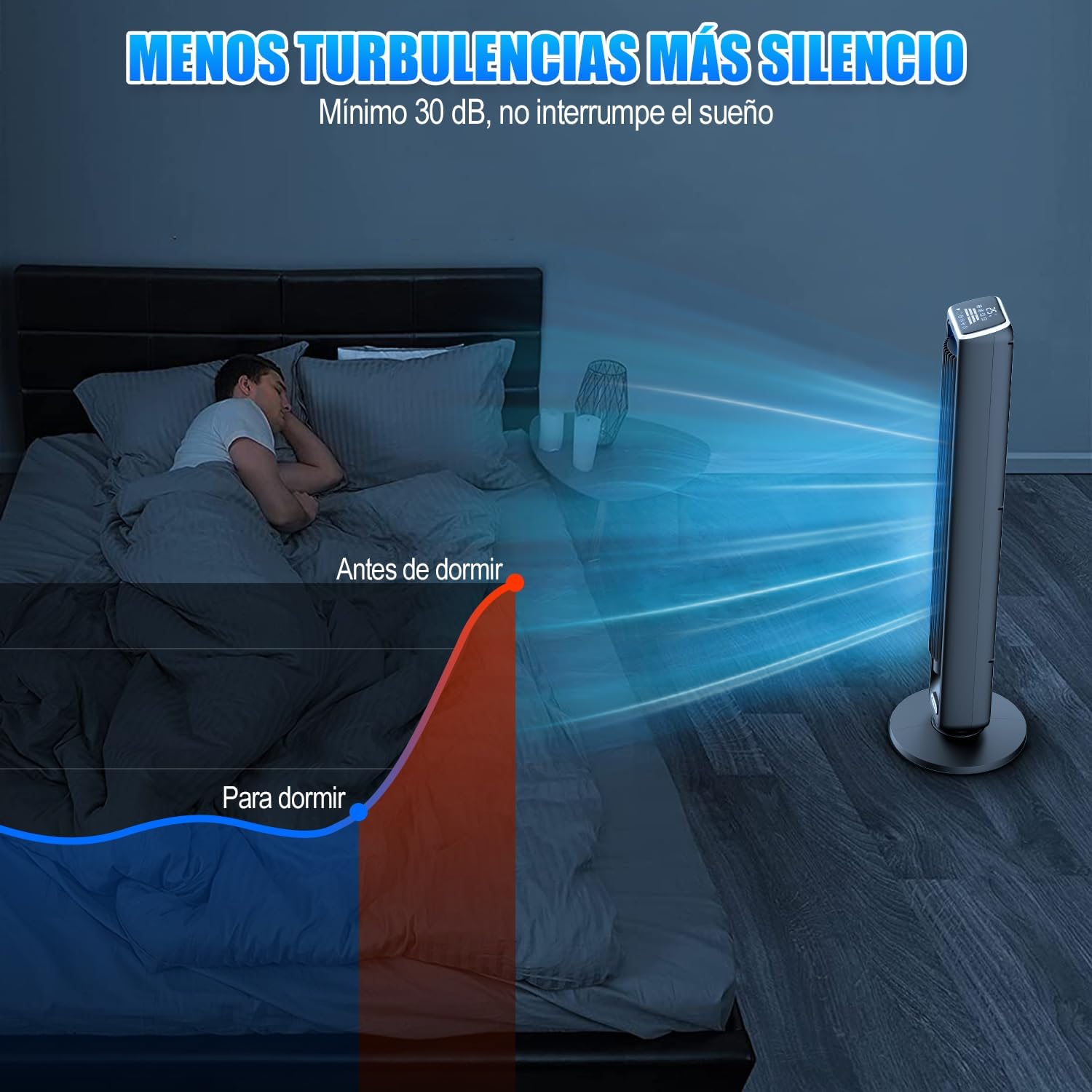
Image: A user adding essential oils to the aroma box located at the base of the fan.
- Locate the aroma box compartment, typically at the base of the fan.
- Gently pull out the aroma box tray.
- Add a few drops of your preferred essential oil onto the cotton pad inside the tray.
- Slide the aroma box tray back into its compartment until it clicks securely.
6. 유지관리
Regular cleaning ensures optimal performance and longevity of your Hivento Smart Tower Fan.
6.1 팬 청소
- 청소하기 전에 항상 팬의 플러그를 전원 콘센트에서 뽑으세요.
- 부드러운 d를 사용하세요amp 팬의 외부 표면을 닦는 천입니다.
- For dust accumulation in the air intake/outlet grilles, use a vacuum cleaner with a brush attachment or compressed air.
- 연마성 세척제, 용제 또는 강한 화학 물질을 사용하지 마십시오. 이러한 물질은 팬의 마감을 손상시킬 수 있습니다.
- 팬을 다시 연결하기 전에 팬이 완전히 말랐는지 확인하세요.
6.2 Cleaning the Aroma Box
- Remove the aroma box tray.
- Replace the cotton pad if it is heavily soiled or if you wish to switch to a different essential oil scent.
- 광고로 트레이를 닦으세요amp 천으로 닦아 완전히 말린 후 다시 삽입하세요.
7. 문제 해결
If you encounter issues with your Hivento Smart Tower Fan, refer to the following common problems and solutions.
| 문제 | 가능한 원인 | 해결책 |
|---|---|---|
| 팬이 켜지지 않습니다. | No power supply; power cord damaged; safety fuse tripped. | Check if the fan is properly plugged into a working outlet. Inspect the power cord for damage. If the safety fuse in the plug is tripped, replace it according to instructions. |
| 와이파이 연결이 실패했습니다. | Incorrect WiFi band; wrong password; fan too far from router. | Ensure your router is broadcasting a 2.4GHz WiFi signal. 5GHz networks are not supported. Verify the WiFi password. Move the fan closer to the router. Restart the fan and try pairing again. |
| 팬은 속도가 높을수록 소음이 커집니다. | Normal operation at high settings; internal obstruction. | Some noise is expected at higher fan speeds. If the noise is unusual or excessive, unplug the fan and check for any obstructions in the air intake/outlet. |
| Aroma diffusion is weak or absent. | Aroma box empty; cotton pad saturated or old. | Add more essential oil to the cotton pad. Replace the cotton pad if it is old or heavily saturated with previous scents. |
| Display light is too bright at night. | Sleep mode not activated. | Activate Sleep Mode. The display will dim automatically after 10 seconds. Press any button to temporarily re-illuminate the screen. |
8. 사양
| 특징 | 세부 사항 |
|---|---|
| 상표 | Hivento |
| 모델 | B0DMVX5P1R |
| 색상 | Smart (Black) |
| 치수(제품) | 21cm(깊이) x 21cm(너비) x 105cm(높이) |
| 무게(제품) | 4.74kg |
| 속도의 수 | 3 |
| 작동 모드 | Natural, Sleep, ECO |
| 진동 | 70° 광각 |
| 기류 속도 | 최대 7.5m/s |
| 소음 수준 | 최저 30dB |
| 시간제 노동자 | 1~15시간 |
| 제어 방법 | Control Panel, Remote Control, Smartphone App |
| 스마트 홈 호환성 | 알렉사, 구글 어시스턴트, 시리 |
| WiFi 지원 | 2.4GHz (5GHz는 지원하지 않음) |
| 특별 기능 | Aroma Box, Bladeless Design, Child Lock, Safety Plug with Fuse |
| 포함된 구성 요소 | Fan Unit, Remote Control, Power Cable, User Manual |
9. 보증 및 지원
Hivento is committed to providing quality products and customer satisfaction.
9.1 고객 지원
If you have any questions about the product, require assistance with setup, operation, or troubleshooting that is not covered in this manual, please do not hesitate to contact our customer support team. Contact information can typically be found on the product packaging or the official Hivento web대지.
9.2 보증 정보
Specific warranty details, including coverage period and terms, are usually provided with your purchase documentation or on the manufacturer's web사이트. 보증 청구를 위해 구매 증빙 자료를 보관하세요.