
AMPAI 4 Gang
AMPAI WiFi 벽면 터치 스마트 스위치 사용 설명서
Model: 4 Gang
1. 서론
선택해주셔서 감사합니다 AMPAI WiFi Wall Touch Smart Switch. This smart switch is designed to upgrade your home lighting control with advanced features and convenience. It offers multiple control methods including touch panel, RF433 remote, and voice control via Alexa and Google Home. This manual provides detailed instructions for installation, operation, and troubleshooting to ensure optimal performance and safety.

그림 1: AMPAI WiFi Wall Touch Smart Switch (4 Gang) and included RF433 Remote.
2. 중요한 안전 정보
- 전기 안전: Installation should be performed by a qualified electrician or a person with a thorough understanding of electrical systems. Always turn off power at the circuit breaker before installation or maintenance.
- 호환성: This switch is designed for standard on/off control only. It is NOT compatible with dimmable bulbs or fixtures. Attempting to use it with dimmable bulbs may cause damage to the bulbs or the switch.
- WiFi 네트워크: The smart switch operates on a 2.4GHz Wi-Fi network only. It is not compatible with 5GHz Wi-Fi networks. Ensure your router supports 2.4GHz.
- 배선: This switch supports both neutral wire and no neutral wire (single fire) installations. Refer to the wiring diagrams carefully.
- Not a Traditional 3-Way Switch: While it offers 3-way control via multi-control methods (app, remote, voice), it does not function as a traditional mechanical 3-way switch requiring traveler wires between two switches.

Figure 2: Key attention points regarding 2.4GHz WiFi, wiring, and non-compatibility with traditional 3-way or dimmable setups.
3. 패키지 내용
개봉 시 패키지 내용물을 확인하여 모든 품목이 들어 있고 손상되지 않았는지 확인하세요.
- AMPAI WiFi Wall Touch Smart Switch (4 Gang)
- 장착 하드웨어(나사)
- RF433 Remote Control (if included in your specific package)
- 사용 설명서 (본 문서)
4. 설정 및 설치
4.1 배선 지침
WARNING: Ensure power is OFF at the circuit breaker before beginning any wiring.
This smart switch supports two wiring methods: with a neutral wire or without a neutral wire (single fire). Identify your home's wiring configuration before proceeding.

Figure 3: Wiring diagrams for Neutral and Fire Line (left) and Single Fire (right) installations. A capacitor is required for single fire wiring.
- 전원 끄기: 전등 스위치를 제어하는 회로 차단기를 찾아 끄십시오. 전압계를 사용하여 전원이 꺼졌는지 확인하십시오.tag전자 테스터.
- 오래된 스위치 제거: 기존 벽면 플레이트를 조심스럽게 제거하고 벽면 박스에서 기존 스위치를 돌려서 빼세요. 전선을 분리하세요.
- 전선 식별: Identify the Live (Line), Load, and Neutral wires (if present). For single fire wiring, you will only have Live and Load.
- 스마트 스위치 연결:
- Neutral and Fire Line Wiring: Connect the Live wire to the 'L' terminal, the Neutral wire to the 'N' terminal, and the Load wires to the 'L1', 'L2', 'L3', 'L4' terminals corresponding to your light circuits.
- Single Fire Wiring: Connect the Live wire to the 'L' terminal and the Load wires to the 'L1', 'L2', 'L3', 'L4' terminals. A capacitor must be connected across the Live and Load wires of the light fixture for stable operation.
- 스위치를 장착하세요: Secure the smart switch into the wall box using the provided screws. Attach the glass panel.
- 전원 복구: 회로 차단기에서 전원을 다시 켜세요.
4.2 App Installation and Pairing (Tuya Smart Life)
- 앱 다운로드 : 앱스토어(iOS) 또는 구글 플레이 스토어(안드로이드)에서 "Smart Life" 또는 "Tuya Smart" 앱을 다운로드하세요.
- 등록/로그인: 앱을 열고 새 계정을 등록하거나 이미 계정이 있다면 로그인하세요.
- 장치 추가:
- 휴대폰이 2.4GHz Wi-Fi 네트워크에 연결되어 있는지 확인하세요.
- 앱에서 오른쪽 상단에 있는 "+" 아이콘을 탭하여 기기를 추가하세요.
- Select "Electrical Switch" or "Wall Switch" from the device list.
- Follow the on-screen instructions to put the switch into pairing mode (usually by pressing and holding a button on the switch until an indicator light blinks rapidly).
- 앱에서 표시등이 빠르게 깜빡이는지 확인하고 Wi-Fi 비밀번호를 입력하세요.
- The app will connect to the switch. Once connected, you can rename the switch and assign it to a room.
4.3 RF433 Remote Pairing
The included RF433 remote can be paired directly with the switch for local control without Wi-Fi.
- 페어링 모드 시작: On the smart switch, press and hold the touch button you wish to pair for approximately 5-7 seconds until you hear a "beep" sound or see a small indicator light flash.
- 리모컨 버튼을 누르세요: Within 3 seconds, press the corresponding button (A, B, or C) on the RF433 remote.
- 확인: The switch will "beep" again or the light will stop flashing, indicating successful pairing.
5. 스마트 스위치 작동 방법
5.1 터치 컨트롤
Simply touch the corresponding icon on the glass panel to turn the connected light ON or OFF.

Figure 4: The smart switch supports multiple control methods for convenience.
5.2 Smart Life / Tuya App Control
Open the Smart Life or Tuya Smart app on your smartphone. From the device list, tap on your smart switch to access its control interface. You can turn lights ON/OFF, set schedules, and create scenes from anywhere with an internet connection.
5.3 음성 제어(Alexa 및 Google Home)
그만큼 AMPAI Smart Switch is compatible with Amazon Alexa and Google Home for convenient voice control.
- 계정 연결: In the Alexa or Google Home app, enable the "Smart Life" or "Tuya Smart" skill/action and link your Smart Life/Tuya account.
- 장치 검색: Ask Alexa or Google Home to "Discover devices" or manually add them through the app.
- 음성 명령: 발견되면 다음과 같은 명령을 사용할 수 있습니다.
- "알렉사, [조명 이름] 켜줘."
- "헤이 구글, [조명 이름] 꺼줘."
- "Alexa, set [Light Name] to 50%" (Note: This switch does not support dimming, so dimming commands will not work.)

Figure 5: Enjoy hands-free control with Amazon Alexa and Google Assistant.
5.4 RF433 원격 제어
Use the paired RF433 remote to control the switch from a distance. Each button (A, B, C) on the remote can be paired to control a specific gang or group of gangs on the switch.

Figure 6: The RF433 remote provides an additional convenient control method.
5.5 Timer and Scene Functions
Utilize the Smart Life/Tuya app to set schedules and create custom scenes for your lighting. For example, you can set lights to turn on at sunset or off at a specific time, or create a "Movie Night" scene that turns off certain lights.
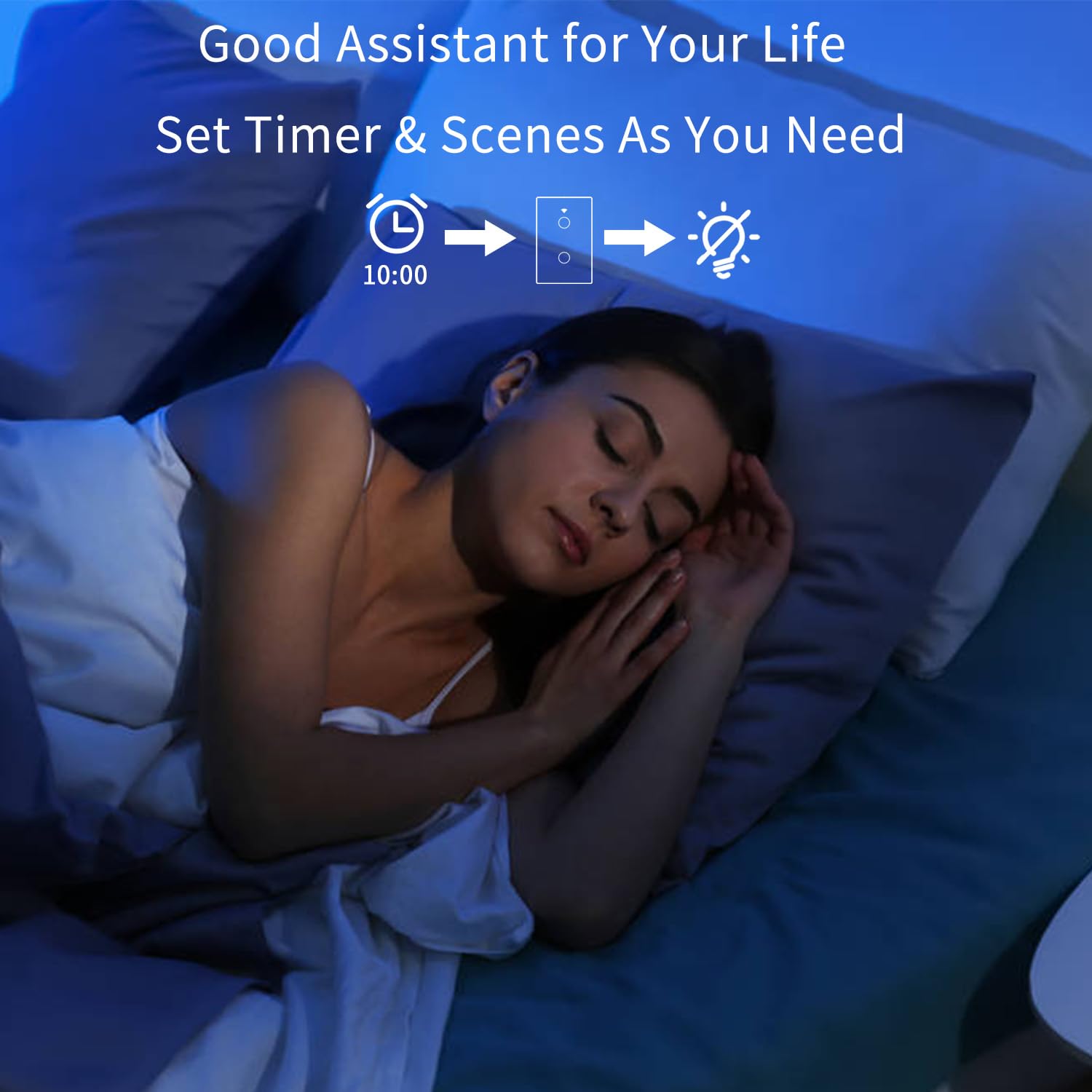
Figure 7: Set timers and scenes for automated lighting control.
6. 유지관리
그만큼 AMPAI Smart Switch requires minimal maintenance. To keep it clean and functioning properly:
- 청소: Gently wipe the glass panel with a soft, damp cloth. Avoid using abrasive cleaners or solvents, as they may damage the surface.
- 전원 주기: 스위치가 작동하지 않으면 회로 차단기에서 전원을 10초 동안 껐다가 다시 켜보세요.
- 펌웨어 업데이트: Periodically check the Smart Life/Tuya app for any available firmware updates for your switch to ensure optimal performance and security.
7. 문제 해결
| 문제 | 가능한 원인 | 해결책 |
|---|---|---|
| 스위치가 터치에 반응하지 않습니다. | No power; Loose wiring; Switch malfunction. | Check circuit breaker. Verify wiring connections. Power cycle the switch. If problem persists, contact support. |
| Wi-Fi에 연결할 수 없습니다. | Incorrect Wi-Fi band (5GHz); Incorrect password; Router too far; Switch not in pairing mode. | Ensure your phone is on a 2.4GHz Wi-Fi network. Double-check Wi-Fi password. Move router closer or use a Wi-Fi extender. Re-enter pairing mode. |
| Lights flicker or do not turn off completely (single fire wiring). | Missing or incorrectly installed capacitor. | Ensure the capacitor is correctly installed across the Live and Load wires of the light fixture. |
| 음성 제어가 작동하지 않습니다. | Account not linked; Device not discovered; Incorrect commands. | Ensure Smart Life/Tuya skill/action is enabled and linked in Alexa/Google Home app. Ask to "Discover devices." Use correct device names and commands. |
| RF433 remote not controlling switch. | Remote not paired; Battery low in remote. | Re-pair the remote following section 4.3. Replace remote battery if necessary. |
| 스위치로 조명을 조절할 수 없습니다. | This switch is not designed for dimming. | This is an on/off switch only. It is not compatible with dimmable bulbs or fixtures. |
8. 사양
| 특징 | 세부 사항 |
|---|---|
| 모델 번호 | 4 갱 |
| 상표 | AMPAI |
| 제품 치수 | 2.85 x 1.36 x 4.74 인치 |
| 운영 볼륨tage | 120 볼트 |
| 현재 평가 | 10 Amps |
| 작동 모드 | 무선 전화 |
| 연결성 | Wi-Fi 2.4GHz, RF433MHz |
| 회로 유형 | 3-way (Multi-control) |
| 액추에이터 유형 | 터치 패널 |
| 호환성 | Tuya Smart Life App, Amazon Alexa, Google Home |
| 특징 | No Neutral Wire Required (with capacitor) |
9. 보증 및 지원
For warranty information and technical support, please contact AMPAI customer service. You can often find support contact details on the product packaging, the manufacturer's official website, or through your purchase platform (e.g., Amazon).
제조업체: AMPAI
추가 지원이 필요하면 다음을 방문하세요. AMPAI Store on Amazon.
Ask a question about this manual
Ask about setup, troubleshooting, compatibility, parts, safety, or missing instructions. Manuals+ will review the question and use this page’s manual context to help answer it.