
ASUS TUF GAMING AS1000 PLUS/BLK/G
ASUS TUF Gaming AS1000 Plus 휴대용 M.2 NVMe PCIe SSD 사용 설명서
Model: TUF GAMING AS1000 PLUS/BLK/G
1. 서론
The ASUS TUF Gaming AS1000 Plus is a portable high-performance M.2 NVMe PCIe SSD designed for robust data storage and rapid transfers. It features a durable construction meeting MIL-STD-810H drop resistance and IP68 water-and-dust resistance standards, ensuring reliability in various environments. The device utilizes a USB-C 3.2 Gen 2x2 interface for ultrafast data transfers and broad compatibility with PCs, laptops, and gaming consoles.

Image: The ASUS TUF Gaming AS1000 Plus portable SSD, showcasing its rugged design and compact form factor.
2. 패키지 내용
아래 나열된 모든 품목이 제품 포장에 들어 있는지 확인하세요.
- ASUS TUF Gaming AS1000 Plus Portable M.2 NVMe PCIe SSD (TUF GAMING AS1000 PLUS/BLK/G)
- USB-C to USB-C 케이블
- 사용자 설명서

Image: The ASUS TUF Gaming AS1000 Plus portable SSD and its included USB-C to USB-C cable.
3. 설정 및 설치
The ASUS TUF Gaming AS1000 Plus is designed for easy setup. If you have purchased the enclosure only, follow these steps to install your M.2 NVMe SSD:
- 포장재를 준비하세요: Locate the screws on the enclosure. Use the provided hex key to carefully loosen and remove the four screws securing the cover.
- 인클로저를 엽니다: Gently lift the cover to expose the internal M.2 slot.
- M.2 NVMe SSD를 삽입하세요: Align your M.2 NVMe SSD with the slot inside the enclosure. Carefully insert the SSD at an angle, ensuring it is fully seated.
- SSD를 보호하세요: Gently press down the end of the SSD until it is flat. Secure it with the provided retention mechanism (e.g., a screw or a latch, depending on the specific model's design).
- 인클로저를 닫습니다. Replace the cover and align the screw holes. Reinsert and tighten the four screws using the hex key. Ensure the cover is securely fastened to maintain the device's water and dust resistance.

이미지: 폭발 view of the ASUS TUF Gaming AS1000 Plus, illustrating the high-grade silicone rubber exterior and internal M.2 NVMe SSD slot.
4. 사용 설명서
To use your ASUS TUF Gaming AS1000 Plus portable SSD:
- 장치에 연결: Use the included USB-C to USB-C cable to connect the portable SSD to a compatible USB-C port on your PC, laptop, mobile device, or gaming console. For optimal performance, connect to a USB 3.2 Gen 2x2 compatible port.
- 저장소 접근: Once connected, the SSD should be recognized by your operating system. You can access it like any other external drive to store, transfer, or retrieve files.
- 데이터 전송: 드래그 앤 드롭 files to and from the SSD, or use your system's copy/paste functions. The USB 3.2 Gen 2x2 interface supports transfer speeds up to 20 Gbps.
- 안전한 제거: Always safely eject the portable SSD from your operating system before physically disconnecting it to prevent data corruption.

Image: The ASUS TUF Gaming AS1000 Plus demonstrating wide-ranging compatibility with PCs, laptops, mobile devices, and latest-gen gaming consoles.
5. 유지관리
To ensure the longevity and optimal performance of your ASUS TUF Gaming AS1000 Plus:
- 냉각: The aluminum alloy chassis and thermal pad are designed for effective heat dissipation. Ensure the device has adequate airflow during prolonged use, especially during large file transfers, to maintain stable data transmission and prevent overheating.
- 데이터 보호: Utilize the bundled NTI Backup Now EZ software for hassle-free data backup. Regularly back up important data to prevent loss.
- 청소: 부드럽고 마른 천으로 외부를 닦아주세요. 가혹한 화학 물질이나 연마재를 사용하지 마십시오.
- 저장: When not in use, store the SSD in a cool, dry place away from direct sunlight and extreme temperatures.
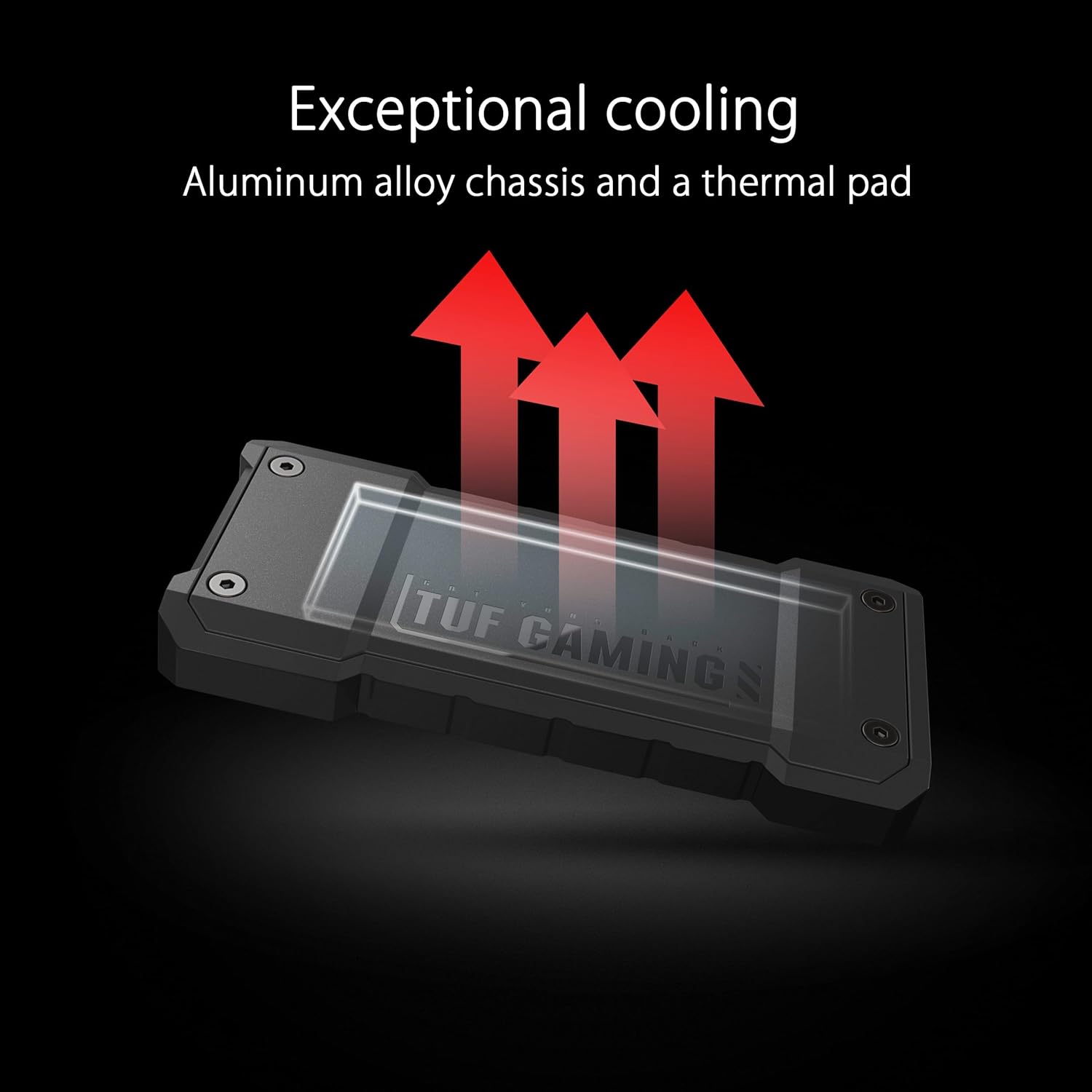
Image: The ASUS TUF Gaming AS1000 Plus highlighting its exceptional cooling capabilities through an aluminum alloy chassis and thermal pad.
6. 문제 해결
If you encounter issues with your ASUS TUF Gaming AS1000 Plus, refer to the following common solutions:
| 문제 | 가능한 원인 | 해결책 |
|---|---|---|
| 컴퓨터가 장치를 인식하지 못합니다. | Incorrect cable, loose connection, incompatible USB port, driver issue. | Ensure the USB-C cable is securely connected to both the SSD and the computer. Try a different USB-C port or a different cable. Verify your operating system drivers are up to date. Check Disk Management (Windows) or Disk Utility (macOS) to see if the drive is detected but unformatted. |
| 전송 속도가 느립니다. | Connected to a lower-speed USB port (e.g., USB 2.0 or 3.0), system bottleneck, fragmented data. | Connect the SSD to a USB 3.2 Gen 2x2 port for maximum performance. Ensure your computer's hardware supports these speeds. Avoid running multiple demanding applications during transfers. |
| 사용 중에 기기가 뜨거워집니다. | Normal operation for high-speed SSDs, prolonged heavy use. | Some heat generation is normal due to high-speed data transfer. The aluminum chassis acts as a heatsink. If it feels excessively hot, ensure adequate ventilation. Avoid placing it on soft surfaces that might block airflow. Reduce continuous heavy workloads if possible. |
| Data corruption or unexpected disconnections. | Improper ejection, power fluctuations, faulty cable. | Always safely eject the drive before disconnecting. Ensure the USB port provides stable power. Try a different USB-C cable. Run a disk check utility on the drive. |
7. 사양
| 특징 | 세부 사항 |
|---|---|
| 상표 | 아수스 |
| 모델 번호 | TUF GAMING AS1000 PLUS/BLK/G |
| 디지털 저장 용량 | 1테라바이트 |
| 하드 디스크 인터페이스 | USB-C (USB 3.2 2세대 x2) |
| 전송 속도 | 최대 20Gbps |
| 내구성 | MIL-STD-810H Drop Resistance, IP68 Water and Dust Resistance |
| 냉각 | Aluminum Alloy Chassis, Thermal Pad |
| 호환 장치 | MAC OS, PS5, WINDOWS, XBOX |
| 품목 무게 | 4.8 온스 |
| 색상 | 검은색 |

Image: The ASUS TUF Gaming AS1000 Plus demonstrating its military-grade toughness, meeting MIL-STD-810H drop resistance and IP68 water-and-dust resistance standards.
8. 보증 및 지원
보증 정보 및 기술 지원에 대해서는 공식 ASUS를 참조하십시오. website or contact ASUS customer service. The product includes bundled NTI Backup Now EZ software for data backup, enhancing data protection.
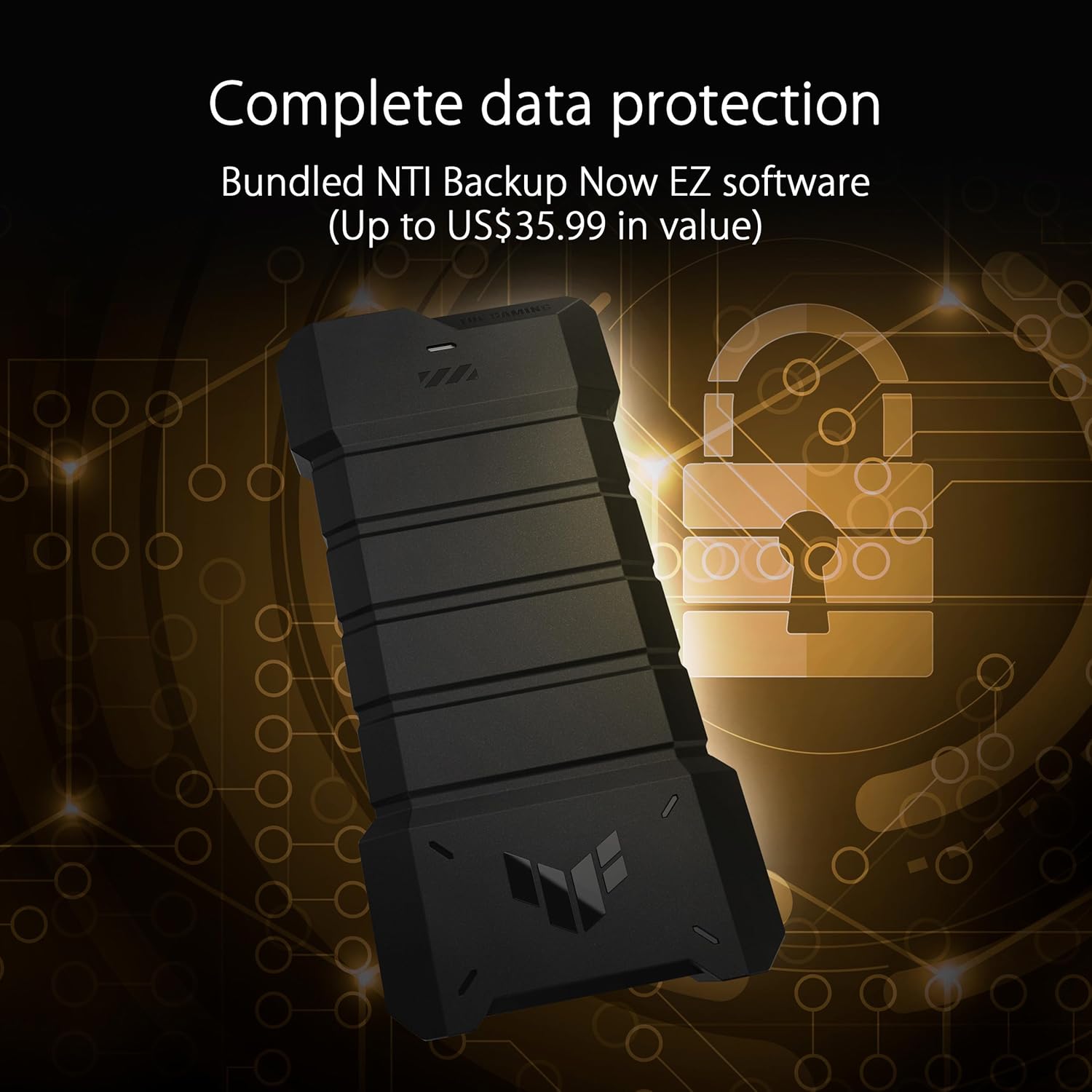
Image: The ASUS TUF Gaming AS1000 Plus illustrating its complete data protection features, including bundled NTI Backup Now EZ software.
Ask a question about this manual
Ask about setup, troubleshooting, compatibility, parts, safety, or missing instructions. Manuals+ will review the question and use this page’s manual context to help answer it.