
소개
This manual provides essential information for the setup, operation, and maintenance of your AOC Smart TV Roku 43" Full HD, model 43S5045/78G. Please read these instructions carefully before using your television to ensure proper functionality and safety. Keep this manual for future reference.
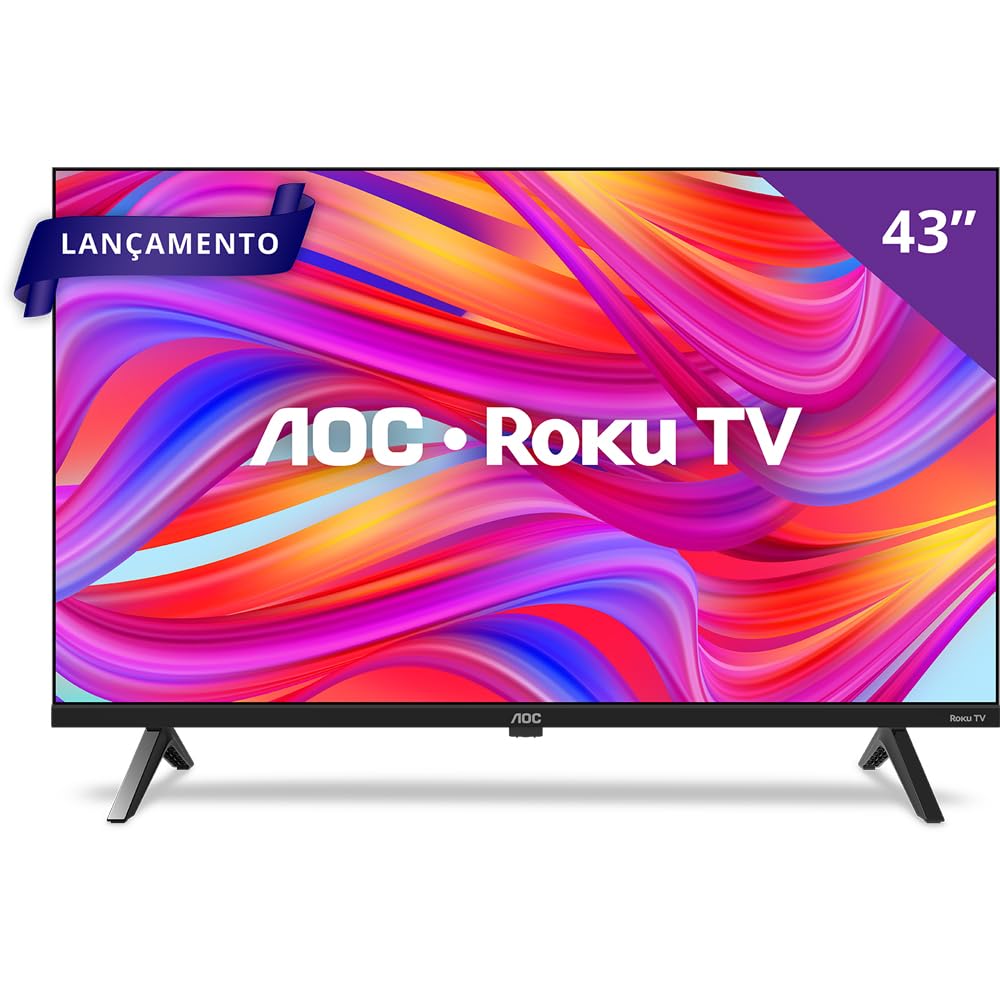
앞쪽 view of the AOC Roku TV displaying the main Roku interface with streaming application icons.
제품 특징
- 풀 HD 디스플레이: Enjoy vibrant colors and sharp images on a 43-inch Full HD screen.
- 경계 없는 디자인: A modern, sleek design that integrates seamlessly into any environment.
- Roku TV Operating System: Access thousands of streaming applications, including Netflix, Prime Video, Disney+, and YouTube, through an intuitive and user-friendly interface.
- 듀얼 밴드 Wi-Fi: Ensures stable and fast wireless connectivity for uninterrupted streaming.
- 다중 연결 옵션: Features 3 HDMI ports, 1 USB 2.0 port, 1 RF (Antenna) input, 1 SPDIF (Optical Audio) output, 1 Headphone output, and 1 Ethernet RJ-45 port.
- 스마트 컨트롤 : Control your TV using the Roku Mobile app (iOS and Android) or the included remote control.
- 음성 지원 호환성: Works with Alexa, Google Assistant, Apple HomeKit, and Apple AirPlay for convenient voice control.
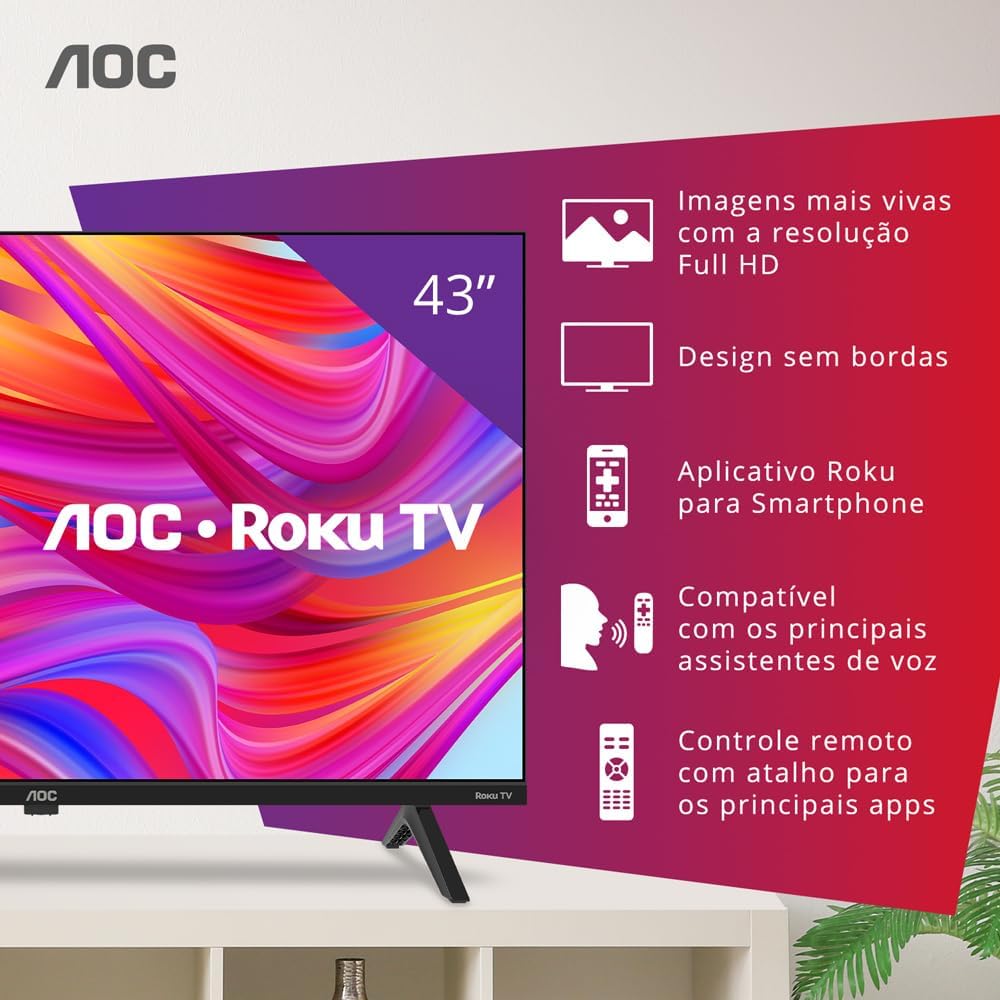
AOC Roku TV with graphical callouts illustrating key features such as Full HD resolution, borderless design, Roku app, voice assistant compatibility, and remote control shortcuts.
패키지 내용
다음 품목이 모두 패키지에 포함되어 있는지 확인하세요.
- AOC Smart TV Roku 43" Full HD
- 원격 제어
- AAA 배터리 2개(리모컨용)
- 테이블 스탠드
- 전원 케이블
- 빠른 시작 가이드
- Legal and Safety Information Leaflet
설정
1. 풀기 및 배치
Carefully remove the TV from its packaging. Place the TV on a stable, flat surface or mount it on a wall using a compatible VESA mount (200 x 200 mm). Ensure adequate ventilation around the TV.
2. 테이블 스탠드 부착
If using the table stand, align the stand with the designated slots on the bottom of the TV. Secure the stand using the screws provided in the package. Refer to the quick start guide for detailed illustrations.
3. 장치 연결
Connect your external devices to the appropriate ports on the TV:
- HDMI : Use HDMI cables to connect devices such as Blu-ray players, game consoles, or cable/satellite boxes to the HDMI ports (3 available).
- USB: Insert USB drives for media playback into the USB 2.0 port (1 available).
- 안테나/케이블: 안테나 또는 케이블 TV 신호를 RF 입력 단자에 연결하세요.
- 이더넷: 유선 인터넷 연결을 위해서는 이더넷 케이블을 RJ-45 포트에 연결하십시오.
- 오디오 출력: Use the SPDIF (Optical Audio) output for digital audio to a soundbar or receiver, or the Headphone output for private listening.

사이드 프로file of the AOC Roku TV, highlighting the accessible HDMI and USB ports.
4. Power On and Initial Roku Setup
Connect the power cable to the TV and a power outlet. Press the power button on the remote control. Follow the on-screen instructions to complete the initial Roku setup, which includes selecting your language, connecting to a Wi-Fi network (Dual-Band supported), and activating your Roku account. An active internet connection is required for full Smart TV functionality.
작동 지침
1. 리모컨 사용
The included remote control allows you to navigate the Roku interface, adjust volume, change channels, and access dedicated streaming services directly. Insert the two AAA batteries into the remote control before use.

The included AOC Roku TV remote control, featuring dedicated buttons for popular streaming services.
2. Roku 모바일 앱
Download the free Roku Mobile App on your iOS or Android smartphone. This app functions as a full-featured remote, offers a virtual keyboard for easier text entry, enables private listening through headphones connected to your phone, and allows casting media from your device to the TV.
3. 음성 제어
Your AOC Roku TV is compatible with major voice assistants. You can use devices enabled with Alexa, Google Assistant, Apple HomeKit, and Apple AirPlay to control your TV with voice commands. Ensure your TV and voice assistant devices are connected to the same network and properly configured.
4. 스트리밍 서비스 이용하기
From the Roku home screen, select the icon for your desired streaming service. The Roku Channel Store offers thousands of free and paid channels, including Netflix, YouTube, Prime Video, Disney+, Star+, HBO Max, Apple TV, and Spotify.
유지
1. TV 청소
Before cleaning, unplug the TV from the power outlet. Use a soft, dry cloth to wipe the screen and cabinet. Do not use liquid cleaners or aerosol sprays directly on the TV, as they may damage the finish or electronic components.
2. 소프트웨어 업데이트
Your Roku TV automatically checks for software updates when connected to the internet. Ensure your TV is connected to the internet to receive the latest features and performance improvements. You can manually check for updates in the Roku settings menu.
문제 해결
TV에 문제가 발생하면 다음의 일반적인 해결책을 참조하세요.
- 전원 없음: 전원 케이블이 TV와 정상적으로 작동하는 콘센트에 단단히 연결되어 있는지 확인하세요. 다른 콘센트에 연결해 보세요.
- 화면/소리 없음: Verify that the correct input source is selected. Check all cable connections (HDMI, antenna). Restart the TV by unplugging it for 30 seconds and plugging it back in.
- 인터넷에 연결되지 않음: Check your Wi-Fi router and modem. Ensure the TV is within range of your Wi-Fi signal. If using an Ethernet cable, ensure it is securely connected. Restart your router and TV.
- 원격 제어가 작동하지 않음: 배터리를 확인하고 필요하면 교체하세요. 리모컨과 TV IR 센서 사이에 장애물이 없는지 확인하세요.
- 앱 문제: If a specific app is not working, try restarting the app or uninstalling and reinstalling it from the Roku Channel Store.
명세서
| 화면 크기 | 43 인치 |
| 디스플레이 기술 | FULL HD, LED |
| 해결 | 풀HD |
| 새로 고침 빈도 | 60Hz |
| 운영 체제 | 로쿠 OS |
| 연결성 | 3 HDMI, 1 USB 2.0, 1 RF (Antenna), 1 SPDIF (Optical Audio), 1 Headphone Out, 1 Ethernet RJ-45, Wi-Fi Dual Band |
| VESA 장착 표준 | 200 x 200mm |
| 오디오 출력 전력 | 16 Watts (2.0 Channel, Dolby Audio) |
| 치수(D x W x H) | 8.7P x 95.6L x 55.6A cm (without stand) |
| 무게(스탠드 제외) | 6.3 킬로그램 |
| 전력 소비 | 4.95 Kilowatt (Efficiency A) |
| 권tage | 100-240VAC 50-60Hz |
보증 및 지원
Your AOC Smart TV Roku 43" Full HD, model 43S5045/78G, comes with a 1년 제조사 보증. Please retain your proof of purchase for warranty claims. For technical support or service inquiries, refer to the contact information provided in the legal and safety information leaflet included with your product, or visit the official AOC support web대지.