
소개
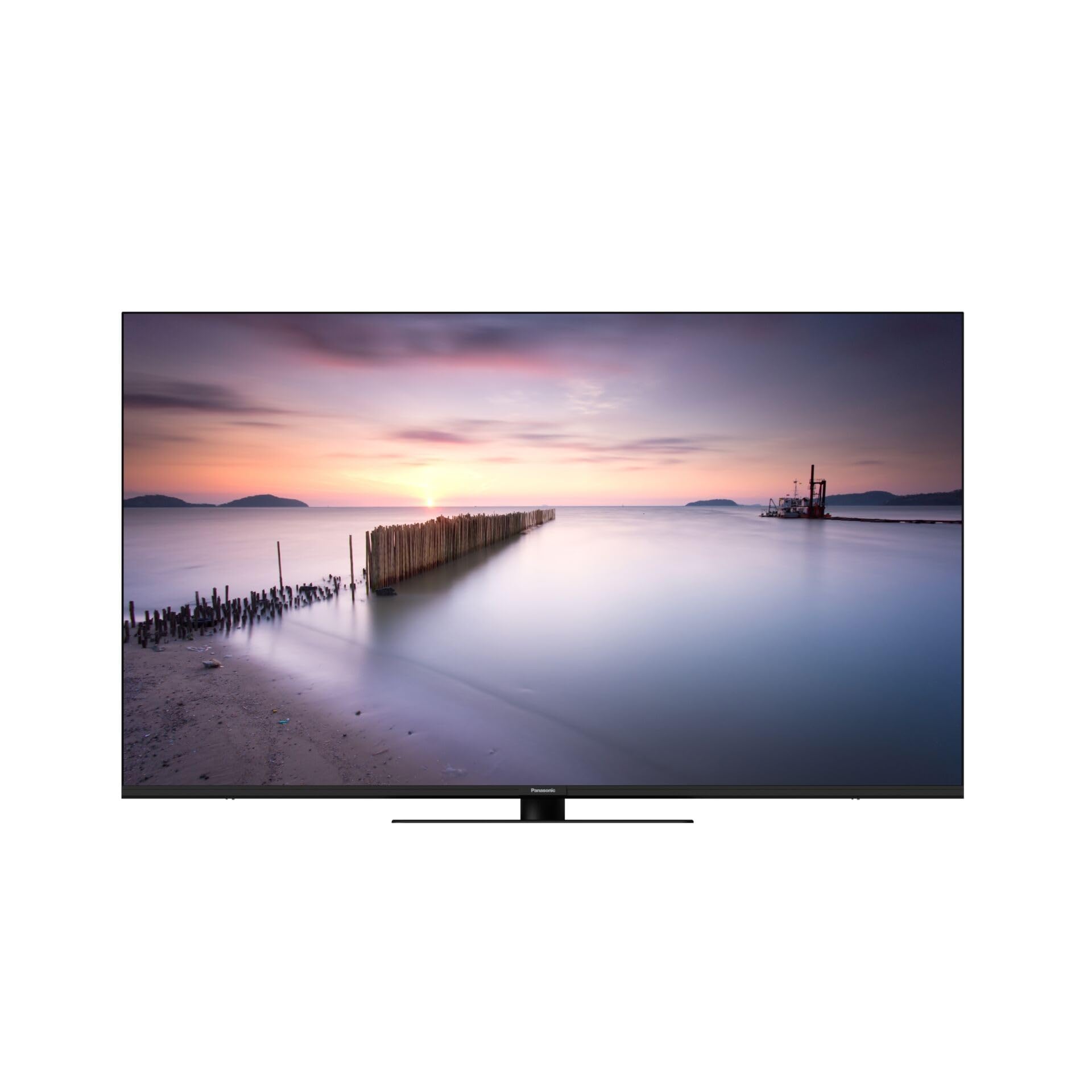
This manual provides essential information for the safe and efficient use of your Panasonic W80 Series 4K LED Smart TV with integrated Fire TV. Please read these instructions thoroughly before operating your television and retain them for future reference. This 4K LED TV offers high-quality picture and sound, enhanced by the integrated Fire TV experience.

앞쪽 view of the Panasonic W80 Series 4K LED Smart TV, showcasin얇은 베젤과 모던한 디자인이 특징입니다.
안전 정보
Always follow basic safety precautions when using this television to reduce the risk of fire, electric shock, and injury. Keep the television away from water and moisture. Do not block ventilation openings. Use only attachments/accessories specified by the manufacturer. Refer all servicing to qualified service personnel.
패키지 내용
Before setting up your new television, please ensure all items are present in the box:
- Panasonic W80 Series 4K LED Smart TV
- 원격 제어
- 전원 케이블
- (해당되는 경우) 스탠드
- 배터리 (리모컨용 AAA 배터리 2개)
- 빠른 시작 가이드(별도 문서)
설정
물리적 설정
Your television can be placed on a stand or mounted on a wall. Ensure the TV is placed on a stable, level surface or securely mounted using a VESA-compatible wall mount (400 x 200 mm).
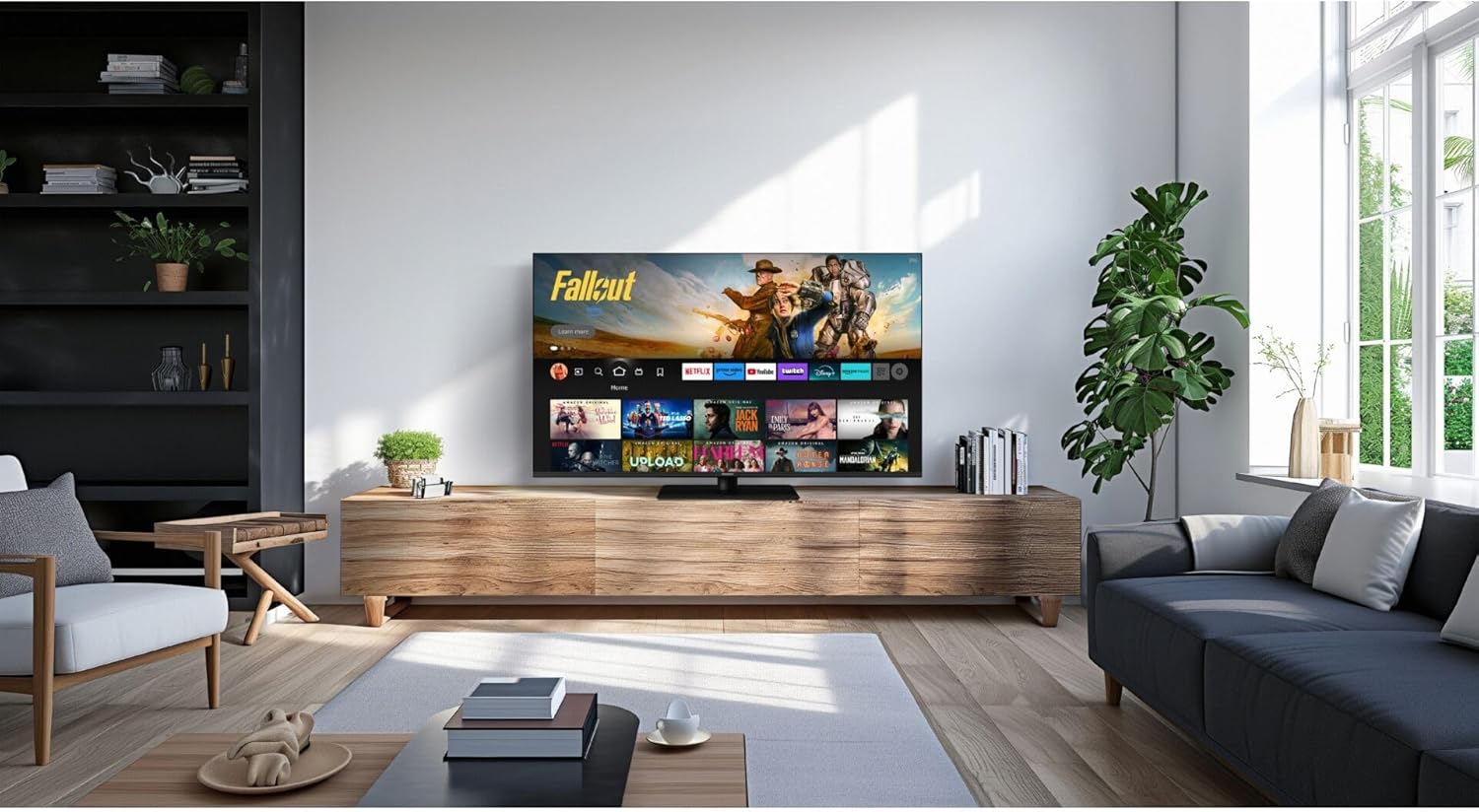
Panasonic W80 Series 4K LED Smart TV displayed in a modern living room setting, mounted on a wooden media console.
사이
- 힘: 전원 케이블을 TV에 연결한 다음 벽면 콘센트에 연결하세요.
- HDMI 장치: Connect external devices (e.g., Blu-ray player, game console) to the HDMI ports. This TV features 3 HDMI ports.
- USB 장치: Connect USB storage devices to the 2 USB ports for media playback.
- 인터넷: Connect to your home network via Wi-Fi or an Ethernet cable for access to Fire TV features and streaming services.
Initial Setup (Fire TV)
Upon first power-on, follow the on-screen instructions to set up your Fire TV. This includes selecting your language, connecting to Wi-Fi, and logging in with your Amazon account. The integrated Fire TV provides intuitive ease of use with personalized content recommendations.
운영
원격 제어
The included remote control allows you to navigate the Fire TV interface, adjust volume, change channels, and access smart features. Insert the two AAA batteries as indicated in the battery compartment.
Fire TV 인터페이스
The Fire TV interface provides access to a wide range of streaming applications like Netflix, Amazon Prime Video, and Hulu. Navigate using the directional pad on your remote. Content recommendations are personalized based on your view습관.
The Panasonic W80 Series TV screen displaying the Fire TV interface with various streaming app icons and content recommendations, including 'Fallout' and other Amazon Originals.
스마트 기능
Utilize voice control through the remote to search for content, launch apps, and control smart home devices. The TV is compatible with smart home systems.
영상 및 사운드 설정
Your TV features an HCX Processor and Hollywood-optimized image processing for realistic contrast and colors. It supports multiple HDR formats including Dolby Vision, HLG, HDR10, and HDR10+. The brilliant LED backlight ensures sharp, defined HDR images. For audio, experience immersive sound with Surround Sound Pro and Dolby Atmos.
게임 기능
Elevate your gaming experience with Game Mode Plus and the Game Control Panel, designed for low latency and super-fast reaction times.
유지
청소
To clean the screen, gently wipe with a soft, dry, lint-free cloth. For the TV body, use a soft, damp 옷감. 가혹한 화학 물질이나 연마성 세제를 사용하지 마십시오.
소프트웨어 업데이트
Ensure your TV is connected to the internet to receive automatic software updates. These updates provide new features and improve performance and security.
문제 해결
- 전원 없음: 전원 케이블이 TV와 벽면 콘센트에 모두 단단히 연결되어 있는지 확인하세요.
- 화면/소리 없음: Verify that the correct input source is selected and all HDMI cables are properly connected.
- 원격이 작동하지 않음: 배터리가 제대로 삽입되어 있고 방전되지 않았는지 확인하세요. 리모컨을 TV를 향해 직접 향하게 하세요.
- Wi-Fi 연결 문제: Restart your router and the TV. Check your network settings on the TV.
- Fire TV App Problems: Try restarting the app or clearing its cache in the Fire TV settings.
명세서
| 특징 | 사양 |
|---|---|
| 모델 번호 | TV-65W80AEZ |
| 화면 크기 | 65 인치 |
| 디스플레이 기술 | 4K LED |
| 해결 | 4K(3840 x 2160) |
| 새로 고침 빈도 | 240Hz |
| HDR 지원 | Dolby Vision, HLG, HDR10, HDR10+ |
| 이미지 프로세서 | HCX 프로세서 |
| 오디오 출력 | 24 와트 |
| 사운드 기술 | Surround Sound Pro, Dolby Atmos |
| 운영 체제 | Fire TV 내장 |
| 연결성 | Bluetooth, HDMI (3 ports), Wi-Fi, USB (2 ports) |
| 제어 방법 | Voice, Remote Control |
| VESA 마운트 표준 | 400 x 200mm |
| 치수(높이 x 너비 x 깊이) | 876mm x 1446mm x 275mm |
| 무게 | 20.5 킬로그램 |
보증 및 지원
보증 정보는 제품과 함께 제공된 보증 카드를 참조하거나 공식 Panasonic 웹사이트를 방문하십시오. website. For technical support, troubleshooting assistance, or service inquiries, please contact Panasonic customer support through their official channels.