
amazon basics AB-IBT-82ANC
Amazon Basics Pro Series Wireless Noise Cancelling ANC Over Ear Headphone
Model: AB-IBT-82ANC
소개
This manual provides detailed instructions for the setup, operation, maintenance, and troubleshooting of your Amazon Basics Pro Series Wireless Noise Cancelling ANC Over Ear Headphones. Please read this manual thoroughly before using the product to ensure proper function and longevity.

Image: The Amazon Basics Pro Series Wireless Noise Cancelling ANC Over Ear Headphone in black, showcasin세련된 디자인이에요.
패키지 내용
패키지에 모든 품목이 들어 있는지 확인하세요.
- Amazon Basics Pro Series Wireless Noise Cancelling ANC Over Ear Headphone
- USB Type-C 충전 케이블
- 3.5mm AUX 케이블
- 사용 설명서 (본 문서)
설정
1. 초기 충전
Before first use, fully charge the headphones. Connect the supplied USB Type-C charging cable to the headphone's charging port and the other end to a USB power source (e.g., computer USB port or wall adapter). The LED indicator will show charging status and turn off or change color when fully charged.
A full charge provides up to 74 hours of playback at 50% volume with ANC off, or 34 hours with ANC on.
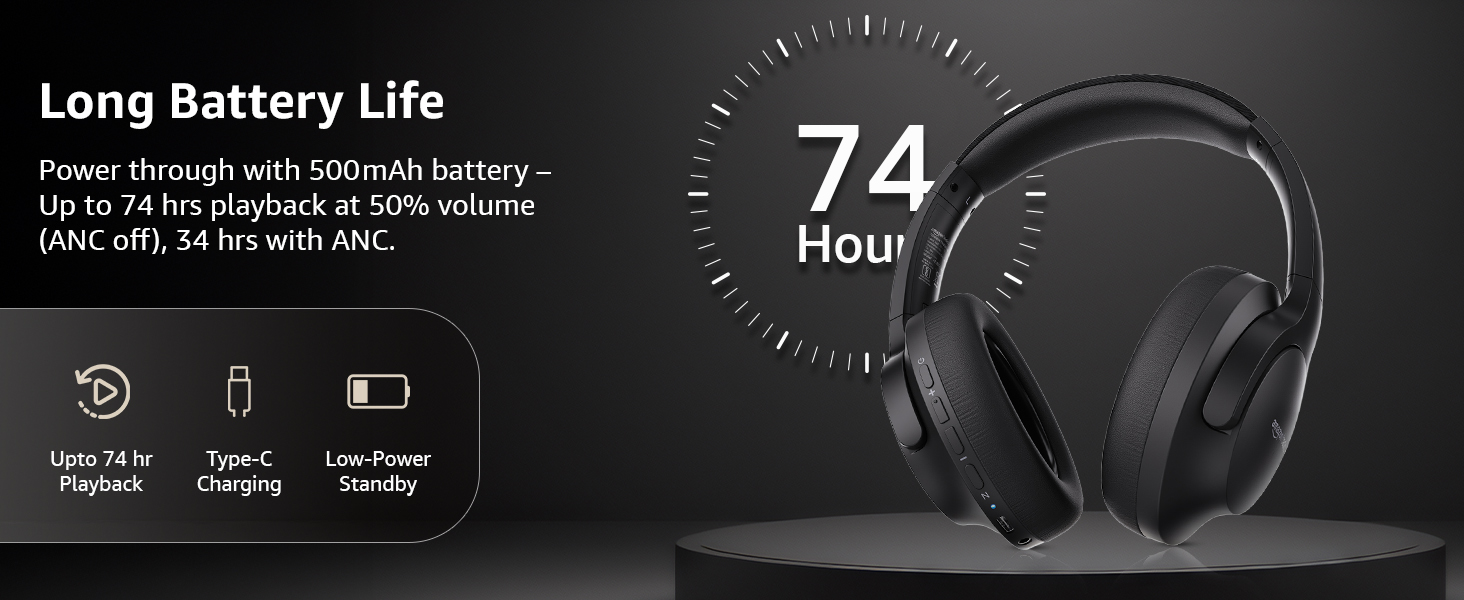
Image: An illustration highlighting the long battery life of the headphones, indicating up to 74 hours of playback.
2. 블루투스 페어링
- 헤드폰이 충전되어 있고 전원이 꺼져 있는지 확인하세요.
- LED 표시등이 파란색과 빨간색으로 깜박여 페어링 모드를 나타낼 때까지 전원 버튼을 길게 누릅니다.
- 기기(스마트폰, 태블릿, 노트북)에서 Bluetooth를 활성화하고 사용 가능한 기기를 검색하세요.
- Select "AB-IBT-82ANC" from the list of found devices.
- 연결되면 LED 표시등이 파란색으로 켜지거나 천천히 깜박입니다.
The headphones support dual pairing, allowing connection to two devices simultaneously for seamless switching.

Image: The headphones shown connected to both a smartphone and a laptop, illustrating the multi-pairing capability.
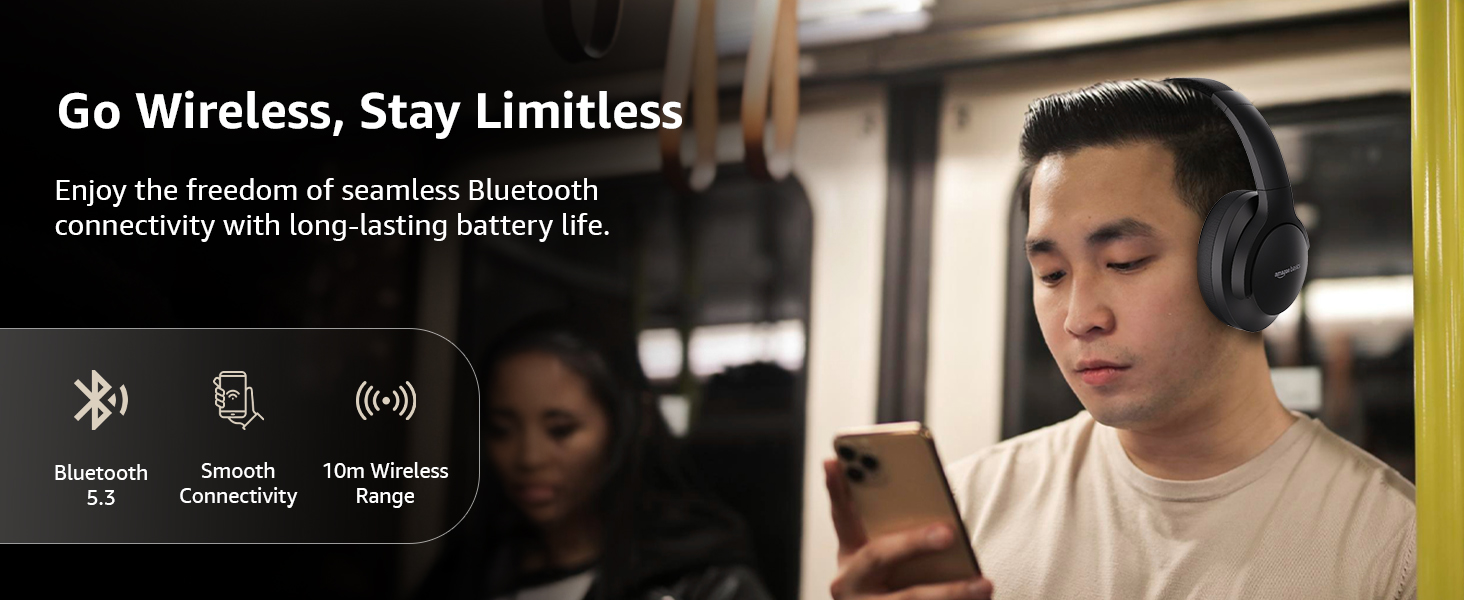
Image: A visual representation of the wireless capabilities, including Bluetooth 5.3 and a 10-meter wireless range.
3. 유선 연결(AUX 모드)
For a wired connection, plug the 3.5mm AUX cable into the headphone's AUX port and the other end into your audio device's 3.5mm jack. This mode does not require battery power.
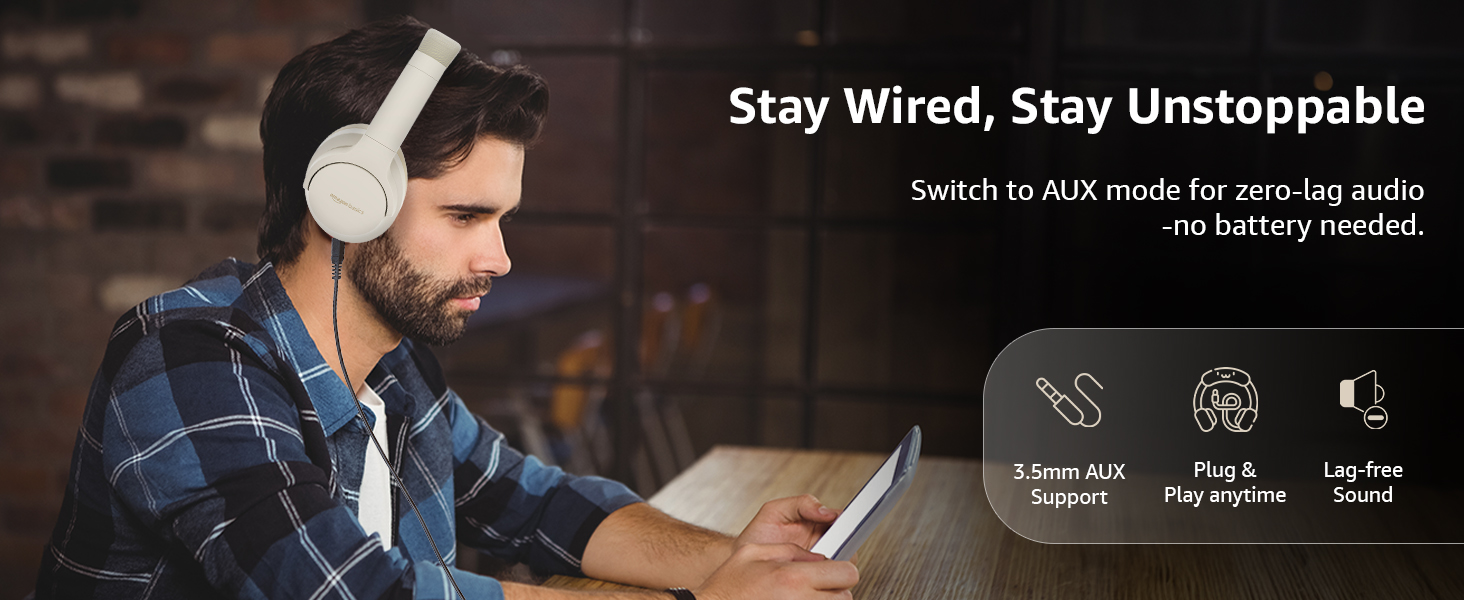
Image: A user demonstrating the wired AUX connection, emphasizing lag-free audio without needing battery power.
작동 지침
1. 전원 켜기/끄기
- 전원 켜기: 전원 버튼을 약 3초 동안 길게 누릅니다.
- 전원 끄기 : 전원 버튼을 약 5초 동안 길게 누릅니다.
2. Accessible Controls
이 헤드폰은 이어컵에 직관적인 조작 버튼이 있습니다.
- 볼륨 업/다음 트랙: 짧게 누르면 볼륨이 커지고, 길게 누르면 다음 트랙이 됩니다.
- 볼륨 낮추기/이전 트랙: 짧게 누르면 볼륨이 낮아지고, 길게 누르면 이전 트랙으로 돌아갑니다.
- 재생/일시 정지/통화 응답: 다기능 버튼을 한 번 누르세요.
- 통화 종료: 통화 중에 다기능 버튼을 한 번 누르세요.
- 전화 거부: 전화가 오는 동안 다기능 버튼을 길게 누르세요.
- 음성 지원(Siri/Google Assistant) 활성화: 다기능 버튼을 두 번 누르세요.
- ANC 켜기/끄기: Dedicated ANC button to toggle Active Noise Cancellation.
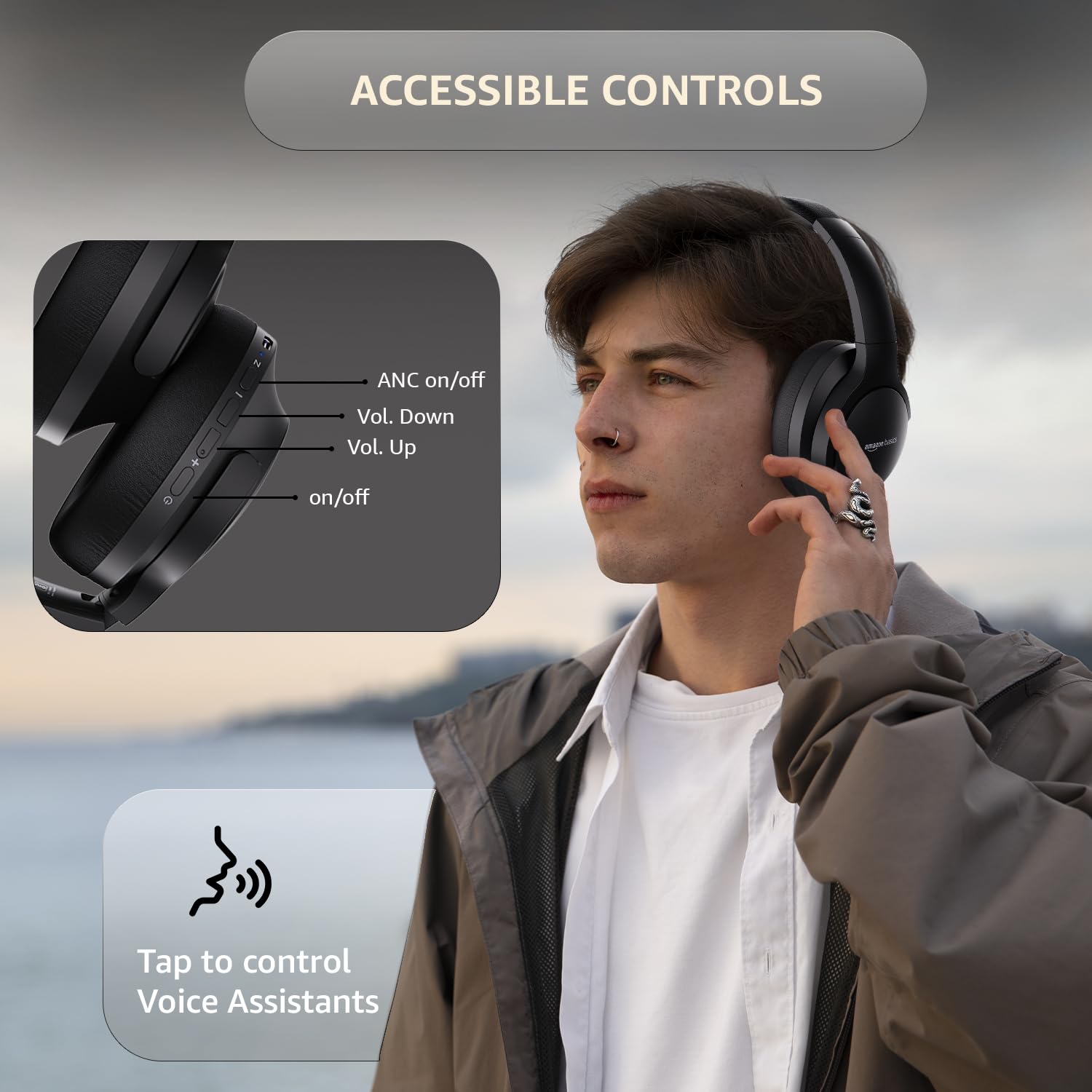
Image: A detailed diagram illustrating the location and function of the accessible controls on the headphone earcup.
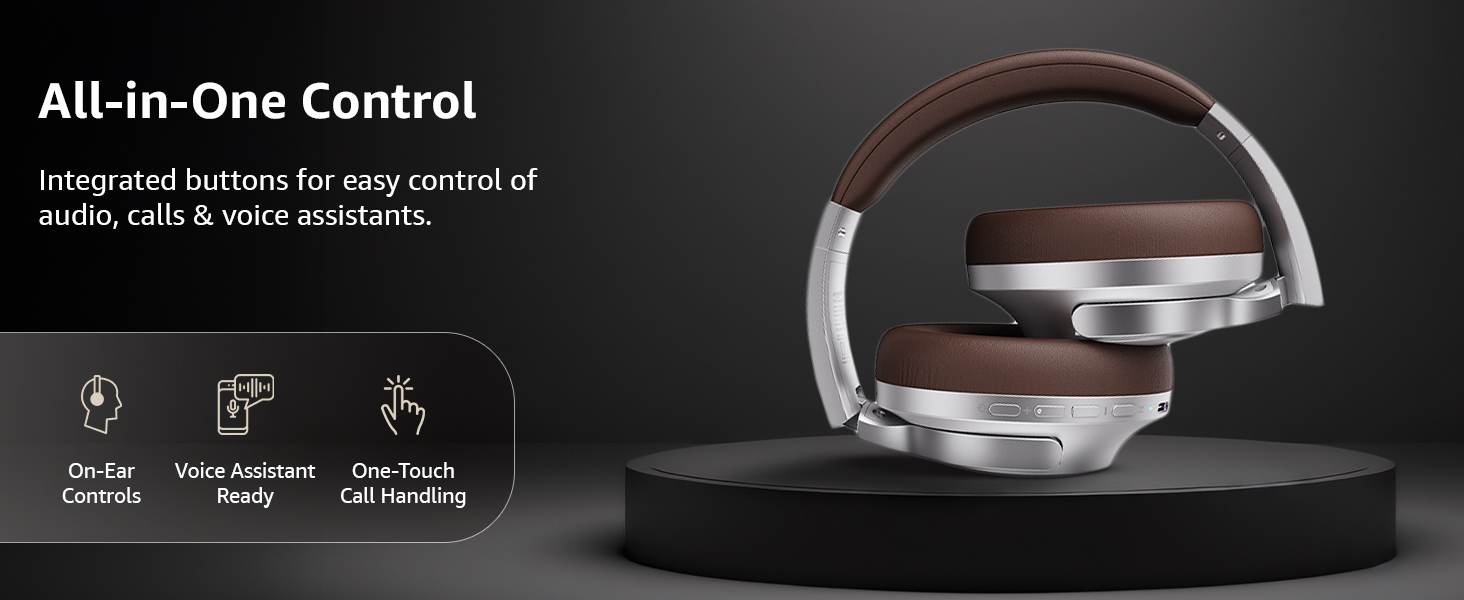
이미지: 오버view of the integrated controls, highlighting ease of use for audio, calls, and voice assistants.
3. 능동 소음 제거(ANC)
The Active Noise Cancellation feature reduces ambient noise, providing a more immersive listening experience. Press the dedicated ANC button to activate or deactivate this feature. Note that ANC functionality may slightly reduce overall battery life.

Image: A person wearing the headphones in a public setting, illustrating the effectiveness of Active Noise Cancellation in reducing distractions.
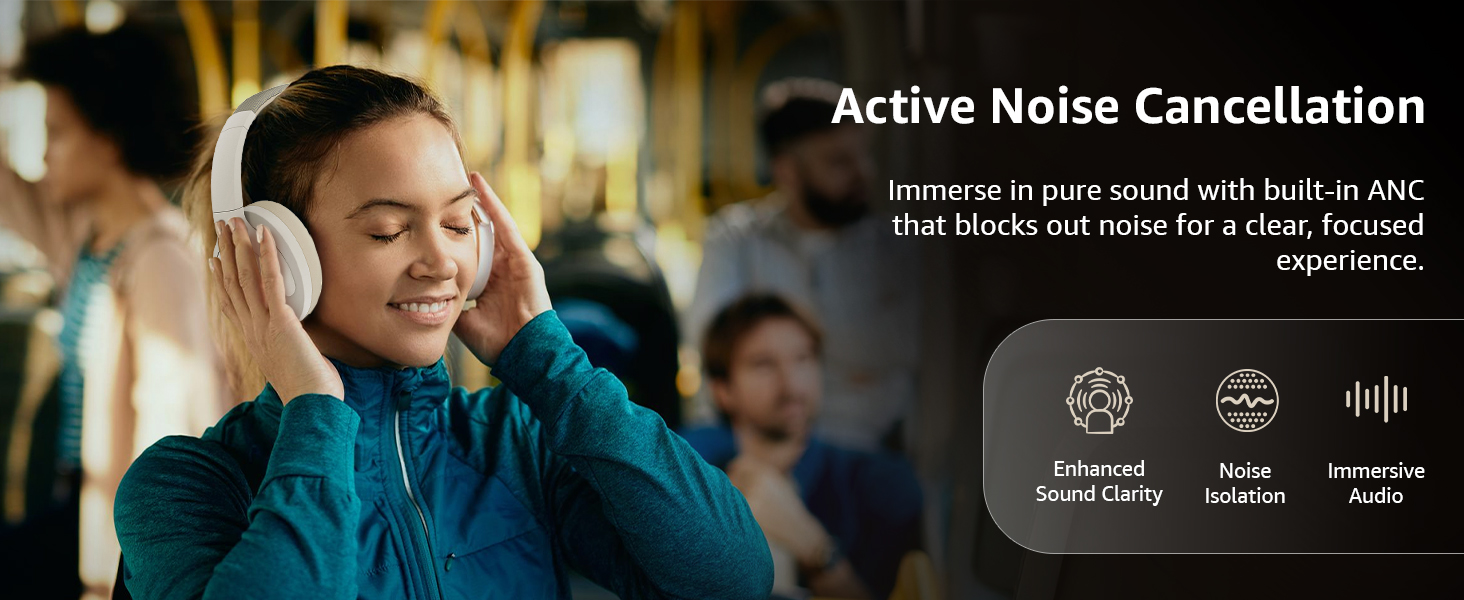
Image: A graphic emphasizing the benefits of Active Noise Cancellation, including enhanced sound clarity and immersive audio.
4. 음질 및 드라이버
The headphones are equipped with 40mm drivers, designed to deliver rich bass, clear mids, and precise highs for a balanced audio experience.
이미지: 폭발된 view diagram illustrating the 40mm drivers, which are responsible for the headphone's sound output.
유지
1. 청소
- 부드럽고 마른 보푸라기 없는 천으로 헤드폰을 닦으세요.
- 헤드폰에 연마성 세척제, 용제 또는 스프레이 세척제를 직접 사용하지 마세요.
- 이어쿠션을 부드럽게 닦아주세요.amp 필요한 경우 천으로 닦아주고, 사용하기 전에 완전히 말려주세요.
2. 보관
When not in use, store the headphones in a cool, dry place, away from direct sunlight and extreme temperatures. The headphones feature a sleek and foldable design for convenient storage and portability.
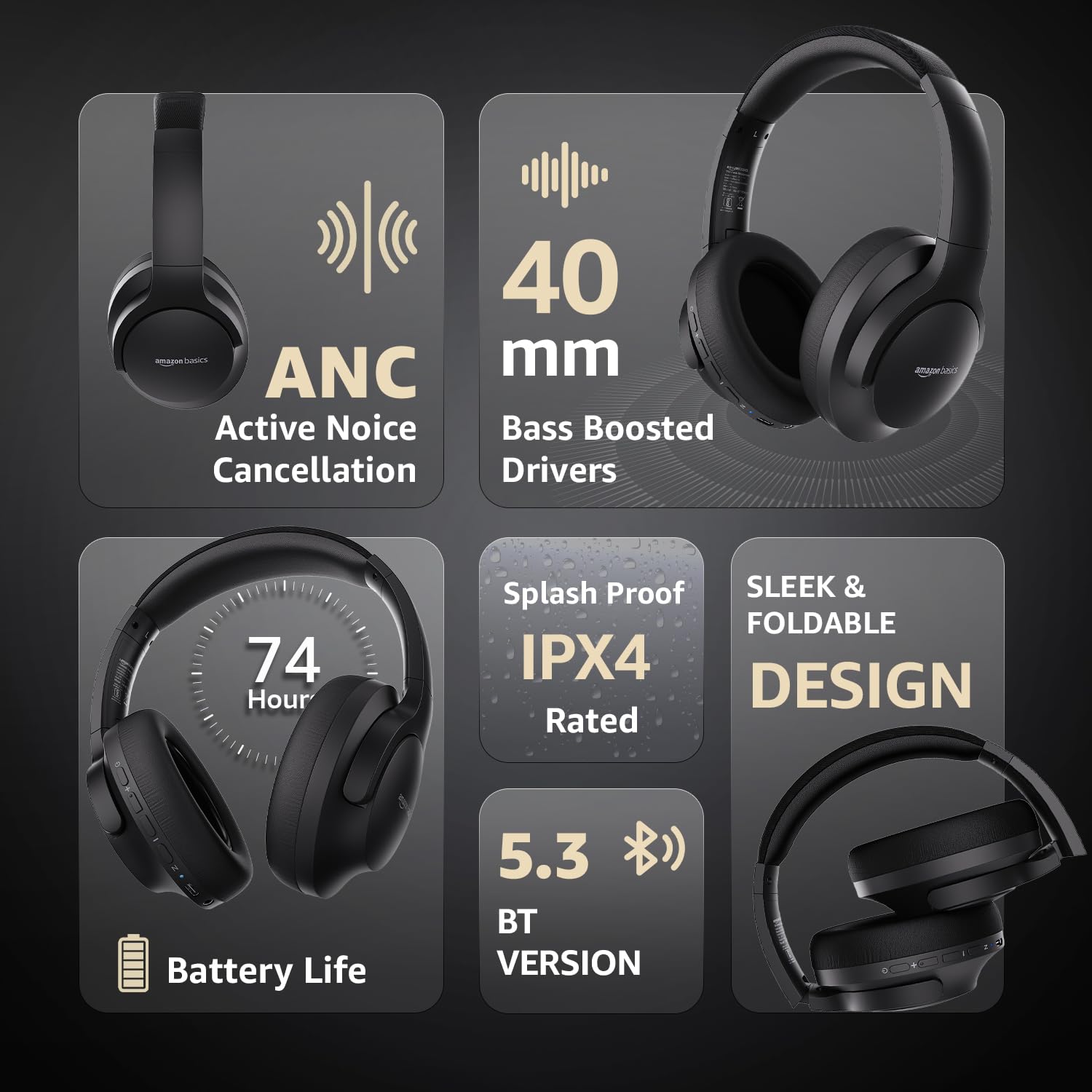
Image: An infographic highlighting key features, including the sleek and foldable design of the headphones for easy storage.
3. 배터리 관리
- 배터리를 자주 완전히 방전시키지 마세요.
- 배터리 수명 유지를 위해 장기간 사용하지 않더라도 헤드폰을 정기적으로 충전하십시오.
- 배터리를 고온에 노출시키지 마십시오.
문제 해결
| 문제 | 가능한 원인 | 해결책 |
|---|---|---|
| 헤드폰의 전원이 켜지지 않습니다. | 배터리가 부족합니다. | Charge the headphones fully using the supplied USB Type-C cable. |
| 블루투스로 페어링할 수 없습니다. | 헤드폰이 페어링 모드가 아닙니다. 기기의 Bluetooth가 꺼져 있습니다. 기기와 너무 멀리 떨어져 있습니다. | Ensure headphones are in pairing mode (flashing blue/red). Turn Bluetooth on your device. Move headphones closer to the device (within 10m). |
| 소리가 나지 않습니다. | 볼륨이 너무 낮음; 오디오 소스가 올바르지 않음; 헤드폰이 연결되지 않음. | Increase volume on headphones and device. Verify correct audio output on device. Re-pair Bluetooth or check AUX cable connection. |
| ANC가 효과적으로 작동하지 않습니다. | ANC가 활성화되지 않았습니다. 주변 소음이 너무 큽니다. | ANC 버튼을 눌러 활성화하세요. ANC는 저주파의 지속적인 소음에 가장 효과적입니다. |
명세서
| 특징 | 세부 사항 |
|---|---|
| 모델 번호 | AB-IBT-82ANC |
| 연결 기술 | 무선(블루투스 5.3), 유선(3.5mm AUX) |
| 드라이버 크기 | 40mm (XNUMXmm) |
| 배터리 용량 | 500mAh 리튬 폴리머 |
| 배터리 수명(ANC 꺼짐) | 최대 74시간(50% 볼륨) |
| 배터리 수명(ANC 켜짐) | Up to 34 hours (at 100% volume), 62 hours (at 50% volume) |
| 충전 포트 | USB 타입-C |
| 무선 범위 | 최대 10미터 |
| 방수 등급 | IPX4(스플래시 방지) |
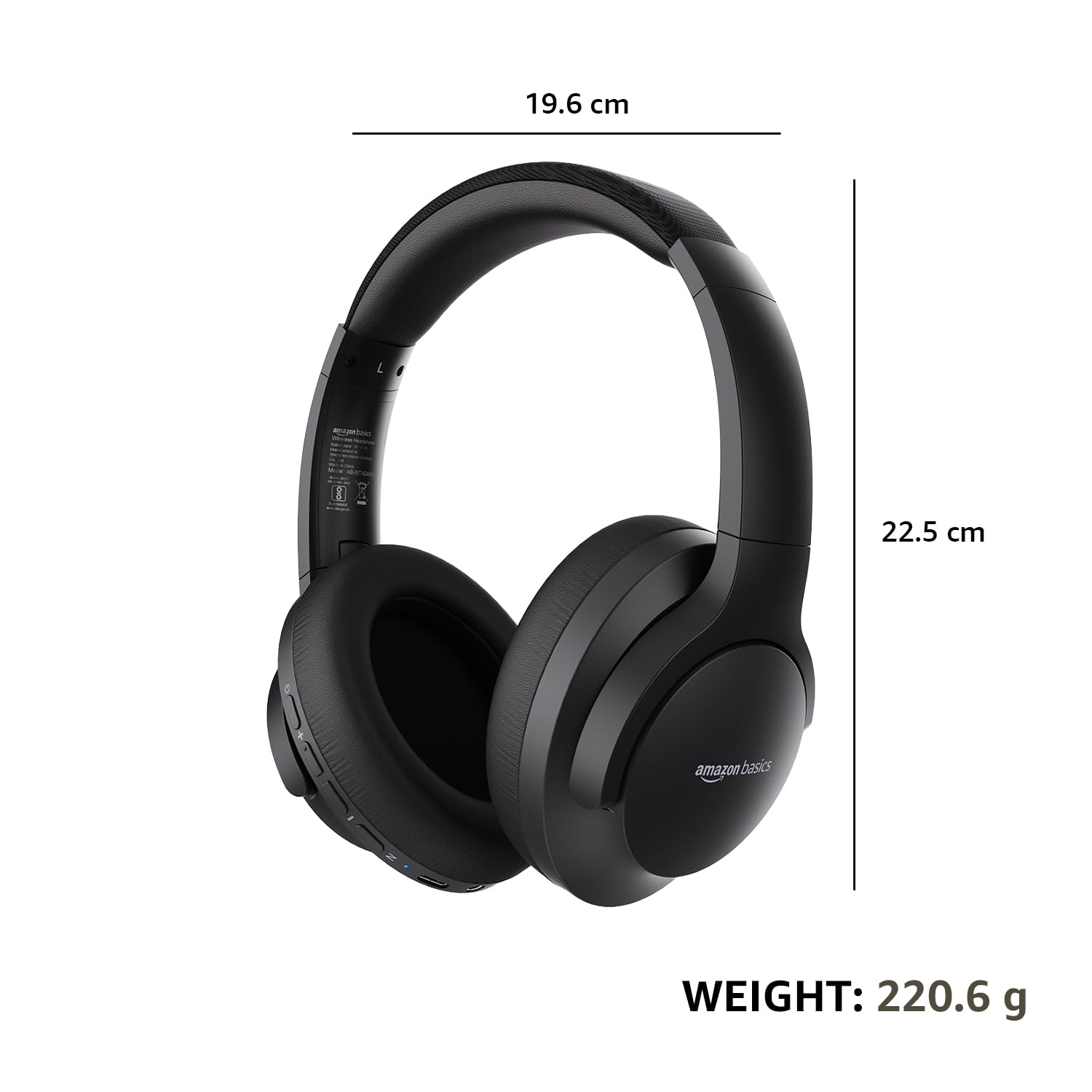
| Dimensions (Headphone) | 19.61 x 22.5 x 8.72cm |
| 무게(헤드폰) | 220.6g |
| 재료 | 플라스틱, 폴리우레탄(PU) |
| 호환 장치 | 휴대폰, 게임 콘솔, 노트북, 태블릿 |

Image: A visual representation of the headphone's dimensions and weight for reference.
편안함과 디자인
The headphones are designed for extended wear with an over-ear fit, soft ear cushions, and an adjustable headband, ensuring comfort during long listening sessions.

Image: A person wearing the headphones, demonstrating the comfortable over-ear fit.
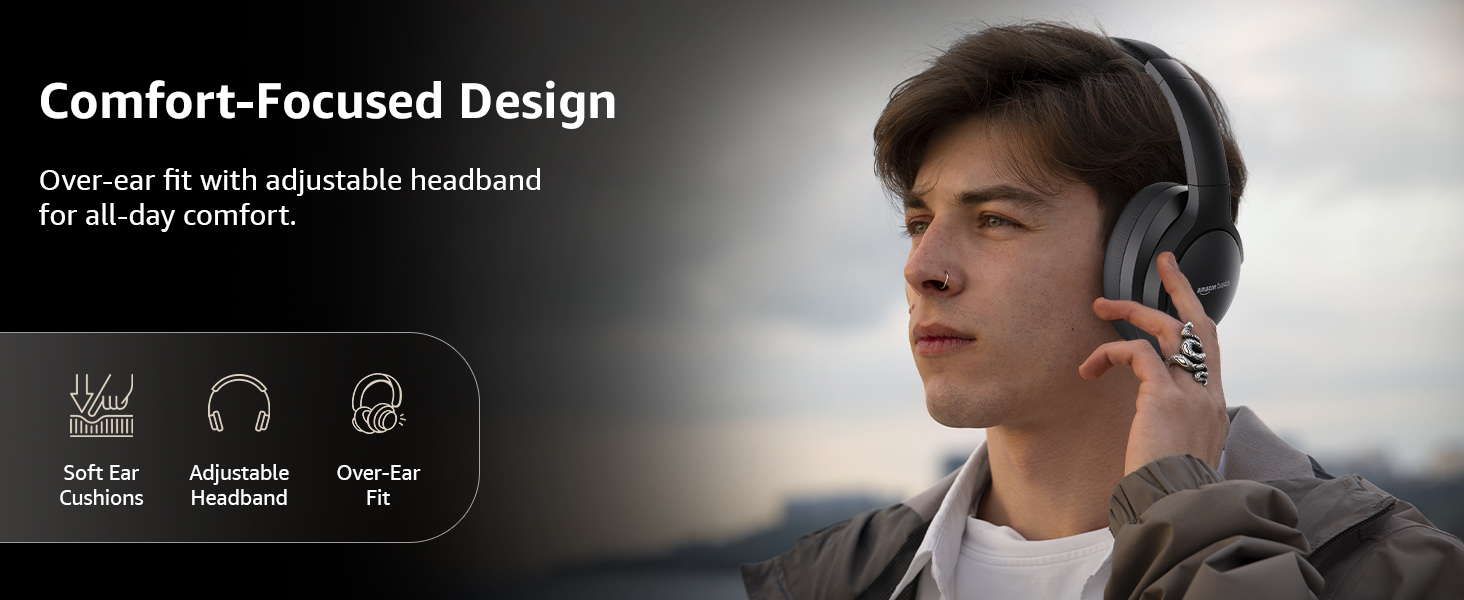
Image: A graphic detailing the comfort-focused design elements, including soft ear cushions and an adjustable headband.
보증 및 지원
Warranty information for your Amazon Basics Pro Series Wireless Noise Cancelling ANC Over Ear Headphones is typically provided with the product packaging or can be found on the Amazon Basics official website. For technical support or warranty claims, please refer to the contact information provided with your purchase or visit the Amazon Basics support page.
보증 관련 문의사항이 있을 경우 구매 증빙서류를 보관해 주시기 바랍니다.
Ask a question about this manual
Ask about setup, troubleshooting, compatibility, parts, safety, or missing instructions. Manuals+ will review the question and use this page’s manual context to help answer it.