
1. 서론
Welcome to the SIMATE 6.5-inch Bluetooth Scooter user manual. This guide provides essential information for the safe and efficient operation, setup, and maintenance of your new electric scooter. Please read this manual thoroughly before first use to ensure proper function and to prevent damage or injury.
2. 안전 지침
경고: 이러한 안전 지침을 따르지 않으면 심각한 부상이나 사망이 초래될 수 있습니다.
- 스쿠터를 운전할 때는 헬멧, 무릎 보호대, 팔꿈치 보호대 등 적절한 안전 장비를 항상 착용하십시오.
- Ensure the scooter is fully charged and in good working condition before each use.
- Do not ride on public roads, near motor vehicles, or in heavy pedestrian traffic.
- Avoid riding on uneven surfaces, steep inclines (maximum 15-degree slope), or slippery conditions.
- The maximum load capacity for this scooter is 220 lbs (approximately 100 kg). Do not exceed this limit.
- 어린이는 반드시 성인의 직접적인 감독 하에 스쿠터를 운전해야 합니다.
- This product has achieved UL2272 Safety Certification from SGS, complying with U.S. safety regulations.
- Do not attempt to modify the scooter or its components.
- 전동 스쿠터 사용과 관련된 지역 법규 및 규정을 숙지하십시오.
3. 상자 안에 무엇이 들어있나요?
Upon opening your SIMATE 6.5-inch Bluetooth Scooter package, you should find the following items:
- SIMATE 6.5-inch Bluetooth Scooter
- 사용 설명서 (본 문서)
- 충전 어댑터
4. 설정
4.1. Charging the Scooter
Before first use, fully charge your SIMATE scooter. A full charge typically takes 2-3 hours.
- 스쿠터 측면에 있는 충전 포트를 찾으세요.
- 충전 어댑터를 스쿠터의 충전 포트에 연결하세요.
- 충전 어댑터를 표준 벽면 콘센트에 꽂습니다.
- The battery indicator light on the scooter will show the charging status. It will typically turn green when fully charged.

4.2. 초기 전원 켜기
To power on your scooter:
- Press and hold the power button located near the center of the scooter.
- The scooter will emit an audible signal, and the LED lights will illuminate, indicating it is ready for use.
4.3. 앱 설치 및 연결
Enhance your riding experience by connecting your scooter to the exclusive SIMATE app, "XsCar".
- Download the "XsCar" app from your device's app store.
- 스쿠터 전원이 켜져 있고 모바일 기기에서 블루투스가 활성화되어 있는지 확인하십시오.
- Open the "XsCar" app and follow the on-screen instructions to pair with your SIMATE scooter.
- Through the app, you can control various functions including power on/off, adjusting lights, monitoring speed and battery power, and setting speed modes.

5. Operating Your SIMATE Scooter
5.1. 기본 동작
The SIMATE scooter features a self-balancing control system designed for ease of use. Practice in a safe, open area before riding in more challenging environments.
- Step onto the footpads one foot at a time, ensuring the scooter remains level.
- Lean gently in the direction you wish to move. Slight pressure from your feet on the footpads controls acceleration and turning.
- To stop, slowly shift your weight back to a neutral position.
5.2. 속도 모드
The scooter offers three adjustable speed modes to suit different skill levels:
- 안전 모드: Maximum speed 5 mph (suitable for beginners).
- 초보자 모드: Maximum speed 6.5 mph (suitable for novices).
- 스포츠 모드: Maximum speed 7.5 mph (suitable for proficient users).
These modes can be selected via the "XsCar" app.
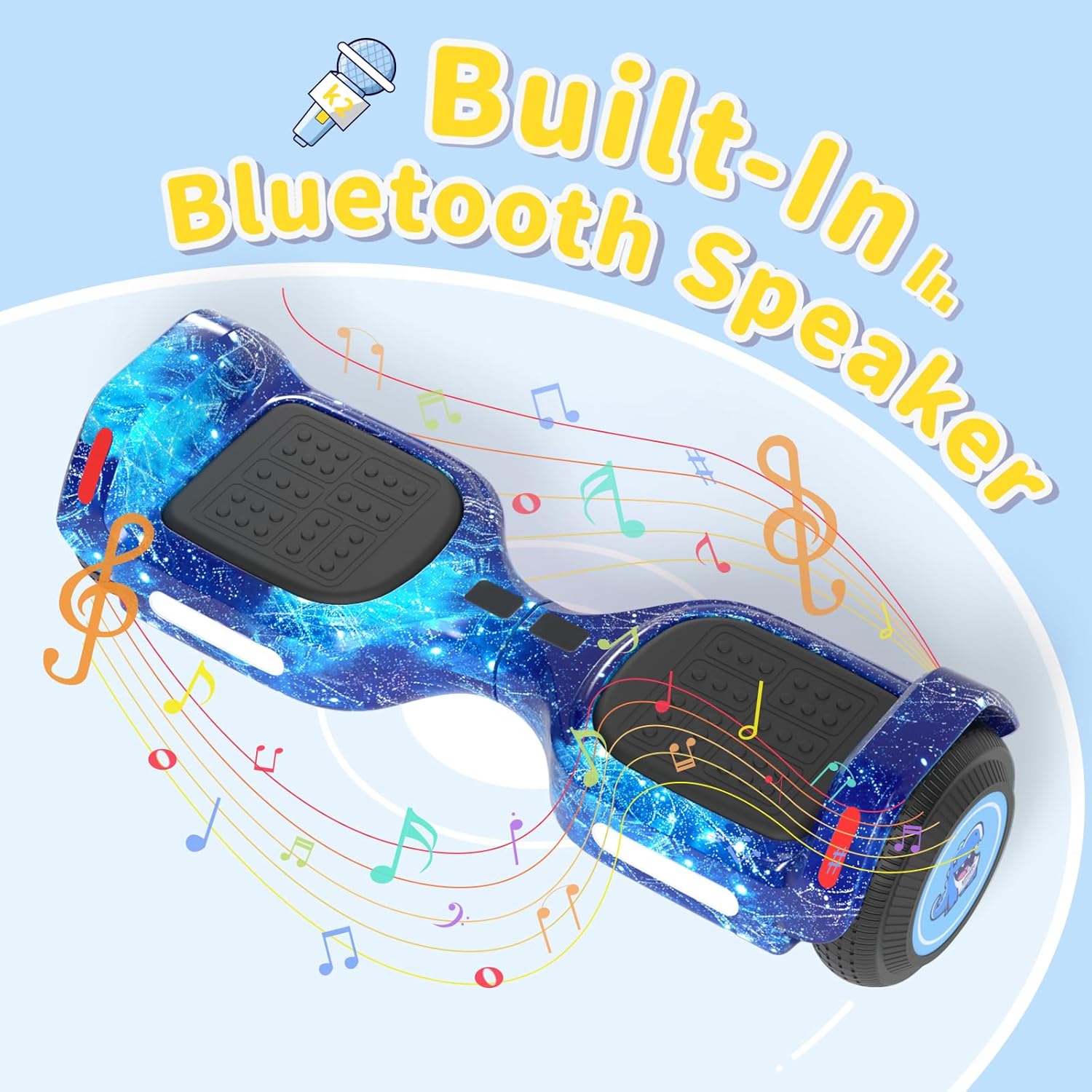
5.3. 블루투스 스피커
Your SIMATE scooter includes a built-in Bluetooth speaker for music playback.
- 스쿠터 전원이 켜져 있는지 확인하십시오.
- 모바일 기기에서 Bluetooth를 활성화하세요.
- 검색 and connect to the scooter's Bluetooth device name (usually "SIMATE Scooter" or similar).
- Once connected, you can play audio from your device through the scooter's speaker.
5.4. LED 조명
The scooter is equipped with colorful LED lights and flashing wheels for enhanced visibility and aesthetics.
- The LED lights automatically activate when the scooter is powered on.
- Light patterns and colors may be adjustable via the "XsCar" app.

6. 유지관리
Regular maintenance ensures the longevity and optimal performance of your SIMATE scooter.
- 청소: 광고로 스쿠터를 닦으세요amp 사용 후에는 천으로 닦아주세요. 독한 화학 약품이나 연마성 세제를 사용하지 마세요. 물을 직접 분사하지 마세요.
- 저장: 스쿠터는 직사광선과 극한의 온도를 피해 시원하고 건조한 곳에 보관하세요.
- 배터리 관리 : Charge the battery regularly, even if not in use, to maintain battery health. Do not allow the battery to fully discharge for extended periods.
- 타이어: The scooter features 6.5-inch solid rubber wheels, which require minimal maintenance. Periodically check for debris or damage.
7. 문제 해결
If you encounter issues with your SIMATE scooter, refer to the following common problems and solutions:
| 문제 | 가능한 원인 | 해결책 |
|---|---|---|
| 스쿠터의 전원이 켜지지 않습니다. | 배터리가 부족하거나 전원 버튼을 제대로 누르지 않았습니다. | Charge the scooter fully. Ensure the power button is pressed firmly for a few seconds. |
| Scooter is not balancing correctly. | Incorrect foot placement or calibration issue. | Ensure feet are centered on the footpads. Refer to the app for calibration options if available. Practice balancing in a safe area. |
| 블루투스 스피커가 연결되지 않습니다. | Bluetooth not enabled on device, scooter not discoverable, or already paired. | Ensure scooter is on and Bluetooth is active on your phone. Forget previous connections and try pairing again. |
| 범위나 속도가 감소함. | Low battery, riding conditions, or excessive load. | Charge the scooter fully. Avoid riding on steep inclines or with loads exceeding 220 lbs. |
8. 사양
| 특징 | 세부 사항 |
|---|---|
| 모델 번호 | K2 |
| 휠 크기 | 6.5인치 (단단한 고무 재질) |
| 최대 속도 | 7.5 Miles per Hour (adjustable modes) |
| 최대 범위 | 완충 시 최대 7.5마일(약 4.8km) 주행 가능 |
| 모터 파워 | 듀얼 250W 모터 |
| 최대 부하 | 220파운드 |
| 최대 경사 | 15도 |
| 충전 시간 | 2-3시간 |
| 재료 | 알루미늄, 고무 |
| 특별 기능 | Built-In Bluetooth Speaker, Colorful LED Lights, Light-Up Wheels, App Control |
| 안전인증 | UL2272 (SGS Certified) |
| 품목 치수(LxWxH) | 24 x 8 x 8 인치 |
| 패키지 무게 | 6.35 킬로그램 |
9. 보증 및 지원
9.1. 보증 정보
The SIMATE 6.5-inch Bluetooth Scooter comes with a 1년 보증 구매일로부터. 본 보증은 정상적인 사용 중 발생한 제조상의 결함에 적용됩니다. 오용, 사고, 무단 개조 또는 본 설명서의 지침을 따르지 않아 발생한 손상은 보증 대상에서 제외됩니다.
보증 청구를 위해 구매 증명서를 보관하십시오.
9.2. 고객 지원
For any questions, technical assistance, or warranty inquiries, please contact SIMATE US customer support. Our team is available to assist you with any issues you may encounter.
Contact information for SIMATE US can typically be found on the product packaging, the official SIMATE web사이트나 구매 플랫폼을 통해서도 구매할 수 있습니다.