
1. 설정 가이드
To begin using your TORJALPH Smart Watch, please follow these steps to set up and pair it with your smartphone.
1.1 스마트워치 충전하기
Before initial use, fully charge your smart watch. The watch is equipped with a 230 mAh battery and uses magnetic charging. A full charge takes approximately 2.5 hours and provides up to 7 days of typical usage or 30 days standby time.

Image: The smart watch connected to its magnetic charging cable, illustrating the charging process and battery life.
1.2 컴패니언 앱 다운로드
Your smart watch requires a companion app for full functionality. Scan the QR code provided in the watch's packaging or search for "Da Fit" in your smartphone's app store (compatible with Android 5.0 and above or iOS 9.0 and above).
1.3 스마트폰과 페어링
- 스마트폰에서 Bluetooth가 활성화되어 있는지 확인하세요.
- Open the "Da Fit" app and follow the on-screen instructions to create an account and set up your profile (gender, birthday, height, weight).
- Within the app, search for your smart watch and select it to initiate the pairing process. The watch will appear as "707457227119" or a similar identifier.
- 스마트폰과 스마트워치 모두에서 페어링 요청을 확인하세요.
Once paired, the watch will synchronize data with the app, and you will begin receiving notifications and tracking health metrics.
2. 사용 설명서
Navigate your smart watch using its 1.69-inch full HD color touch screen and side button.
2.1 기본 탐색
- 왼쪽/오른쪽으로 스와이프: Access quick-view widgets such as heart rate, blood oxygen, weather, music control, and calendar.
- 위/아래로 스와이프: View notifications and quick settings (flashlight, Do Not Disturb, battery status).
- 측면 버튼을 누르세요: Return to the main watch face or access the main menu with all applications.
- Long Press Watch Face: Customize the watch face. You can choose from over 200 watch faces in the "Da Fit" app or upload your own photos.

이미지: 스마트워치 쇼asing its 1.69-inch HD display with various customizable watch faces, including a personal photo option.
2.2 건강 모니터링 기능
The smart watch continuously monitors your health metrics:
- 심박수 모니터: 24시간 내내 심박수 추적 기능을 제공합니다.
- 수면 모니터: Tracks sleep duration and quality, including deep and REM sleep phases.
- 혈중 산소 모니터(SpO2): 혈액 산소 포화도를 측정합니다.
- 스트레스 모니터: 스트레스 수준을 이해하는 데 도움이 됩니다.

Image: The smart watch interface showing various health monitoring features like heart rate, sleep, blood oxygen, and stress levels.
2.3 피트니스 추적
The smart watch supports 12 sports modes, including walking, running, cycling, swimming, badminton, basketball, football, and rope skipping. It tracks steps, distance, and calories burned.

Image: A woman running with the smart watch on her wrist, showing the watch interface with fitness tracking data like steps, distance, and calories.
2.4 Smart Notifications & Communication
Receive and display notifications for calls, SMS, WhatsApp, Facebook, Twitter, and Messenger directly on your wrist. The watch also supports phone call functions, allowing you to answer or hang up calls.

Image: The smart watch showing notifications from various social media platforms and an incoming call, demonstrating its communication features.
2.5 기타 기능
Additional features include sedentary reminders, alarm clock, stopwatch, timer, weather information, music control, and remote camera control.
3. 유지관리
3.1 방수성
The TORJALPH Smart Watch features an IP68 waterproof rating. This means it is resistant to dust and can withstand immersion in water up to 1.5 meters for 30 minutes. You can wear it during handwashing, in the rain, or while showering. However, it is recommended to avoid prolonged exposure to water, especially in saltwater or chlorinated pools, to maintain its longevity.
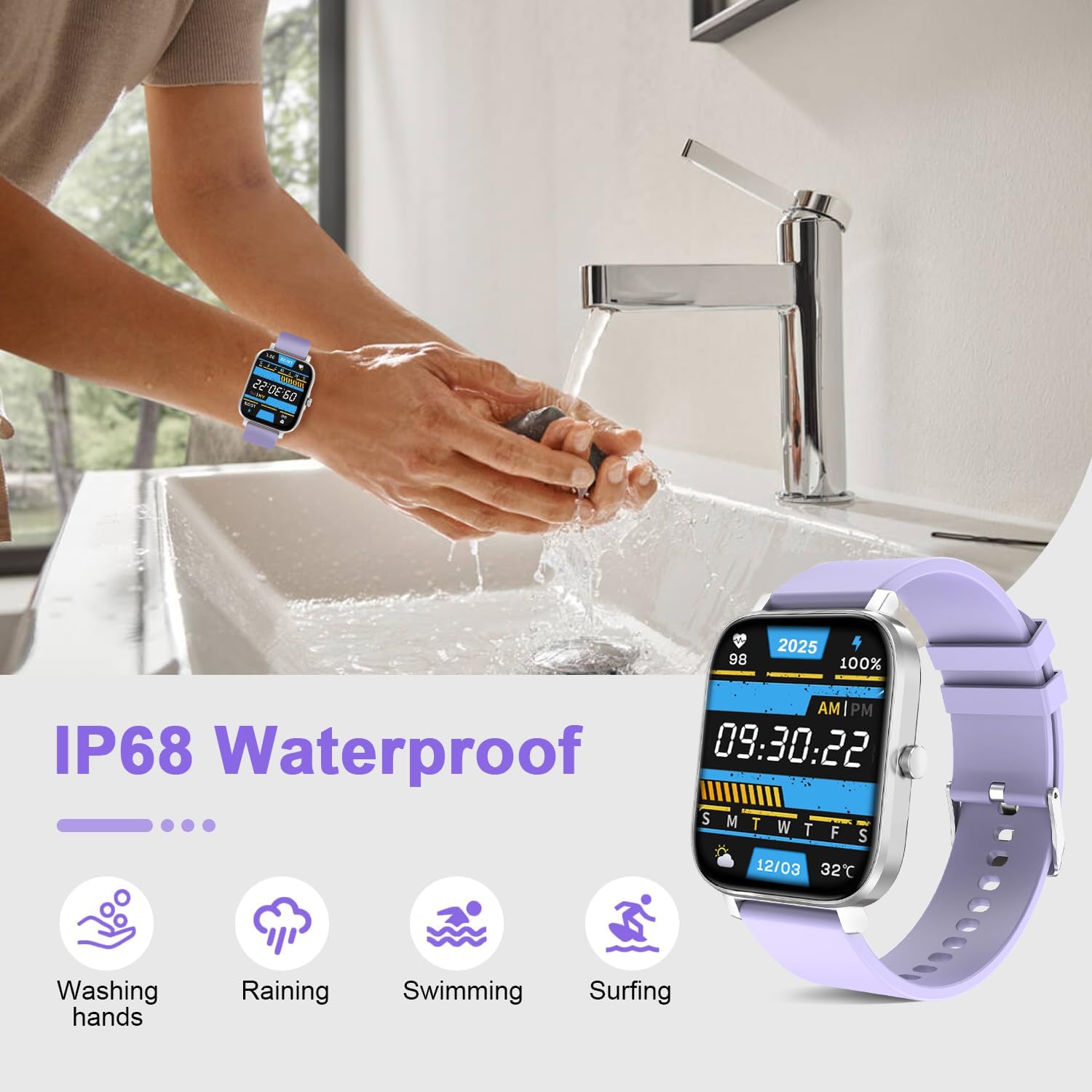
Image: The smart watch demonstrating its IP68 waterproof rating through various water exposure scenarios like handwashing, rain, and light swimming.
3.2 청소 및 관리
- 부드럽고 마른 천으로 시계를 정기적으로 닦아 먼지와 얼룩을 제거하세요.
- If the watch comes into contact with sweat or water, dry it thoroughly to prevent skin irritation or damage to the device.
- 시계를 극한의 온도나 강한 화학 물질에 노출시키지 마세요.
4. 문제 해결
If you encounter issues with your smart watch, try the following general troubleshooting steps:
- 연결 문제: Ensure Bluetooth is enabled on your phone and the watch is within range. Restart both your phone and the watch, then attempt to re-pair through the "Da Fit" app.
- Tracking Inaccuracies: Ensure the watch is worn snugly on your wrist. For step tracking, ensure natural arm movement. Environmental factors can sometimes affect sensor readings.
- 배터리가 빨리 소모됨: Reduce screen brightness, disable unnecessary notifications, and limit continuous heart rate monitoring to extend battery life. Ensure the watch is fully charged using the provided magnetic charger.
- 화면 응답 없음: Try restarting the watch by long-pressing the side button. If the screen is locked, hold the crown to unlock it.
For persistent issues, refer to the "Da Fit" app's help section or contact customer support.
5. 제품 사양
| 특징 | 세부 사항 |
|---|---|
| 상표 | 토르잘프 |
| 모델 번호 | 707457227119 |
| 화면 크기 | 1.69 인치 |
| 디스플레이 유형 | Digital, Full HD Color Touch Screen (240 x 280 resolution) |
| 운영 체제 | Android, iOS (Compatible with Android 5.0+ / iOS 9.0+) |
| 연결 기술 | 블루투스 |
| 배터리 용량 | 230mAh 리튬 이온 |
| 배터리 수명(일반적인 사용) | 최대 7일 |
| 배터리 충전 시간 | 2.5시간 |
| 방수 등급 | IP68 (Water Resistant up to 5 feet) |
| 밴드 소재 유형 | 실리콘 |
| 케이스 재질 종류 | 금속 합금 |
| 지원되는 응용 프로그램 | Fitness Tracker, Heart Rate Monitor, Blood Pressure Monitor, Oxymeter (SpO2), Sleep Monitor |
| Sport Types | Walk, Run, Dynamic Cycling, Badminton, Football, Basketball, Rope-Jump, Swimming (12 modes) |
| 특별 기능 | Notifications, Bluetooth Call, Sedentary Reminder, Alarm Clock, Stopwatch, Timer, Weather Info, Music Control, Remote Camera Control, Customizable Watch Faces |
6. 보증 및 지원
Your TORJALPH Smart Watch comes with a 1년 전체 보증 from the manufacturer, TORJALPH.
For technical support, warranty claims, or any questions regarding your product, please contact the manufacturer directly or refer to the support section within the "Da Fit" companion app.
Manufacturer: TORJALPH
7. 제품 비디오
TORJALPH Smart Watch Overview
영상: 공식 발표view of the TORJALPH Smart Watch, highlighting its key features and functionalities. This video provides a visual guide to the watch's design, interface, and various modes.