
소개
This manual provides essential information for the proper setup, operation, and maintenance of your ONN 24-inch FHD Gaming Monitor, model 100027813. Please read this manual thoroughly before using the product to ensure optimal performance and safety. This monitor is designed to deliver a high-quality gaming experience with its 1080p resolution, 165Hz refresh rate, 1ms response time, and FreeSync technology.
안전 정보
Always observe the following safety precautions to prevent damage to the monitor and ensure user safety:
- 화재나 감전 위험을 방지하기 위해 모니터를 비나 습기에 노출시키지 마십시오.
- 모니터를 열지 마세요asing. 내부에는 사용자가 직접 수리할 수 있는 부품이 없습니다. 모든 수리는 자격을 갖춘 서비스 담당자에게 맡기십시오.
- 모니터가 떨어지지 않도록 안정적이고 평평한 표면에 놓으세요.
- 모니터 주변의 통풍이 잘 되도록 하십시오. 통풍구를 막지 마십시오.
- 모니터와 함께 제공된 전원 어댑터만 사용하세요.
- 번개가 칠 때나 장기간 사용하지 않을 때는 모니터의 플러그를 콘센트에서 뽑아 두세요.
패키지 내용
패키지에 모든 품목이 들어 있는지 확인하세요.
- ONN 24-inch FHD Gaming Monitor
- 모니터 스탠드(베이스 및 넥)
- 전원 어댑터
- DisplayPort Cable (6 ft)
- HDMI Cable (6 ft)
- 사용 설명서 (본 문서)

Image: Retail box of the ONN 24-inch Gaming Monitor, highlighting key features like 165Hz, 1ms response time, DisplayPort, HDMI, and Adaptive-Sync.
설정
1. 스탠드 조립
- 모니터와 스탠드 구성품을 포장에서 조심스럽게 꺼내세요.
- Attach the stand neck to the stand base. Secure it with the provided screw, if applicable.
- Align the assembled stand with the mounting slot on the back of the monitor. Gently push until it clicks into place or secure with screws as per the design.
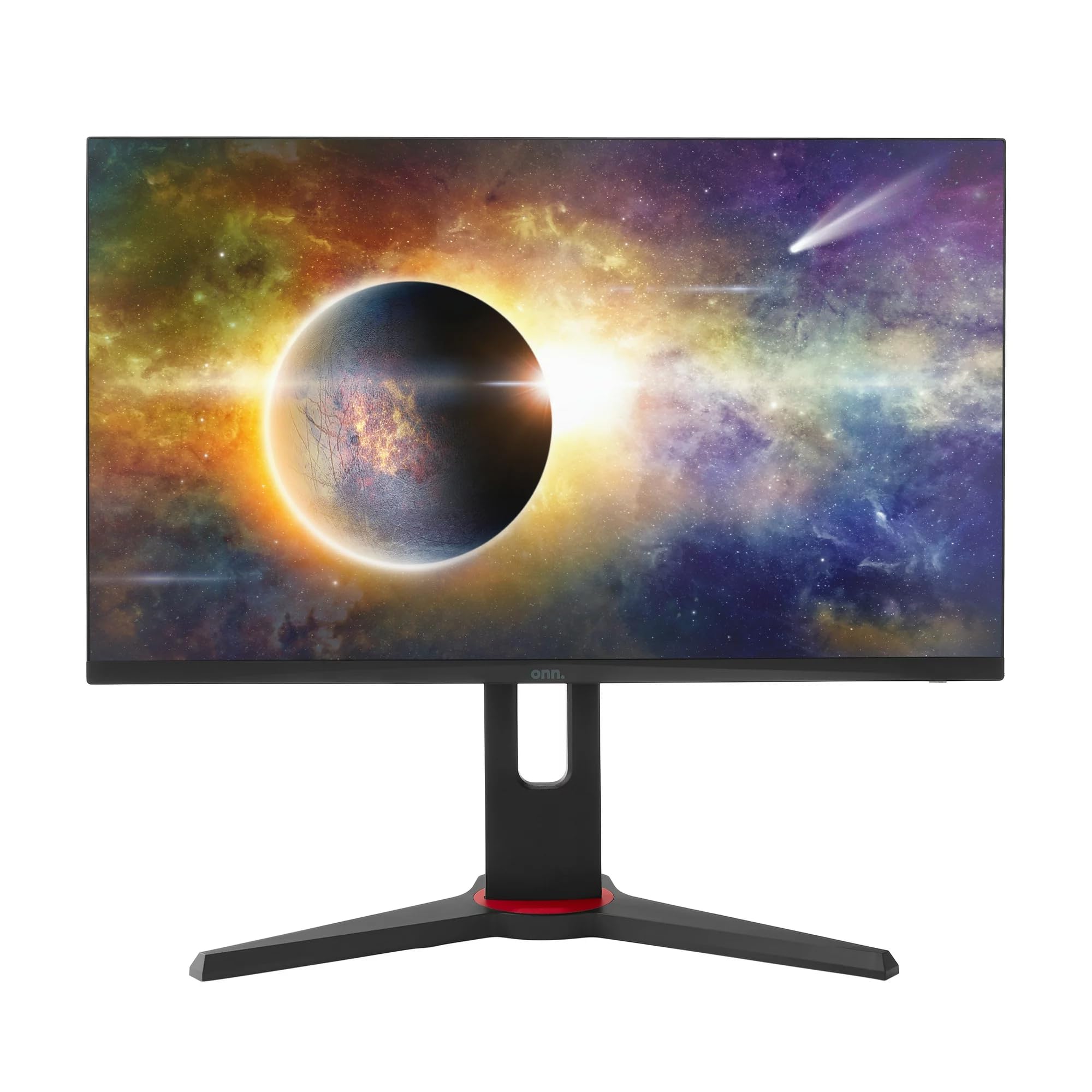
이미지: 앞면 view of the ONN 24-inch Gaming Monitor, fully assembled with its stand.

이미지: 후면 view of the ONN 24-inch Gaming Monitor, illustrating the stand attachment and cable management area.
2. 케이블 연결하기
Locate the input ports on the back of your monitor:
- 힘: 전원 어댑터를 모니터의 전원 입력 단자에 연결한 다음 전원 콘센트에 연결하십시오.
- 비디오 입력 : Connect one end of the provided DisplayPort or HDMI cable to the corresponding port on your computer's graphics card and the other end to the monitor. The monitor supports 2 HDMI inputs and 1 DisplayPort input.
- 오디오 출력(선택 사항): If your monitor has a 3.5mm audio jack, you can connect external speakers or headphones.

이미지: 클로즈업 view of the monitor's rear ports, including HDMI 1, HDMI 2, DisplayPort (DP), and power input.
3. 초기 전원 켜기
- 모든 케이블이 단단히 연결되어 있는지 확인하십시오.
- Press the power button on the monitor (usually located on the back or bottom right).
- The monitor should display the ONN logo and then search for an input signal.
- If no image appears, ensure your computer is powered on and the correct input source is selected on the monitor (see Operating section).
운영
1. 전원 켜기/끄기
Press the power button to turn the monitor on or off. The power indicator light will show the monitor's status (e.g., blue for on, amber for standby).
2. OSD(화면 디스플레이) 메뉴 탐색
Your monitor features an OSD menu for adjusting various settings. Typically, buttons on the back or bottom of the monitor control the OSD:
- 메뉴 버튼: OSD 메뉴를 엽니다.
- 탐색 버튼(위/아래/왼쪽/오른쪽): 메뉴 옵션을 탐색하는 데 사용됩니다.
- 선택/확인 버튼: 선택을 확인하거나 하위 메뉴로 들어갑니다.
- 종료 버튼 : 현재 메뉴나 OSD를 종료합니다.
3. 설정 조정
OSD 메뉴를 통해 조정할 수 있는 주요 설정은 다음과 같습니다.
- 밝기/대비: 전반적인 밝기와 밝은 부분과 어두운 부분의 차이를 조정합니다.
- 색상 설정: 색온도, 감마, 개별 RGB 레벨을 수정합니다.
- 입력 소스: HDMI 1, HDMI 2 또는 DisplayPort 입력 중에서 수동으로 선택합니다.
- 새로 고침 빈도: Ensure your graphics card and monitor are set to 165Hz for the smoothest experience. This is usually configured in your operating system's display settings.
- 응답 시간: Adjust the monitor's response time setting (e.g., 1ms) for reduced motion blur in fast-paced games.
- 프리싱크 기술: Enable FreeSync in the OSD menu and in your AMD graphics card settings to synchronize the monitor's refresh rate with your GPU's frame rate, eliminating screen tearing and stuttering.
- 사진 모드: 다양한 콘텐츠에 최적화된 사전 설정 모드(예: 표준, 게임, 영화, 텍스트) 중에서 선택하세요.

Image: The ONN 24-inch Gaming Monitor displayed in a typical desk setup, connected to a laptop with gaming peripherals.
유지
모니터 청소
- 청소하기 전에는 항상 모니터의 플러그를 뽑으세요.
- 부드럽고 보풀이 없는 천을 살짝 사용하십시오. damp물이나 부드럽고 연마성이 없는 화면 세척제로 닦으세요.
- 세척제를 화면에 직접 뿌리지 마세요. 천에 먼저 묻혀 사용하세요.
- 강한 화학 물질, 연마 패드 또는 용제의 사용을 피하세요.
저장
장기간 모니터를 보관할 경우 모든 케이블을 분리하고, 원래 포장재(가능하다면)에 포장한 후 직사광선과 극한의 온도를 피해 서늘하고 건조한 곳에 보관하세요.
문제 해결
모니터에 문제가 발생하면 다음의 일반적인 문제와 해결 방법을 참조하세요.
| 문제 | 가능한 해결책 |
|---|---|
| 화면에 이미지가 없습니다. |
|
| Image is flickering or distorted |
|
| 소리가 나지 않습니다(모니터 스피커/오디오 출력을 사용하는 경우) |
|
| 모니터 주사율이 165Hz에 도달하지 않습니다. |
|
명세서
Detailed technical specifications for the ONN 24-inch FHD Gaming Monitor (Model 100027813):
| 특징 | 사양 |
|---|---|
| 모델 번호 | 100027813 |
| 화면 크기 | 24 인치 |
| 해결 | FHD 1080p (1920x1080) |
| 새로 고침 빈도 | 165Hz |
| 응답 시간 | 1밀리초 |
| 디스플레이 기술 | IPS |
| 적응형 동기화 | 프리싱크 |
| 종횡비 | 16시 9분 |
| 대비율 | 2000시 1분 |
| 화면 표면 | Matte, Anti-glare with low blue light setting |
| 연결성 | 2 x HDMI, 1 x 디스플레이포트 |
| 제품 크기(D x W x H) | 61.3 x 11.3 x 37.3cm |
| 품목 무게 | 6.1kg |
| 색상 | 검은색 |
| 장착 유형 | 데스크 마운트 |
| 특정 용도 | Entertainment, Gaming |
보증
This ONN 24-inch FHD Gaming Monitor is a renewed product. Warranty terms and conditions for renewed products may vary. Please refer to the specific warranty information provided by the seller or retailer at the time of purchase. It is recommended to retain your proof of purchase for any warranty claims.
지원하다
For technical assistance, troubleshooting beyond this manual, or warranty inquiries, please contact the retailer or the Amazon Renewed support channel where the product was purchased. Have your model number (100027813) and proof of purchase ready when contacting support.