
1. 서론
This manual provides essential instructions for the operation and maintenance of your Denash Bluetooth MP3/MP4 Player, Model Denasha2r4edu7xf-13. This portable digital music player features a 1.8-inch color screen, supports up to 128GB external memory, and offers HiFi lossless sound quality with noise reduction. It is equipped with Bluetooth 5.0 for stable wireless connections and includes multiple functions such as voice recording, FM radio, photo viewing, and e-book reading.
2. 패키지 내용
모든 품목이 들어 있는지 확인하기 위해 패키지를 주의 깊게 확인하세요.
- 1 x Denash MP3/MP4 Player (Model: Denasha2r4edu7xf-13)
- 1 x Data Cable (Mini-USB 2.0)
- 1 x 이어폰

Image: The MP3/MP4 player shown alongside its USB data cable and a pair of white earphones, representing the typical package contents.
Video: An unboxing demonstration of the MP3/MP4 player, showcasing the device and its accessories as they are removed from the packaging.
3. 제품 오버view
The Denash MP3/MP4 Player features a compact design with a 1.8-inch color screen and intuitive controls. It is constructed from a durable aluminum alloy.
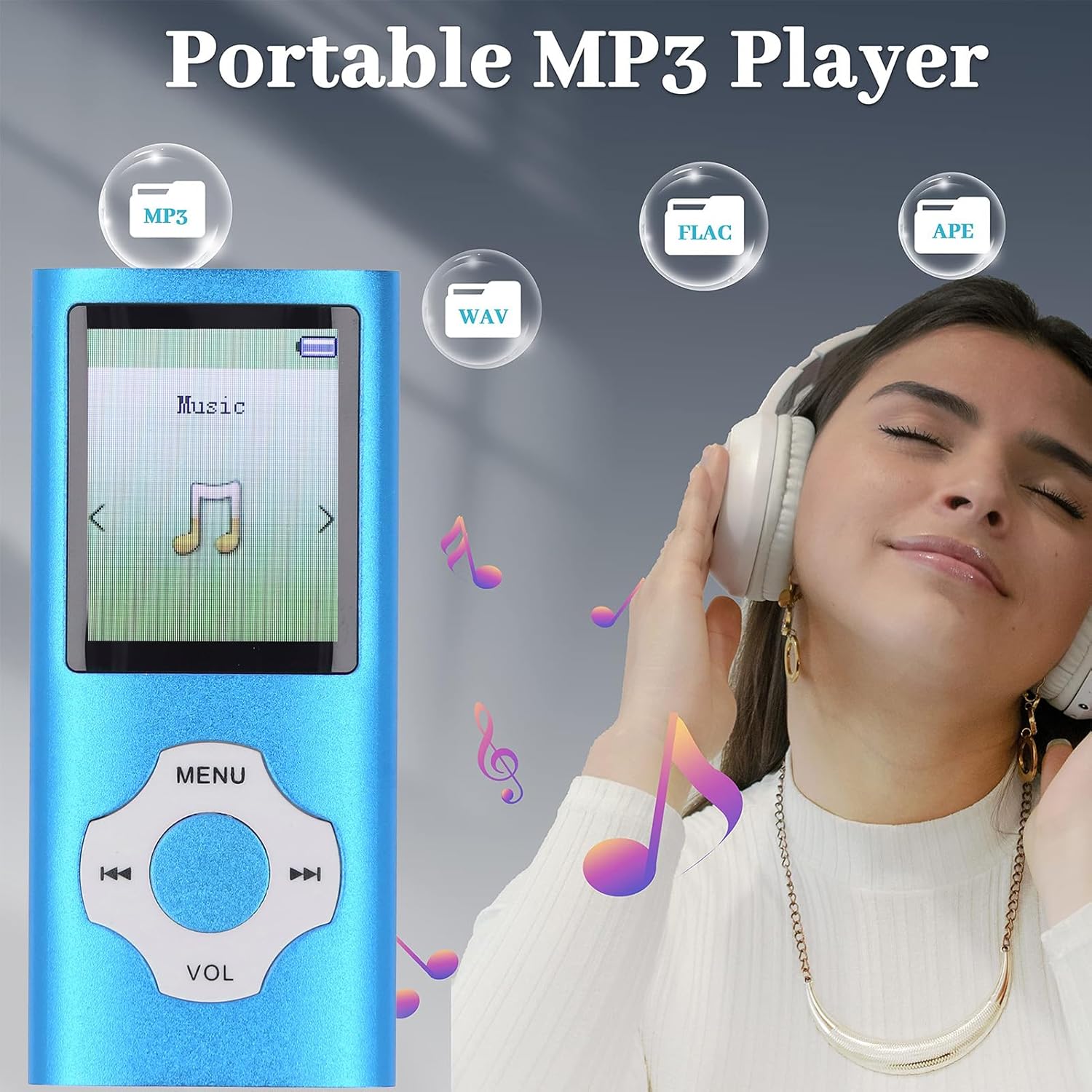
이미지: 깨끗한 앞면 view of the blue Denash portable MP3 player, highlighting its 1.8-inch screen and the circular navigation/volume control buttons.
컨트롤 및 포트:
- 화면: 1.8-inch color display for navigation and content view주고받음.
- 탐색 버튼: Central circular control for menu navigation, playback, and volume adjustment.
- 전원 스위치: Located on the side, typically labeled 'OFF' and 'ON'.
- TF 카드 슬롯 : For inserting a Micro SD card to expand storage up to 128GB.
- 헤드폰 잭: 표준 3.5mm 오디오 출력 단자.
- 마이크(MIC): 음성 녹음용입니다.
- USB 포트: Mini-USB 2.0 for charging and data transfer.
4. 설정
4.1 장치 충전
Before first use, fully charge the player. Connect the provided Mini-USB 2.0 data cable to the player's USB port and the other end to a USB power adapter (not included) or a computer's USB port. A full charge typically takes 1 to 2 hours, providing up to 10 hours of music playback.
4.2 메모리 카드 삽입
The player supports Micro SD cards up to 128GB (not included). Locate the TF Card slot on the side of the device. Gently insert the Micro SD card into the slot until it clicks into place. Ensure the player is powered off before inserting or removing the memory card.
4.3 컴퓨터에 연결하기
To transfer music, videos, photos, or e-books, connect the player to your computer using the Mini-USB 2.0 data cable. The player will appear as a removable disk drive. You can then drag and drop files directly into the player's internal storage or the inserted Micro SD card.
5. 사용 설명서
5.1 전원 켜기/끄기
Slide the 'OFF/ON' switch located on the side of the player to the 'ON' position to power on. Slide it to 'OFF' to power off.
5.2 음악 재생
Navigate to the 'Music' menu option. Select your desired song from the list. The player supports MP3, WMA, APE, FLAC, WAV, OGG, and other formats. Use the navigation buttons to play/pause, skip tracks, and adjust volume. The built-in speaker provides an immersive sound experience, or connect earphones for private listening.
5.3 블루투스 연결
The player features an upgraded Bluetooth 5.0 chip for stable connections. To pair with a Bluetooth headset or speaker:
- '블루투스' 메뉴로 이동하세요.
- 블루투스를 켜세요.
- 검색 사용 가능한 장치.
- 목록에서 블루투스 헤드셋 또는 스피커를 선택하여 페어링하세요.
메모: This portable music player with Bluetooth cannot be paired with computers or mobile phones via Bluetooth.
5.4 FM 라디오
To use the FM Radio function, ensure earphones are connected as they act as the antenna. Navigate to the 'FM Radio' menu option. You can scan for stations or manually tune to a specific frequency.

Image: The MP3 player's screen showing an FM radio interface with various frequencies (e.g., FM 87.5, FM 92.8, FM 102.6, FM 107.5, FM 76.5) indicated around the device.
5.5 음성 녹음
The player includes a noise reduction voice recording feature. Navigate to the 'Voice Record' menu. Select 'Record' to start recording and 'Stop' to end. Recordings are saved to the device's memory.
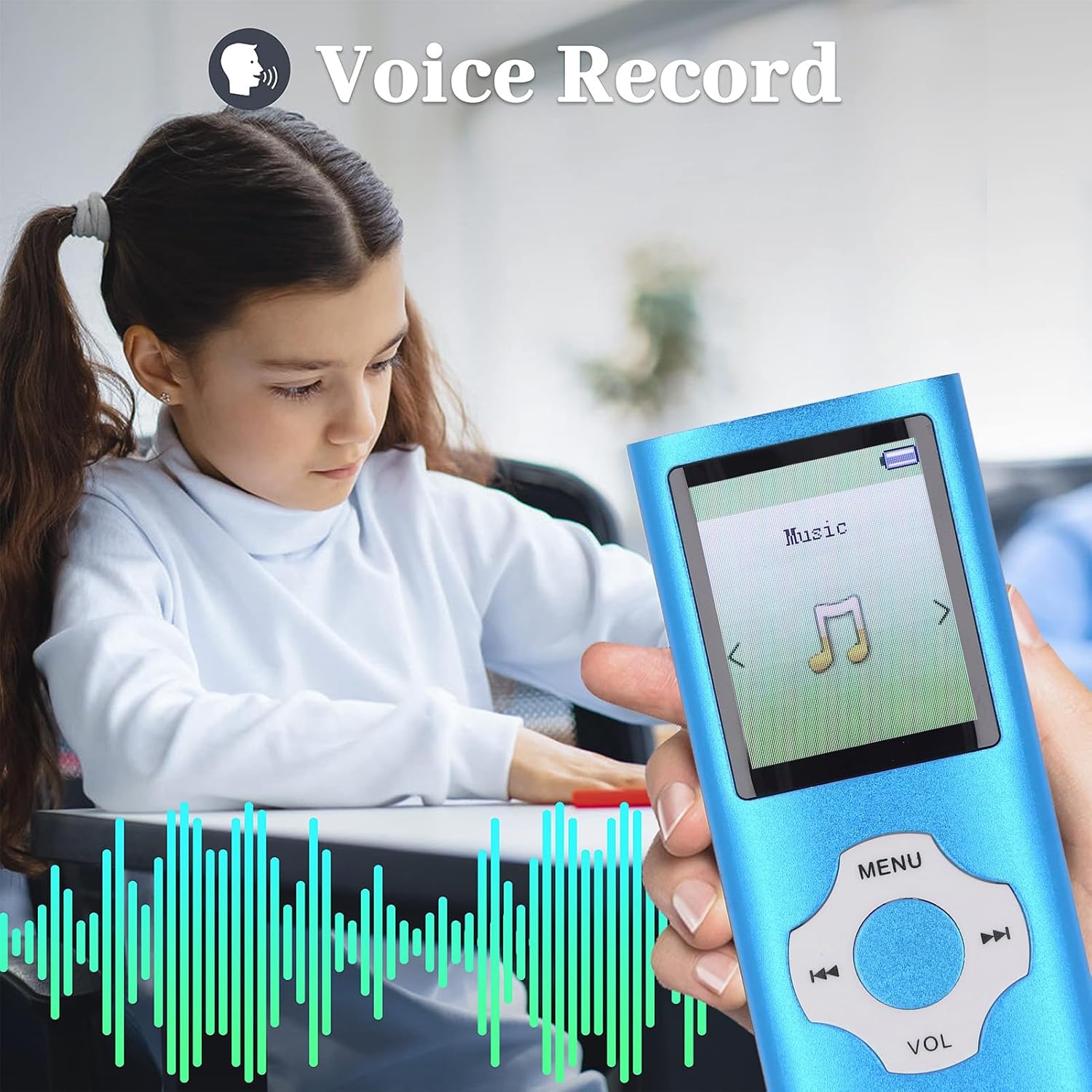
Image: A close-up of the MP3 player held by a child, with the screen showing a voice recording function and visual sound waves.
5.6 Other Functions (Video, Photo, E-book)
선수가 지원합니다 viewing photos in JPG, JPEG, BMP, and GIF formats, playing videos in AMV (converted video) format, and reading e-books in TXT format. Access these functions through their respective menu options.
6. 유지관리
- 기기를 건조하게 유지하십시오. 습기는 전자 부품을 손상시킬 수 있습니다.
- 극한의 온도를 피하세요. 직사광선이나 매우 추운 환경에 노출시키지 마세요.
- 부드럽고 마른 천으로 화면과 본체를 닦으십시오. 강한 화학 약품은 사용하지 마십시오.
- 떨어뜨리거나 충격을 주지 않도록 조심스럽게 다루십시오.
- 중요한 내용을 정기적으로 백업하세요 file장치에서 컴퓨터로.
7. 문제 해결
7.1 기기가 켜지지 않음
- 전원 스위치가 'ON' 위치에 있는지 확인하세요.
- 기기를 최소 30분 동안 충전하세요. 배터리가 완전히 방전되었을 수 있습니다.
7.2 전송할 수 없음 Files를 컴퓨터로
- Check if the USB cable is securely connected to both the player and the computer.
- 컴퓨터의 다른 USB 포트를 사용해 보십시오.
- Ensure the player is powered on when connected to the computer for data transfer.
7.3 소리가 나지 않습니다
- 볼륨 레벨을 확인하세요.
- Ensure earphones are properly plugged in if using them.
- Test with different earphones or a different audio file.
8. 사양
| 품목 유형 | MP3 MP4 플레이어 |
| 상표 | 데나쉬 |
| 모델 번호 | Denasha2r4edu7xf-13 |
| 재료 | 알루미늄 합금 |
| 색상 | 파란색 |
| 화면 크기 | 1.8 인치 |
| 디스플레이 기술 | 액정표시장치 |
| 메모리 저장 용량 | 최대 128GB (마이크로 SD 카드는 포함되지 않음) |
| 연결 기술 | 블루투스 5.0 |
| 지원되는 오디오 형식 | MP3, WMA, OGG, APE, FLAC, WAV, etc. |
| 지원되는 비디오 형식 | AMV (Converted Video) |
| 지원되는 이미지 형식 | JPG, JPEG, BMP, GIF |
| 지원되는 전자책 형식 | 텍스트 |
| 배터리 유형 | 내장형 180mAh 리튬 이온 배터리 |
| 배터리 수명 | 약 10시간 |
| 충전 시간 | 약 1-2시간 |
| 특별 기능 | Voice Recorder, Hi-Res Audio, Bluetooth |
| 호환 장치 | Personal computer, headphones, speaker |
| 원산지 | 중국 |
9. 보증 및 지원
This product comes with a manufacturer's warranty for 90 days from the date of purchase. Please retain your proof of purchase for warranty claims. For technical support or further inquiries, please contact your retailer or the manufacturer directly.