
소개
This manual provides essential information for the setup, operation, maintenance, and troubleshooting of your Pro-Ject Debut EVO 2 Audiophile Turntable. Please read these instructions carefully before using the turntable to ensure proper function and longevity of the product.
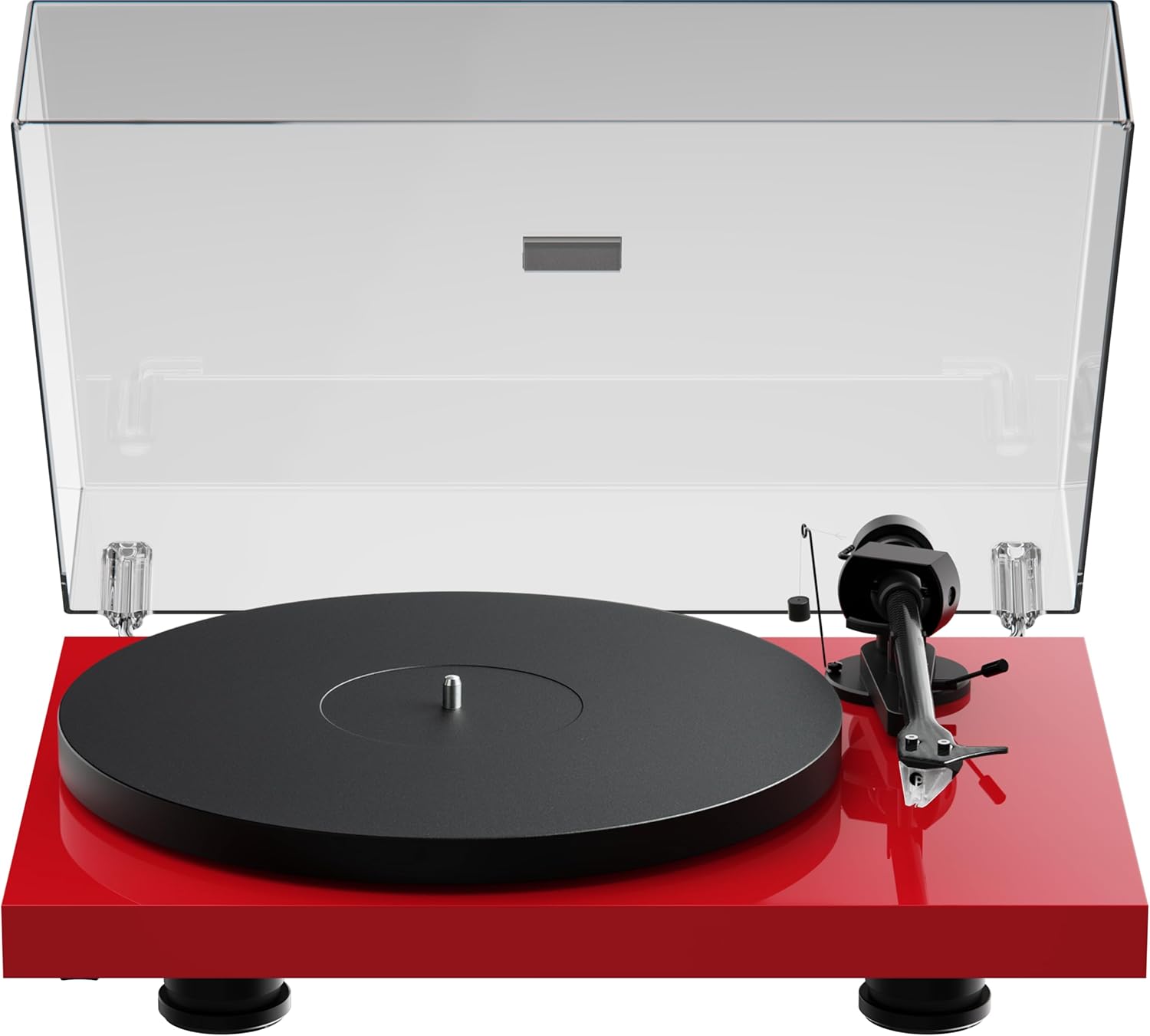
Image: The Pro-Ject Debut EVO 2 turntable in High Gloss Red, featuring a clear dust cover, platter, and tonearm.
안전 지침
- Always disconnect the turntable from the power supply before cleaning or maintenance.
- 젖은 손으로 전원 케이블을 만지지 마세요.
- Avoid placing the turntable near water or excessive moisture.
- Ensure the turntable is placed on a stable, level surface to prevent vibrations and ensure proper operation.
- 포장재, 특히 비닐봉투는 어린이의 손이 닿지 않는 곳에 보관하십시오.
상자 안에 무엇이 들어있나요?
Carefully unpack all items from the packaging. Please ensure all components listed below are present and undamaged.
- Pro-Ject 데뷔 EVO 2 턴테이블
- Transparent Dustcover
- Connection Cable (RCA)
- 전원 어댑터
- 정렬 각도기
- Single Adapter (for 45 RPM records with large center holes)
- 플래터
- 안전 벨트
- 균형추
- 안티스케이팅 무게
- Pick it MM EVO Cartridge (pre-mounted)
설정
1. 배치
Place the turntable on a firm, level surface, away from direct sunlight, heat sources, and excessive vibration. Ensure adequate ventilation around the unit.
2. 플래터 및 벨트 설치
- Place the main platter onto the sub-platter spindle.
- Carefully loop the drive belt around the sub-platter and the motor pulley. Ensure the belt is not twisted.

이미지: 자세한 view of the turntable's belt drive system, showing the belt wrapped around the sub-platter and motor pulley.
3. Tonearm Balance and Tracking Force
The Pick it MM EVO cartridge is pre-mounted. Follow these steps to set the tracking force:
- 스타일러스 보호대를 제거하세요.
- Place the counterweight onto the rear of the tonearm.
- Adjust the counterweight until the tonearm floats freely and is perfectly balanced horizontally.
- Rotate the tracking force dial (the numbered ring on the counterweight) to '0' without moving the counterweight itself.
- Rotate the entire counterweight counter-clockwise until the desired tracking force is set. Refer to the cartridge specifications for the recommended tracking force (typically 1.8g for the Pick it MM EVO).
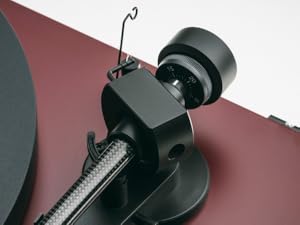
Image: A close-up of the carbon fiber tonearm, illustrating its construction and connection points.
4. 안티스케이팅 조정
The anti-skating mechanism counteracts the inward force on the tonearm. Attach the anti-skating weight's thread to the second groove of the anti-skating stub for the recommended tracking force.

Image: The anti-skating weight hanging from its thread, attached to the tonearm's anti-skating stub.
5. 연결 Amp리퍼
Connect the turntable's RCA output cables to the 'Phono' input of your amp리퍼. 만약 당신의 amplifier does not have a dedicated 'Phono' input, you will need an external phono preamp리퍼.
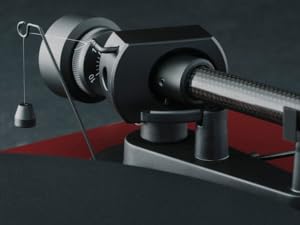
Image: The rear panel of the turntable, displaying the RCA output jacks for audio connection and the power input.
6. 먼지 덮개 설치
Insert the hinges of the transparent dust cover into the designated slots at the rear of the turntable plinth.
운영
1. 전원 켜기/끄기
Connect the power adapter to the turntable and a wall outlet. The turntable is powered on by pressing the power button, usually located on the underside or side of the plinth.
2. 속도 선택
The Debut EVO 2 features electronic speed selection. Use the speed selector switch (often a button on the plinth) to switch between 33 1/3 RPM and 45 RPM. For 78 RPM records, a special belt and stylus may be required (not included).
3. 레코드 재생
- 플래터에 레코드를 놓습니다.
- Select the correct playback speed.
- 큐잉 레버를 사용하여 톤암을 들어 올리십시오.
- 톤암을 레코드의 원하는 시작 홈 위에 놓으십시오.
- Gently lower the tonearm using the cueing lever. The stylus will begin playing the record.
4. 재생 중지
At the end of a record, or when you wish to stop playback:
- 큐잉 레버를 사용하여 톤암을 들어 올리십시오.
- 톤암을 제자리로 돌려놓으십시오.
- 큐잉 레버를 내리세요.
- Turn off the turntable if not playing another record.
유지
1. 청소
- Turntable Plinth and Dust Cover: Use a soft, lint-free cloth to wipe surfaces. For stubborn marks, a slightly damp cloth can be used, followed by a dry one. Avoid abrasive cleaners.
- 플래터: Clean the platter surface with a soft, dry cloth.
2. 스타일러스 관리
- Regularly clean the stylus using a dedicated stylus cleaning brush, brushing gently from back to front.
- 손가락으로 스타일러스를 만지지 마세요.
- Replace the stylus when signs of wear are apparent (e.g., distorted sound, increased surface noise). The Pick it MM EVO cartridge is designed for easy stylus replacement.

이미지: 자세한 view of the Pick it MM EVO cartridge mounted on the tonearm, highlighting its design.
3. 벨트 교체
The drive belt may stretch or degrade over time. If you notice inconsistent speed or reduced torque, the belt may need replacement. Contact Pro-Ject support or an authorized dealer for a replacement belt.
문제 해결
If you encounter issues with your turntable, consult the following table before contacting support.
| 문제 | 가능한 원인 | 해결책 |
|---|---|---|
| 전원이 없습니다 | 전원 케이블이 연결되지 않았습니다. 전원 콘센트에 결함이 있습니다. | 전원 연결을 확인하세요. 다른 콘센트를 사용해 보세요. |
| 소리가 나지 않거나 볼륨이 작음 | 잘못된 입력이 선택되었습니다. amplifier; Cables loose; Stylus protector still on; Amplifier not set to 'Phono' input | Select correct input; Check all cable connections; Remove stylus protector; Use a phono preamp필요하다면 리파이어 |
| 왜곡된 소리 | Incorrect tracking force; Damaged stylus; Dirty stylus; Incorrect anti-skating setting | Adjust tracking force; Inspect/clean/replace stylus; Adjust anti-skating |
| 속도가 일정하지 않음 | Drive belt worn or loose; Motor pulley dirty | Replace drive belt; Clean motor pulley |
| 윙윙거리는 소리 | Ground wire not connected; Interference from other electronics | Ensure ground wire is connected; Move turntable away from other electronics |
명세서
- 모델 이름: EVO 2 데뷔
- 상표: 프로젝트
- 품목 모델 번호: 9120129864930
- 제품 크기: 16.4 x 12.6 x 4.5인치(41.6 x 32 x 11.4cm)
- 품목 무게: 13.2파운드(6킬로그램)
- 재료: Carbon Fiber (tonearm)
- 모터 유형: 벨트 구동
- 신호 형식: 포노
- 포함된 구성 요소: Turntable, transparent dustcover, connection cable, power adapter, alignment protractor, single adapter
- 호환 장치: Amp리퍼, 스피커
- 제조업체: Pro-Ject 오디오 시스템
보증
Pro-Ject Audio Systems offers a warranty for this product. Please refer to the warranty card included with your purchase or visit the official Pro-Ject web자세한 보증 약관은 해당 사이트를 참조하세요. 보증 청구를 위해 구매 증빙 자료를 보관하세요.
Key Warranty Feature: 25-year spare parts availability guarantee, ensuring long-term support for your turntable.
지원하다
For further assistance, technical support, or spare parts, please contact your authorized Pro-Ject dealer or visit the official Pro-Ject Audio Systems web대지:
- Pro-Ject Store: Visit the Pro-Ject Store on Amazon
- 제조업체: Pro-Ject 오디오 시스템