
소개
Welcome to the user manual for your Zeblaze Btalk 2 Lite Smartwatch. This guide provides comprehensive instructions to help you set up, operate, and maintain your device, ensuring you get the most out of its features. The Btalk 2 Lite is designed to enhance your daily life with advanced health monitoring, fitness tracking, and convenient communication capabilities.
제품 끝view
The Zeblaze Btalk 2 Lite smartwatch combines style with functionality, offering a range of features to support your health and connectivity needs.
- 표시하다: Large 1.39-inch HD IPS Color Display
- 연결성: Bluetooth V5.2 for phone calls
- 건강 모니터링: 24/7 Heart Rate, SpO2 (Blood Oxygen), Sleep Tracking, Women's Health
- 적합: Over 100 workout modes
- 사용자 정의: Over 300 professional watch faces, custom photo watch faces
- 배터리 수명: Up to 14 days (220 mAh battery)
- 스마트 기능: Offline Voice Assistant, Call, SMS, Gmail, and App Notifications
- 설계: Super slim and light, curved glass with anti-fingerprint coating
- 호환성: Android 4.4 또는 iOS 8.0 이상
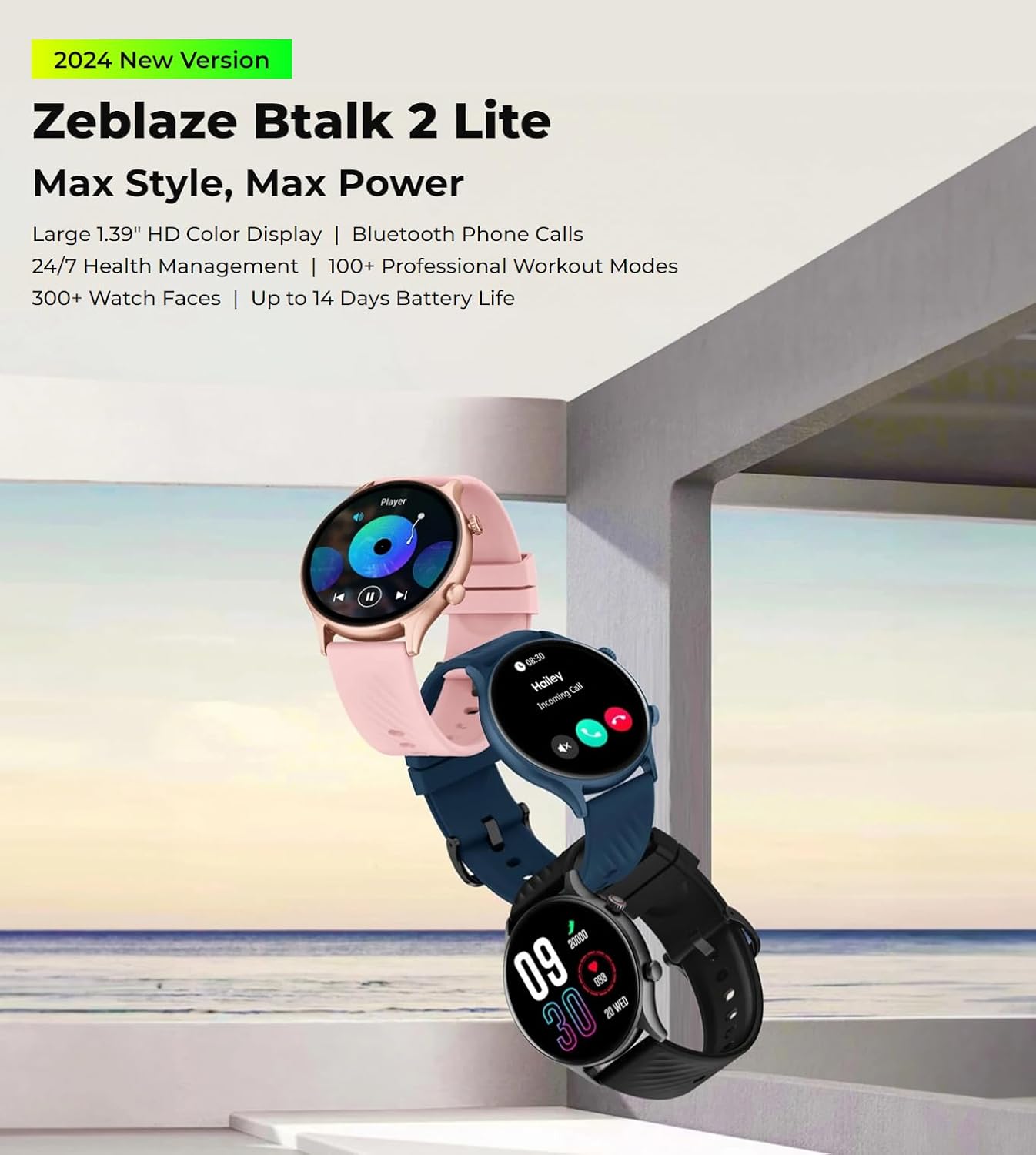
The Zeblaze Btalk 2 Lite smartwatch, available in various colors, featuring a large 1.39-inch HD display and comprehensive health and fitness tracking.
설정
1. 장치 충전
Before initial use, fully charge your Zeblaze Btalk 2 Lite smartwatch. Connect the magnetic charging cable to the charging contacts on the back of the watch and plug the USB end into a power adapter (not included) or a computer's USB port. A full charge typically takes approximately 2 hours.

Illustration of the Zeblaze Btalk 2 Lite's battery performance, showing up to 14 days in typical usage, 7 days in heavy usage, 20 days in battery saver mode, and 325 minutes of continuous voice calling.
2. 스마트폰과 페어링
- 앱 다운로드: Scan the QR code in the watch's settings or search for the 'Da Fit' app in your smartphone's app store (Google Play Store for Android, Apple App Store for iOS).
- 블루투스 활성화: 스마트폰에서 Bluetooth가 활성화되어 있는지 확인하세요.
- 앱을 열고 페어링하세요. Open the 'Da Fit' app, navigate to the device section, and follow the on-screen instructions to search for and connect to your Zeblaze Btalk 2 Lite. Confirm the pairing request on both your phone and watch.
작동 지침
1. 기본 탐색
- 터치스크린: Swipe left/right to access different features, swipe up/down to view notifications or quick settings. Tap to select.
- 측면 버튼/크라운: Press to wake the screen, return to the home screen, or access the app menu. Rotate the crown (if applicable) to scroll through menus.

A close-up of the Zeblaze Btalk 2 Lite smartwatch display, highlighting the 1.39-inch screen and the classic navigation crown on the side.
2. 블루투스 전화 통화
Once paired with your phone, the Btalk 2 Lite allows you to make and receive calls directly from your wrist.
- 전화 걸기: 시계의 다이얼 패드나 연락처 목록을 이용해 전화를 걸어보세요.
- 전화 받기: 전화가 걸려오면 시계 화면에서 바로 전화를 받거나 거절할 수 있습니다.

A user interacting with the Zeblaze Btalk 2 Lite smartwatch to manage phone calls, demonstrating its Bluetooth calling capability.
3. Offline Voice Assistant
The watch features an offline voice assistant. Activate it through the watch menu and use voice commands for various functions without needing an internet connection.
4. 알림
Receive alerts for incoming calls, SMS messages, Gmail, and other app notifications directly on your watch. Configure which app notifications you wish to receive via the 'Da Fit' app on your smartphone.
5. 건강 모니터링
The Btalk 2 Lite provides comprehensive health tracking features.
- 심박수: 24시간 내내 심박수를 모니터링합니다. View 시계에서 실시간 데이터를 확인하거나 앱에서 자세한 추세를 확인하세요.
- SpO2(혈액 산소): 필요할 때마다 혈중 산소 포화도 수치를 측정하세요.
- 수면 추적: 깊은 수면, 얕은 수면, 기상 시간 등 수면 패턴을 자동으로 추적합니다.
- 여성 건강: Provides tracking and reminders for menstrual cycles (configure in the app).

Visual representation of the Zeblaze Btalk 2 Lite's health monitoring features, including wrist-based heart rate, SpO2 (blood oxygen) level measurement, breathing training, and blood pressure monitoring.
6. 운동 모드
Choose from over 100 professional workout modes to track your physical activity. Select your desired activity from the watch's menu to start tracking metrics like duration, calories burned, and heart rate.

A cyclist wearing the Zeblaze Btalk 2 Lite smartwatch, illustrating its support for over 100 workout modes for various fitness activities.
7. 시계 화면 사용자 정의
Personalize your watch with a wide selection of watch faces.
- 사전 설치된 페이스: Browse and select from over 300 professional watch faces directly on the watch or through the 'Da Fit' app.
- Custom Faces: Upload your favorite photos via the 'Da Fit' app to create unique watch faces.

A collection of diverse watch faces available for the Zeblaze Btalk 2 Lite, showcasing 사용자 지정 옵션.
유지
1. 청소
피부 자극을 예방하고 시계 기능을 유지하려면 시계와 스트랩을 정기적으로 청소하십시오. 부드러운 천을 사용하십시오.amp 화면과 스트랩을 닦을 때는 천을 사용하세요. 강한 화학 물질이나 연마재는 사용하지 마세요.
2. 방수성
The Zeblaze Btalk 2 Lite features IP68 water resistance. This means it is protected against dust and can withstand immersion in water up to 1.5 meters for up to 30 minutes. It is suitable for daily use, such as hand washing or light rain, but not recommended for swimming, diving, or hot showers.
3. 배터리 관리
To prolong battery life, avoid exposing the watch to extreme temperatures. Charge the device fully before long periods of inactivity. If the watch will not be used for an extended time, charge it to about 50% before storing.
문제 해결
- 시계가 켜지지 않음: 시계가 완전히 충전되었는지 확인하세요. 충전기에 최소 30분 동안 연결해 두세요.
- 휴대폰과 페어링할 수 없습니다: 휴대폰에서 블루투스가 켜져 있고 스마트워치가 블루투스 범위 내에 있는지 확인하세요. 스마트워치와 휴대폰을 모두 재시작한 후 'Da Fit' 앱을 통해 다시 페어링을 시도해 보세요.
- 부정확한 건강 데이터: 시계를 손목에 꼭 맞게 착용하세요. 너무 꽉 조이거나 느슨하지 않도록 하세요. 시계 뒷면의 센서를 청소하세요.
- 알림을 받지 못했습니다: Check app settings on your phone to ensure notifications are enabled for the 'Da Fit' app and for individual apps you wish to receive alerts from. Ensure the watch is connected via Bluetooth.
- 짧은 배터리 수명: 화면 밝기를 줄이고, 불필요한 기능을 비활성화하고, 시계가 완전히 충전되었는지 확인하세요.
명세서
| 특징 | 세부 사항 |
|---|---|
| 모델명 | Btalk 2 Lite |
| 상표 | 제블레이즈 |
| 화면 크기 | 1.39인치 |
| 모양 | 둥근 |
| GPS | GPS 없음 |
| 무선 통신 표준 | 블루투스 |
| 연결 기술 | Cellular (Bluetooth calls) |
| 배터리 용량 | 220mAh |
| 특별 기능 | 활동 추적기, 심박수 모니터 |
| 운영 체제 | Android 4.4 또는 iOS 8.0 이상 |
| 품목 모델 번호 | Btalk 2 lite |
| 제품 치수 | 17.2 x 8.7 x 2.2cm; 90그램 |
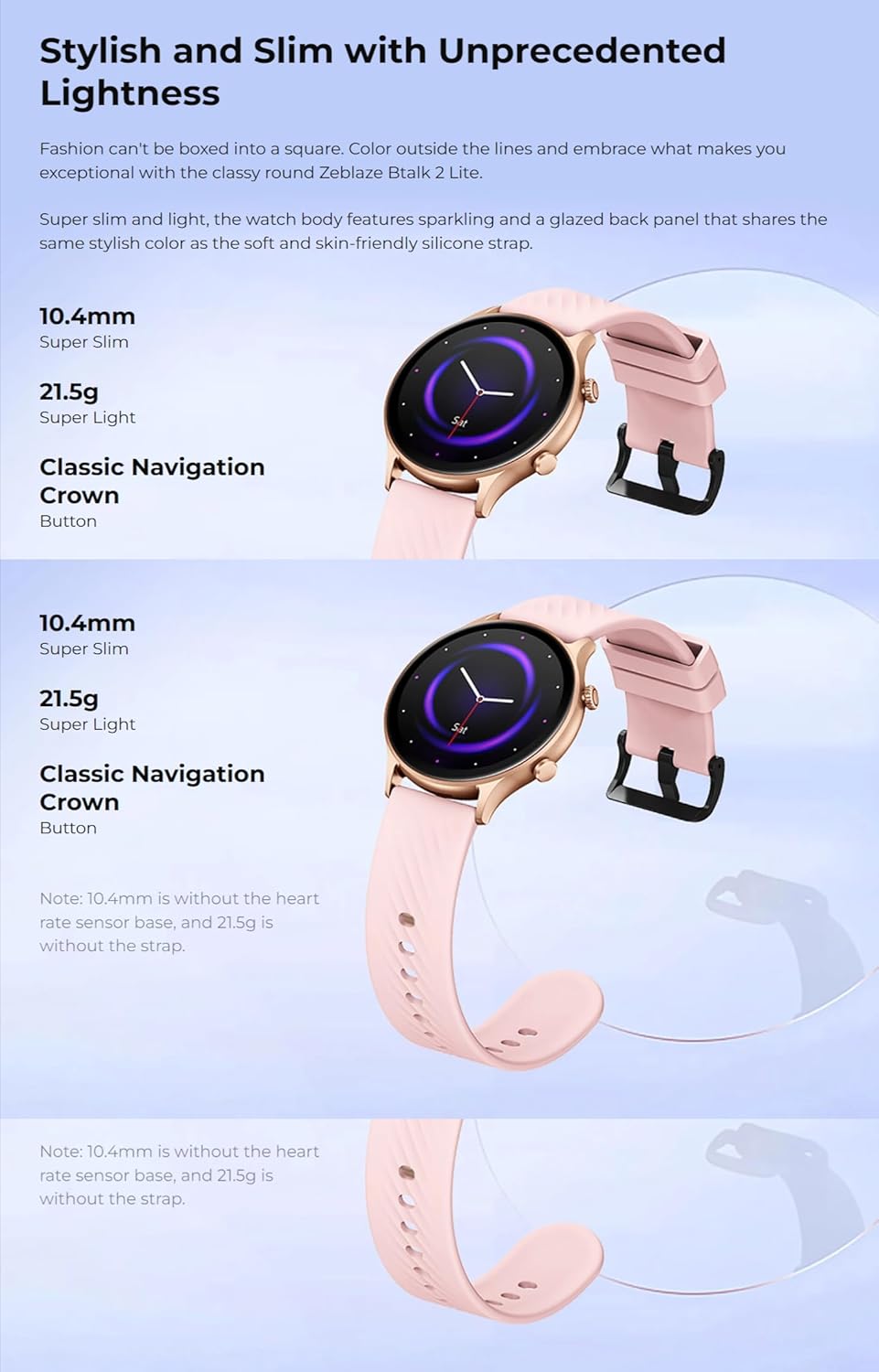
클로즈업 view of the back of the Zeblaze Btalk 2 Lite smartwatch, showing the advanced PPG biometric sensor for accurate health data collection.
보증 및 지원
For warranty information, please refer to the documentation included with your purchase or visit the official Zeblaze website. For technical support or further assistance, please contact Zeblaze customer service through their official channels.