
소개
This manual provides comprehensive instructions for the setup, operation, and maintenance of your Pure Moment Bedside & Office Alarm Clock. Designed to enhance your sleep hygiene and daily routine, this device combines a DAB+/FM digital radio, Bluetooth connectivity, a sleep sound white noise machine, a wake-up light, and a dimmable display. Please read this manual thoroughly to ensure optimal performance and longevity of your product.
설정
Before using your Pure Moment alarm clock, follow these steps for initial setup.
1. 전원 연결
제공된 전원 어댑터를 알람 시계 뒷면의 DC 입력 포트에 연결하십시오. 어댑터를 일반 벽면 콘센트에 꽂으십시오. 기기가 자동으로 켜집니다.
The Pure Moment alarm clock also includes a backup battery feature, requiring 9V batteries (included) to retain settings during a power outage. Ensure these are correctly installed.
2. 초기 시간 및 날짜 설정
Upon first power-on, the clock will attempt to synchronize time and date via DAB+ radio signal. If a signal is not immediately available, you may need to set the time manually. Refer to the "Operating Instructions" section for manual time setting.
3. Radio Antenna Placement
For optimal DAB+ and FM radio reception, fully extend the wire antenna located at the back of the unit. Position it vertically and away from other electronic devices that may cause interference.
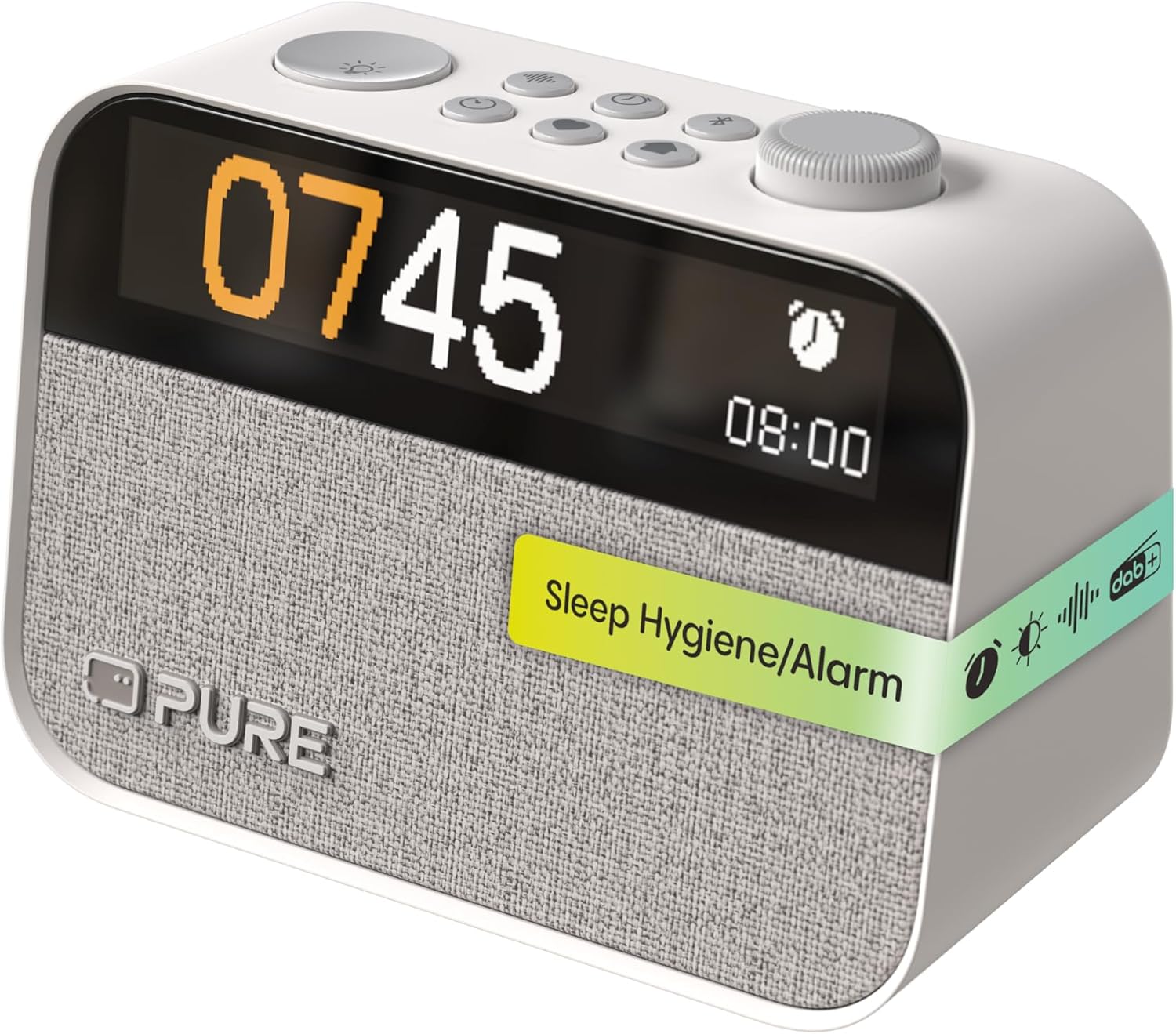
이미지: 앞면 view of the Pure Moment alarm clock, displaying the time and various control buttons on top.
작동 지침
This section details the functions of your alarm clock and how to use them.
1. 통제view
The Pure Moment alarm clock features intuitive controls located on the top panel. Familiarize yourself with these buttons and the rotary dial for easy navigation.
| 제어 | 기능 |
|---|---|
| Rotary Dial / Select Button | Rotate to navigate menus or adjust volume/brightness. Press to confirm selection. |
| 전원 / 모드 버튼 | Press to turn on/off. Hold to switch between DAB+, FM, Bluetooth, and Sleep Sound modes. |
| 알람 버튼 | Press to set or review alarms. Hold to enter alarm setup menu. |
| 수면 버튼 | Activates sleep timer or sleep sound mode. |
| 라이트 버튼 | Adjusts night light brightness or activates wake-up light preview. |
| 디스플레이 버튼 | 디스플레이 밝기를 조정합니다. |
2. 라디오 작동 (DAB+/FM)
Your alarm clock supports both DAB+ digital radio and traditional FM radio.
- 스위칭 모드: Press and hold the Power/Mode button to cycle between DAB+ and FM modes.
- 방송국 검색 중: In DAB+ mode, the device will automatically scan for available stations. In FM mode, rotate the dial to manually tune or press the dial to auto-scan for the next available station.
- 사전 설정 저장: To save a favorite station, tune to the desired station, then press and hold the Rotary Dial/Select button until the preset menu appears. Rotate the dial to select a preset number and press to confirm.

이미지: 알람 시계가 보여줍니다asing its DAB+, FM, and Bluetooth capabilities.
3. 블루투스 연결
스마트폰이나 기타 블루투스 지원 기기를 연결하여 오디오를 무선으로 스트리밍하세요.
- Press and hold the Power/Mode button until "Bluetooth" mode is selected. The display will show "Pairing".
- On your device, enable Bluetooth and search for "Pure Moment".
- Select "Pure Moment" from the list to pair. Once connected, the display will show "Connected".
4. 알람 설정
Set up to 10 personalized alarms with various options.
- Press and hold the Alarm button to enter the alarm setup menu.
- Rotate the dial to select an alarm slot (e.g., Alarm 1) and press to confirm.
- Follow the on-screen prompts to set the alarm time, days of the week, alarm source (radio, buzzer, or sleep sound), and volume.
- You can also enable or disable the wake-up light function for each alarm.
- Press the Alarm button briefly to preview 활성 알람.

Image: A user interacting with the alarm clock to set or adjust settings.
5. Sleep Sounds and White Noise
Utilize over 20 soothing natural sounds to aid relaxation and sleep.
- Press the Sleep button to activate the sleep sound mode.
- Rotate the dial to browse through the available sounds, including various white noise options.
- Press the dial to select a sound. You can also set a sleep timer for the sound to automatically turn off after a set duration.

Image: The alarm clock displaying a 'Zen' sound option, promoting a tranquil environment.
6. Display and Night Light Adjustment
Customize the display brightness and utilize the integrated night light.
- 밝기 조절 가능한 시계 디스플레이: Press the Display button repeatedly to cycle through brightness levels for the monochrome LCD display. This helps minimize light disruption during sleep.
- 야간 조명: Press the Light button to turn on the night light. Rotate the dial to adjust its brightness.
- Sunrise Function: If enabled with an alarm, the wake-up light will gradually brighten before your alarm time, simulating a natural sunrise.
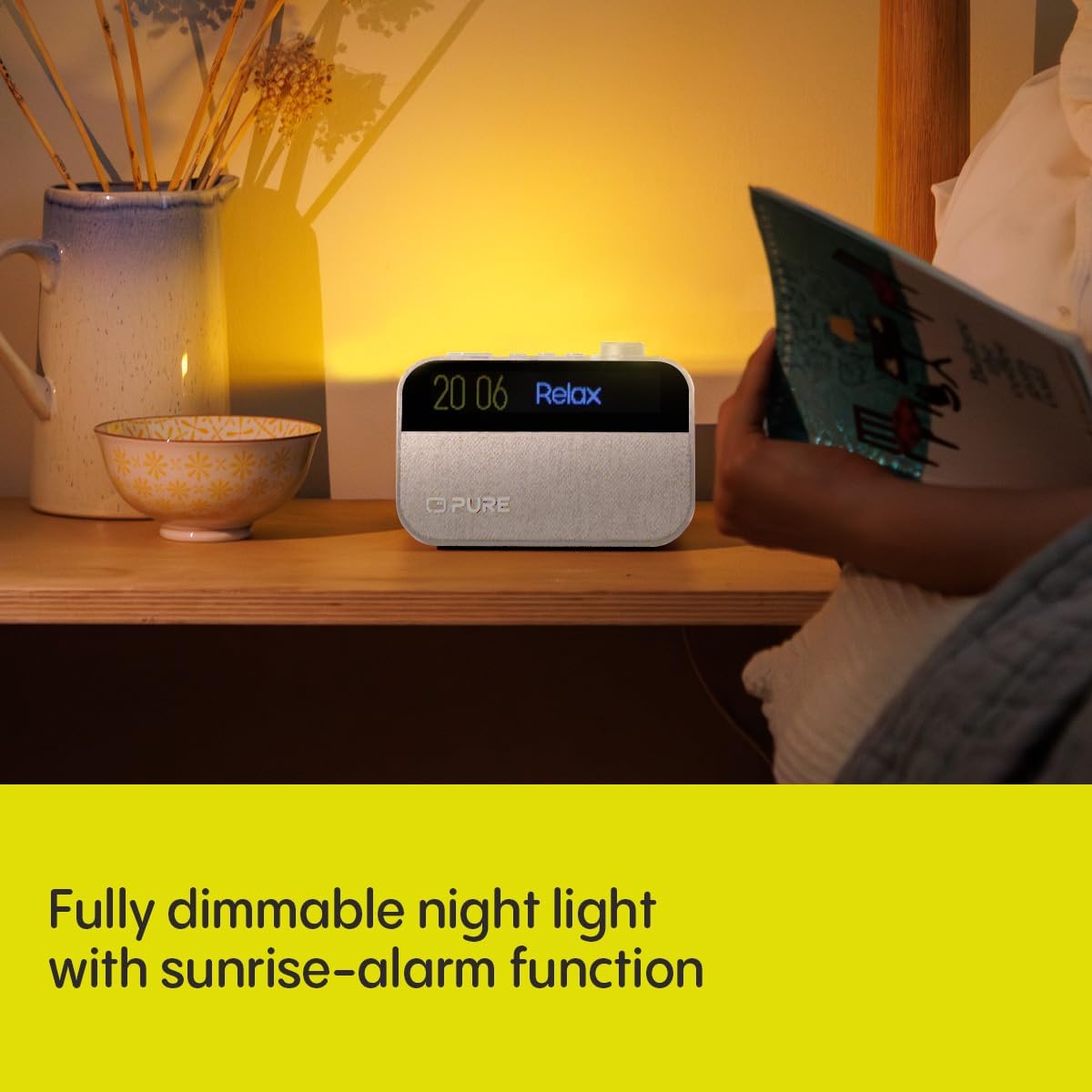
Image: The alarm clock functioning as a night light, providing a soft, dimmable glow.
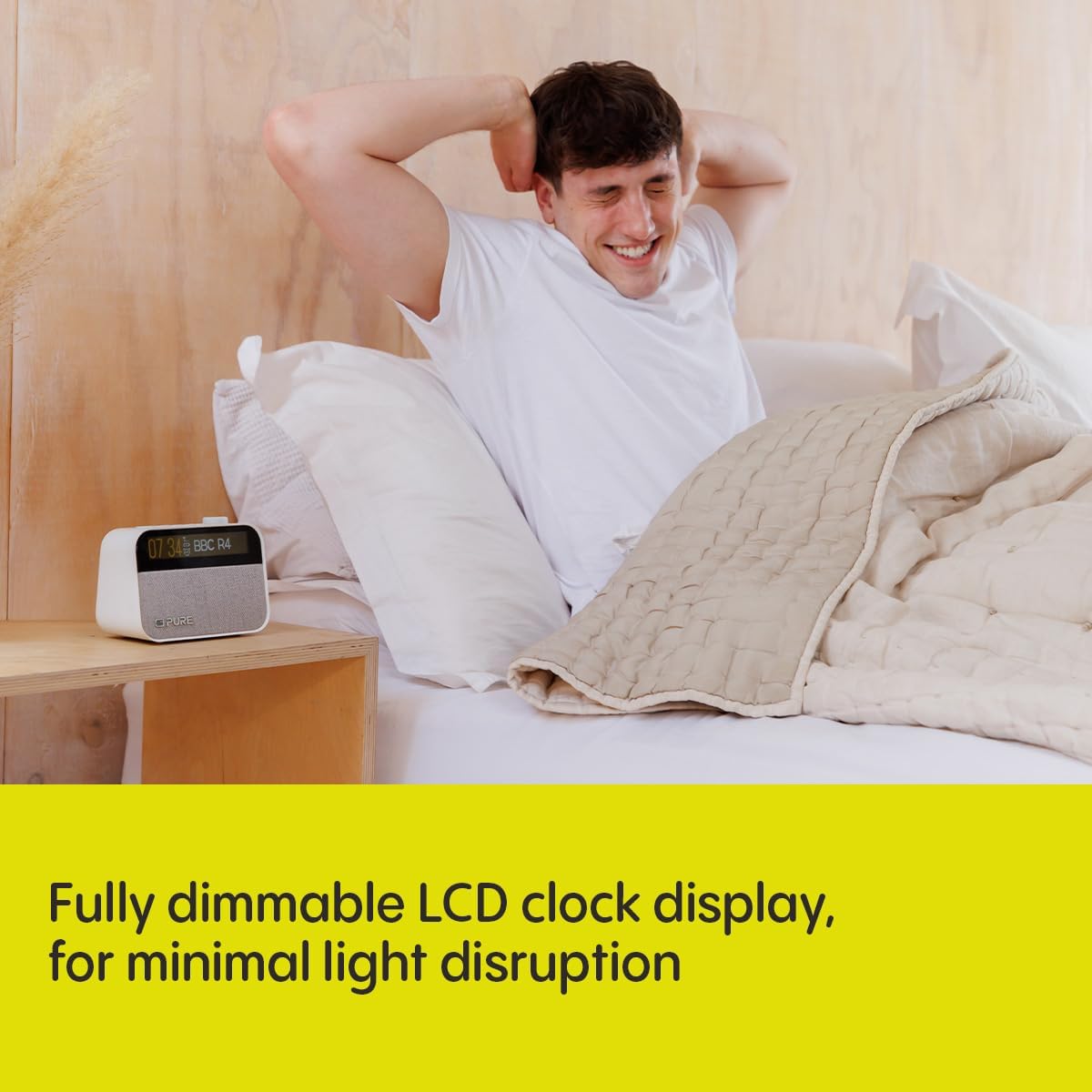
Image: The alarm clock's dimmable LCD display, designed for minimal light disruption in a bedroom setting.
유지
Proper care ensures the longevity and optimal performance of your Pure Moment alarm clock.
- 청소: Disconnect the power adapter before cleaning. Use a soft, dry, lint-free cloth to wipe the surfaces. Do not use abrasive cleaners, waxes, or solvents.
- 놓기: Place the unit on a stable, flat surface. Avoid direct sunlight, heat sources, and areas with high humidity or dust.
- 통풍: 기기 주변에 적절한 환기가 이루어지도록 하십시오. 환기구를 막지 마십시오.
문제 해결
If you encounter issues with your alarm clock, refer to the following common problems and solutions.
| 문제 | 해결책 |
|---|---|
| 전원 없음 / 디스플레이 꺼짐 | Ensure the power adapter is securely connected to both the unit and a working wall outlet. Check if the power outlet is active. |
| 열악한 라디오 수신 | Fully extend and reposition the wire antenna. Try moving the unit to a different location, away from other electronic devices or large metal objects. Perform a new station scan. |
| 블루투스 페어링 실패 | Ensure the alarm clock is in Bluetooth pairing mode. Make sure Bluetooth is enabled on your device and it is within range (approx. 10 meters). Forget "Pure Moment" from your device's Bluetooth list and try pairing again. |
| 알람이 울리지 않음 | Verify the alarm is enabled and set for the correct time and days. Check the alarm volume setting. Ensure the unit is powered on or has working backup batteries. |
| Display Too Bright/Dim | Press the Display button to adjust brightness levels. If auto-dimming is active, check ambient light conditions. |
명세서
| 특징 | 세부 사항 |
|---|---|
| 모델 번호 | 252449 |
| 치수(길이 x 너비 x 높이) | 15.5 x 3.81 x 11.5cm |
| 무게 | 0.58 킬로그램 |
| 전원 | 코드식 전기 |
| 라디오 튜너 | DAB+, FM |
| 블루투스 버전 | 5.3 |
| 디스플레이 유형 | Digital, Monochrome LCD (192x32) |
| 특별 기능 | White Noise, Sleep Sounds (20+), Wake-Up Light, Night Light, Dimmable Display, Built-In Clock, Backup Battery Support |
| 포함된 구성 요소 | Power Adapter, Quick Start Guide |
보증 정보
Your Pure Moment Bedside & Office Alarm Clock is covered by a 2년 제조사 보증 from the date of purchase. This warranty covers defects in materials and workmanship under normal use. Please retain your proof of purchase for warranty claims. For full terms and conditions, refer to the warranty documentation included with your product or visit the official Pure web대지.
지원하다
For further assistance, technical support, or to access additional resources such as FAQs and updated user guides, please visit the official Pure support web웹사이트를 참조하십시오. 고객 서비스 연락처 정보는 제품 포장이나 빠른 시작 가이드에서도 확인할 수 있습니다.
Note: Always refer to the latest information available from the manufacturer for the most accurate and up-to-date support.