
MOKA SFX MK-LB01
MOKA SFX Professional 3D Kinetic Light LED Lifting Ball System User Manual
Model: MK-LB01 | Brand: MOKA SFX
1. 서론
This manual provides essential information for the safe and effective operation of your MOKA SFX Professional 3D Kinetic Light LED Lifting Ball System. Please read this manual thoroughly before installation and use, and retain it for future reference. This system is designed to create dynamic visual effects for professional stage, nightclub, bar, and theater environments.
2. 안전 정보
경고: 이 안전 지침을 따르지 않을 경우 화재, 감전, 부상 또는 제품이나 재산 피해가 발생할 수 있습니다.
- 항상 접지된 전원 콘센트에 장치를 연결하세요.
- 전원 공급 장치 볼륨을 확인하십시오.tage matches the unit's requirements (AC90-240V, 50-60Hz).
- 본 제품을 비나 습기에 노출시키지 마십시오.
- 청소 또는 정비를 하기 전에 전원을 차단하십시오.
- Installation must be performed by qualified personnel and adhere to local electrical codes.
- Ensure secure mounting to truss, grid, or ceiling points using appropriate safety cables.
- 작동 중에는 움직이는 부품으로부터 안전한 거리를 유지하세요.
- 전원 코드가 손상된 경우에는 작동하지 마십시오.
- LED 광원에 눈이 직접 노출되지 않도록 하세요.
3. 패키지 내용
포장을 풀 때 모든 품목이 들어 있고 상태가 양호한지 확인하세요.
- 1 x 3D LED Light Lifting System (Kinetic Light)
- 1 X 전원 코드
- Accessories (including safety-rated suspension rope)
- 1 x 사용자 설명서

Image: Contents of the MOKA SFX Kinetic Light System package, including the main unit, power cord, accessories, and user manual.
4. 제품 특징
- Dynamic Vertical Motion: 20cm luminous sphere with 0-3 meter vertical range for mesmerizing visual effects.
- 조용한 작동: Engineered for smooth vertical motion with minimal operational noise, suitable for live performances.
- DMX512 제어: 6 independent DMX channels for precise control over RGB intensity, master dimming, strobe speed, and exact lift height.
- 원활한 통합: Easily daisy-chain with other DMX devices via standard 3-pin DMX.
- 내구성 있는 구조: Features a durable heat-resistant housing and includes a safety-rated suspension rope.
- 고품질 LED 비즈: Equipped with 42PCS 0.5W RGB 3in1 LED beads for long lifespan and low power consumption.
- 다양한 제어 모드: Supports DMX512, Sound-Activated, and Auto modes.

Image: Diagram illustrating the 20cm ball diameter and 0-3 meter lifting height capability of the kinetic light system.

이미지: 클로즈업 view highlighting the high-quality LED beads (42PCS 0.5W RGB 3in1) and their estimated 50,000-hour lifespan.
5. 사양
| 매개변수 | 값 |
|---|---|
| 모델 번호 | MK-LB01 |
| 운영 볼륨tage | AC90-240V, 50-60Hz |
| 제품의 힘 | 150와트 |
| 광원 와트tage | 120 와트 |
| 광원 유형 | Light Emitting Diode (RGB LED) |
| 광원의 수 | 42 (0.5W RGB 3in1 beads) |
| 구의 지름 | 20cm |
| Vertical Motion Range | 0-3 미터 |
| 제어 모드 | DMX512, Sound-Activated, Auto |
| DMX 채널 | 6채널 |
| 제품 치수 | 9.84인치(길이) x 7.48인치(폭) x 6.1인치(높이) (본체) |
| 순중량 | 12.35파운드(약 5.6kg) |
| 재료 | Iron (housing), Plastic (shade) |
| 장착 유형 | Floor Mount (can be adapted for truss/ceiling) |

Image: Visual representation of key product parameters and specifications.
6. 설정 지침
6.1 장착
- Identify a suitable mounting location (truss, grid, or ceiling) that can safely support the weight of the unit and withstand dynamic motion.
- Securely attach the main lifting mechanism to the chosen mounting point using appropriate clamps or hardware (not included, unless specified in accessories).
- Attach the safety-rated suspension rope from the unit to a separate, independent support structure as a backup.
- Connect the 20cm RGB sphere to the lifting cable mechanism. Ensure it is securely fastened.
6.2 전기 연결
- Ensure the power switch on the unit is in the "OFF" position.
- Connect the provided power cord to the unit's power input.
- Plug the power cord into a grounded AC90-240V, 50-60Hz power outlet.
6.3 DMX 연결(선택 사항)
- For DMX control, connect a standard 3-pin DMX cable from your DMX controller's output to the DMX IN port on the kinetic light unit.
- To daisy-chain multiple units, connect a DMX cable from the DMX OUT port of the first unit to the DMX IN port of the next unit, and so on.
- Ensure the last unit in the DMX chain has a DMX terminator connected to its DMX OUT port (if available and recommended by your DMX controller).
7. 사용 설명서
7.1 전원 켜기/끄기
Flip the main power switch to the "ON" position to power on the unit. Flip to "OFF" to power down.
7.2 제어 모드
The unit supports three primary control modes:
- 자동 모드 : The unit will cycle through pre-programmed patterns and colors automatically.
- 사운드 제어 모드: The unit will react to ambient sound, changing patterns and motion based on audio input.
- DMX Console Mode: Provides full control over all parameters via an external DMX512 controller.
Select the desired mode using the control panel on the unit or via DMX if applicable.
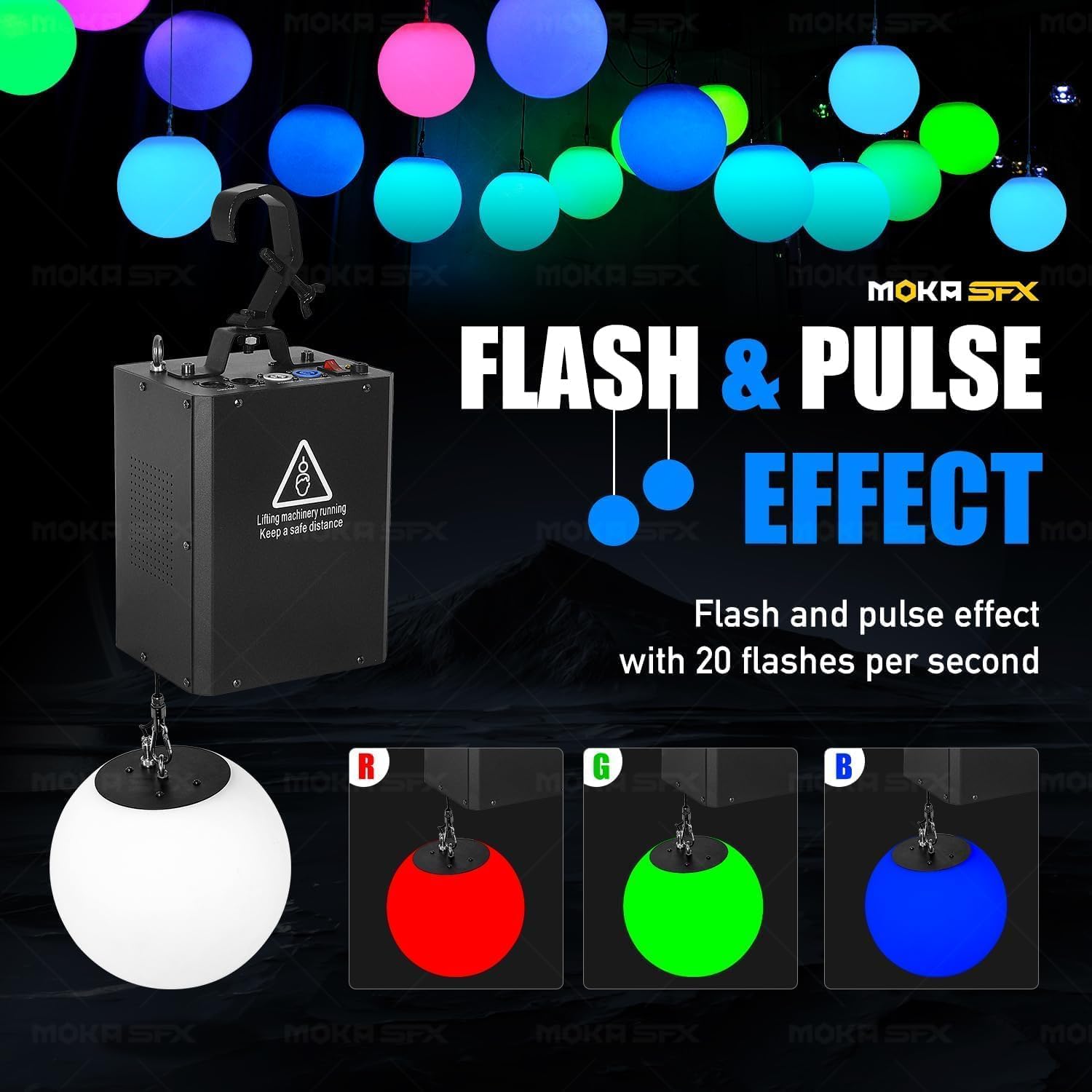
Image: Illustration of the available control modes: Auto, Sound Control, and DMX Console, with a DMX controller shown.
7.3 DMX Control (6 Channels)
When in DMX mode, the unit responds to 6 DMX channels:
- Channel 1: Red Intensity (0-255 for 0-100% Red)
- Channel 2: Green Intensity (0-255 for 0-100% Green)
- Channel 3: Blue Intensity (0-255 for 0-100% Blue)
- Channel 4: Master Dimming & Strobe Speed (Controls overall brightness and strobe effects from subtle pulse to rapid flash)
- Channel 5: Lift Height Control (0-255 for 0-3 meter vertical position)
- Channel 6: Special Effects/Macros (Triggers pre-programmed patterns or movements)
Refer to your DMX controller's manual for detailed programming instructions. Experiment with channel values to achieve desired lighting and motion effects.
Video: Demonstration of the MOKA SFX Kinetic Light LED Lifting Ball System in operation, showcasing various dynamic lighting and motion effects in a large venue setting.
8. 유지관리
Regular maintenance ensures optimal performance and extends the lifespan of your kinetic light system.
- 청소: Periodically clean the exterior of the unit and the LED sphere with a soft, dry cloth. Do not use abrasive cleaners or solvents. Ensure the unit is powered off and unplugged before cleaning.
- 점검: Regularly inspect all cables (power, DMX, lifting cable) for any signs of wear, damage, or fraying. Check mounting hardware for tightness and security.
- 통풍: Ensure that the ventilation openings on the main unit are clear and not obstructed to prevent overheating.
- 저장: If storing the unit for an extended period, ensure it is clean, dry, and protected from extreme temperatures and humidity.
9. 문제 해결
| 문제 | 가능한 원인 | 해결책 |
|---|---|---|
| 장치의 전원이 켜지지 않습니다. | No power supply; power cord damaged; unit switch off. | Check power connection and outlet; inspect power cord; ensure power switch is ON. |
| DMX 제어 기능이 없습니다. | Incorrect DMX cabling; wrong DMX address; unit not in DMX mode; faulty DMX controller. | Verify DMX cable connections; set correct DMX address on unit; ensure unit is in DMX mode; test with another DMX controller. |
| LED sphere not moving. | Lifting mechanism obstructed; DMX lift channel set to 0; motor fault. | Check for obstructions; adjust DMX lift channel; contact support if motor fault is suspected. |
| LEDs not lighting up or incorrect colors. | DMX RGB channels set to 0; unit not in correct mode; LED fault. | Adjust DMX RGB channels; switch to Auto or Sound mode to test LEDs; contact support if LED fault. |
| 작동 중 소음이 너무 심함. | 부품이 헐거워짐; 모터 문제; 막힘. | Inspect for loose parts; ensure no obstructions; contact support if motor issue. |
10. 보증 및 지원
MOKA SFX products are manufactured to high quality standards. For warranty information, please refer to the warranty card included with your product or visit the official MOKA SFX web대지.
For technical support, service, or replacement parts, please contact MOKA SFX customer service directly. Provide your product model number (MK-LB01) and purchase date when contacting support.
MOKA SFX Store: Visit MOKA SFX Store on Amazon
Ask a question about this manual
Ask about setup, troubleshooting, compatibility, parts, safety, or missing instructions. Manuals+ will review the question and use this page’s manual context to help answer it.