
Dzees G1-D
Dzees Wireless Security Camera User Manual
모델: G1-D | 브랜드: Dzees
Your comprehensive guide to setting up, operating, and maintaining your Dzees Wireless Security Camera.
1. 제품 오버view
The Dzees Wireless Security Camera is designed to provide robust and reliable home security with its advanced features and flexible installation options. This battery-powered camera offers 4MP resolution for clear imaging, AI motion detection, two-way audio communication, and color night vision, ensuring comprehensive surveillance day and night.

Image: Dzees Wireless Security Cameras with Magnetic Mount. The image shows two white security cameras, one attached to a black magnetic base, and a smartphone screen above them displaying a live video feed of children playing outdoors.
주요 특징:
- No-Hole Magnetic Mount: Offers easy installation and repositioning without drilling.
- Real-Time Siren & Two-Way Talk: Deter intruders and communicate with visitors directly via the built-in siren and two-way audio.
- Advanced AI Motion Detection: Accurately tracks people and objects, sending instant notifications to your app.
- High-Definition 2.5K Resolution: Provides clear and detailed images with a 120-degree wide field of view.
- 컬러 나이트 비전: Ensures clear, full-color images even in low-light conditions.
- 유연한 스토리지 옵션: Supports both cloud storage (including a 2-year free 3-day rolling cloud option) and local SD card storage (up to 128GB).
- IP66 방수 등급: Designed to withstand harsh outdoor conditions, including dust, rain, and snow.
2. 패키지 내용
다음 항목에 대한 상자를 체크해 주세요.
- Dzees Wireless Security Camera Unit(s)
- Magnetic Mount(s)
- USB 충전 케이블
- Mounting Screws and Anchors (for optional screw mount)
- 빠른 시작 가이드
3. 설정 및 설치
3.1 카메라 충전하기
Before initial use, fully charge the camera using the provided USB charging cable. Connect the cable to the camera's charging port and a standard USB power adapter (not included). The charging indicator light will show the charging status.
3.2 앱 설치 및 계정 생성
Download the "DzeesHome" or "Vicohome" app from your smartphone's app store (iOS or Android). Follow the on-screen instructions to create an account and log in.
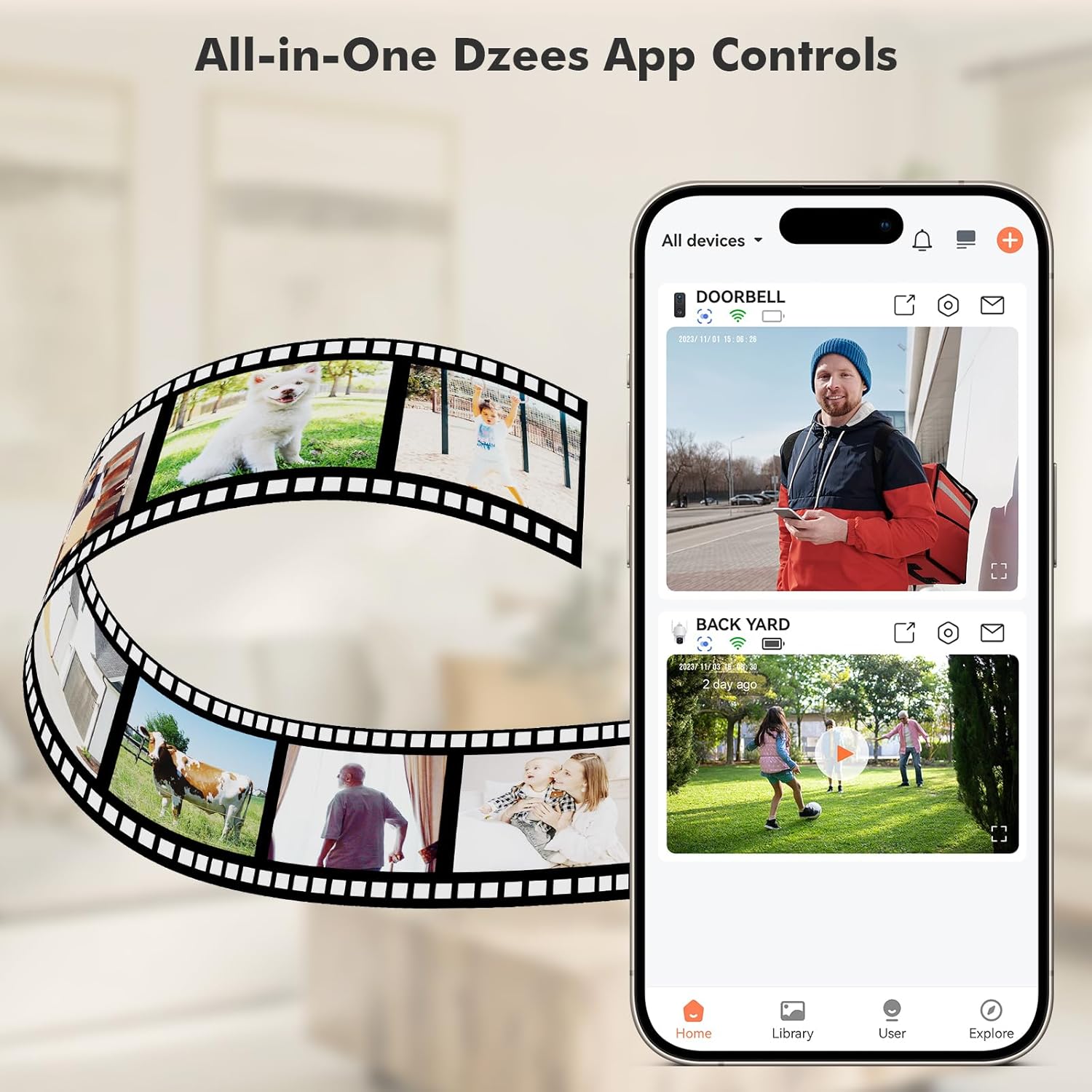
Image: All-in-One Dzees App Controls. The image shows a smartphone displaying the DzeesHome application, with a list of connected devices and live video feeds, demonstrating centralized control.
3.3 카메라를 Wi-Fi에 연결하기
- Open the DzeesHome/Vicohome app and tap the "+" icon to add a new device.
- 목록에서 카메라 모델을 선택하세요.
- Power on the camera. The camera will enter pairing mode (indicated by a flashing LED).
- 앱의 안내에 따라 카메라를 연결하세요. 2.4GHz Wi-Fi 네트워크. Note: This camera is not compatible with 5GHz Wi-Fi networks.
- 스마트폰 화면에 표시된 QR 코드를 카메라 렌즈로 스캔하세요. 연결되면 확인음이 들립니다.

Image: 2.4GHz Wifi Only. This diagram shows a house with a Wi-Fi router and a Dzees camera, indicating that the camera only supports 2.4GHz Wi-Fi, not 5GHz.
3.4 카메라 장착
The Dzees camera offers versatile mounting options:
- 마그네틱 마운트: For easy, drill-free installation and repositioning. Simply attach the magnetic base to a clean, flat surface using the adhesive pad, then snap the camera onto the magnetic ball joint.
- 나사식 마운트: For a more permanent installation, use the provided screws and anchors to secure the mount to a wall or ceiling.

Image: Flexibility In Installation. A woman is shown adjusting a Dzees security camera mounted on an outdoor wall, while holding a smartphone, illustrating the ease of installation and positioning.

Image: Stand, Wall Mount, Ceiling Mount. This composite image displays three different ways to install the Dzees camera: on a flat surface using its base, mounted on a wall, and mounted on a ceiling.
4. 운영
4.1 라이브 View 그리고 녹음
Access the DzeesHome/Vicohome app to view 라이브 푸tag카메라에서 영상을 캡처할 수 있습니다. 라이브 화면에서 직접 수동으로 비디오를 녹화하거나 스크린샷을 찍을 수 있습니다. view 인터페이스.
4.2 동작 감지 및 알림
The camera features advanced AI motion detection. When motion is detected, the camera will automatically record and send instant notifications to your smartphone. You can customize activity zones within the app to minimize unwanted alerts.

Image: Instant Security Alerts. A smartphone screen shows a notification from the Dzees app indicating motion detection, with a person standing at a front door in the background.

Image: Customizable Zone to Minimize Unwanted Alerts. This image illustrates a house with its surrounding area divided into three distinct zones (Zone 1, Zone 2, Zone 3), demonstrating how users can customize detection areas to reduce false alarms.
4.3 양방향 오디오 및 사이렌
Use the two-way talk feature in the app to communicate with people near the camera. You can also remotely activate the built-in siren to deter unwanted visitors.
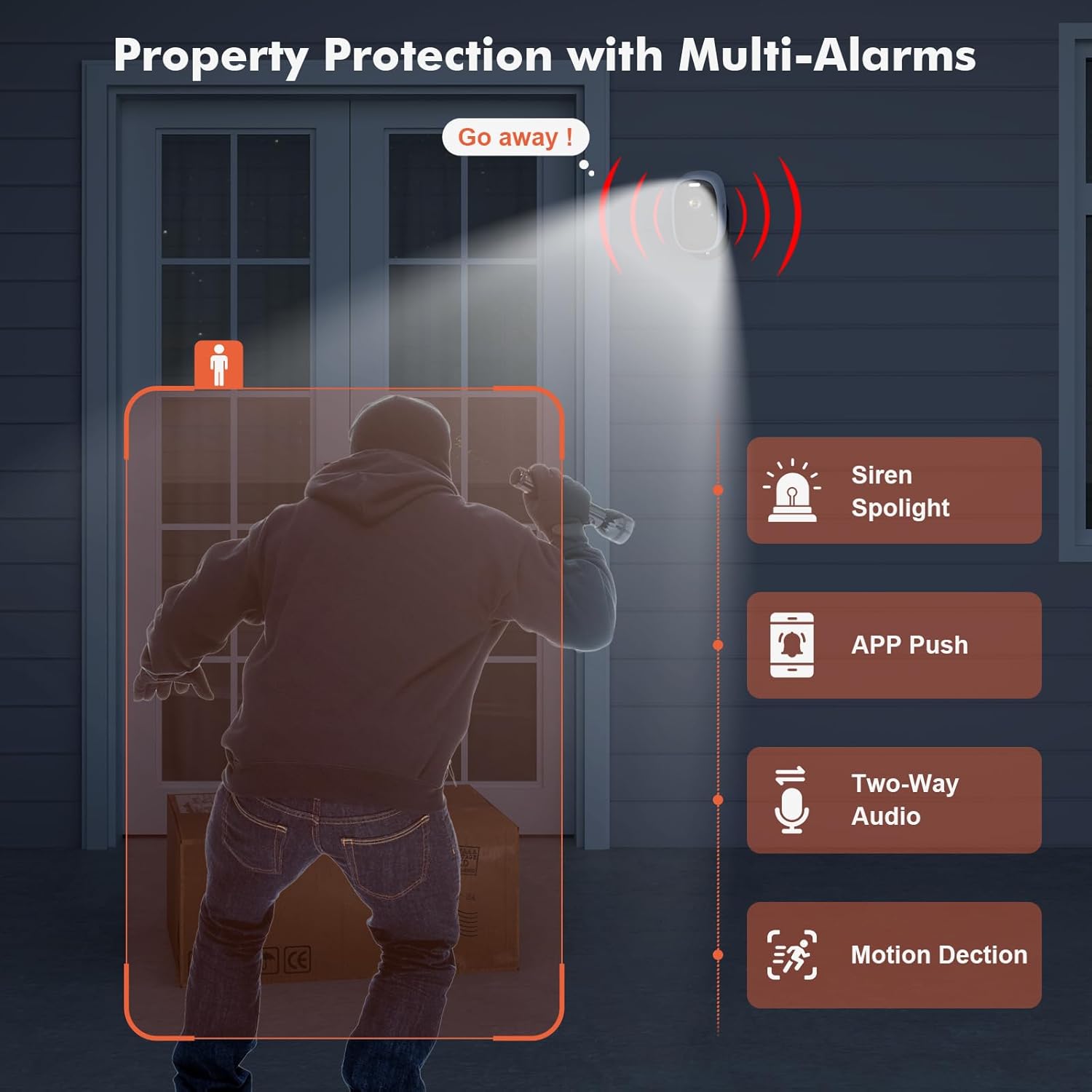
Image: Property Protection with Multi-Alarms. This image depicts a security camera deterring an intruder with a spotlight and siren, alongside icons representing app push notifications, two-way audio, and motion detection.
4.4 야간 투시경
The camera is equipped with color night vision, providing clear, full-color images even in very low light conditions, enhancing visibility and identification at night.
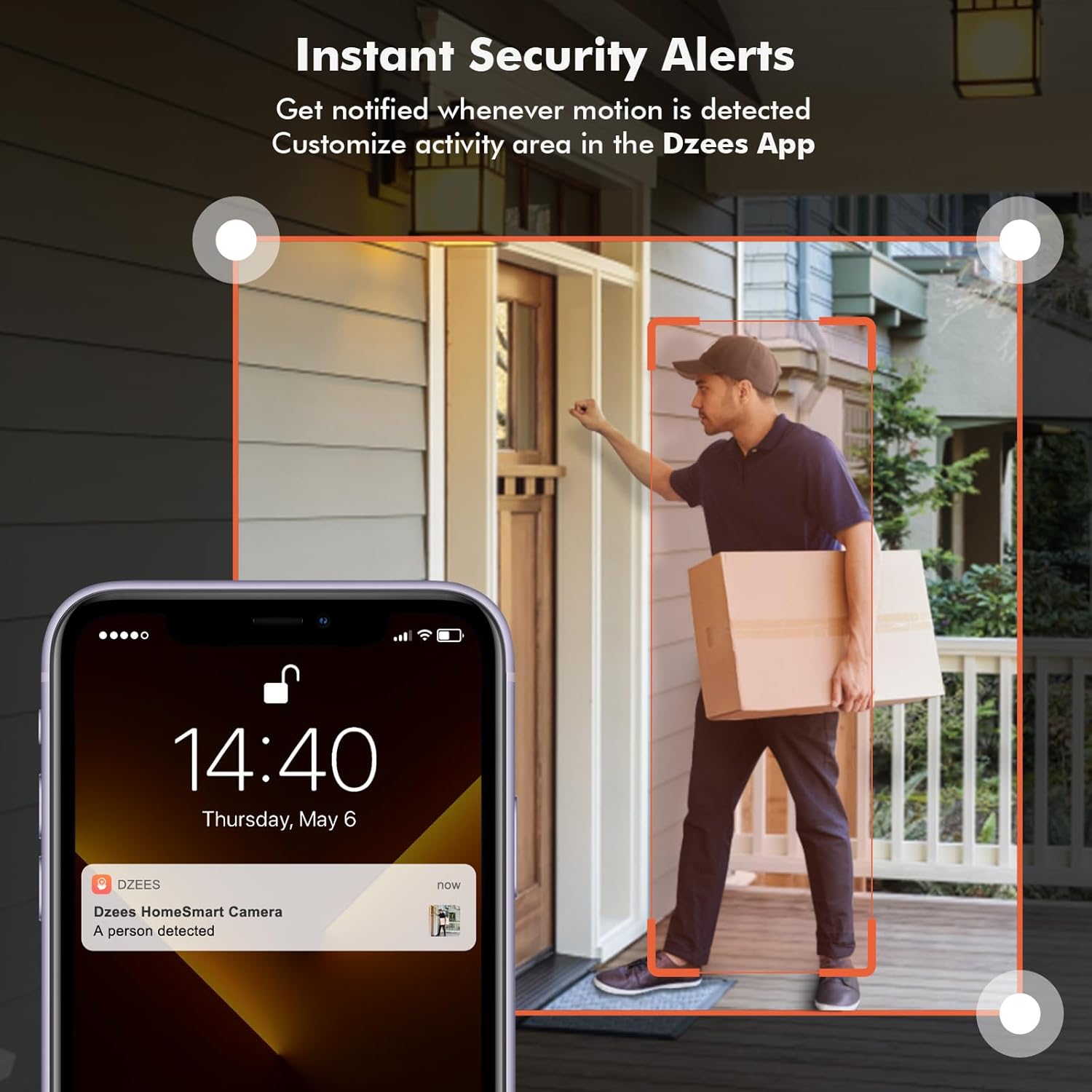
Image: Color Night Vision. This split image compares traditional black-and-white night vision with the Dzees camera's color night vision, showing a house at night in both modes.
4.5 스토리지 관리
Your camera supports two storage methods:
- 클라우드 스토리지: Enjoy a 2-year free 3-day rolling cloud storage cycle. Optional paid plans are available for extended storage and AI recognition features.
- SD 카드 저장: Insert a microSD card (up to 128GB, not included) into the camera's SD card slot for local video storage.

Image: Dzees Cloud, Privacy, Storage Card. This image shows three distinct panels: one for Dzees Cloud storage with a "FREE 3 DAYS Video History" label, another for privacy protection with a shield icon, and a third for "Up to 128 GB" storage via an SD card.
5. 유지관리
5.1 배터리 관리
The camera is powered by a 6700 mAh rechargeable battery. Battery life varies based on usage (e.g., frequency of motion detection, live view access). Recharge the camera when the battery level is low, typically every few weeks to months depending on activity.
5.2 청소
To ensure optimal performance, periodically clean the camera lens and body with a soft, dry cloth. Avoid using harsh chemicals or abrasive materials.
5.3 내후성
With an IP66 rating, your Dzees camera is designed to withstand dust, rain, and snow. However, avoid submerging the camera in water or exposing it to extreme temperatures beyond its operating range.

Image: IP66 for harsh outdoor conditions. This image shows a Dzees camera, with one half depicting it in rainy and dusty conditions and the other half in snowy conditions, emphasizing its IP66 weather resistance.
6. 문제 해결
| 문제 | 가능한 원인 | 해결책 |
|---|---|---|
| 카메라가 Wi-Fi에 연결되지 않습니다. | 잘못된 Wi-Fi 대역(5GHz), 약한 신호, 잘못된 비밀번호. | Ensure your router is broadcasting a 2.4GHz network. Move the camera closer to the router. Double-check your Wi-Fi password. |
| 배터리 수명이 짧습니다. | Frequent motion detection, extensive live view 사용, 추운 날씨. | 동작 감지 감도 또는 빈도를 줄이세요. 실시간을 제한하세요. view sessions. Ensure camera is fully charged. Consider a solar panel accessory if available. |
| 움직임 감지 알림이 없습니다. | Motion detection disabled, incorrect sensitivity, app notifications off. | Check motion detection settings in the app. Adjust sensitivity. Enable app notifications for DzeesHome/Vicohome. |
| 이미지 품질이 좋지 않습니다. | 렌즈 오염, 저조도 환경, 네트워크 대역폭 문제. | Clean the camera lens. Ensure adequate lighting for optimal color night vision. Check your internet connection speed. |
7. 사양
| 특징 | 세부 사항 |
|---|---|
| 모델명 | G1-D |
| 실내/실외 사용 | 실내, 실외 |
| 비디오 캡처 해상도 | 4만 화소(2.5K) |
| 연결 기술 | 무선(Wi-Fi 2.4GHz만 지원) |
| 전원 | 배터리 구동 |
| 배터리 용량 | 6700밀리amp한 시간 전(mAh) |
| 컨트롤러 유형 | DzeesHome, Vicohome |
| 장착 유형 | Magnetic, Screw (anywhere) |
| 특별 기능 | 2-Way Audio, Built-In Light, HD Resolution, Motion Sensor, Night Vision (Color) |
| 국제 보호 등급 | IP66 |
| 제품 치수 | 4.84 x 3.7 x 5.94 인치 |
| 품목 무게 | 2.64파운드 |
| 저장 옵션 | Cloud, SD Card (up to 128GB) |
8. 보증 및 지원
Dzees is committed to providing excellent customer service and product support.
- 평생 보증: Dzees offers a lifetime warranty on its products, ensuring long-term reliability.
- Lifetime Trade-in: Benefit from a lifetime trade-in program for future upgrades.
- 전문적인 기술 지원: Access a professional technical team for assistance.
- 빠른 응답: Expect prompt responses to your inquiries.
For further assistance, please visit the official Dzees Store on Amazon: Dzees Store.
Ask a question about this manual
Ask about setup, troubleshooting, compatibility, parts, safety, or missing instructions. Manuals+ will review the question and use this page’s manual context to help answer it.