
1. 중요한 안전 정보
Please read these safety instructions carefully before operating your TV and retain them for future reference. Always follow basic safety precautions to reduce the risk of fire, electric shock, and injury.
- 힘: Connect the TV to an AC power outlet only. Do not overload wall outlets. Ensure the power cord is not damaged or pinched.
- 통풍: Do not block ventilation openings. Install the TV in a location with adequate airflow.
- 청소: 청소하기 전에 TV 플러그를 뽑으세요. 부드럽고 마른 천을 사용하세요. 액체 세척제나 에어로졸 스프레이는 사용하지 마세요.
- 물과 습기: 텔레비전을 비나 습기에 노출시키지 마십시오. 텔레비전 위에 액체가 담긴 물건을 올려놓지 마십시오.
- 안정: Ensure the TV is placed on a stable surface or securely mounted to prevent it from falling.
2. 포함 사항
모든 구성품이 포장에 들어 있는지 확인하세요.
- LG 55QNED85T 55-inch 4K QNED Smart TV
- Base (Stand)
- 분리형 전원 케이블
- Magic Remote (MR 24Y)
- AA 배터리 x 2
3. 설정
3.1 풀기
TV와 모든 액세서리를 포장에서 조심스럽게 꺼내십시오. 향후 운송이나 서비스 시 필요할 수 있으므로 포장재를 보관하는 것이 좋습니다.
3.2 스탠드 설치
TV 스탠드를 설치하려면:
- 화면 손상을 방지하려면 부드럽고 평평한 표면에 TV를 뒤집어 놓으세요.
- 스탠드 구성품을 TV 하단의 해당 슬롯에 맞춰 정렬합니다.
- 제공된 나사를 사용하여 스탠드를 고정하세요. 모든 나사가 단단히 조여졌는지 확인하세요.

앞쪽 view of the LG 55QNED85T 55-inch 4K QNED Smart TV with its stand installed.

옆 view of the LG 55QNED85T 55-inch 4K QNED Smart TV showing its slim profile 그리고 서.
3.3 벽면 장착(선택 사항)
If you choose to wall mount your TV, refer to the instructions provided with your wall mount bracket. Ensure the bracket is compatible with VESA standards for your TV model and installed by a qualified professional.
3.4 주변기기 연결하기
Connect external devices such as set-top boxes, gaming consoles, or sound systems to the TV's ports. The TV features HDMI, USB, Ethernet, Bluetooth, and Wi-Fi connectivity.

뒤쪽 view of the LG 55QNED85T 55-inch 4K QNED Smart TV showing various input and output ports.
3.5 전원 연결
After connecting all desired devices, plug the detachable power cable into the TV's power input and then into a wall outlet.
3.6 초기 설정
Upon first power-on, the TV will guide you through the initial setup process. This includes selecting your language, connecting to a network (Wi-Fi or Ethernet), and scanning for channels.
4. TV 작동하기
4.1 Magic Remote (MR 24Y)
The LG Magic Remote allows for intuitive control of your TV. It functions like an air mouse, allowing you to point and click. It also features a dedicated AI button for smart functions.

The LG AI Magic Remote offers dedicated buttons and features for AI functions, including AI Chatbot, AI Concierge, AI Search, AI Picture Wizard, AI Voice ID, and AI Sound Wizard.
4.2 WebOS 24 스마트 기능
귀하의 LG QNED TV는 다음에서 실행됩니다. webOS 24는 스마트하고 사용자 친화적인 인터페이스를 제공합니다. 주요 기능은 다음과 같습니다.
- LG ThinQ AI: Integrated artificial intelligence for enhanced control and personalization.
- 아마존 알렉사 내장: Use voice commands for various TV functions and smart home control.
- Intelligent Voice Recognition: Control your TV and search for content using your voice.
- App Remote Control (LG ThinQ): Control your TV from your smartphone using the LG ThinQ app.
- AI 컨시어지: Provides personalized keyword suggestions and recommendations based on your view역사.

The AI Concierge feature provides personalized keyword suggestions and recommendations based on your search and view역사.
- AI 검색: Microsoft Copilot을 사용하면 귀하의 질문에 대한 맞춤형 추천과 추가 솔루션을 제공합니다.

AI Search provides personalized recommendations for your queries and can integrate with Microsoft Copilot for additional solutions.
- AI 음성 ID: Recognizes each user's vocal signature and offers personalized recommendations as you speak.

AI Voice ID recognizes individual user voices to provide personalized content recommendations.
4.3 영상 설정
Your QNED TV combines Quantum Dot and NanoCell technologies for vibrant and accurate colors. The α8 AI Processor Gen 2 optimizes picture quality.
- QNED Dynamic Colors: LG's wide color gamut technology provides enhanced color reproduction.
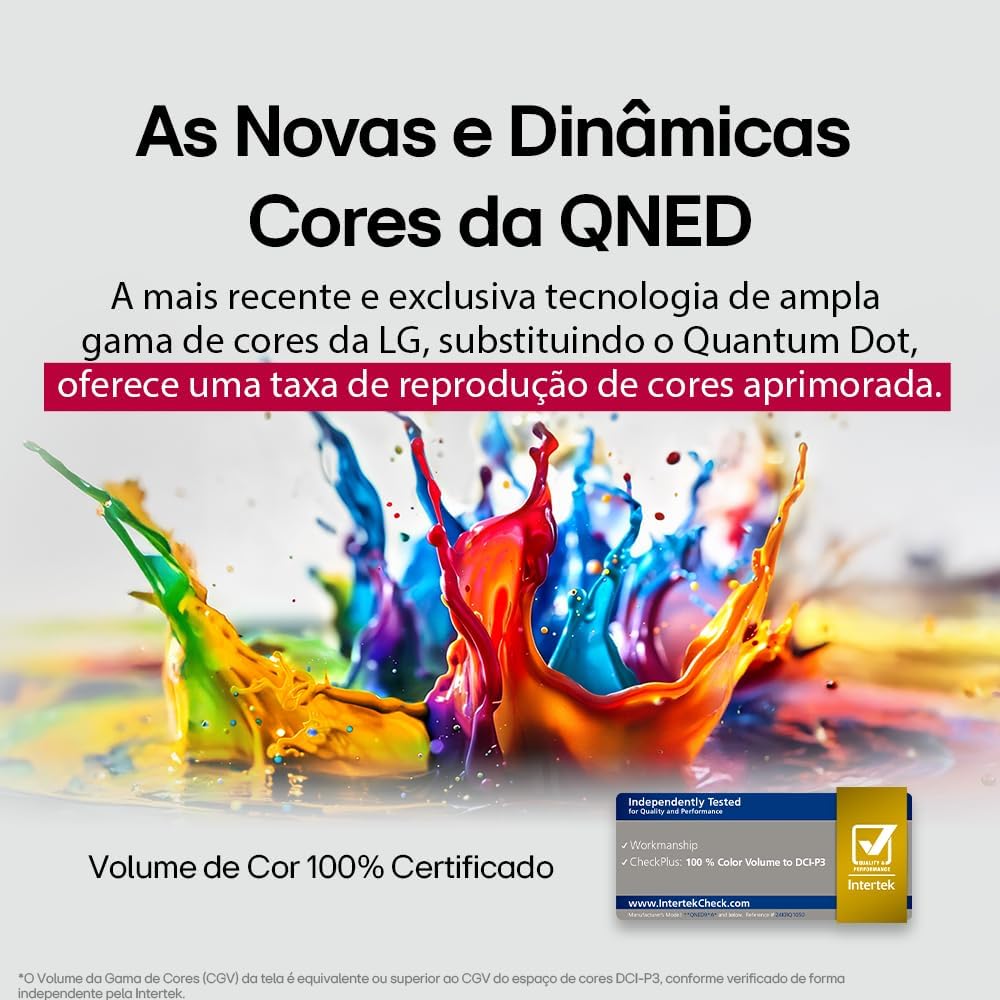
LG's QNED technology delivers new and dynamic colors, offering an improved color reproduction rate with 100% Certified Color Volume to DCI-P3.
- MiniLED: This technology enhances sharpness and provides superior contrast for an immersive view경험.
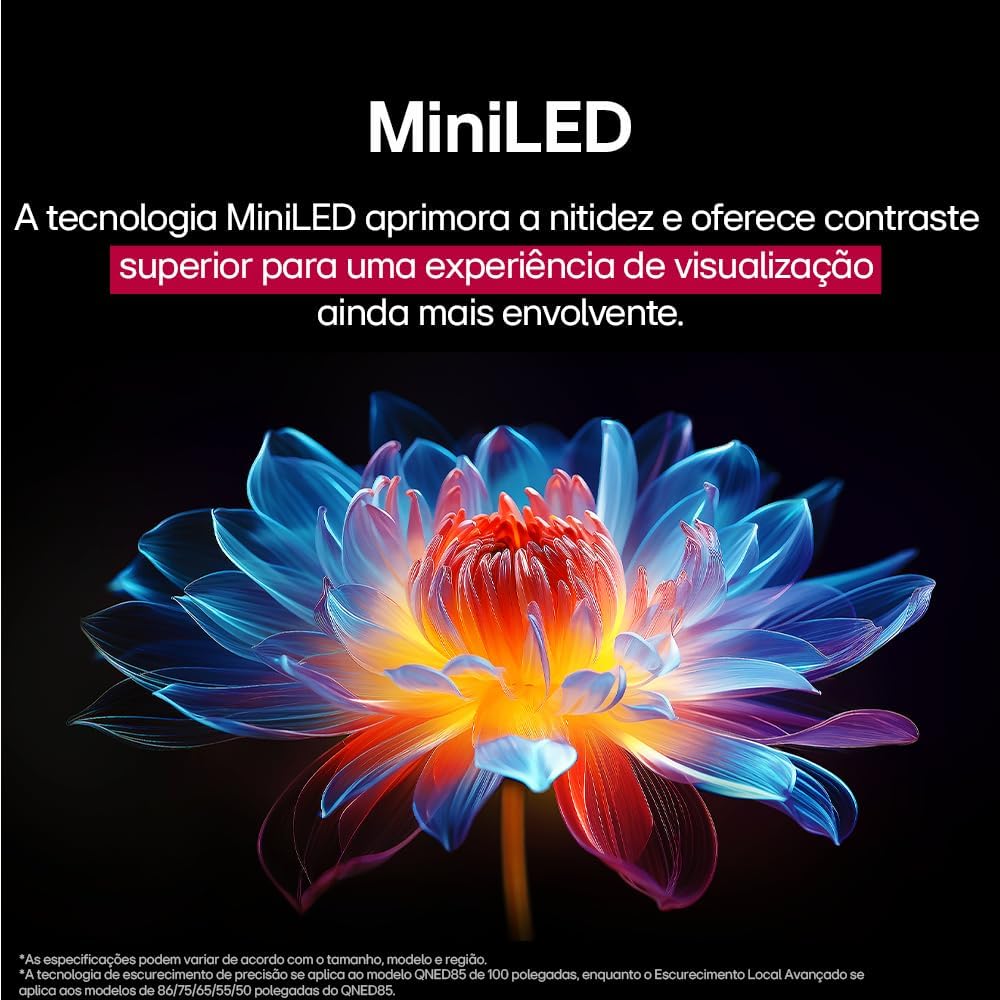
MiniLED technology improves sharpness and offers superior contrast for an immersive view경험.
- α8 AI Processor Gen 2: This processor enhances 4K visuals with impressive colors and brightness.
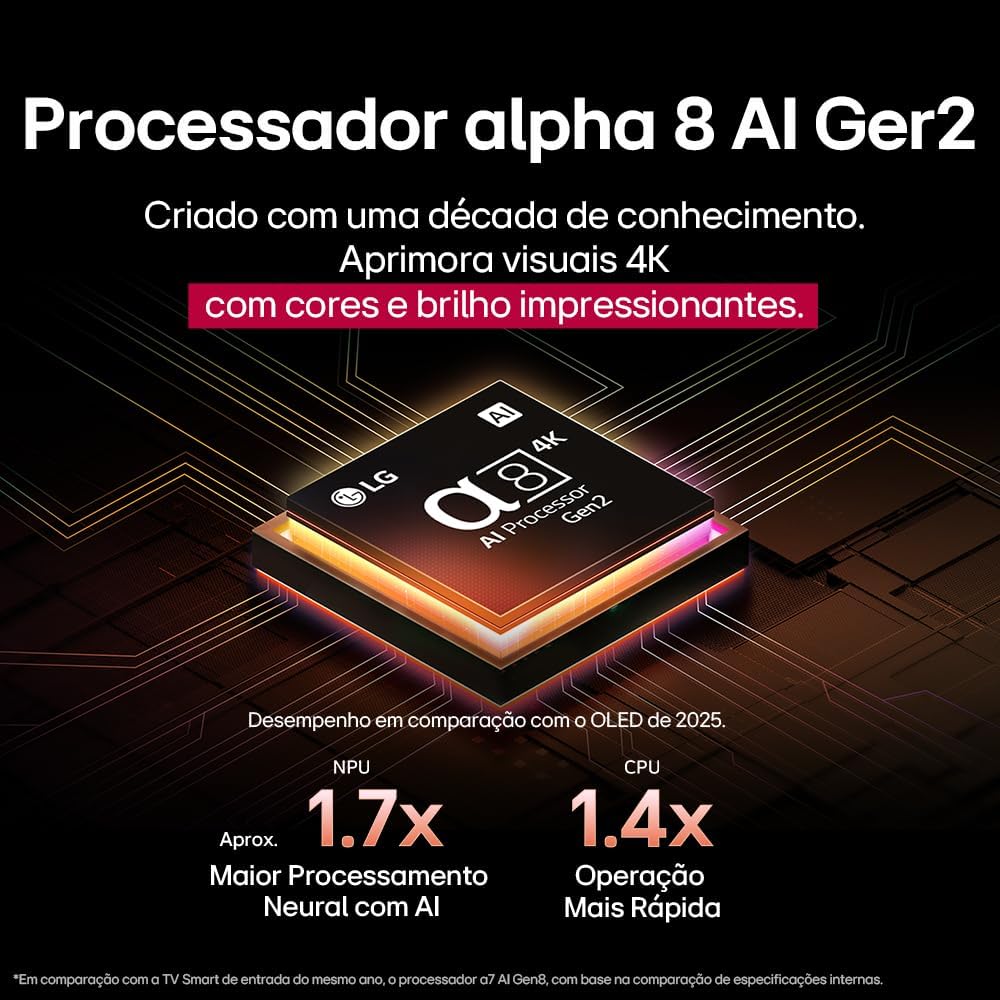
The Alpha 8 AI Processor Gen 2 enhances 4K visuals with impressive colors and brightness, offering approximately 1.7x greater neural processing with AI and 1.4x faster operation compared to previous generations.
- AI 사진 프로: Analyzes each frame, enhancing resolution, brightness, depth, and clarity to bring every scene to life.

AI Picture Pro analyzes each frame, enhancing resolution, brightness, depth, and clarity to bring every scene to life.
4.4 사운드 설정
The TV includes AI Sound Wizard features to optimize audio output based on your environment and content.
4.5 연결성
TV는 다양한 연결 옵션을 지원합니다.
- 와이파이: 집의 무선 네트워크에 연결하여 인터넷에 접속하고 스마트 기능을 이용하세요.
- 이더넷: 안정적인 인터넷 접속을 위해 유선 연결을 사용하세요.
- HDMI : 블루레이 플레이어, 게임 콘솔, 사운드바와 같은 고화질 기기를 연결하세요.
- USB: 미디어 재생 files USB 저장 장치에서.
- 블루투스: Connect wireless headphones, speakers, or other compatible devices.
4.6 게임 기능
The LG 55QNED85T is equipped with features for an enhanced gaming experience:
- 120Hz Panel: 빠른 속도의 게임에서 더욱 부드러운 움직임을 제공합니다.
- 프리싱크: Reduces screen tearing and stuttering when connected to compatible gaming devices.
5. 유지관리
5.1 청소
- 화면: 부드럽고 보풀이 없는 천으로 화면을 부드럽게 닦으세요. 잘 지워지지 않는 얼룩은 가볍게 닦아주세요.amp천에 물이나 특수 화면 세척제를 묻혀 닦으세요(화면에 직접 뿌리지 마세요).
- 프레임 및 스탠드: 부드럽고 마른 천으로 닦으세요.
- 원격 제어: Use a soft, dry cloth to clean the remote.
5.2 소프트웨어 업데이트
Your TV may receive software updates to improve performance and add new features. You can usually check for and install updates through the TV's settings menu (Settings > General > About This TV > Check for Updates).
6. 문제 해결
TV에 문제가 발생하면 다음의 일반적인 해결책을 참조하세요.
| 문제 | 가능한 해결책 |
|---|---|
| 전원이 없습니다 | 전원 케이블이 TV와 벽면 콘센트에 단단히 연결되어 있는지 확인하세요. 콘센트가 제대로 작동하는지 확인하세요. |
| 화면은 나오지 않지만 소리는 나옵니다 | 입력 소스를 확인하십시오. 외부 장치가 전원이 켜져 있고 HDMI를 통해 올바르게 연결되어 있는지 확인하십시오. |
| 소리는 나지 않지만 화면은 보입니다 | 볼륨 레벨과 음소거 상태를 확인하십시오. 오디오 출력 설정(예: 내장 스피커, 외부 사운드바)을 확인하십시오. |
| 리모컨이 작동하지 않음 | 배터리를 교체하세요. 리모컨과 TV 사이에 장애물이 없는지 확인하세요. 필요한 경우 매직 리모컨을 다시 페어링하세요. |
| 네트워크 연결 문제 | 라우터와 모뎀을 재시작하세요. Wi-Fi 비밀번호를 확인하세요. 가능하면 유선 이더넷 연결을 시도해 보세요. |
| 화질 문제 | 화면 설정(밝기, 대비, 선명도)을 조정하세요. 입력 소스가 고품질 신호를 제공하는지 확인하세요. |
If the problem persists, try performing a factory reset (refer to the TV's settings menu) or contact LG customer support.
7. 사양
Detailed specifications for the LG 55QNED85T 55-inch 4K QNED Smart TV:
| 특징 | 사양 |
|---|---|
| 화면 크기 | 55인치 |
| 상표 | LG |
| 디스플레이 기술 | LED (QNED, MiniLED) |
| 해결 | 4K(3840 x 2160) |
| 새로 고침 빈도 | 120Hz |
| 특별 기능 | QNED Dynamic Colors, MiniLED, α8 AI Processor Gen 2 |
| 연결 기술 | 블루투스, 이더넷, HDMI, USB, Wi-Fi |
| 종횡비 | 16시 9분 |
| 제품 크기(DxWxH) | 25.7D x 123.6W x 78.3H centimeters (with stand) |

Dimensions of the LG 55QNED85T 55-inch TV. Indicated values and actual measurements may differ.
8. 보증 및 지원
Your LG 55QNED85T Smart TV comes with a manufacturer's warranty. Please refer to the warranty card included in your product packaging for specific terms and conditions.
For technical support, service, or warranty claims, please contact LG customer service through their official web사이트 또는 보증서에 제공된 연락처 정보를 참조하세요.