
1. 서론
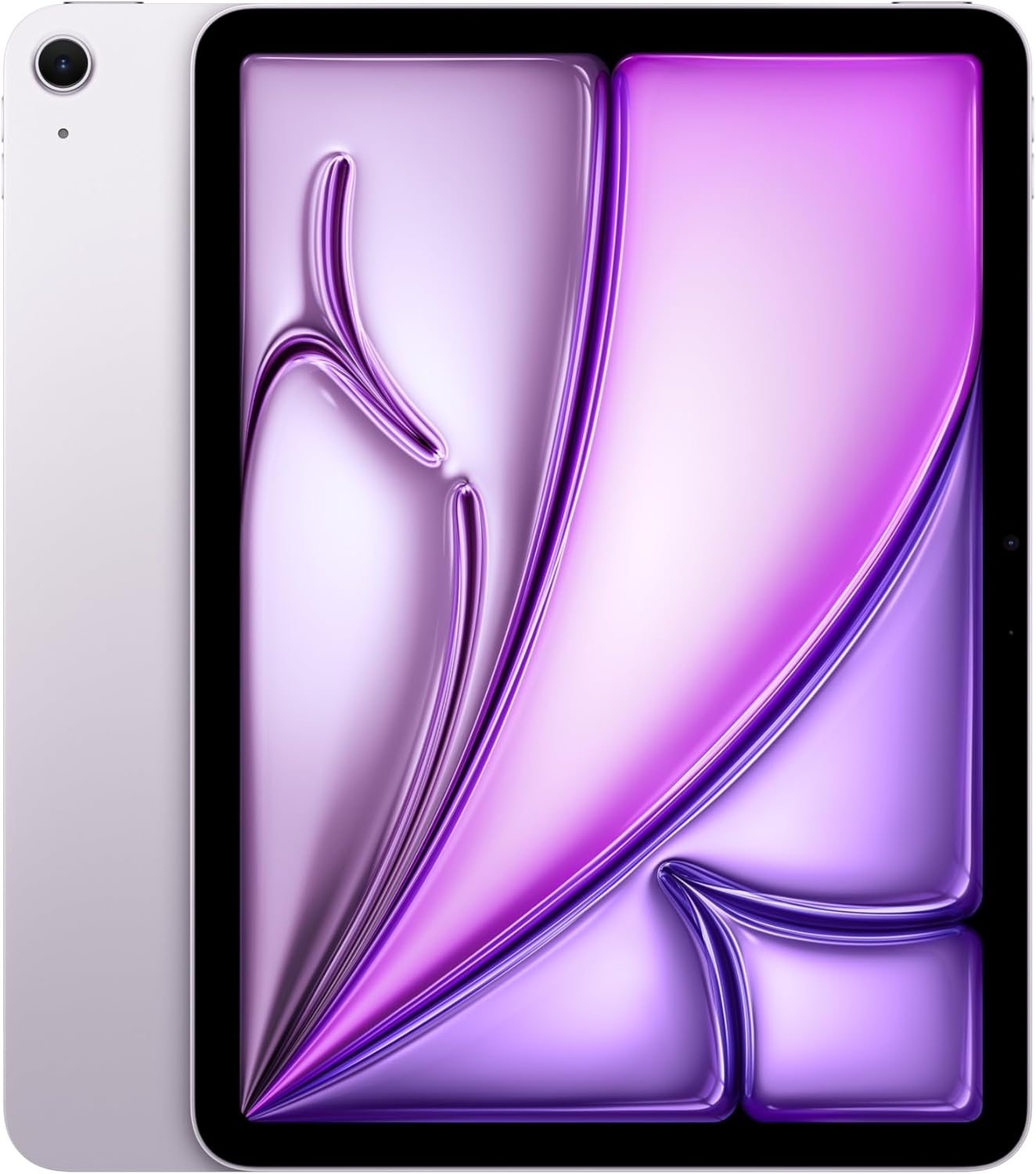
The Apple iPad Air 11-inch (M2) is a versatile and powerful tablet designed for a wide range of tasks, from productivity to entertainment. It features a Liquid Retina display, the M2 chip for enhanced performance, advanced cameras, and robust connectivity options.

Image: The Apple iPad Air 11-inch (M2) in its blue finish, showcasin세련된 디자인이에요.
주요 특징:
- M2 칩: Provides powerful performance for demanding applications and graphics-intensive games.
- 리퀴드 레티나 디스플레이: An 11-inch display with P3 wide color, True Tone, and ultralow reflectivity for vibrant and accurate visuals.
- 고급 카메라: Includes a landscape 12MP Ultra Wide front camera with Center Stage and a 12MP Wide back camera for photos and 4K video.
- 와이파이 6E: 빠르고 안정적인 무선 연결을 보장합니다.
- 터치 ID: 상단 버튼에 안전한 인증 및 Apple Pay 기능이 통합되어 있습니다.
- iPadOS: Offers intuitive multitasking, Apple Pencil support, and a vast App Store ecosystem.
상자 안에 무엇이 들어있나요?
- 아이패드 에어
- USB-C 충전 케이블(1m)
- 20W USB-C 전원 어댑터
2. 초기 설정
새 iPad Air를 설정하려면 다음 단계를 따르세요.
- 전원 켜기: Apple 로고가 나타날 때까지 상단 버튼을 길게 누릅니다.
- 초기 구성: 화면의 지시에 따라 언어와 지역을 선택하고 Wi-Fi 네트워크에 연결하세요.
- 데이터 전송(선택 사항): 이전에 사용하던 iPad 또는 iPhone이 있는 경우, 설정 과정에서 데이터를 전송할 수 있습니다.
- Apple ID: Apple ID로 로그인하거나 새 Apple ID를 만드세요. 앱 다운로드, iCloud 사용 및 기타 Apple 서비스를 이용하려면 Apple ID가 필수적입니다.
- 터치 ID 설정: Configure Touch ID by placing your finger on the top button as prompted.
- 암호: Create a strong passcode for additional security.
- 소프트웨어 업데이트: Ensure your iPadOS is up to date for the best performance and latest features.
3. Operating Your iPad Air
디스플레이 및 상호작용
The 11-inch Liquid Retina display offers a vibrant visual experience. It supports P3 wide color for accurate hues, True Tone for automatic white balance adjustment, and features ultralow reflectivity for comfortable view다양한 조명 조건에서 작동합니다.

이미지: iPad Air 디스플레이 모습asing its vibrant Liquid Retina technology.
Performance with M2 Chip
The integrated M2 chip allows for seamless multitasking and efficient handling of demanding applications. You can run multiple apps simultaneously, edit high-resolution videos, and play graphics-intensive games without performance degradation. The M2 chip also contributes to the iPad Air's all-day battery life.
iPadOS Features
iPadOS enhances the iPad Air's capabilities:
- 멀티태스킹: Use Split View or Slide Over to work with multiple apps at once. Stage Manager provides resizable, overlapping apps and external display support for advanced multitasking.
- 갈겨 쓰다: With Apple Pencil, write in any text field, and your handwriting will automatically convert to typed text.
- 앱 스토어: Access over a million apps designed specifically for iPad, including essential apps like Safari, Messages, and Keynote.
Apple Pencil Pro and Magic Keyboard
Enhance your productivity and creativity with compatible accessories:

Image: The iPad Air being used with an Apple Pencil Pro for creative tasks.
- Apple Pencil Pro: Transforms your iPad Air into a digital canvas and note-taking device. It offers advanced features for precision and control. Apple Pencil (USB-C) is also compatible.
- Magic Keyboard: Provides a comfortable typing experience with a built-in trackpad. It also serves as a protective cover for your iPad Air.

Image: The iPad Air connected to the Magic Keyboard, ready for typing and productivity.
카메라
The iPad Air features a landscape 12MP Ultra Wide front camera, ideal for video conferencing with Center Stage, which keeps you automatically framed. The 12MP Wide back camera is suitable for capturing high-quality photos and 4K videos.

Image: A close-up of the iPad Air's camera, highlighting its capabilities.
연결성
With Wi-Fi 6E, the iPad Air offers fast wireless connections for quick transfers of photos, documents, and large video files. The USB-C connector allows for versatile connections to external displays and other accessories.
Security with Touch ID
Touch ID is integrated into the top button, providing a secure and convenient way to unlock your iPad Air, sign in to apps, and authorize purchases with Apple Pay using your fingerprint.
애플 인텔리전스
Apple Intelligence is a personal intelligence system designed to assist with writing, expression, and task completion. It incorporates groundbreaking privacy protections to ensure your data remains secure.

Image: The iPad Air screen showing a graphic related to Apple Intelligence.
4. 유지관리
배터리 수명
The iPad Air is designed for all-day battery life. To optimize battery performance, ensure your iPadOS is updated, adjust screen brightness, and manage background app refresh settings.
Cleaning Your iPad Air
To clean your iPad Air, use a soft, lint-free cloth. Avoid abrasive materials, aerosols, solvents, or ammonia-based cleaners. For the screen, a slightly damp cloth is usually sufficient. Do not submerge the device in water.
소프트웨어 업데이트
iPadOS 업데이트를 정기적으로 확인하고 설치하여 기기에 최신 기능, 보안 강화 및 성능 향상을 적용하세요. 자세한 내용은 다음 링크를 참조하세요. 설정 > 일반 > 소프트웨어 업데이트.
5. 문제 해결
일반적인 문제 및 해결책:
- iPad가 응답하지 않음: If your iPad is unresponsive, try a force restart. Press and quickly release the volume up button, press and quickly release the volume down button, then press and hold the top button until the Apple logo appears.
- Wi-Fi 연결 문제: Ensure Wi-Fi is enabled in Settings. Try restarting your Wi-Fi router and your iPad. Forget the network and reconnect.
- 앱이 충돌하거나 정지됨: Close and reopen the app. If the issue persists, check for app updates in the App Store or reinstall the app.
- 배터리가 빨리 소모됨: Review battery usage in Settings > Battery to identify power-hungry apps. Reduce screen brightness and disable unnecessary background app refresh.
- 터치 ID가 작동하지 않습니다: Ensure your finger is clean and dry. Re-register your fingerprints in Settings > Touch ID & Passcode.
보다 복잡한 문제의 경우 Apple의 공식 지원 자료를 참조하거나 Apple 지원팀에 문의하십시오.
6. 사양
| 특징 | 세부 사항 |
|---|---|
| 제품 치수 | 9.74 x 7.02 x 0.24 인치 |
| 품목 무게 | 1.02파운드 |
| 품목 모델 번호 | MUWR3LL/A |
| 배터리 | 1개의 리튬 이온 배터리 필요(포함) |
| 상표 | 사과 |
| 모델명 | 아이패드 에어 |
| 메모리 저장 용량 | 1테라바이트 |
| 화면 크기 | 11 인치 |
| 디스플레이 해상도 최대 | 2360-by-1640 pixel resolution at 264 ppi |
이미지: 사이드 프로files of the iPad Air in various colors, highlighting its slim design.
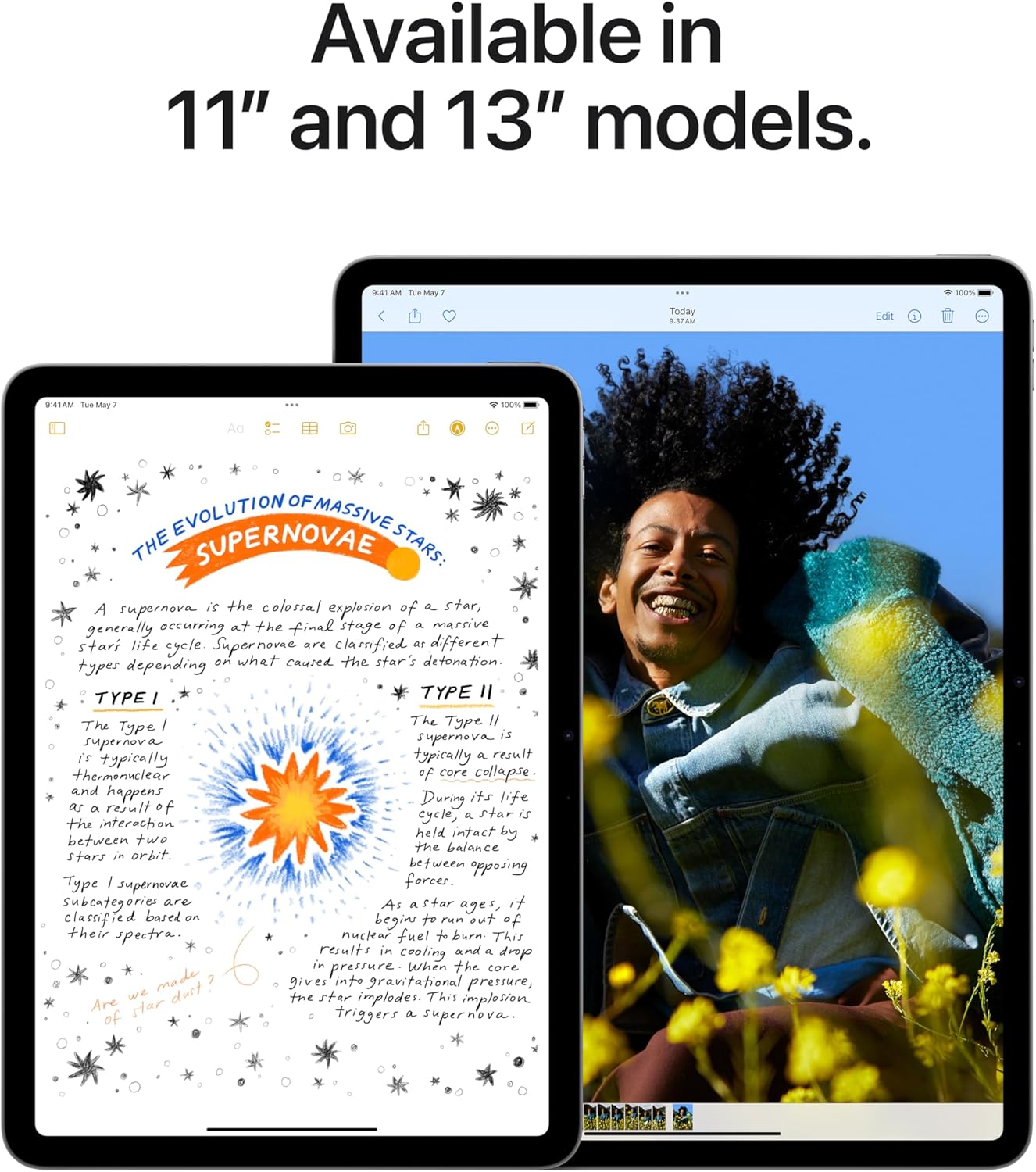
Image: Comparison of the 11-inch and 13-inch iPad Air models, showing their respective screen sizes.
7. 보증 및 지원
애플케어+
AppleCare+ provides extended warranty coverage and technical support for your iPad Air. It includes hardware service options and technical support from Apple experts. For details on coverage and terms, please refer to the AppleCare+ documentation or Apple's official web대지.
비디오: 오버view of AppleCare+ benefits, including repair and replacement services for your iPad Air.
공식 Apple 지원
추가적인 도움이 필요하시면 Apple 공식 지원 페이지를 방문하세요. website or contact Apple directly. You can find resources, FAQs, and contact information for technical support and service inquiries.
법적 면책
This manual provides a summary of product features. Apple Intelligence will be available in beta on iPad with M1 and later, with Siri and device language set to U.S. English, as part of iPadOS 18 this fall. Features and availability may vary by region and software version. Accessories are sold separately.
비디오: 홍보 영상 쇼asing the key features and capabilities of the new iPad Air.


