
Anker Soundcore K20i
Anker Soundcore K20i True Wireless 이어버드 사용 설명서
Model: K20i | Brand: Anker Soundcore
1. 서론
The Anker Soundcore K20i are true wireless earbuds designed for comfortable, extended listening. They feature Bluetooth 5.3 connectivity, IPX5 water resistance, and up to 36 hours of total playback with the charging case. Enjoy powerful bass and clear calls with AI noise reduction.

Image: Anker Soundcore K20i earbuds and charging case in black, white, purple, and blue.
2. 패키지 내용
제품 패키지에 모든 품목이 들어 있는지 확인하세요.
- Soundcore K20i True Wireless Earbuds
- 충전 케이스
- USB-C & USB-A Charging Cable
- Safety Manual & Quick Start Guide

Image: The Anker Soundcore K20i earbuds, their charging case, and the included USB-C charging cable.
3. 설정
3.1. 충전
처음 사용하기 전에 이어버드와 충전 케이스를 모두 완전히 충전하세요.
- Place the earbuds into the charging case. Close the case to begin charging the earbuds.
- 제공된 USB-C 케이블을 사용하여 충전 케이스를 전원에 연결하세요.
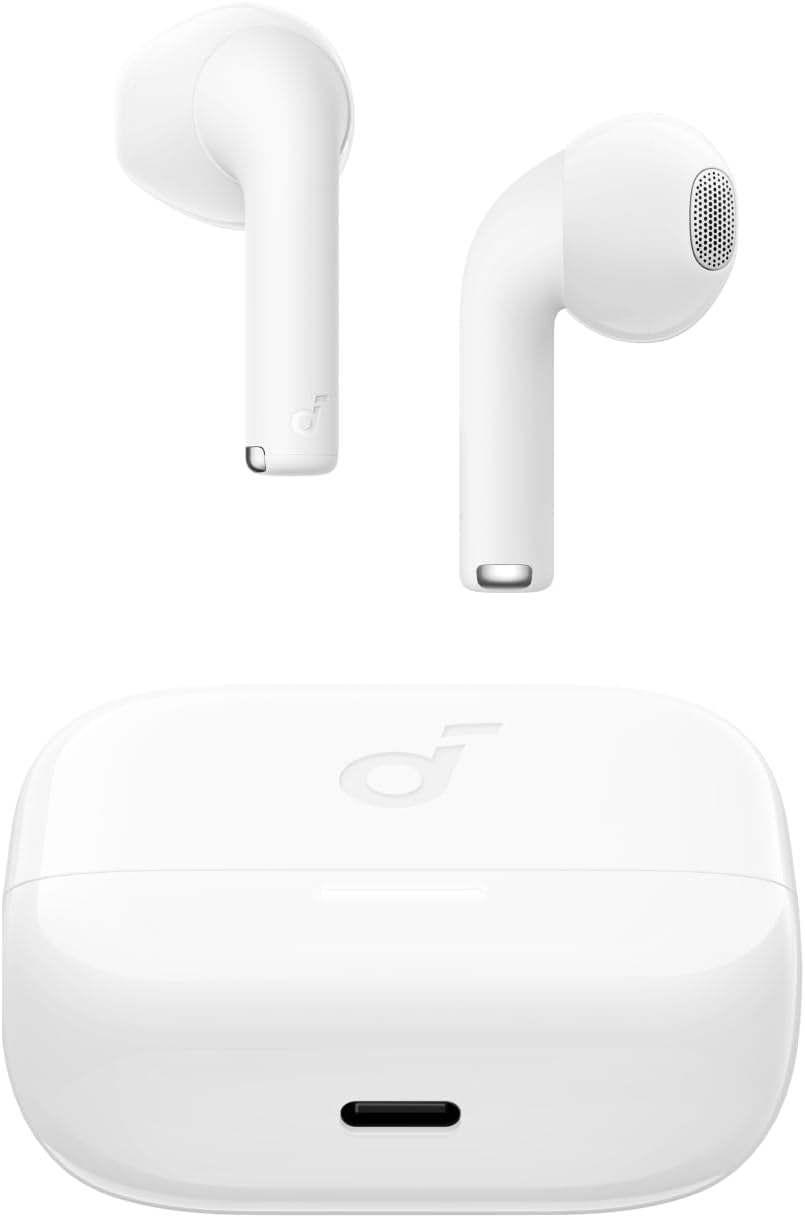
Image: The Anker Soundcore K20i earbuds resting in their open charging case, with the USB-C charging port visible at the front of the case.
3.2. 페어링
블루투스 지원 기기와 이어버드를 페어링하려면 다음 단계를 따르세요.
- 충전 케이스를 여세요. 이어버드가 자동으로 블루투스 페어링 모드로 진입합니다.
- On your device (smartphone, PC), enable Bluetooth and search for 'Soundcore K20i'.
- Select 'Soundcore K20i' to connect.
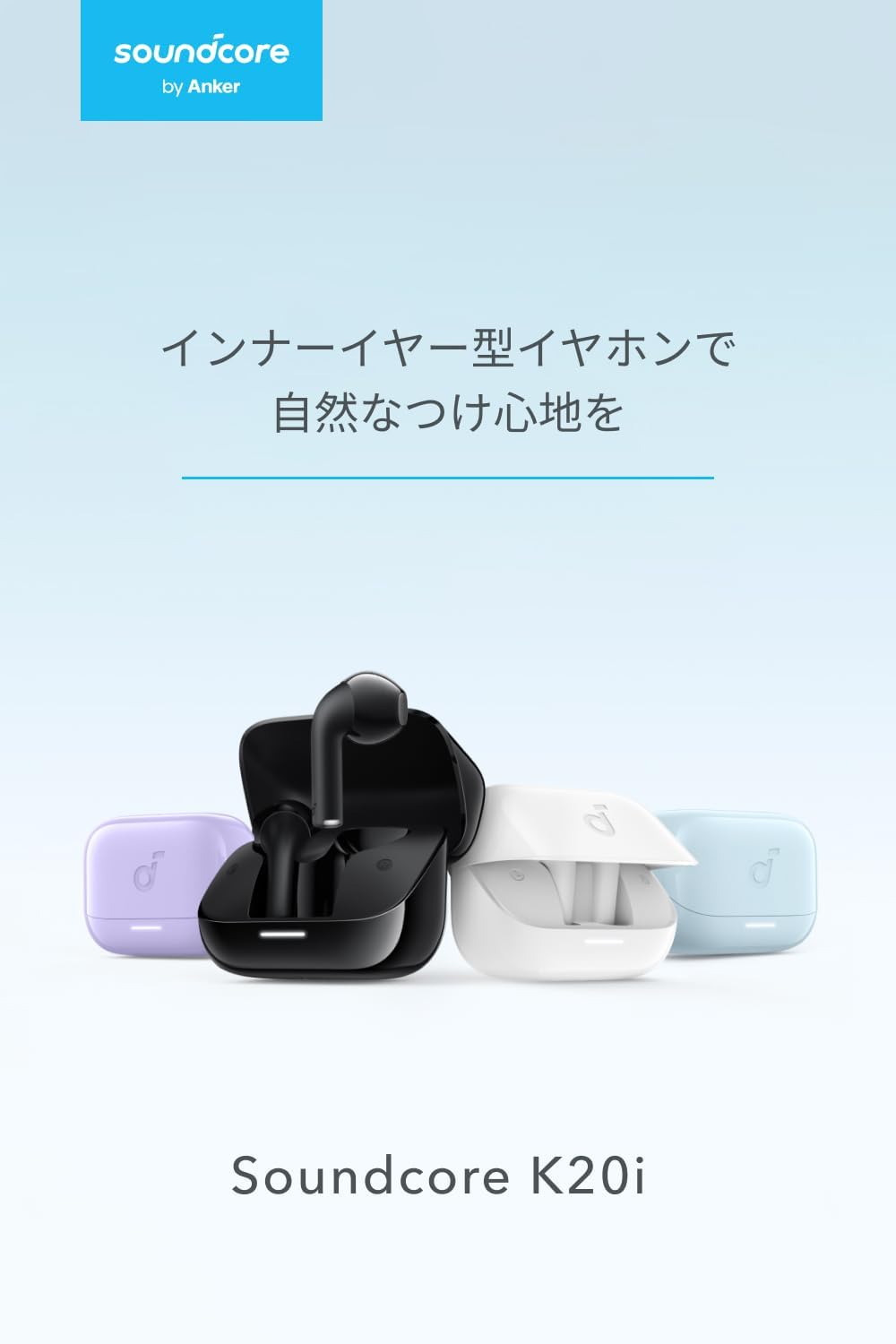
Image: The Anker Soundcore K20i earbuds removed from their charging case, indicating they are ready for Bluetooth pairing.
4. 사용 설명서
4.1. 이어버드 착용
For optimal comfort and sound quality, ensure the earbuds are properly seated in your ears.
- Insert the earbuds into your ears and gently rotate them until they fit snugly and comfortably.
- Each earbud weighs approximately 3.3g, designed for extended comfortable wear without ear tips.

Image: A diagram illustrating the correct way to position the Anker Soundcore K20i earbud in the ear canal for a secure and comfortable fit.
4.2. 기본 제어
The Soundcore K20i earbuds feature touch controls for various functions. Specific actions for single, double, or triple taps can often be customized via the Soundcore app.
4.3. 사운드코어 앱
Soundcore 앱을 다운로드하여 더욱 향상된 청취 경험을 즐겨보세요. 이 앱을 사용하면 다음과 같은 기능을 이용할 수 있습니다.
- Customize sound settings and adjust the equalizer.
- 이어폰을 잃어버렸을 경우 찾아보세요.
- 이어버드 펌웨어를 업데이트하세요.

Image: A user interacting with the Soundcore application on a smartphone, displaying various sound customization options for the earbuds.
5. 유지관리
5.1. 청소
정기적인 청소는 최적의 성능과 위생을 유지하는 데 도움이 됩니다.
- 이어버드와 충전 케이스는 보풀이 없는 부드러운 마른 천으로 정기적으로 닦아주세요.
- 가혹한 화학물질이나 연마재의 사용은 피하세요.
5.2. 방수 기능(IPX5)
The earbuds are IPX5 water-resistant, meaning they can withstand splashes and sweat. This makes them suitable for workouts and light rain. 물에 담그지 마십시오.

Image: Two Anker Soundcore K20i earbuds covered in water droplets, illustrating their IPX5 water-resistant design.
5.3. 보관
Store the earbuds in their charging case when not in use to protect them from damage and ensure they remain charged.
6. 문제 해결
If you encounter issues with your Soundcore K20i earbuds, try the following solutions:
- 이어버드가 페어링되지 않음: Ensure both earbuds are charged and within range of your device. Turn off and on your device's Bluetooth.
- 이어폰 한쪽에서만 소리가 나옵니다. Try placing both earbuds back into the charging case, closing it for a few seconds, then reopening. Refer to the quick start guide for specific earbud reset instructions.
- 음질이 좋지 않음: Ensure the earbuds are properly seated in your ears. Try adjusting equalizer settings in the Soundcore app.
- 충전 문제: 충전 케이블이 케이스와 전원에 제대로 연결되어 있는지 확인하십시오. 이어버드와 케이스 내부의 충전 접점이 깨끗한지 확인하십시오.
7. 사양
| 특징 | 사양 |
|---|---|
| 모델명 | 사운드코어 K20i |
| 연결 기술 | 무선(블루투스 5.3) |
| 귀 위치 | 인이어 |
| 헤드폰 스타일 | 인이어 |
| 임피던스 | 16옴 |
| 소음 제어 | None (AI Noise Reduction for calls) |
| 재생 시간 (이어폰) | 최대 6시간 |
| 총 재생 시간(케이스 포함) | 최대 36시간 |
| 빠른 충전 | 10 minutes charge for approx. 2 hours playback |
| Earbud Weight (per earbud) | 약 3.3g |
| 제품 무게 | 42.6g |
| 방수성 | IPX5 |
| 제조업체 모델 번호 | A3994 |
| 호환 장치 | Smartphones, PCs, and other Bluetooth-compatible devices |
8. 보증 및 지원
Anker Soundcore K20i comes with an 18개월 제품 보증 from the date of purchase. For registered members, an additional 6-month extended warranty is provided, totaling 24 months of coverage.
For product or delivery-related inquiries, please contact customer support. Anker provides dedicated Japanese customer support.

Image: Details on Anker's 18-month product warranty, an additional 6-month extended warranty for members, and information for contacting Japanese customer support.
Ask a question about this manual
Ask about setup, troubleshooting, compatibility, parts, safety, or missing instructions. Manuals+ will review the question and use this page’s manual context to help answer it.