
COCOCAM PK323
COCOCAM 5MP Indoor Security Camera User Manual
모델: PK323
1. 서론
Thank you for choosing the COCOCAM 5MP Indoor Security Camera. This device is designed to provide reliable surveillance for your indoor spaces, offering high-resolution video, advanced motion detection, two-way audio communication, and flexible storage options. This manual will guide you through the installation, operation, and maintenance of your new security camera to ensure optimal performance and peace of mind.
2. 패키지 내용
다음 품목이 패키지에 포함되어 있는지 확인하세요.
- COCOCAM 5MP Indoor Security Camera (Model: PK323)
- 전원 어댑터
- USB 케이블
- 설치 부속품 (나사, 벽 플러그)
- 사용 설명서(본 문서)
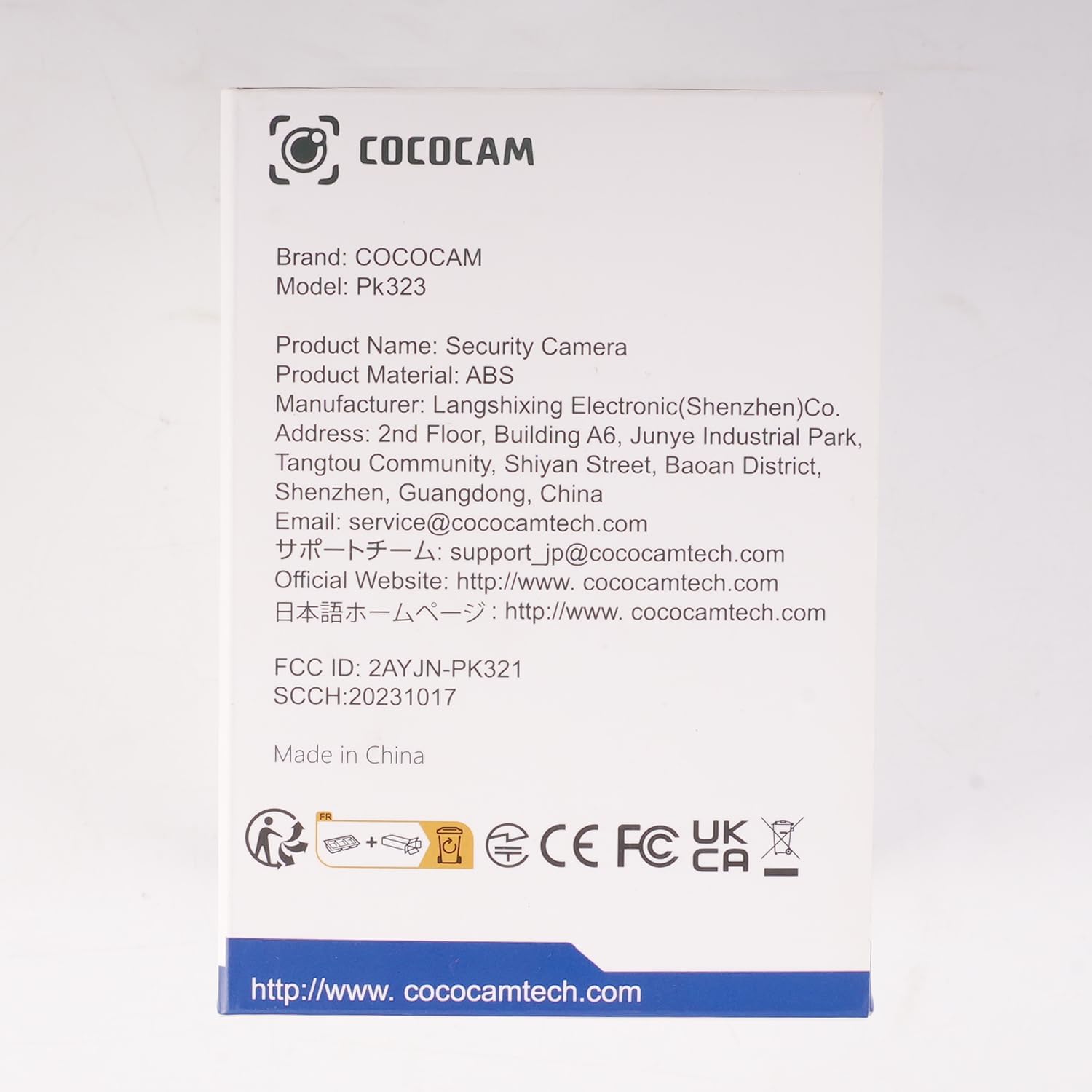
이미지: 앞면 view of the COCOCAM Security Camera retail box.
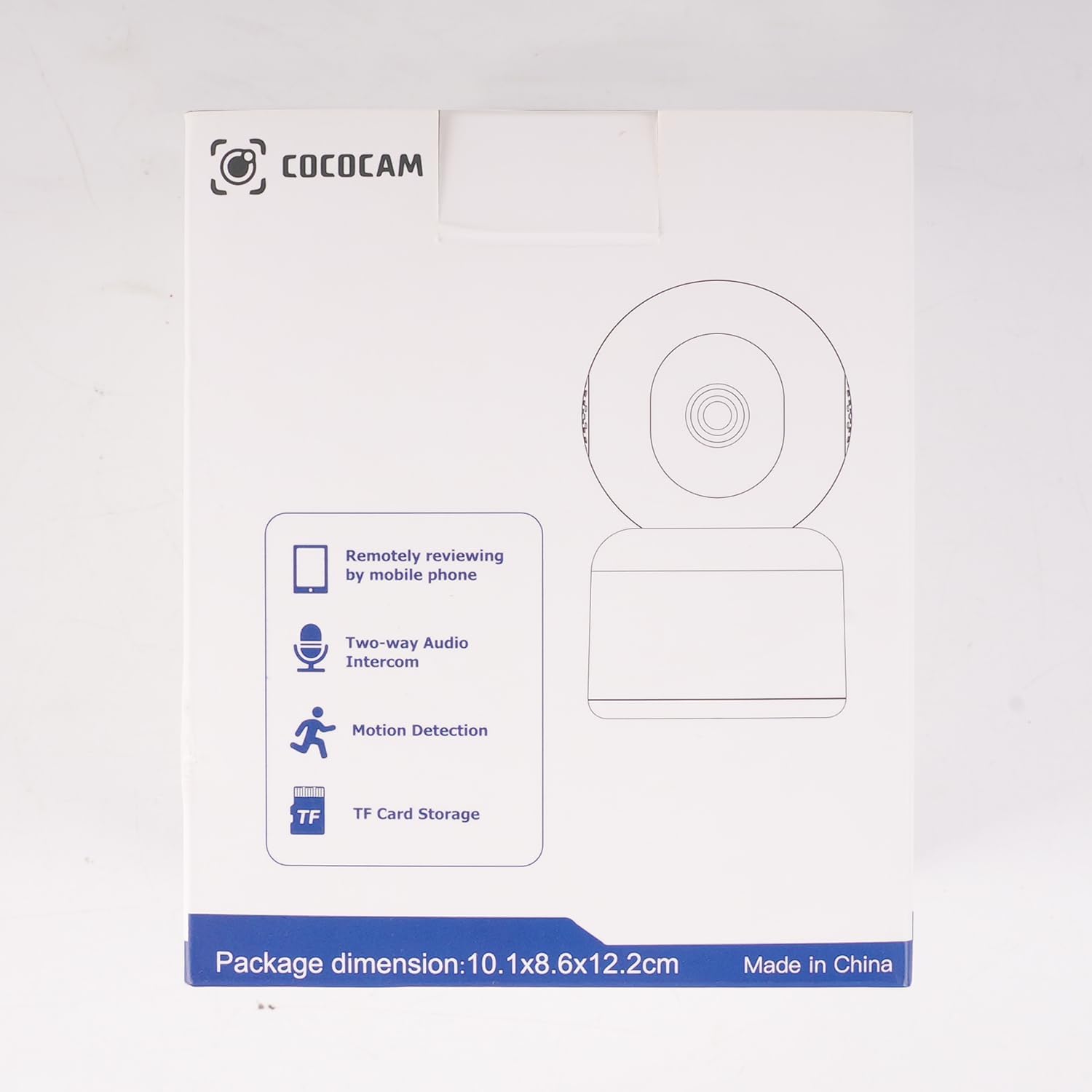
이미지: 측면 view of the COCOCAM Security Camera retail box highlighting features like remote viewing, two-way audio, motion detection, and TF card storage.
3. 제품 오버view
The COCOCAM PK323 is a versatile indoor security camera designed for comprehensive monitoring. It features a compact design and robust capabilities.
주요 특징:
- 5MP 해상도: 선명하고 자세한 음식 사진을 촬영합니다.tage.
- 팬 및 틸트 : 355° horizontal pan and 80° vertical tilt for wide coverage.
- 듀얼 밴드 Wi-Fi: Supports both 2.4GHz and 5GHz Wi-Fi networks for stable connection.
- 양방향 오디오 : 실시간 통신을 위한 마이크와 스피커가 내장되어 있습니다.
- AI Motion Detection & Auto Tracking: Intelligently detects human and pet movement and tracks the subject.
- HD IR Night Vision: Provides clear video monitoring even in low-light conditions, visible up to 15 meters (50 ft).
- 유연한 스토리지: Supports local TF card storage (up to 128GB) and cloud storage options.
- 알렉사 통합: Works with Amazon Alexa for voice control and live view 호환되는 기기에서 사용 가능합니다.
물리적 구성 요소:
- 카메라 렌즈: Main video capture component.
- IR LED : 야간 시야를 위한 적외선 조명.
- 마이크로폰: 오디오 입력용.
- 스피커: 오디오 출력(양방향 오디오)용입니다.
- 전원 포트: 전원 어댑터를 연결합니다.
- 재설정 버튼: 카메라를 공장 초기 설정으로 되돌리는 데 사용됩니다.
- TF 카드 슬롯 : For inserting a microSD card for local storage.

Image: The COCOCAM 5MP Indoor Camera alongside a smartphone displaying its live video feed, highlighting its 5MP and dual-band Wi-Fi capabilities.
4. 설정 가이드
Follow these steps to set up your COCOCAM security camera:
4.1 앱 다운로드
- 검색 그만큼 "CloudEdge" app in your smartphone's app store (App Store for iOS or Google Play Store for Android).
- 앱을 다운로드하고 설치하세요.
- 새 계정을 등록하거나 이미 계정이 있는 경우 로그인하세요.
4.2 카메라 전원 켜기
- Connect the provided USB cable to the camera's power port and the power adapter.
- 전원 어댑터를 벽면 콘센트에 꽂으세요.
- Wait for the camera to power on. You will hear a prompt indicating it's ready for setup.
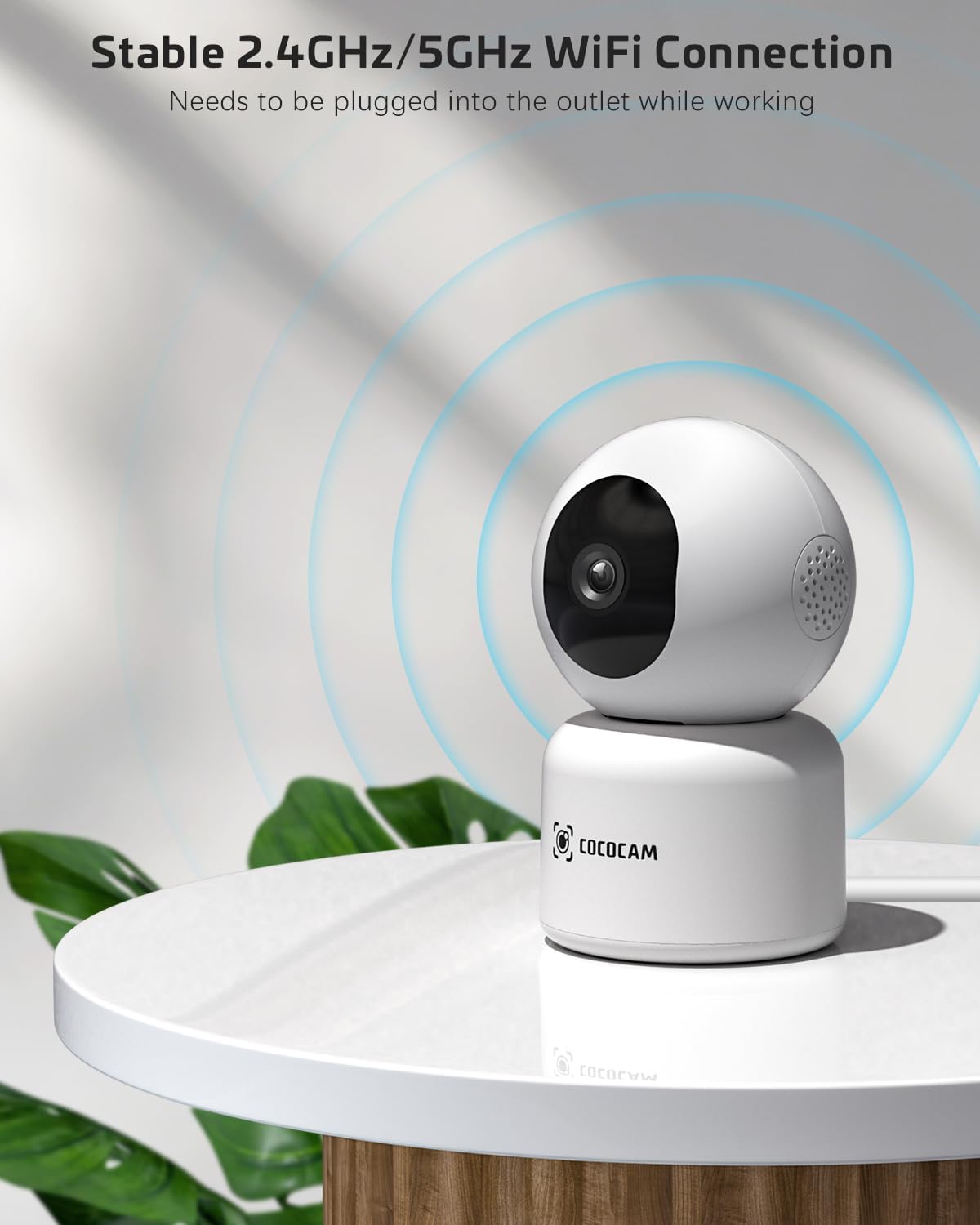
Image: The COCOCAM camera plugged into an outlet, illustrating its stable 2.4GHz/5GHz Wi-Fi connection capability.
4.3 Wi-Fi에 연결
- Open the CloudEdge app.
- Tap the "+" icon or "Add Device" to add a new camera.
- Select your camera model from the list (e.g., Smart Camera or PTZ Camera).
- Follow the on-screen instructions to connect the camera to your Wi-Fi network. Ensure your phone is connected to the same Wi-Fi network (2.4GHz or 5GHz).
- The app will display a QR code. Hold your phone's screen in front of the camera lens (approx. 15-20 cm or 6-8 inches away) until you hear a confirmation sound from the camera.
- Once connected, the camera's indicator light will turn solid blue, and you will receive a "Connection successful" message in the app.

Image: A sequence of screenshots from the CloudEdge app demonstrating the step-by-step process for setting up and connecting the camera to a Wi-Fi network.
4.4 Install TF Card (Optional)
If you wish to use local storage, insert a TF (microSD) card (up to 128GB) into the camera's TF card slot. Ensure the camera is powered off before inserting or removing the card. Format the card through the app settings after insertion for proper functionality.
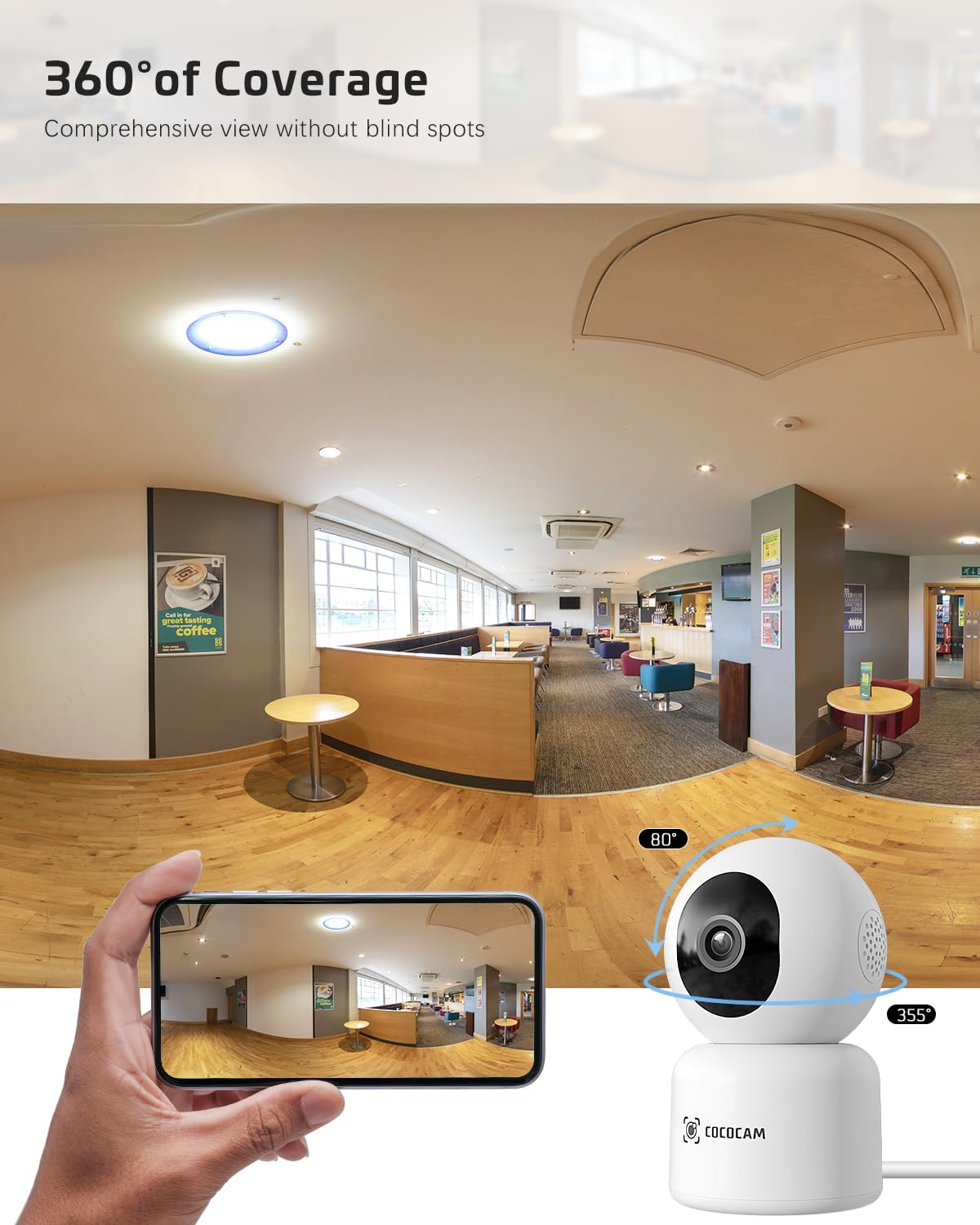
Image: The COCOCAM camera with icons representing cloud storage and TF card storage, emphasizing its safe and stable storage options.
5. 사용 설명서
Once set up, you can utilize the camera's features via the CloudEdge app.
5.1 라이브 View & 녹음
- Open the CloudEdge app and select your camera from the device list to access the live view.
- 라이브 방송에서 직접 수동으로 비디오를 녹화하거나 스크린샷을 캡처할 수 있습니다. view 인터페이스.
- The camera supports 24/7 continuous recording to a TF card or cloud storage (subscription may apply for extended cloud features).
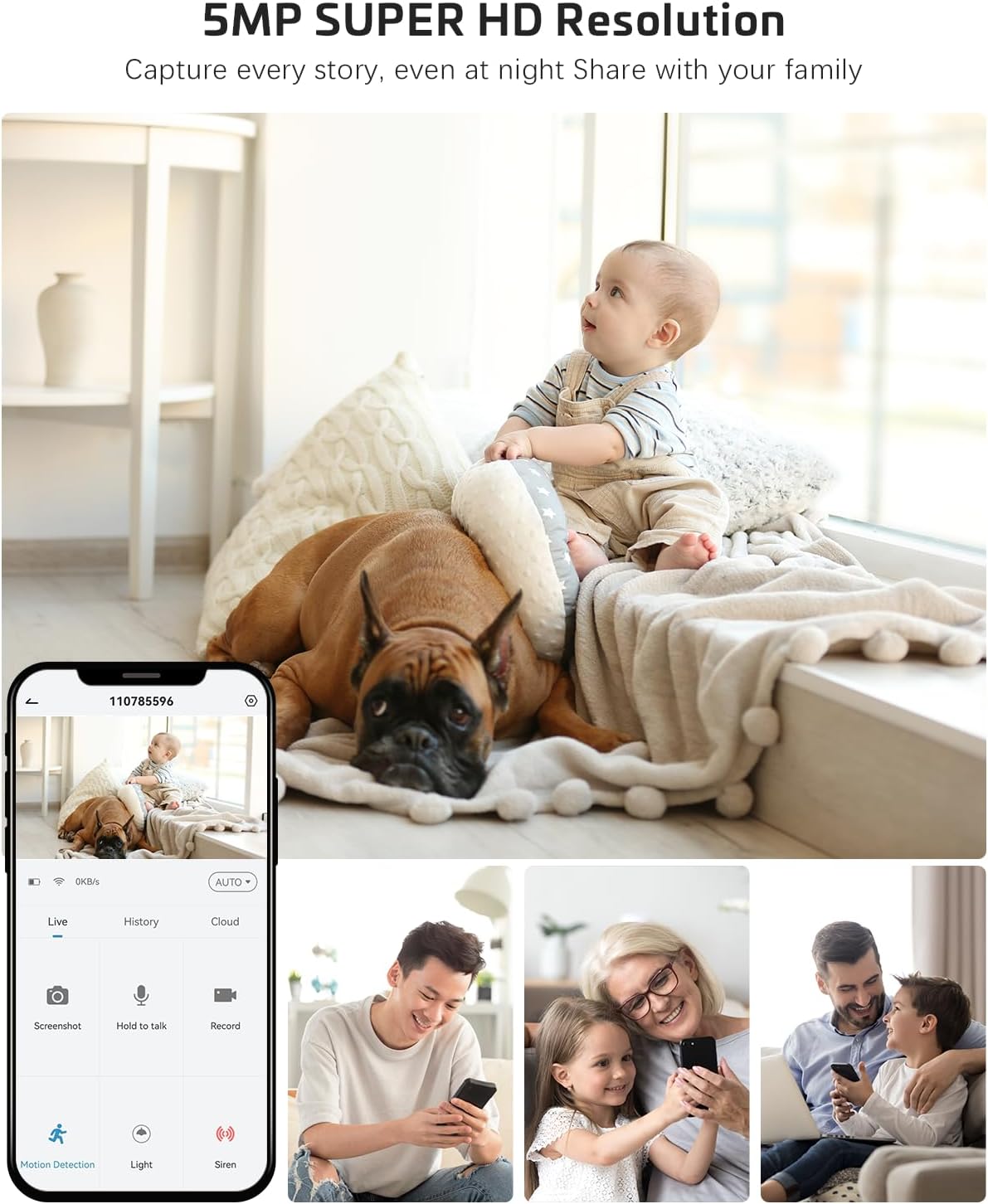
Image: The COCOCAM camera app interface displaying a live view of a baby and dog, with options for screenshot, hold to talk, record, and motion detection, alongside images of family members sharing access.
5.2 양방향 오디오
- 라이브에서 view양방향 오디오를 활성화하려면 마이크 아이콘을 탭하세요.
- Press and hold the talk button to speak through the camera's speaker. Release to listen.
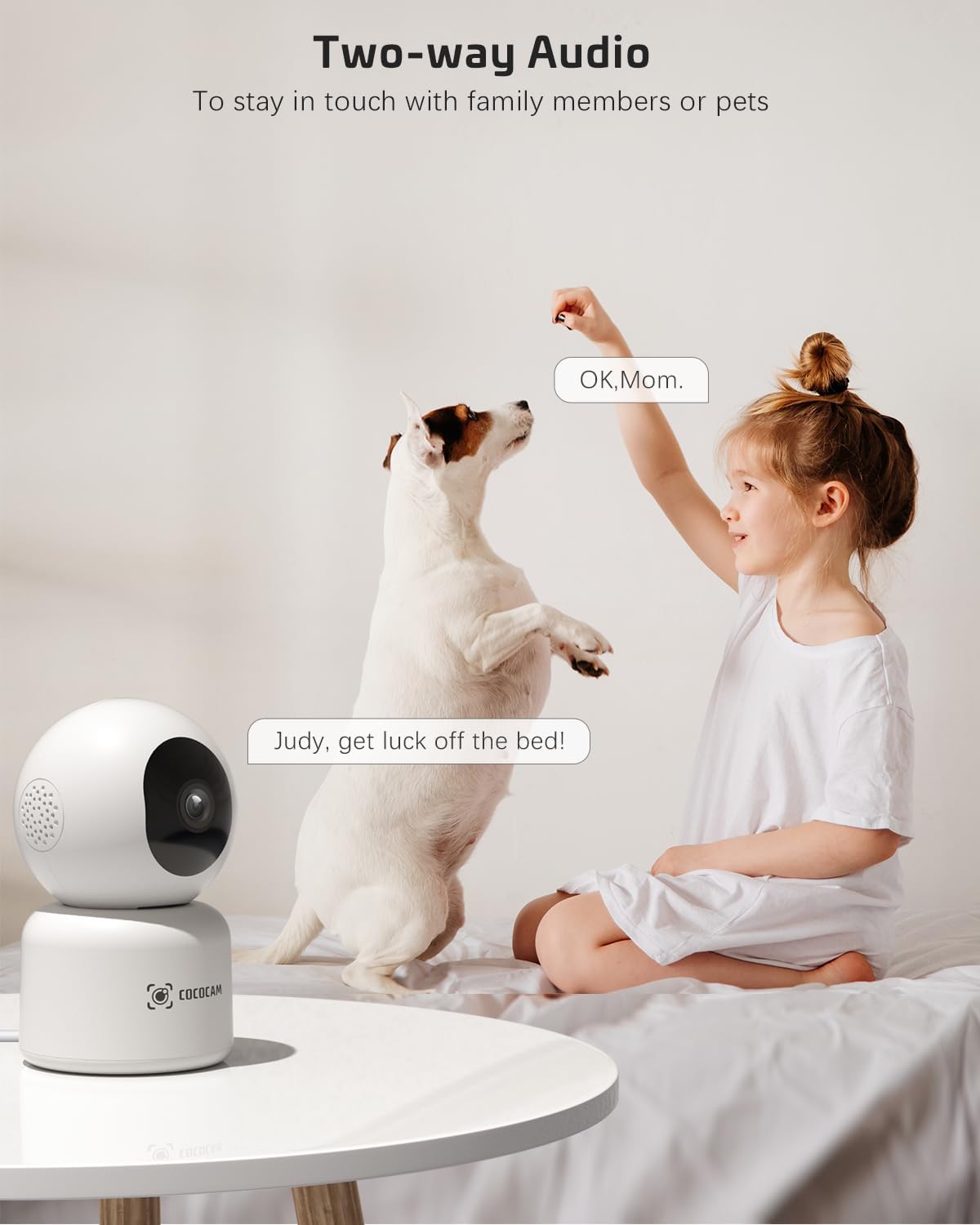
Image: A child and a dog interacting, illustrating the two-way audio feature of the COCOCAM camera, allowing communication with family members or pets.
5.3 팬, 틸트, 줌(PTZ)
- 라이브에서 view screen, use the directional controls to pan the camera horizontally (355°) and tilt it vertically (80°).
- Pinch to zoom in or out on the video feed.
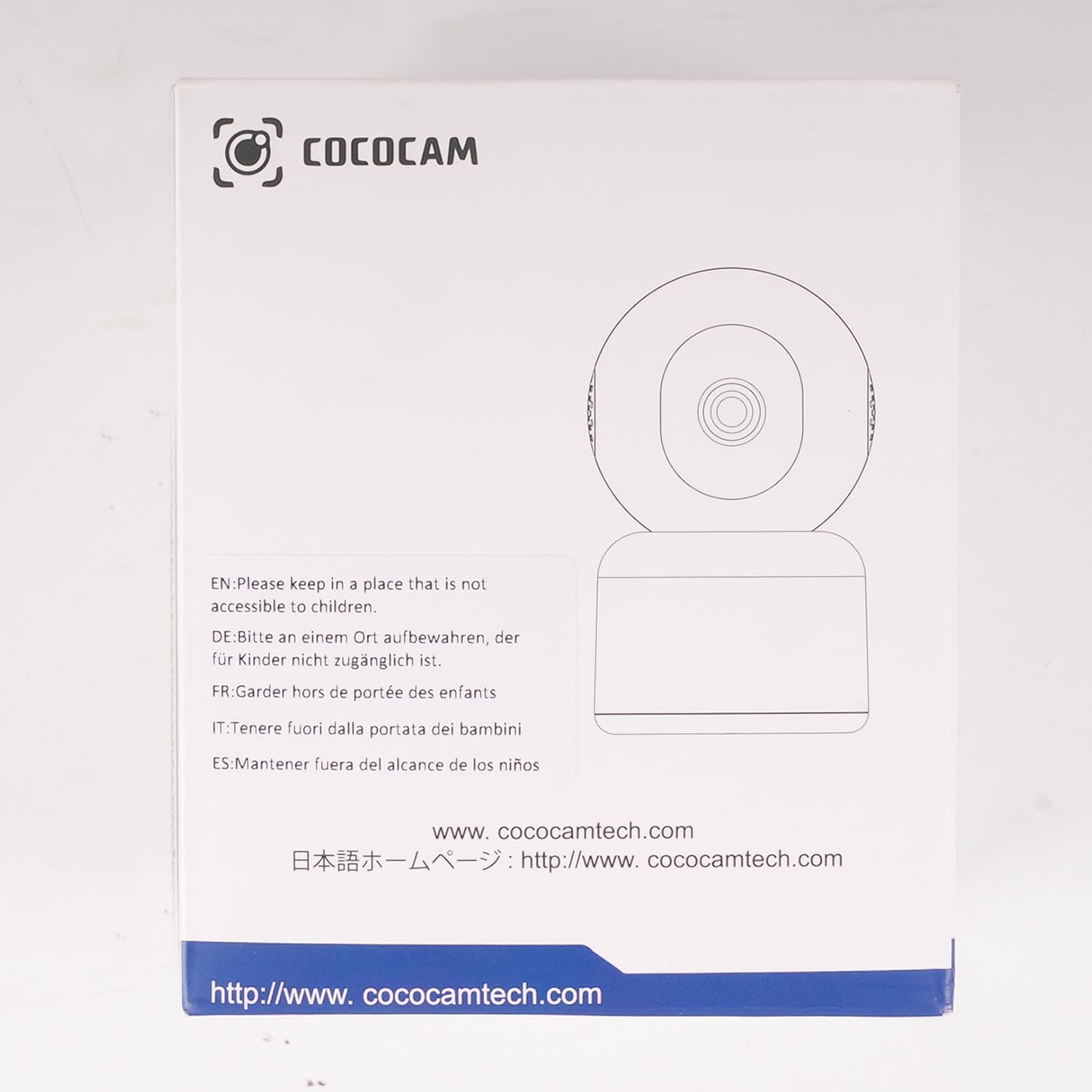
Image: The COCOCAM camera demonstrating its 360° coverage capability, providing a comprehensive view without blind spots, with a smartphone displaying the panoramic view.
5.4 AI Motion Detection & Auto Tracking
- Enable motion detection in the app settings. You can adjust sensitivity (Low, Medium, High) and set specific detection zones.
- The camera will send real-time alerts to your phone when motion is detected.
- With auto-tracking enabled, the camera will automatically follow detected movement within its field of view.
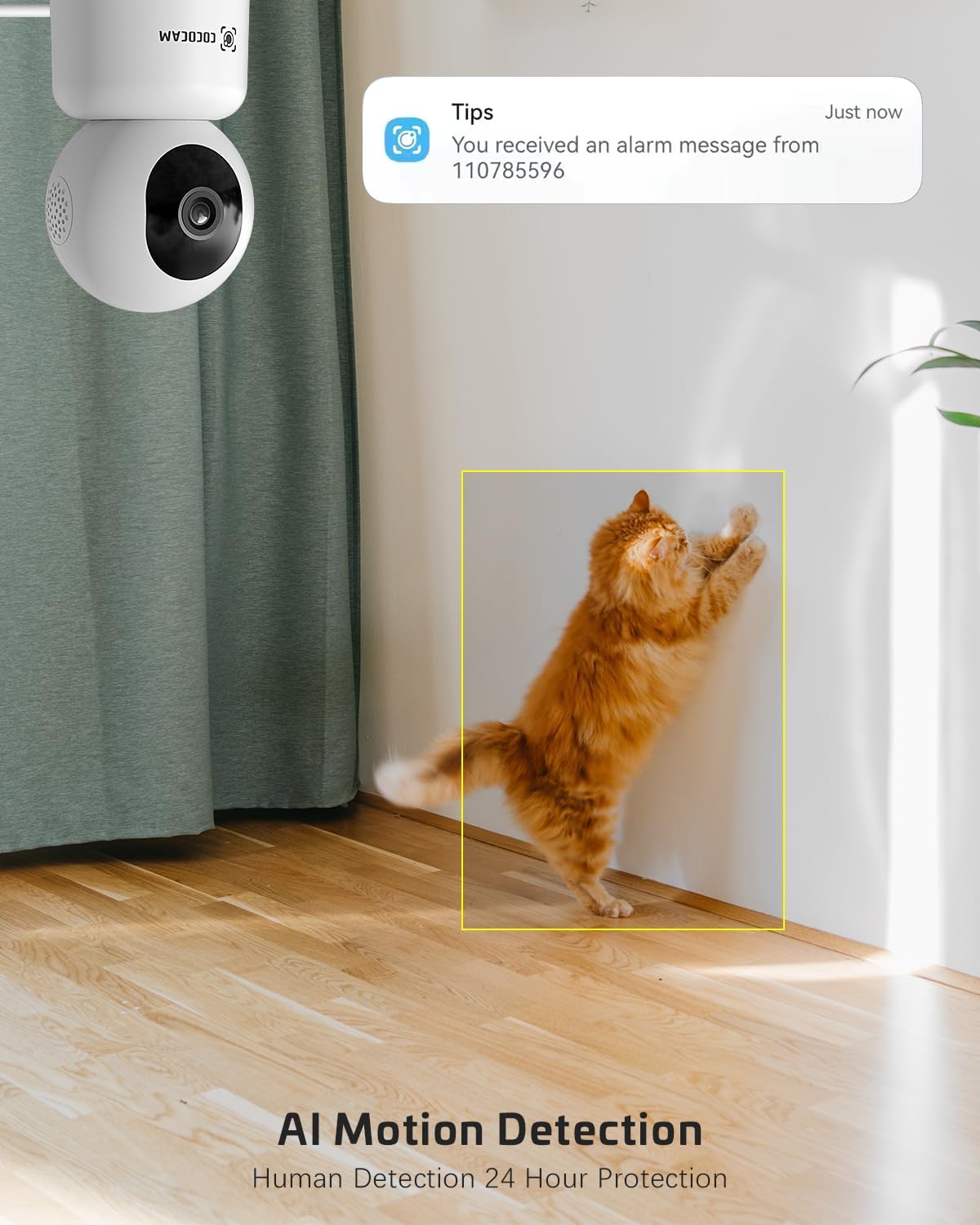
Image: The COCOCAM security camera detecting motion, with a notification pop-up on a phone screen, demonstrating its AI motion detection capabilities for human and pet activity.

Image: A screenshot of the CloudEdge app's motion detection settings, showing options to enable/disable motion detection, adjust sensitivity, set recording time, alarm interval, alert plan, and alarm area.
5.5 HD IR Night Vision
- 조명이 어두운 환경에서는 카메라가 자동으로 야간 투시 모드로 전환됩니다.
- Infrared LEDs provide clear black-and-white video up to 15 meters (50 ft) in complete darkness.
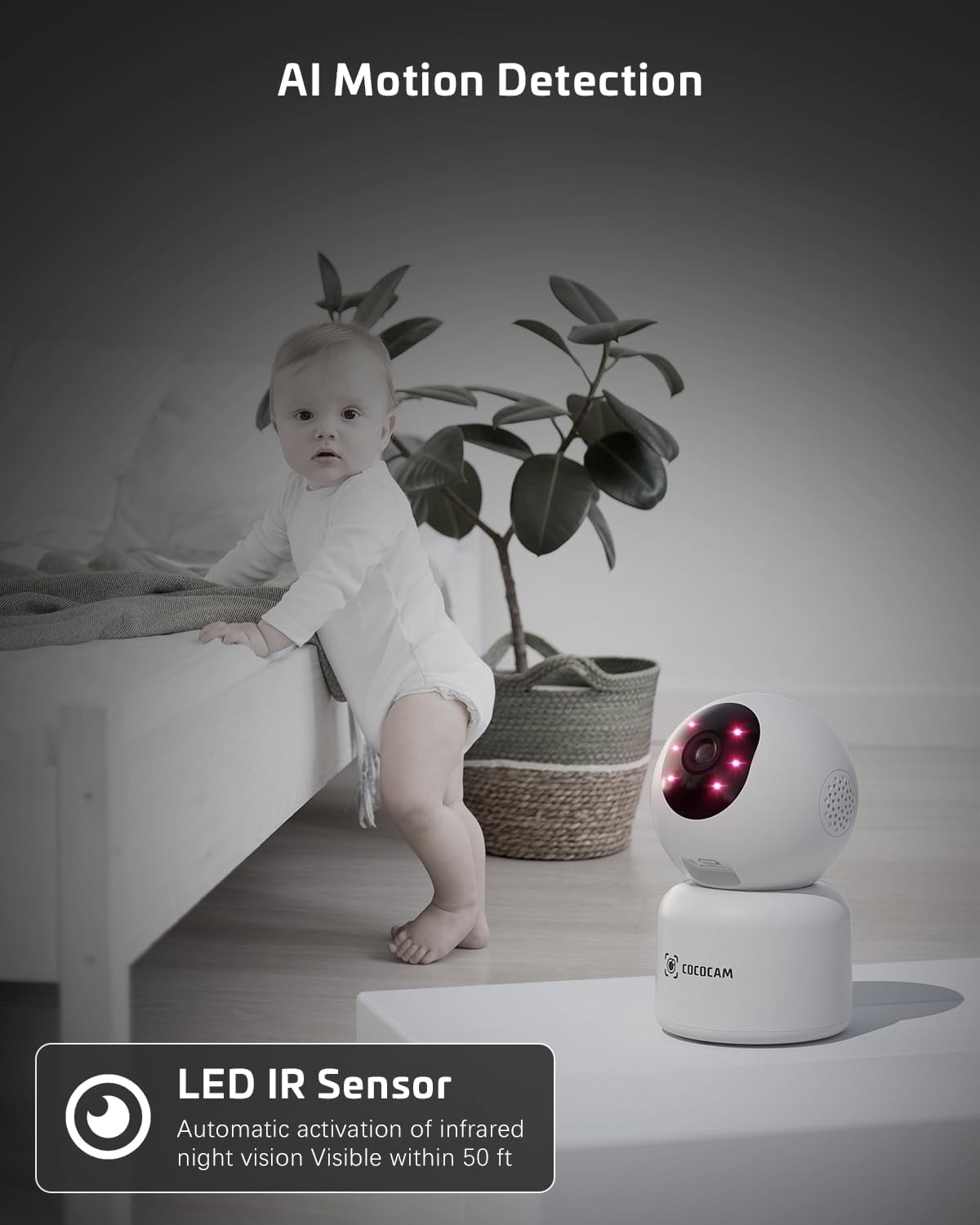
Image: The COCOCAM camera with its infrared LEDs active, providing clear night vision in a dimly lit room, suitable for monitoring a baby.
5.6 Camera Sharing
- You can share access to your camera's live feed with family members or trusted individuals through the CloudEdge app.
- Go to the camera settings and find the "Share Device" option to invite others.

Image: Multiple family members viewing the camera feed on various devices (smartphone, tablet, laptop), illustrating the multi-user sharing feature.
5.7 알렉사와 연동 가능
- Integrate your COCOCAM camera with Amazon Alexa for convenient voice control.
- Enable the CloudEdge skill in the Alexa app and link your accounts.
- You can then use voice commands like "Alexa, show me the front door" (if named accordingly) to view the live feed on compatible Echo Show devices.

Image: An Amazon Echo Show device displaying the live feed from the COCOCAM camera, demonstrating its compatibility with Alexa for voice-controlled view주고받음.
6. 유지관리
To ensure the longevity and optimal performance of your COCOCAM camera, follow these maintenance tips:
- 청소: 부드럽고 마른 천으로 카메라 렌즈와 본체를 살살 닦아주세요. 강한 화학 약품이나 연마성 세척제는 사용하지 마세요.
- 놓기: 카메라를 직사광선, 극한 온도, 높은 습도를 피해 안정적인 장소에 두세요.
- 펌웨어 업데이트: Regularly check the CloudEdge app for available firmware updates to ensure your camera has the latest features and security enhancements.
- 전원 공급 장치: 카메라와 함께 제공된 정품 전원 어댑터만 사용하십시오.
7. 문제 해결
If you encounter issues with your COCOCAM camera, refer to the following common problems and solutions:
| 문제 | 가능한 원인 | 해결책 |
|---|---|---|
| 카메라 오프라인 | 전원이 안 들어오거나, 와이파이 연결이 끊겼거나, 와이파이 신호가 약합니다. | Check power connection. Restart camera and router. Ensure camera is within Wi-Fi range. Reconnect camera in app. |
| Wi-Fi에 연결할 수 없습니다 | Incorrect Wi-Fi password, wrong Wi-Fi band (only 2.4GHz/5GHz supported), too far from router. | Verify Wi-Fi password. Ensure you are connecting to a 2.4GHz or 5GHz network. Move camera closer to router. Reset camera and try again. |
| 화질이 나쁘다 | 렌즈가 더럽고, 조명이 부족하고, 네트워크 대역폭 문제가 있습니다. | Clean the camera lens. Ensure adequate lighting or check night vision settings. Check your internet speed. |
| 동작 감지 알림이 수신되지 않았습니다. | 동작 감지 기능이 비활성화되었고, 앱 알림이 꺼져 있으며, 감도 설정이 잘못되었습니다. | Enable motion detection in app. Check phone notification settings for CloudEdge app. Adjust motion detection sensitivity. |
| TF card not recording | Card full, card not formatted, faulty card. | Format the TF card in the app. Replace with a new TF card if necessary. Ensure continuous recording is enabled. |
8. 사양
| 특징 | 사양 |
|---|---|
| 모델 | PK323 |
| 비디오 캡처 해상도 | 5MP(1440p) |
| 팬/틸트 범위 | 355° 팬, 80° 틸트 |
| 무선 통신 | 블루투스, Wi-Fi (2.4GHz/5GHz) |
| 나이트 비전 범위 | 15미터(50피트) |
| 저장 옵션 | TF 카드(최대 128GB), 클라우드 저장소 |
| 전원 | 유선 전기(5볼트, 3와트) |
| 재료 | 아크릴로니트릴 부타디엔 스티렌(ABS) |
| 품목 치수(L x W x H) | 7.8 x 7.8 x 11.5cm |
| 무게 | 300g |
| 호환 OS | iOS, 안드로이드 |
| 권장 사용 | 실내 보안 |
9. 보증 및 지원
COCOCAM is committed to providing high-quality products and excellent customer service.
9.1 평생 보증
Your COCOCAM camera comes with a lifetime warranty, ensuring long-term peace of mind. Please retain your proof of purchase for warranty claims.
9.2 고객 지원
For any technical assistance, questions, or concerns, please contact COCOCAM customer support. We offer 24/7 professional technical support to address your needs promptly.
- 이메일: service@cococamtech.com
- 공식적인 Web대지: www.cococamtech.com
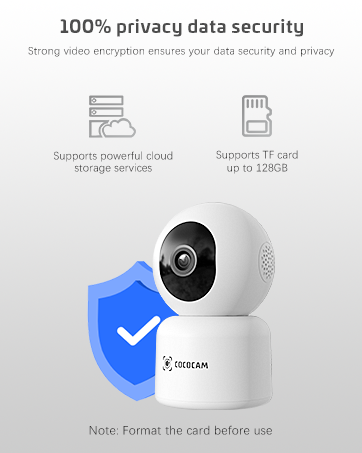
Image: A smiling customer service representative wearing a headset, symbolizing COCOCAM's commitment to customer support.

Image: An illustration emphasizing 100% privacy data security with strong video encryption, supported by powerful cloud storage services and TF card storage up to 128GB.
Ask a question about this manual
Ask about setup, troubleshooting, compatibility, parts, safety, or missing instructions. Manuals+ will review the question and use this page’s manual context to help answer it.