
1. 서론
The Hoco UA28 USB Bluetooth Adapter is designed to provide Bluetooth connectivity to your computer or laptop. This compact device allows you to connect various Bluetooth-enabled peripherals such as headphones, speakers, keyboards, mice, and gamepads wirelessly. It supports Bluetooth v5.1 and is backward compatible with older Bluetooth versions.
Key features include Plug and Play technology for easy installation, support for multiple simultaneous device connections, and automatic reconnection to previously paired devices.
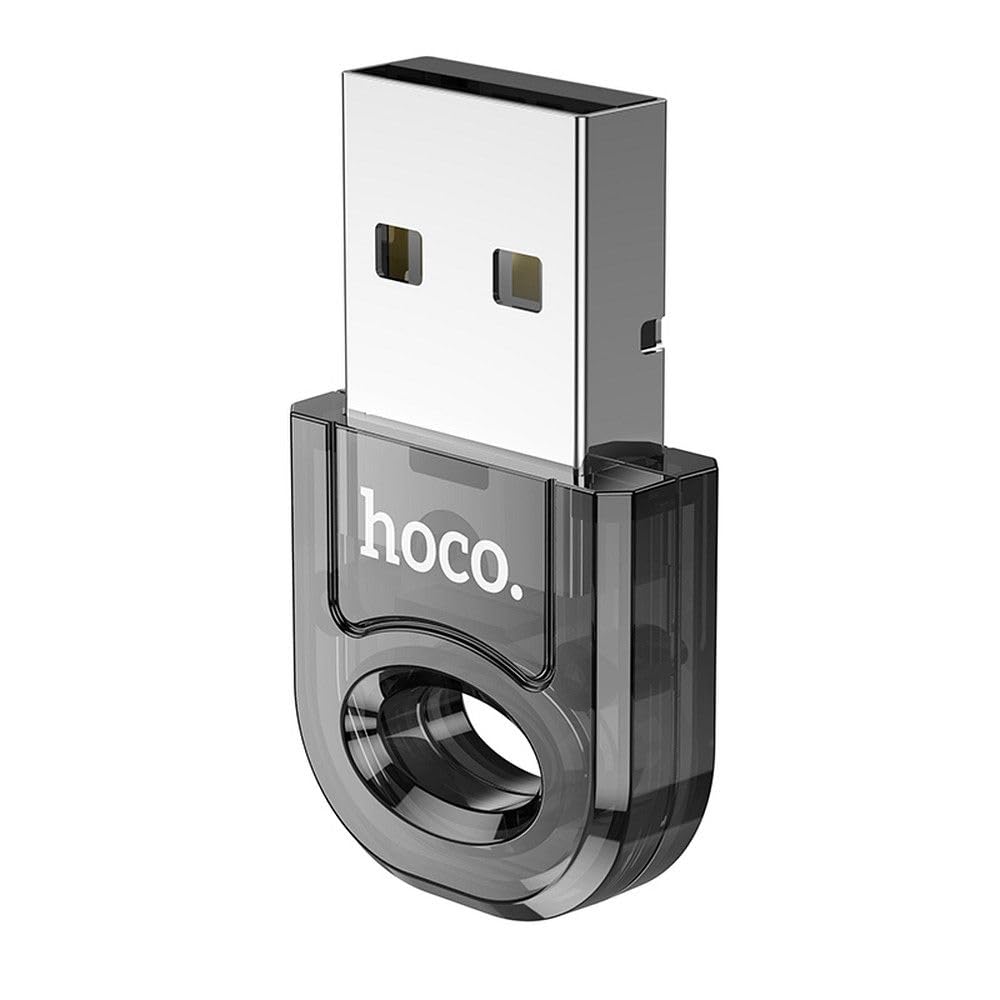
Image 1: The Hoco UA28 USB Bluetooth Adapter, a compact device for adding Bluetooth functionality to computers.
2. 설정 및 설치
The Hoco UA28 USB Bluetooth Adapter is designed for straightforward installation using Plug and Play technology. Follow these steps to set up your adapter:
- 어댑터를 삽입합니다: Plug the Hoco UA28 USB Bluetooth Adapter into an available USB-A port on your desktop computer or laptop.
- 자동 인식: For most modern operating systems (Windows 8 and above, macOS, Linux), the system will automatically detect and install the necessary drivers. No manual driver installation is typically required.
- Windows 7 Driver Installation: If you are using Windows 7, driver installation may be necessary. Please refer to the troubleshooting section or the product packaging for driver download instructions. You can also visit the official Hoco web지원 사이트입니다.

Image 2: The Hoco UA28 USB Bluetooth Adapter plugged into a laptop's USB port, ready for use.
3. 사용 설명서
Once the Hoco UA28 adapter is installed, you can begin connecting your Bluetooth devices:
- 블루투스 활성화: Ensure Bluetooth is enabled on your computer. This is usually found in your operating system's settings or control panel.
- 페어링 모드 : Put your Bluetooth device (e.g., headphones, speaker, mouse) into pairing mode. Refer to your device's manual for specific instructions on how to do this.
- 검색 장치: On your computer, search for new Bluetooth devices. The Hoco UA28 adapter will facilitate this search.
- 선택 및 연결: Select your device from the list of available Bluetooth devices and follow any on-screen prompts to complete the pairing process.
- 다중 장치 지원: The adapter can connect to multiple Bluetooth devices simultaneously.
- 자동 재연결: The adapter remembers previously connected devices and will automatically attempt to reconnect to them when they are within range and Bluetooth is enabled.
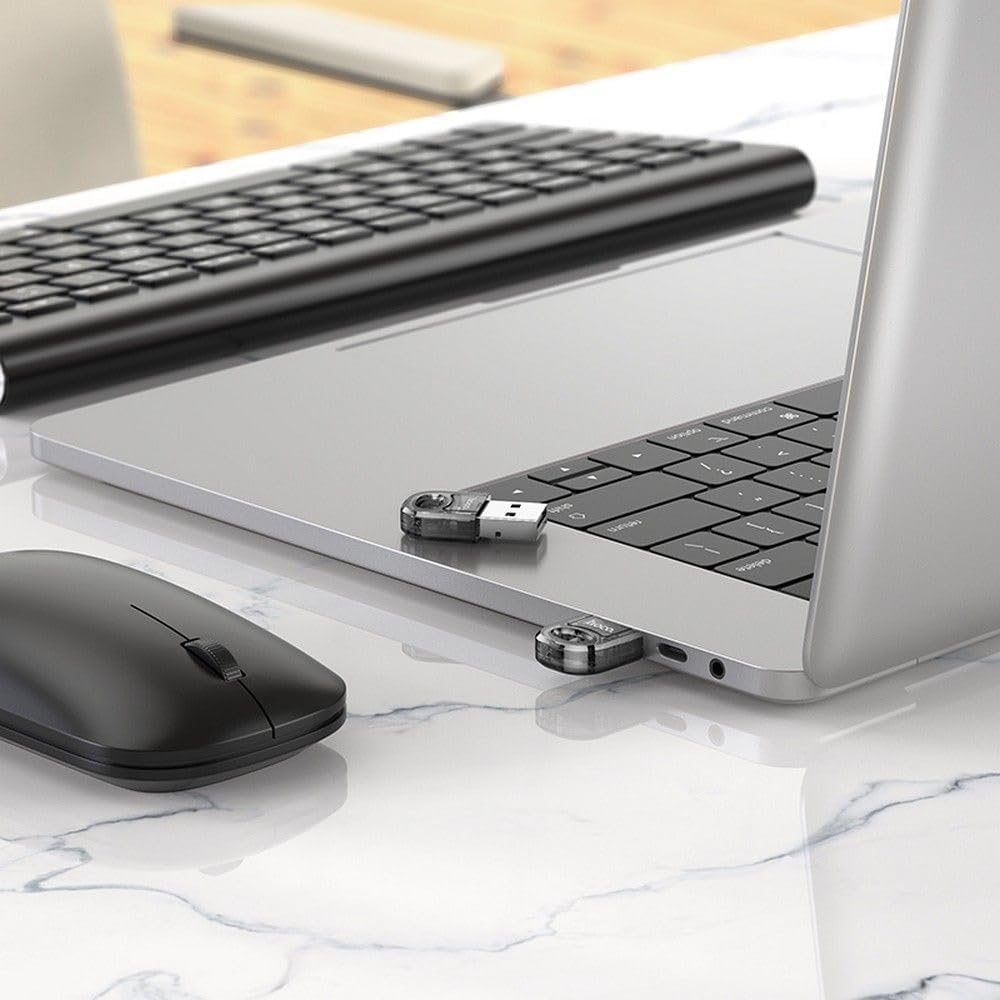
Image 3: The Hoco UA28 USB Bluetooth Adapter enabling wireless connectivity for a mouse and keyboard with a laptop.
4. 사양
Below are the technical specifications for the Hoco UA28 USB Bluetooth Adapter:
| 특징 | 세부 사항 |
|---|---|
| 상표 | 호코 |
| 모델 번호 | UA28 |
| 인터페이스 | USB-A |
| 블루투스 버전 | v5.1 (backward compatible) |
| 범위 | 10-20 미터 |
| 재료 | 합성소재 |
| 호환 장치 | 데스크탑, 노트북 |
| 데이터 전송 속도 | 3Mbps |
| 항목 수 | 1 |
| 부품 번호 | 6942007618335 |
| ASIN | B0CYYF2LBH |
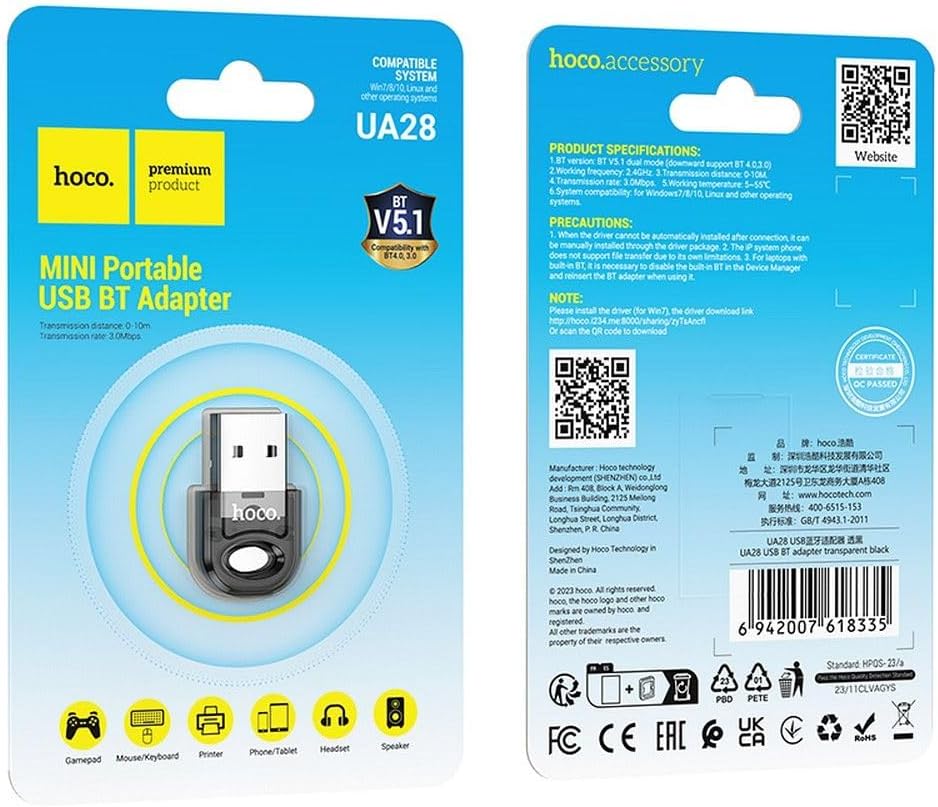
Image 4: Product packaging displaying detailed specifications and compatibility information for the Hoco UA28 adapter.
5. 문제 해결
If you encounter issues with your Hoco UA28 USB Bluetooth Adapter, consider the following troubleshooting steps:
- No Bluetooth Devices Found:
- 어댑터가 USB 포트에 안전하게 꽂혀 있는지 확인하세요.
- Verify that Bluetooth is enabled in your computer's settings.
- Make sure the device you are trying to connect is in pairing mode and within the 10-20 meter range.
- Driver Issues (Windows 7):
- For Windows 7, manual driver installation is required. You can download the driver from the official Hoco web사이트를 방문하거나 제공된 링크를 사용하십시오. http://hoco.i234.me:8000/sharing/zyTsAncfl. Alternatively, scan the QR code found on the product packaging.
- Interference with Built-in Bluetooth (Laptops):
- If your laptop has a built-in Bluetooth 4.0 module, it is recommended to disable the built-in Bluetooth in your computer's Device Manager before using the Hoco UA28 adapter. Reinsert the UA28 adapter after disabling the internal Bluetooth.
- File 전송 제한 사항:
- Note that IP system phones may not support file transfer via Bluetooth due to their inherent limitations. This is not a defect of the Hoco UA28 adapter.
6. 유지관리
To ensure the longevity and optimal performance of your Hoco UA28 USB Bluetooth Adapter, follow these simple maintenance guidelines:
- 깨끗하게 유지하십시오: 어댑터의 먼지와 이물질을 제거하기 위해 부드럽고 마른 천으로 정기적으로 닦아주세요. 액체 세척제 사용은 피해주세요.
- 올바르게 보관하세요: 사용하지 않을 때에는 어댑터를 직사광선이나 극한 온도를 피해 서늘하고 건조한 곳에 보관하십시오.
- 조심스럽게 다루십시오: 어댑터를 떨어뜨리거나 강한 충격을 가하지 마십시오. 내부 부품이 손상될 수 있습니다.
- 습기를 피하세요: 어댑터를 물이나 높은 습도에 노출시키지 마세요.
7. 보증 및 지원
The Hoco UA28 USB Bluetooth Adapter comes with a Hoco Standard Warranty. For detailed information regarding warranty terms and conditions, please refer to the warranty card included with your product or visit the official Hoco web대지.
For further assistance, technical support, or to access additional resources, please visit the official Hoco web대지: