
MYZONE MZ-20
MYZONE MZ-20 Bluetooth Digital Bathroom Scale User Manual
모델: MZ-20
소개
This manual provides essential information for the safe and effective use of your MYZONE MZ-20 Bluetooth Digital Bathroom Scale. Please read these instructions thoroughly before use and retain for future reference.
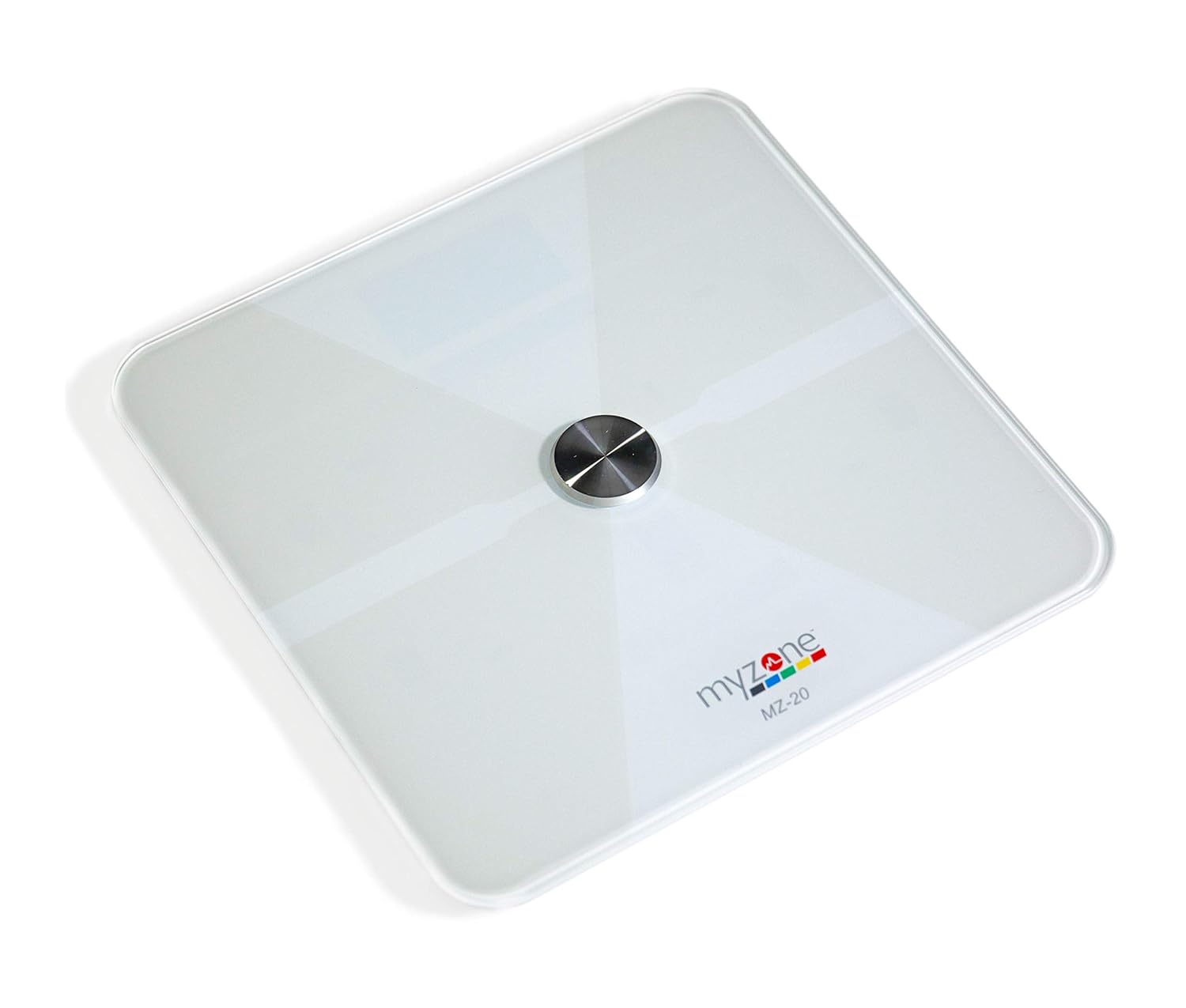
이미지: 위에서 아래로 view of the MYZONE MZ-20 Digital Bathroom Scale, white with a central metallic sensor and MYZONE logo.
중요한 안전 정보
- 심장박동기 또는 기타 체내 의료기기를 착용 중인 경우에는 사용하지 마십시오.
- 임신 중에는 사용하지 마십시오.
- 정확한 측정을 위해 항상 저울을 단단하고 평평한 표면에 놓으세요.
- 저울을 건조한 상태로 유지하십시오. 물에 담그지 마십시오.
- The glass surface can be slippery when wet. Step on and off carefully.
- This device is for home use only and should not be used for medical diagnosis or treatment.
패키지 내용
- MYZONE MZ-20 Digital Bathroom Scale
- AAA 배터리 4개(포함)
- 사용 설명서 (본 문서)
설정
1. 배터리 설치
- 저울 밑면에 있는 배터리 칸을 엽니다.
- AAA 배터리 4개를 올바른 극성(+/-)에 맞춰 삽입합니다.
- 배터리 칸을 단단히 닫으세요.
2. 앱 다운로드 및 페어링
To utilize the full features of the MZ-20 scale, including body composition analysis and progress tracking, download the MYZONE app on your mobile device.
- Download the "MYZONE" app from your device's app store (iOS or Android).
- Create an account or log in to your existing MYZONE account.
- 모바일 기기에서 Bluetooth를 활성화하세요.
- Open the MYZONE app and navigate to the device pairing section.
- Step onto the scale to activate it. The scale will automatically attempt to pair with the app via Bluetooth Low Energy (BLE).
- 앱의 화면 안내에 따라 페어링 과정을 완료하세요.
3. 초기 교정
For the most accurate readings, it is recommended to perform an initial calibration. Place the scale on a hard, flat surface. Step on the scale briefly until a reading appears, then step off. The scale will display "0.0" or similar, indicating it is ready for use. Some users may observe slight variations in initial readings which stabilize after a few uses.
작동 지침
1. 측정하기
- 저울을 단단하고 평평한 표면에 놓으세요.
- 발이 깨끗하고 건조한지 확인하세요.
- Step onto the scale barefoot, centering your feet on the metallic pads. Stand still until the display shows your weight.
- If connected to the MYZONE app, open the app before stepping on the scale. Your measurements (weight, body fat, muscle mass, body water, bone mass, Basal Metabolic Rate) will automatically sync to the app.

Image: A person stands barefoot on the MYZONE MZ-20 scale, demonstrating how to take a measurement. An overlay graphic illustrates the various body metrics recorded, including weight, body fat, muscle mass, and visceral fat.
2. Understanding Body Metrics
The MZ-20 scale provides comprehensive tracking of various physical characteristics:
- 무게: 당신의 총 체중.
- 체지방률: 퍼센트tag체중에서 지방이 차지하는 비율.
- 근육량: 신체 전체 근육의 무게.
- 신체 수분 %: 퍼센트tag체중의 일부는 수분입니다.
- 뼈 질량: 몸 전체 뼈의 무게.
- 기초대사율(BMR): 신체가 휴식 상태를 유지하는 데 필요한 칼로리 양.

Image: An infographic displaying icons and labels for the various body metrics measured by the MZ-20 scale, including Weight, Body Fat, Muscle Mass, Body Water, Bone Mass, and Basal Metabolic Rate. It also highlights features like included batteries, Bluetooth connectivity, digital display, and support for multiple users.
3. Using the MYZONE App
The MYZONE app allows you to view, track, and analyze your body metrics over time. Data is saved directly to the app for easy access and progress monitoring.

Image: A smartphone screen shows the MYZONE app interface, displaying a user's body metrics such as Resting Heart Rate, Weight, Basal Metabolic Rate, Body Fat Percentage, 그리고 체질량지수(BMI).
4. 여러 사용자
The MYZONE MZ-20 scale supports multiple users. Each user should create their own profile within the MYZONE app. When a user steps on the scale, the app will attempt to identify the user based on their weight history. If multiple users have similar weights, the app may prompt you to select the correct user.
유지
1. 청소
광고로 스케일 표면을 닦으십시오.amp cloth and mild detergent. Do not use abrasive cleaners or immerse the scale in water. Ensure the scale is dry before storage or next use.
2. 배터리 교체
When the battery indicator appears on the display, replace all 4 AAA batteries. Always replace with new batteries of the same type. Remove batteries if the scale will not be used for an extended period.
문제 해결
| 문제 | 가능한 원인 / 해결책 |
|---|---|
| 저울이 켜지지 않거나 디스플레이가 비어 있습니다. |
|
| 부정확하거나 일관성이 없는 판독값. |
|
| Scale reading does not match app reading. |
|
| Body metrics (fat, muscle, etc.) seem inaccurate. |
|
| Cannot connect to MYZONE app via Bluetooth. |
|
명세서
| 특징 | 세부 사항 |
|---|---|
| 상표 | MYZONE |
| 모델 | MZ-20 |
| 색상 | 하얀색 |
| 특별 기능 | Body Fat, Bone Mass, Muscle Mass, Smart (Bluetooth connectivity) |
| 디스플레이 유형 | 주도의 |
| 폼 팩터 | 미니 |
| 제품 치수 | 12.2 x 12.2 x 0.79 인치 |
| 품목 무게 | 4.18파운드(1.9킬로그램) |
| 배터리 | AAA 배터리 4개 (포함) |
| 연결성 | Bluetooth 저에너지 (BLE) |

Image: The MYZONE MZ-20 scale shown with its dimensions: 13.4 inches in length and width, and 1.97 inches in height.
제품 끝view 동영상
영상: 공식 발표view of the MYZONE MZ-20 Home Scales, demonstrating its sleek design, live body metric data streaming to a mobile device, and progress tracking features within the MYZONE app.
보증 정보
Warranty claims on any MYZONE product can only be approved by Myzone.org. Please refer to the official MYZONE web자세한 보증 약관은 해당 사이트에서 확인하세요.
지원하다
For further assistance, technical support, or frequently asked questions, please visit the official MYZONE support page or contact customer service:
- 공식적인 Web대지: www.myzone.org
- 고객 서비스: 공식 연락처 정보를 참조하십시오. web대지.
Ask a question about this manual
Ask about setup, troubleshooting, compatibility, parts, safety, or missing instructions. Manuals+ will review the question and use this page’s manual context to help answer it.