
1. 제품 오버view
The Maxell MXH-BTW401 True Wireless Earbuds are designed for comfort and convenience. Featuring a lightweight and compact design, they offer a secure fit that minimizes protrusion from the ear, making them suitable for use even while lying down. The stick-type charging case is slim and customizable, allowing users to personalize it with stickers.
These earbuds support Bluetooth 5.3 for stable connectivity, hands-free calling, and multi-pairing with up to four devices. Enjoy clear audio for music, calls, and web 컨퍼런스.

Image: Maxell MXH-BTW401 earbud shown in a person's ear, emphasizing its lightweight design and comfortable fit. The text "Light weight" is visible.

Image: A person lying down comfortably, using the Maxell MXH-BTW401 earbuds. This illustrates the earbuds' design for minimal protrusion, allowing for use in various relaxed positions.
2. 패키지 내용
패키지에 모든 품목이 들어 있는지 확인하세요.
- Maxell MXH-BTW401 True Wireless Earbuds (Left and Right)
- 충전 케이스
- Earpieces: 3 sizes (S, M, L), 2 pieces each. (M size is pre-installed on the earbuds)
- Charging Cable: USB-A to Type-C (approx. 45 cm)
- 사용 설명서(본 문서)

Image: A flat lay of the included accessories, showing the different sizes of earpieces and the USB-A to Type-C charging cable.
3. 설정 및 충전
3.1 초기 충전
- 이어버드를 충전 케이스에 넣으세요.
- Connect the provided USB-A to Type-C charging cable to the charging case and a USB power adapter (not included).
- 충전 케이스의 표시등으로 충전 상태를 확인할 수 있습니다. 케이스를 완전히 충전하는 데는 약 1시간 30분이 소요됩니다.
- The charging case can fully recharge the earbuds approximately 2 times.
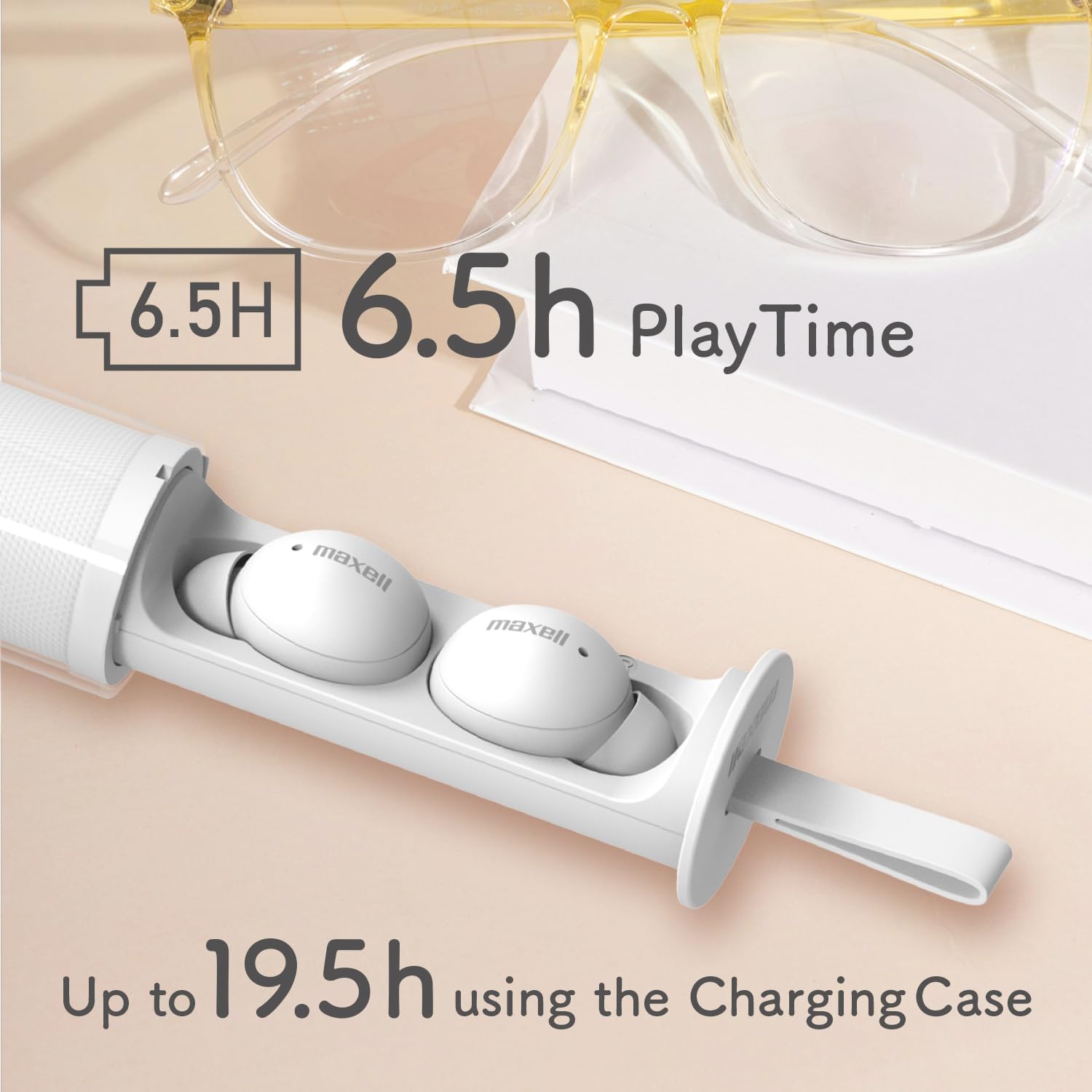
Image: The Maxell MXH-BTW401 earbuds inside their stick-type charging case. The image highlights the battery life: 6.5 hours of continuous playback for the earbuds and up to 19.5 hours total with the charging case.
3.2 장치와의 페어링
- 충전 케이스를 여세요. 이어버드가 자동으로 페어링 모드로 진입합니다.
- 기기(스마트폰, 태블릿 등)에서 Bluetooth를 활성화하고 사용 가능한 기기를 검색하세요.
- Select "MXH-BTW401" from the list of found devices to connect.
- Once connected, a confirmation sound will play from the earbuds.
Multi-pairing: The earbuds support multi-pairing with up to 4 devices. To switch between paired devices, simply connect from the desired device's Bluetooth settings.
4. 사용 설명서
4.1 기본 조작 (터치 조작)
이어버드에는 다양한 기능을 위한 터치 컨트롤이 있습니다.
- 재생/일시 중지: 양쪽 이어버드를 한 번 탭하세요.
- 다음 트랙: 오른쪽 이어버드를 두 번 탭하세요.
- 이전 트랙 : 왼쪽 이어버드를 두 번 탭하세요.
- 전화 받기/종료: 전화가 오는 동안 양쪽 이어버드를 한 번 탭하세요.
- 전화 거부: 전화가 오는 동안 한쪽 이어버드를 2초간 길게 누르세요.
- Voice Assistant 활성화 : 양쪽 이어버드를 세 번 탭하세요.
- 볼륨 조절: 오른쪽 이어버드를 길게 누르면 볼륨이 커지고, 왼쪽 이어버드를 길게 누르면 볼륨이 작아집니다.
메모: If the case is difficult to remove, twist it approximately 90 degrees until it detaches. If you experience accidental touches, ensure the earbuds are properly seated in your ear.
4.2 Single-Ear Mode
You can use either the left or right earbud independently. Simply remove one earbud from the charging case, and it will automatically connect to your paired device. The other earbud can remain in the case or be turned off.
4.3 핸즈프리 통화
The built-in microphone allows for clear hands-free calls and participation in web conferences. Ensure the earbuds are connected to your device via Bluetooth.
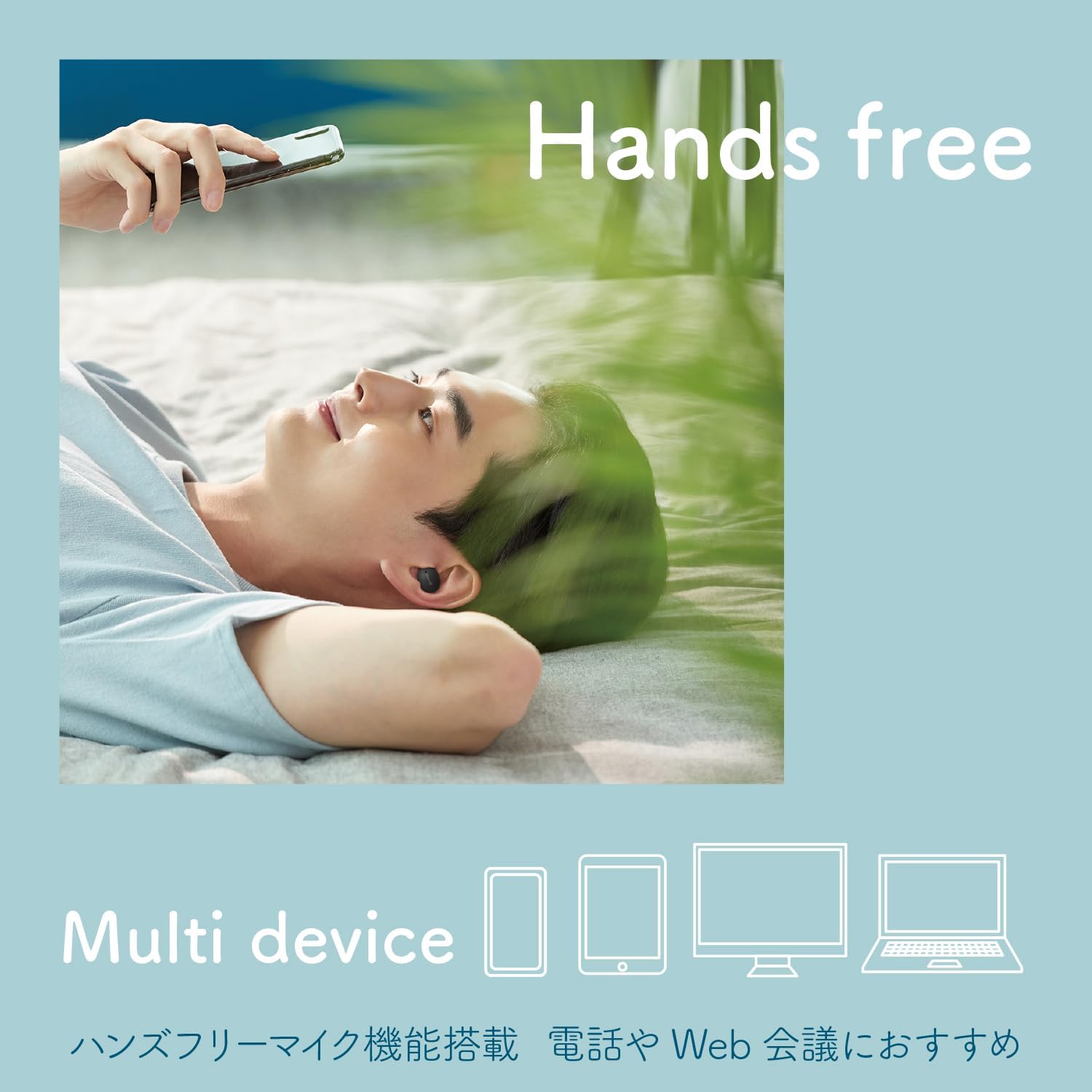
Image: A person using the earbuds for hands-free communication, with icons representing multiple devices (smartphone, tablet, laptop, desktop) to illustrate multi-device compatibility.
5. Customization (Sticker Application)
The transparent outer case of the charging case can be customized with stickers. This allows you to create a unique and personalized look for your earbuds.
Important: The thickness of the sticker must be 0.12mm or less to ensure the case closes properly.
- Twist the outer case approximately 90 degrees to separate it from the inner earbud holder.
- Apply your desired sticker(s) to the inner surface of the transparent outer case.
- Reattach the outer case by aligning and twisting it back into place.

Image: Three stick-type charging cases, each customized with different stickers, demonstrating the personalization feature.

Image: A step-by-step diagram illustrating how to remove the outer case, apply stickers, and reassemble the charging case for customization.
Video: A short demonstration showing how to apply stickers to the charging case and highlighting the lightweight design and hands-free calling features of the Maxell MXH-BTW401 earbuds.
6. 유지관리
- 청소: 이어버드와 충전 케이스는 부드럽고 마른 천으로 정기적으로 닦아주세요. 액체나 연마성 세척제는 사용하지 마세요.
- 이어폰: Remove earpieces and clean them with a damp 필요하면 천으로 닦아주세요. 다시 부착하기 전에 완전히 말랐는지 확인하세요.
- 저장: 사용하지 않을 때는 이어버드를 충전 케이스에 보관하여 보호하고 충전 상태를 유지하세요.
- 물 노출: These earbuds are not waterproof. Avoid exposure to water, moisture, or excessive humidity.
7. 문제 해결
- 소리 없음:
- 이어폰이 충전되어 있는지 확인하세요.
- Check if Bluetooth is enabled on your device and connected to "MXH-BTW401".
- 기기와 이어버드 모두의 볼륨을 조절하세요.
- 페어링할 수 없습니다:
- 이어버드가 페어링 모드인지 확인하십시오(표시등이 깜빡임).
- 기기의 Bluetooth를 껐다가 켜세요.
- 이어버드를 재설정해 보세요(필요한 경우 자세한 재설정 방법은 전체 설명서를 참조하세요).
- 이어폰이 충전되지 않음:
- 충전 케이블이 케이스와 전원에 모두 단단히 연결되어 있는지 확인하세요.
- 이어버드의 충전 접점과 케이스 내부가 깨끗한지 확인하세요.
- Accidental Touch Controls:
- 이어버드가 귀에 제대로 꽂혔는지 확인하세요.
- Avoid touching the touch-sensitive area unnecessarily when adjusting the earbuds.
For further assistance, please refer to the full product manual or contact Maxell customer support.
8. 사양
| 모델 | MXH-BTW401 |
| 유형 | 닫힌 동적 |
| 드라이버 유닛 | 직경 6mm |
| 주파수 응답 | 20~20,000Hz |
| 전원 | 충전식 리튬이온 배터리 내장 |
| Continuous Playback Time (Earbuds) | 약 6.5시간 |
| 연속 대기 시간 | 약 70시간 |
| 충전 시간(케이스) | 약 2시간 |
| 이어버드 무게(각각) | 약 3.3g |
| 충전 케이스 무게 | 약 35g |
| 다중 페어링 | 최대 4개 장치 |
| 무선형 | 블루투스 5.3 |
| 방수복 | 아니요 |
| 원산지 | 중국 |

Image: An exploded diagram of the earbud, illustrating its internal components, including the 6mm driver for clear sound quality.
9. 보증 및 지원
The Maxell MXH-BTW401 True Wireless Earbuds come with a 1년 제조사 보증 구매일로부터.
For warranty claims, technical support, or any inquiries regarding your product, please contact Maxell customer service. Keep your proof of purchase for warranty validation.
Please visit the official Maxell web최신 지원 정보와 연락처 정보는 사이트에서 확인하세요.


