
1. 서론
The PNI PMR R70 PRO is a portable PMR446 radio designed for reliable communication. This device operates on the 446 MHz frequency band, offering 16 channels and 99 PC programmable channels. It features 50 CTCSS tones and 166 DCS tones for enhanced privacy and interference reduction. With an IP67 rating, the radio is protected against dust and water immersion, making it suitable for various environments. No license is required for operation in most European Union countries.
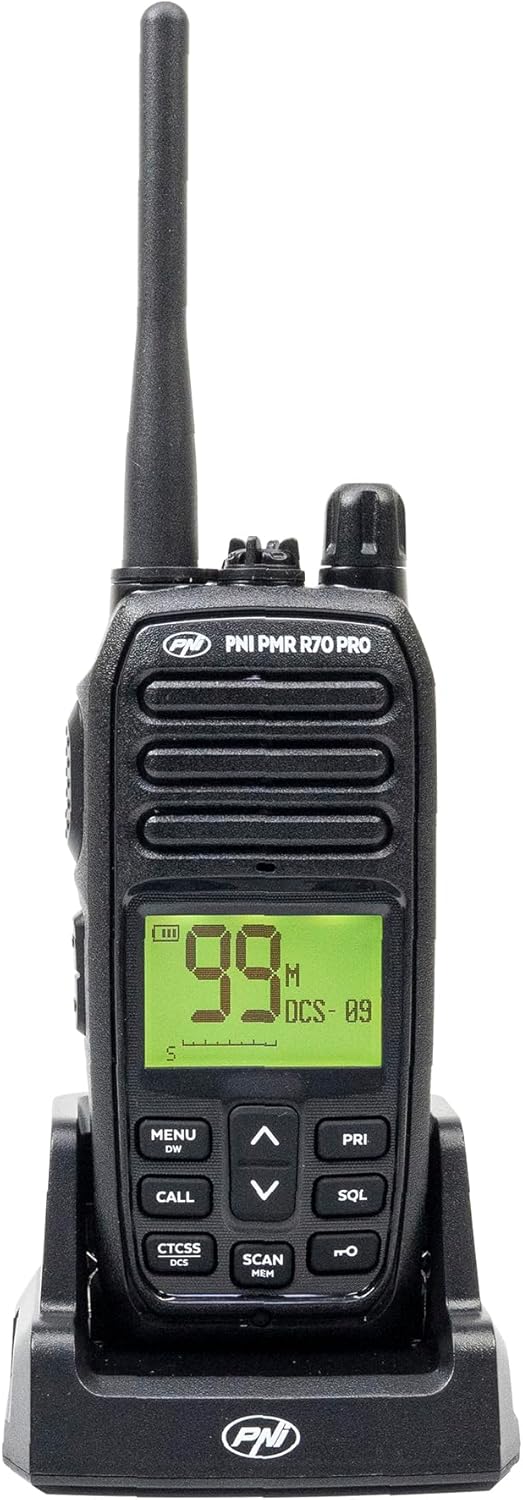
이미지 1.1: 앞면 view of the PNI PMR R70 PRO portable radio, showing the display and control buttons.
2. 패키지 내용
아래 나열된 모든 품목이 패키지에 포함되어 있는지 확인하세요.
- PNI PMR R70 PRO Radio Unit
- 안테나
- 1800mAh 배터리
- 데스크탑 충전기
- 벨트 클립
- 사용자 가이드
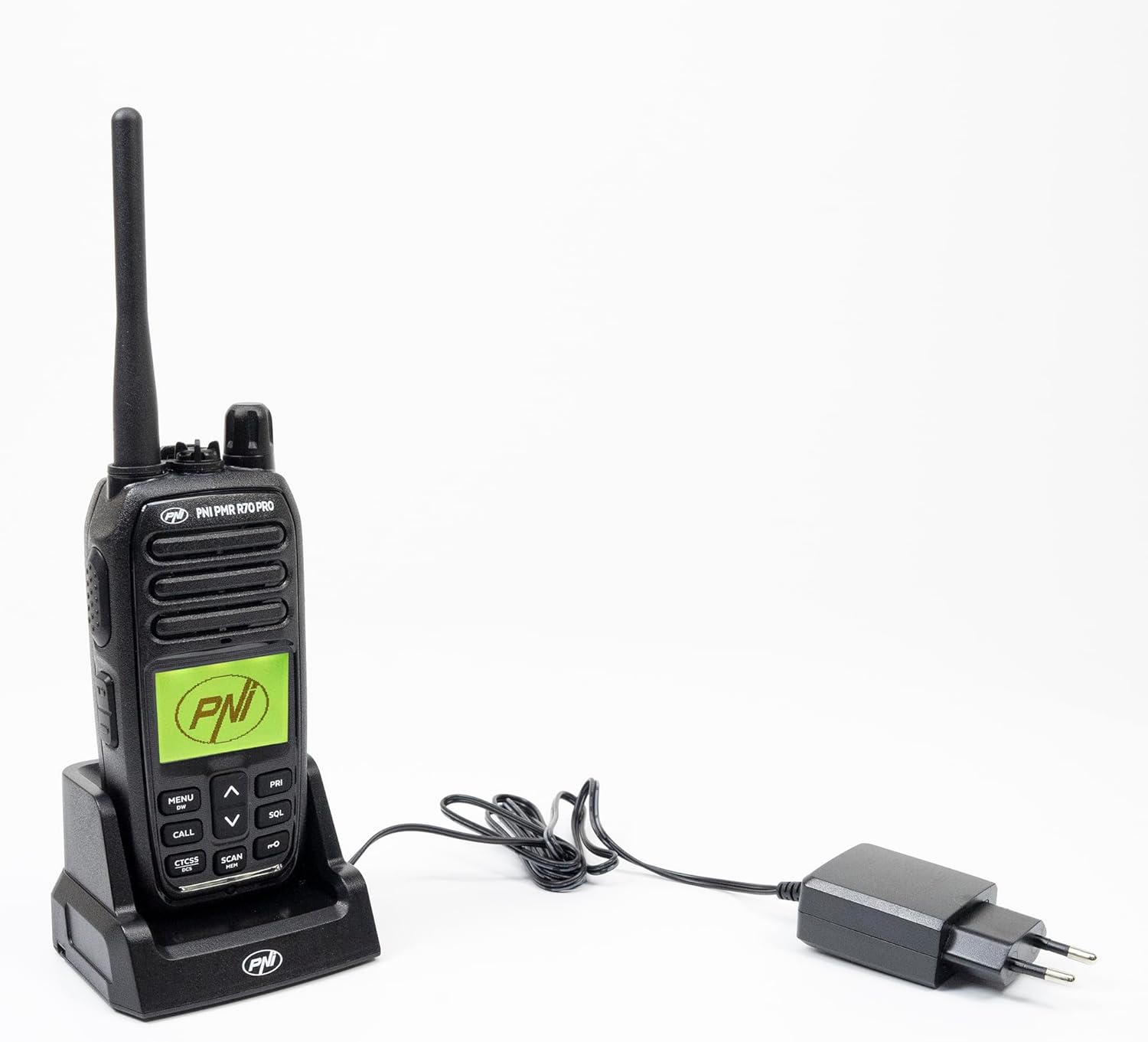
Image 2.1: All components included in the PNI PMR R70 PRO package: radio, antenna, battery, desktop charger, and belt clip.
3. 설정
3.1 배터리 설치
- 라디오의 전원이 꺼져 있는지 확인하세요.
- 라디오 뒷면에서 배터리 덮개를 찾으세요.
- Unscrew the retaining screw and carefully remove the cover.
- Insert the 1800 mAh battery into the compartment, ensuring the contacts align correctly.
- 배터리실 커버를 교체하고 나사로 고정합니다.

이미지 3.1: 후면 view of the PNI PMR R70 PRO radio with the battery compartment open, showing the battery and its connection.
3.2 배터리 충전
- 데스크탑 충전기를 전원 콘센트에 연결합니다.
- Place the radio unit into the charging cradle. Ensure the charging contacts on the radio align with those on the charger.
- 충전기의 충전 표시등이 켜지는데, 일반적으로 충전 중이면 빨간색, 완충되면 녹색으로 켜집니다.
- 완전 충전에는 일반적으로 몇 시간이 소요됩니다. 배터리를 과충전하지 마십시오.
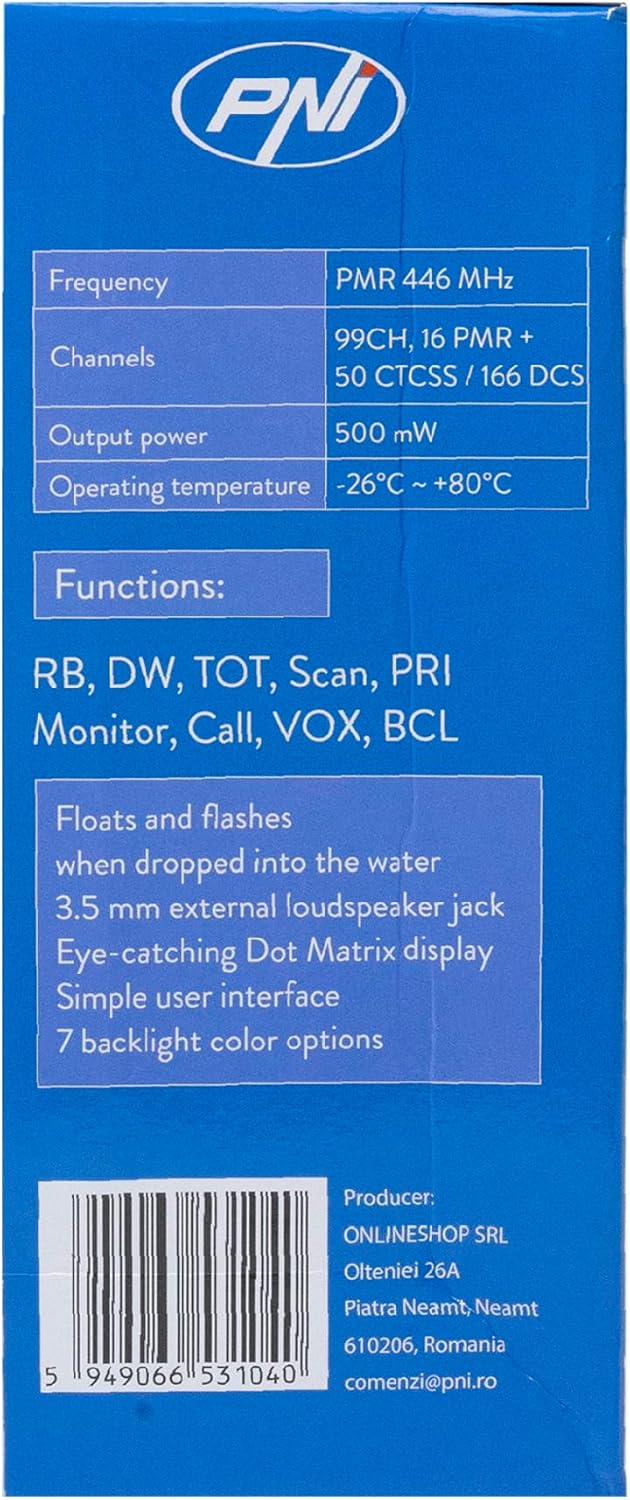
Image 3.2: The PNI PMR R70 PRO radio placed in its desktop charging cradle, connected to a power adapter.
4. 사용 설명서
4.1 전원 켜기/끄기
라디오를 켜려면 전원/볼륨 조절 손잡이를 '딸깍' 소리가 날 때까지 시계 방향으로 돌리세요. 전원을 끄려면 손잡이를 '딸깍' 소리가 날 때까지 시계 반대 방향으로 돌리세요.
4.2 볼륨 조절
볼륨을 높이려면 전원/볼륨 노브를 시계 방향으로 돌리고, 볼륨을 낮추려면 시계 반대 방향으로 돌리세요.
4.3 채널 선택
UP(^) 및 아래로 (v) arrow buttons on the front panel to select one of the 16 available channels. The selected channel number will be displayed on the screen.
4.4 전송 및 수신
- 전송하려면: Press and hold the Push-To-Talk (PTT) button located on the side of the radio. Speak clearly into the microphone. Release the PTT button to stop transmitting.
- 받으려면: PTT 버튼이 눌려 있지 않은지 확인하세요. 무전기는 선택한 채널의 신호를 자동으로 수신합니다.
4.5 특수 기능
- CTCSS/DCS 톤: The radio supports 50 CTCSS (Continuous Tone-Coded Squelch System) and 166 DCS (Digitally Coded Squelch) tones. These tones help filter out unwanted conversations on the same channel. Refer to the full user guide for programming instructions.
- 스캔 기능: Activate the scan function to monitor all active channels. The radio will stop on an active channel until the transmission ends.
- 듀얼 워치(DW): This feature allows the radio to monitor two channels simultaneously.
- 로저 비프: An audible tone emitted when the PTT button is released, signaling the end of your transmission.
- 키패드 잠금: 실수로 설정이 변경되는 것을 방지합니다.
- PC Programmable Channels: The radio supports 99 PC programmable channels. This requires a specific programming cable (PNI - PSR70) and software.

Image 4.1: The PNI PMR R70 PRO radio connected to a laptop via a programming cable for channel and feature customization.
5. 유지관리
5.1 청소
부드러운 d로 라디오를 닦으십시오.amp 천으로 닦아주세요. 강한 화학 물질이나 연마성 세제는 사용하지 마세요. 사용 또는 충전 전에 라디오가 건조한지 확인하세요.
5.2 방수(IP67)
The PNI PMR R70 PRO is rated IP67, meaning it is fully protected against dust ingress and can withstand immersion in water up to 1 meter for 30 minutes. While robust, avoid unnecessary exposure to water and ensure all covers (e.g., battery cover, accessory port cover) are securely closed before exposing the radio to water.

Image 5.1: The PNI PMR R70 PRO radio with water droplets, illustrating its IP67 water resistance feature.
6. 문제 해결
If you encounter issues with your PNI PMR R70 PRO radio, consider the following common troubleshooting steps:
- 전원 없음: 배터리가 올바르게 장착되었고 완전히 충전되었는지 확인하세요. 전원/볼륨 조절 노브가 켜져 있는지 확인하세요.
- 전송 또는 수신할 수 없습니다: Verify that you are on the correct channel. Check if the PTT button is functioning. Ensure the antenna is securely attached.
- 낮은 오디오 품질: Adjust the volume. Ensure the microphone and speaker are not obstructed. Move to an area with fewer obstructions for better signal.
- 단거리: Obstacles like buildings and terrain can significantly reduce range. Operate in open areas for maximum range. Ensure the battery is fully charged.
- 키패드가 응답하지 않음: Check if the keypad lock feature is activated. Deactivate it if necessary.
For persistent issues, consult the comprehensive user guide or contact customer support.
7. 사양
| 특징 | 사양 |
|---|---|
| 상표 | PNI |
| 모델 번호 | PNI-R70-PRO |
| 주파수 범위 | 446.00625 ~ 446.19375MHz |
| 채널 수 | 16 (PMR), 99 PC Programmable |
| 출력 전력 | 0.5와트 |
| CTCSS Tones | 50 |
| DCS Tones | 166 |
| 국제 보호 등급 | IP67 (Dustproof, Submersible up to 1m for 30 min) |
| 배터리 | 1800mAh (포함) |
| 평균 배터리 수명 | 18시간 |
| 권tage | 7.4볼트(DC) |
| 최대 범위 | Up to 10 Kilometers (open space) |
| 작동 온도 | -26°C ~ +80°C |
| 제품 크기(D x W x H) | 6P x 13l x 4H 센티미터 |
| 품목 무게 | 225그램 |
| 특별 기능 | Digital Display, Rechargeable, Roger Beep, Submersible, Keypad Lock |
8. 보증 및 지원
8.1 보증 정보
The PNI PMR R70 PRO radio comes with a 2년 보증 구매일로부터. 본 보증은 정상적인 사용 중 발생한 제조상의 결함에 적용됩니다. 보증 청구를 위해 구매 증빙 서류를 보관해 주십시오.
8.2 고객 지원
For technical assistance, troubleshooting, or warranty service, please contact your retailer or the manufacturer's customer support. Refer to the contact information provided in your purchase documentation.


