
1. 서론
This manual provides comprehensive instructions for the installation, operation, and maintenance of your Taffio 8.8-inch Touchscreen Android Navigation System. This system is designed to integrate seamlessly into your Volvo V40, enhancing your driving experience with advanced multimedia and navigation capabilities.
Please read this manual carefully before installation and use to ensure proper function and to avoid damage to the unit or your vehicle.
2. 호환성
This Taffio Android Navigation System (Model TJ-V40A-L) is compatible with Volvo V40 models manufactured between 2015 and 2019.
중요한: After purchase, please confirm if your vehicle is equipped with an AUX connection. This is crucial for proper audio integration.
For Volvo V40 models manufactured between 2011 and 2014, a different product (EAN: 4262370645762) is required.
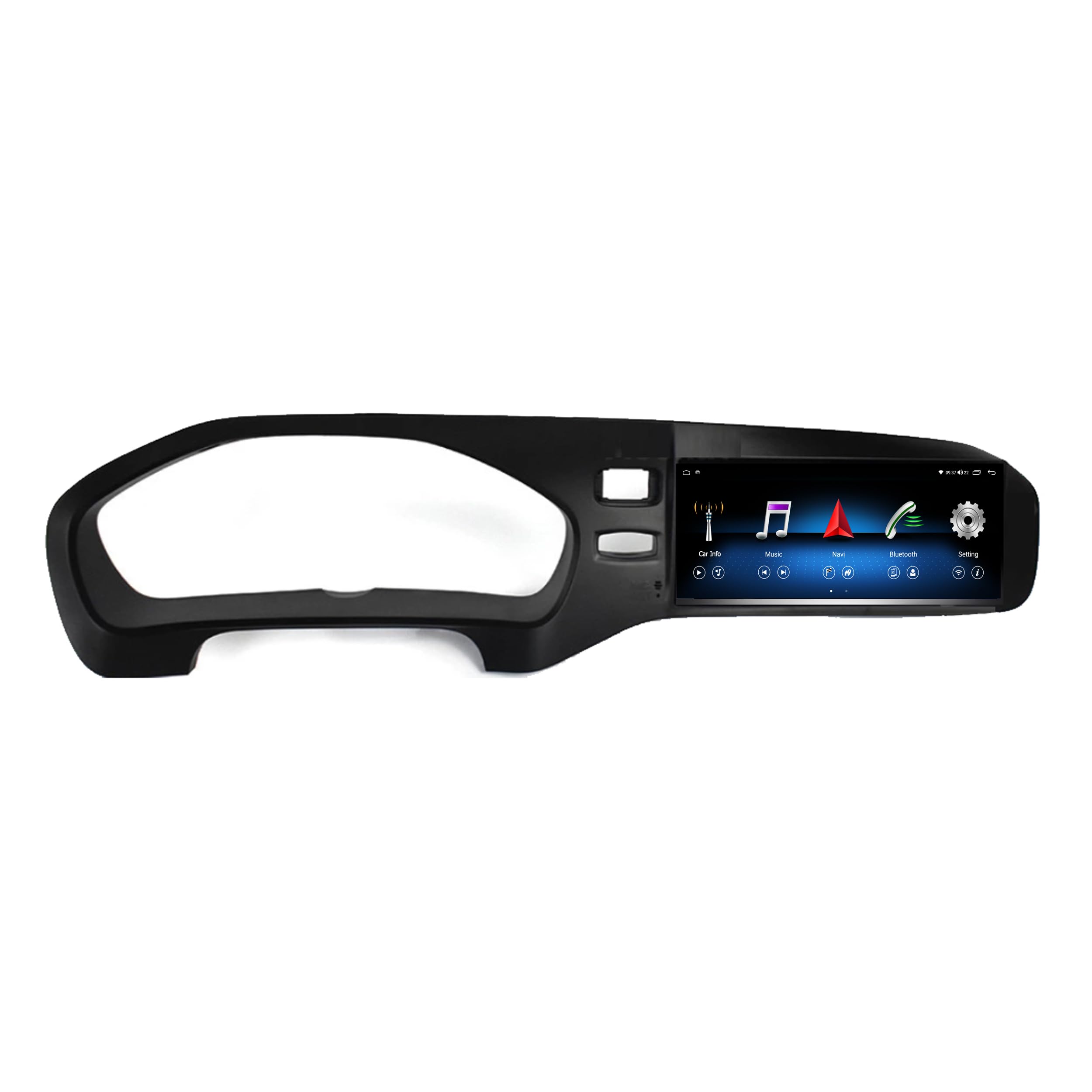
이미지 2.1: Compatibility check. The system is compatible with vehicles that have the globe button (left, indicated by green checkmark) and not compatible with vehicles missing this button (right, indicated by red cross). The bottom image shows the system installed in a compatible Volvo V40 dashboard.
3. 배송 내용
Please check the package contents against the list below to ensure all components are present:
- Android Multimedia System (Main Unit)
- 전원 케이블
- RCA Plugs + SIM Slot Cable
- GPS 안테나
- 4G 안테나
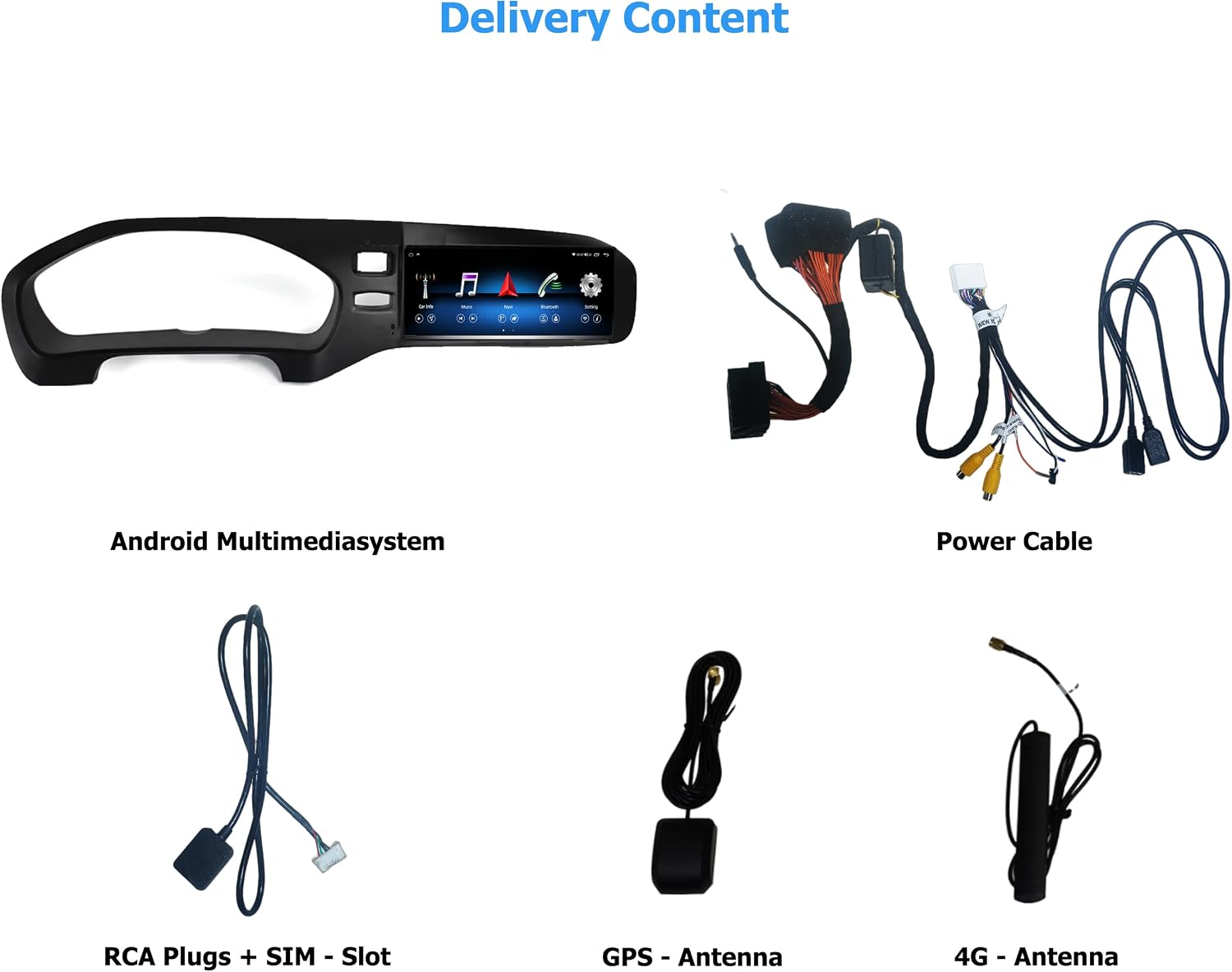
이미지 3.1: 위에view of included components. From top left: Android Multimedia System, Power Cable, RCA Plugs + SIM Slot, GPS Antenna, 4G Antenna.
4. 설정 및 설치
The Taffio Android Navigation System is designed for a simple, plug-and-play installation without requiring modifications, restrictions, or coding of the original vehicle system. No external box or complex measures are needed, only the screen and connection cables.
4.1. 일반 설치 단계
- Carefully remove the original display and associated components from your vehicle's dashboard.
- Connect the provided cables to the new Android Multimedia System and the vehicle's wiring harness.
- Mount the GPS and 4G antennas in suitable locations, ensuring clear signal reception.
- Insert the new Android Multimedia System into the dashboard opening.
- Secure the unit and reassemble any removed trim pieces.
- 설치를 완료하기 전에 모든 기능을 테스트하십시오.
4.2. 연결 다이어그램

이미지 4.1: Detailed connection diagram for the Android Multimedia System.
- A: 전원 커넥터
- B: Connect to Original Radio Unit
- B1: Connect to Original Radio Plug (from the original unit)
- C: GPS 안테나
- D: 4G 안테나
- E: Original LVDS (Insert the original display cable here)
- F: Plug it to Android Display
- 1: 후방카메라 IN
- 2: DVR Camera IN
- 3: USB 케이블
- 4: 마이크로 SIM 카드 슬롯
5. 사용 설명서
The Taffio system runs on Android 10, featuring an Octa-Core 1.8GHz CPU, 4 GB RAM, and 64 GB integrated storage. It provides access to the Play Store for various Android applications.
5.1. 시스템 전환
The system allows for easy switching between the original Volvo infotainment system and the new Android system. Refer to the on-screen interface for the dedicated switch button or gesture.
5.2. CarPlay 및 Android Auto
The unit features integrated Wireless CarPlay and Android Auto functionality, eliminating the need for additional adapters. Connect your compatible smartphone wirelessly to access navigation, music, messages, and more directly on the 8.8-inch display.

이미지 5.1: Wireless CarPlay interface displaying common apps like Phone, Maps, Messages, and Music.
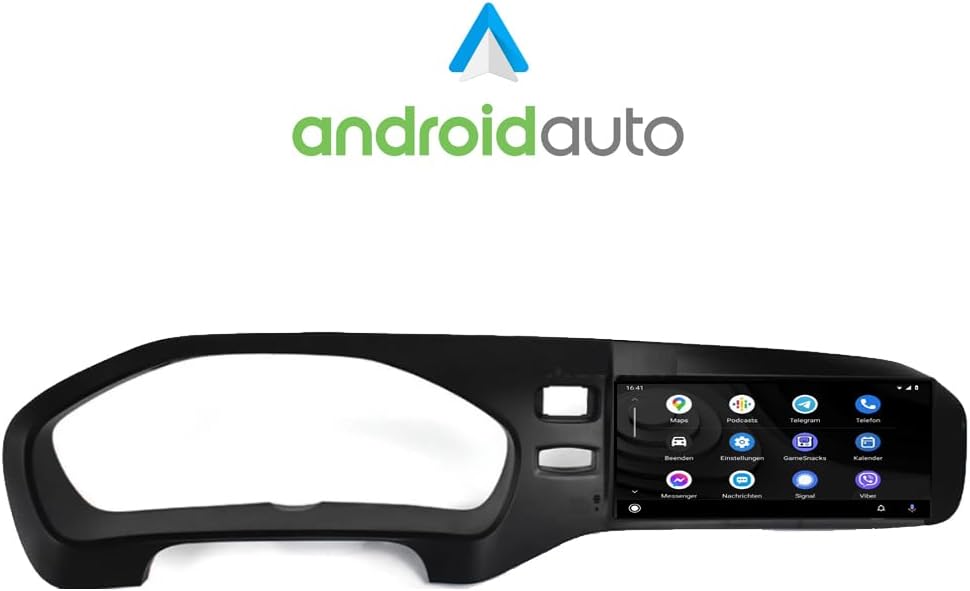
이미지 5.2: Android Auto interface showing various applications such as Maps, Podcasts, and Messenger.
5.3. 내비게이션(GPS)
The system includes current 3D GPS navigation with worldwide map material. Free, lifelong map updates are provided by Taffio. Access navigation through the dedicated app on the Android interface or via CarPlay/Android Auto.
5.4. Connectivity (WIFI & 4G LTE)
WIFI (WLAN): Integrated WIFI allows direct connection to WLAN hotspots or your smartphone's hotspot for internet access.
3G / 4G LTE: A dedicated SIM card slot provides the fastest surfing and streaming experience directly from the unit.
5.5. Original System Support
The Taffio system supports original radio functions, steering wheel controls, and all vehicle displays and settings, ensuring no loss of original functionality.
5.6. 오디오 설정
Customize your audio experience using the built-in equalizer. Adjust frequency bands, field, surround, bass enhancement, and bass filter settings to your preference.

이미지 5.3: Audio equalizer settings, allowing fine-tuning of sound output.
6. 유지관리
To ensure the longevity and optimal performance of your Taffio Android Navigation System, follow these maintenance guidelines:
- 청소: Use a soft, dry cloth to clean the touchscreen. For stubborn smudges, lightly damp천에 물이나 화면에 안전한 세척제를 묻혀 닦아주세요. 강한 화학 물질이나 연마재는 사용하지 마세요.
- 소프트웨어 업데이트: Regularly check for and install software updates to ensure you have the latest features, security patches, and performance improvements. Updates are typically available through the system's settings menu or via the manufacturer's web대지.
- 온도: 제품을 장시간 극한 온도에 노출시키지 마십시오.
- 전원 주기: If the system becomes unresponsive, perform a soft reset by turning off your vehicle's ignition and restarting it after a few minutes.
7. 문제 해결
If you encounter issues with your Taffio Android Navigation System, refer to the following common troubleshooting steps:
- 전원 없음: 모든 전원 케이블이 단단히 연결되어 있는지 확인하십시오. 차량의 퓨즈 박스에서 인포테인먼트 시스템과 관련된 퓨즈가 끊어졌는지 확인하십시오.
- 소리 없음: Verify that the AUX connection is properly established and selected as the audio source in your original vehicle system. Check volume levels on both the Taffio unit and your vehicle's audio system.
- GPS 신호 문제: GPS 안테나는 시야가 확보된 위치에 설치해야 합니다. view of the sky, free from obstructions. Allow time for the system to acquire satellites after startup.
- CarPlay/Android Auto 연결 안 됨: Ensure Bluetooth and Wi-Fi are enabled on both the Taffio unit and your smartphone. Try restarting both devices. For Android Auto, ensure the app is updated on your phone.
- 시스템 멈춤/성능 저하: Close unnecessary background applications. Perform a system restart. If issues persist, consider a factory reset (note: this will erase all user data and settings).
- Original System Functions Not Working: Double-check all connections, especially those related to the original radio unit and LVDS cable. Ensure the system is correctly switched to the original mode if applicable.
If these steps do not resolve the issue, please contact Taffio customer support.
8. 사양
| 상표 | Taffio |
| 모델명 | 내비게이션 시스템 |
| 모델 번호 | TJ-V40A-L |
| 운영 체제 | 안드로이드 10 |
| CPU | 옥타코어 1.8GHz |
| 숫양 | 4GB (XNUMX기가바이트) |
| 저장 용량 | 64GB (XNUMX기가바이트) |
| 화면 크기 | 8.8인치 |
| 디스플레이 유형 | 용량 성 터치 스크린 |
| 연결 기술 | Auxiliary, Bluetooth, USB, WIFI, 4G LTE |
| 특별 기능 | Integrated CarPlay & Android Auto, System Switching, Original System Support, 3D GPS Navigation |
| Supported Navigation System | GPS (Worldwide Maps) |
| 장착 유형 | 대시 보드 마운트 |
| 제어 유형 | 만지다 |
| 무게 | 3 킬로그램 |
9. 보증 및 지원
Your Taffio Android Navigation System comes with a 2년 보증 from the date of purchase. Please retain your invoice with VAT as proof of purchase for warranty claims.
For technical support, warranty inquiries, or any questions regarding your product, please contact Taffio customer service through the retailer where you purchased the product or visit the official Taffio web연락처 정보 사이트.