
소개
복스 amPlug 3 Boutique is a compact headphone guitar amplifier designed to deliver the sophisticated tones of high-end boutique amplifiers directly to your headphones. This portable device offers versatile sound options, built-in rhythms, and an auxiliary input for an enhanced practice experience without disturbing others. Its innovative design and analog circuitry ensure rich, nuanced sound quality for both home and on-the-go practice sessions.

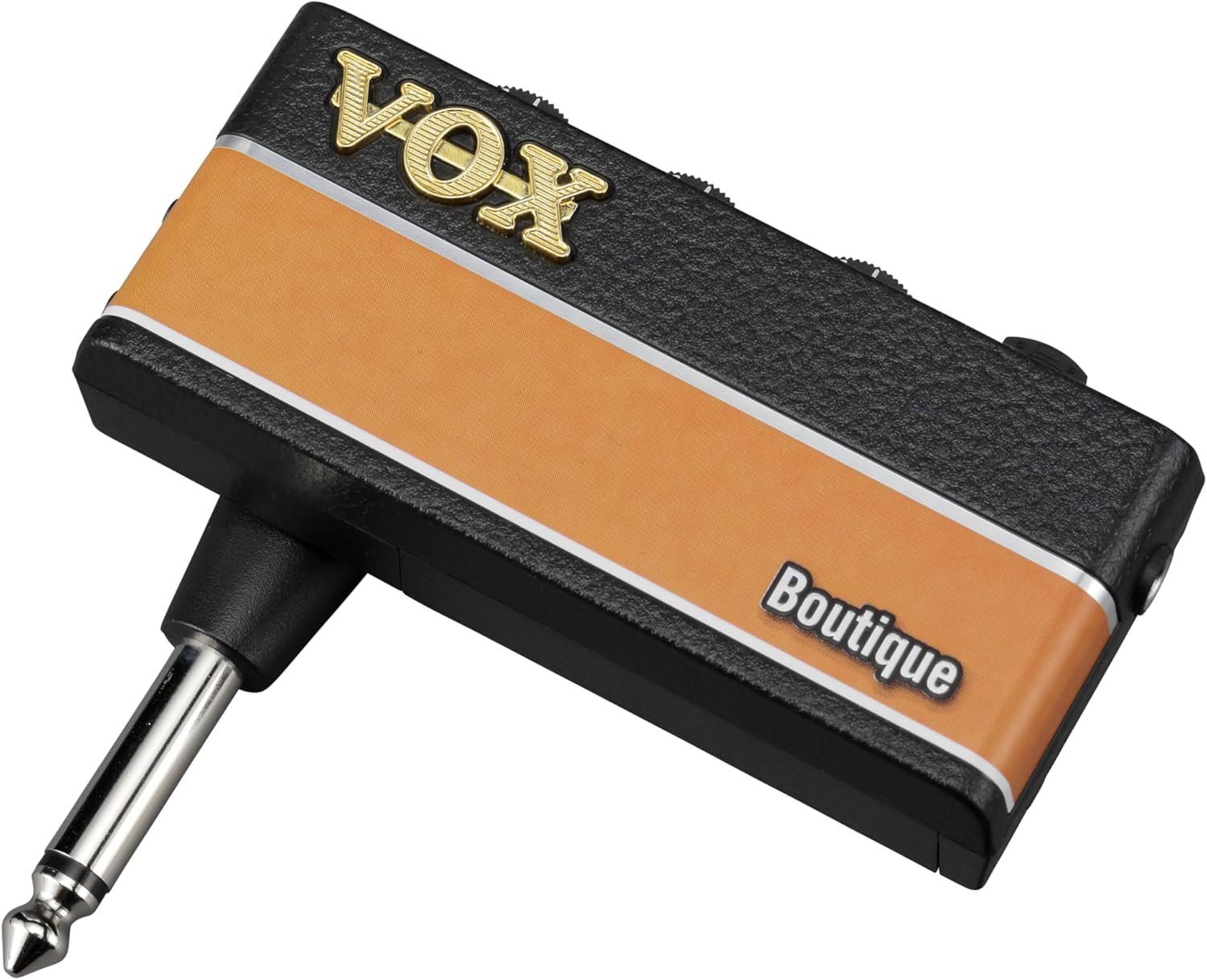
이미지: 앞면 view VOX의 amPlug 3 Boutique Headphone Guitar Amp리파이어, 쇼크asin컴팩트한 디자인과 고전적인 미학이 특징입니다.
주요 특징
- 부티크 Amp앰프 톤: Designed to deliver the sophisticated tones of high-end boutique amplifiers, perfect for discerning players.
- Three Versatile Modes: Boutique OD for smooth overdrive, Boutique Clean for pristine clarity, and Boutique High-Gain for soaring leads.
- Built-in Rhythm Patterns: Equipped with nine selectable rhythm patterns including jazz, rock, and funk, providing an ideal practice companion.
- Custom Analog Circuitry: Ensures rich, nuanced sound, capturing the warmth and character of premium boutique amps.
- 소형 및 경량: Weighing only 40 grams (excluding batteries), making it easy to take anywhere.
- 긴 배터리 수명: Operates on two AAA batteries, offering up to 17 hours of continuous playtime.
- 보조 입력: Allows you to connect external audio sources for jamming along with your favorite tracks.
- 접이식 플러그 메커니즘: Innovative design rotates 180 degrees for optimal positioning and easy storage.
- 자동 종료: Helps conserve battery life by automatically shutting down when not in use.
설정
1. 배터리 설치
그만큼 amPlug 3 requires two AAA batteries for operation. These are typically included with the product.
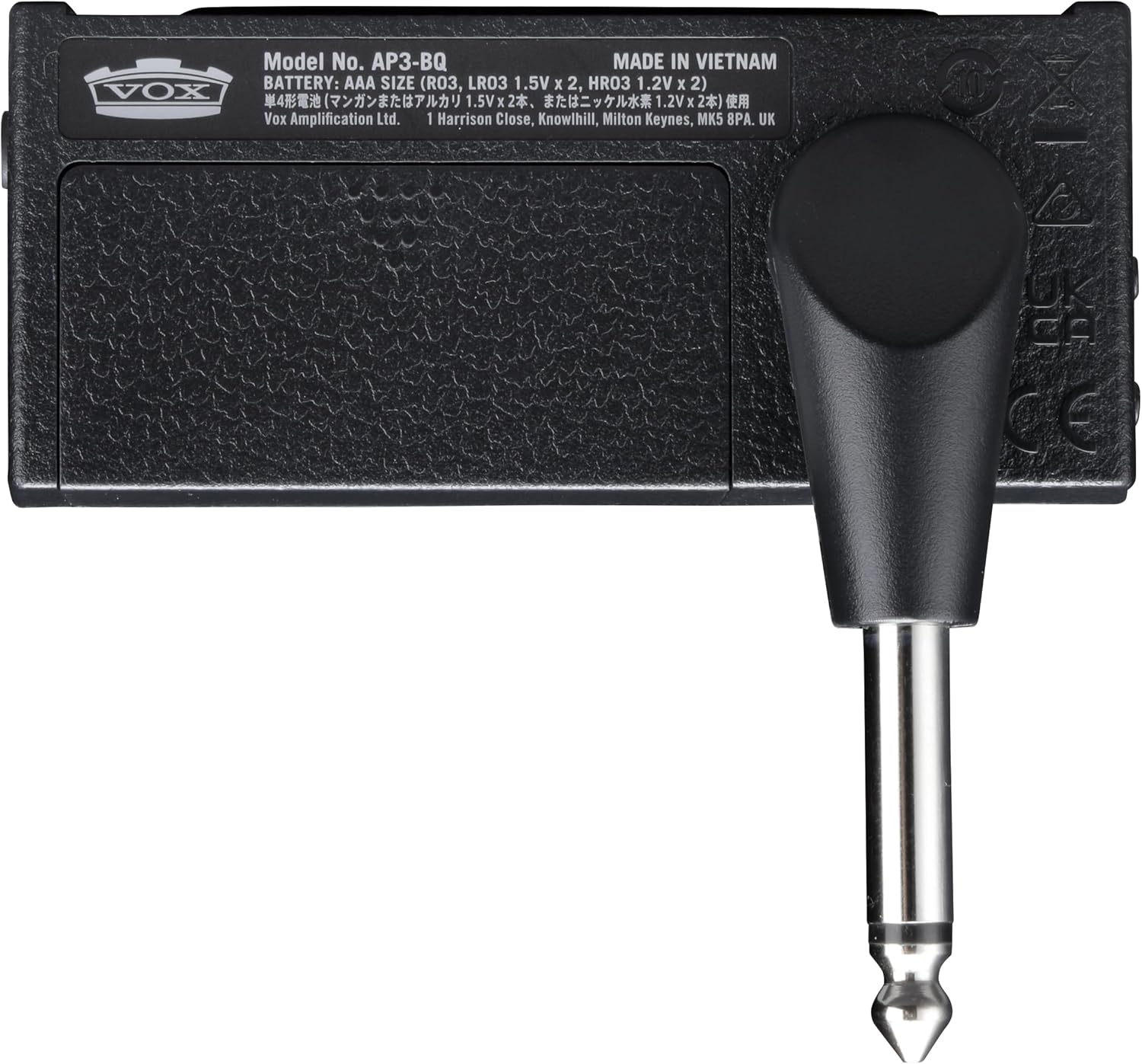
- 뒷면에 있는 배터리 칸을 찾으세요. amP러그 유닛.
- 배터리실 커버를 밀어서 엽니다.
- AAA 배터리 2개를 넣고, 배터리 칸 내부에 표시된 대로 올바른 극성(+/-)을 맞춰 넣습니다.
- 배터리 덮개를 단단히 닫으세요.

이미지: 후면 view 의 amPlug 3, highlighting the battery compartment and the 1/4-inch jack.
2. 기타 연결하기
- Rotate the integrated 1/4-inch jack on the amPlug 3 to align with your guitar's output jack. The plug can rotate 180 degrees for optimal positioning.
- 단단히 삽입 amPlug 3's jack into your guitar's output jack.

이미지: amPlug 3 unit securely plugged into the output jack of an electric guitar.
3. 헤드폰 연결하기
- Plug your headphones into the 3.5mm headphone jack located on the amP러그 3개 유닛.

이미지: amPlug 3 connected to an electric guitar, with headphones plugged into the unit, ready for silent practice.
작동 지침
1. 전원 켜기/끄기
전원을 켜려면 amPlug 3, slide the POWER switch to the 'ON' position. The LED indicator will light up. To power off, slide the switch to 'OFF'. The unit features an auto power-off function to conserve battery life when not in use.
2. 컨트롤
그만큼 amPlug 3 features several controls for shaping your sound:
- 이득: 오버드라이브/디스토션의 양을 조절합니다.
- 음정: Adjusts the tonal characteristics, from bright to warm.
- 음량: 헤드폰으로 출력되는 전체 볼륨을 조절합니다.
- FX/RHYTHM: This button cycles through the available effects and rhythm patterns.
이미지: 상세 view of the top-mounted controls on the amPlug 3, including Gain, Tone, Volume, and the FX/Rhythm button.
3. 선택 AmpLifier 모드
The Boutique model offers three distinct amp리퍼 모드:
- Boutique OD: Provides a smooth, rich overdrive tone.
- Boutique Clean: Delivers pristine, clear tones.
- Boutique High-Gain: Offers powerful, soaring lead tones.
Refer to the product's quick start guide for specific instructions on how to switch between these modes, typically involving holding down the power button or a combination of controls.
4. Using Effects and Rhythm Patterns
를 누르세요 FX/리듬 button to cycle through the available effects (e.g., Chorus, Delay, Reverb) and nine rhythm patterns. Adjust the controls to blend the effects and rhythms with your guitar sound.
5. 보조 입력(AUX IN)
Connect an external audio player (e.g., smartphone, MP3 player) to the 3.5mm AUX IN jack on the amPlug 3 using an audio cable. This allows you to jam along with your favorite tracks through your headphones.
이미지: 측면 view 의 amPlug 3, clearly showing the AUX input jack and the control knobs for Gain, Tone, and Volume.
Video Demonstration: Sound and Playability
Video: A demonstration of the VOX amPlug 3's sound quality and playability, showcasin다양한 음색과 특징을 가지고 있습니다.
Video Demonstration: AC30 Sound Through Headphones
Video: An audio demonstration of the VOX amPlug AC30 model's sound as heard through headphones, providing insight into the tonal characteristics of the amPlug series.
Video Demonstration: Up-Close Look at amPlug Features
Video: A detailed close-up video showcasing the physical features and controls of an amPlug unit, demonstrating its ease of use and portability.
유지
- 청소: 부드럽고 마른 천으로 닦으세요. 연마성 세제나 용제는 사용하지 마세요.
- 저장: 저장하다 amPlug 3 in a cool, dry place away from direct sunlight and extreme temperatures. Remove batteries if storing for extended periods to prevent leakage.
- 손질: 기기를 떨어뜨리거나 강한 충격을 주지 마십시오.
문제 해결
| 문제 | 가능한 원인 | 해결책 |
|---|---|---|
| 소리가 나지 않습니다 | Low or dead batteries; headphones not connected; volume too low; amPlug not fully inserted into guitar. | Replace batteries; ensure headphones are securely plugged in; increase volume; firmly insert amPlug into guitar jack. |
| 음질이 좋지 않음/잡음 | Loose connections; interference; faulty headphones. | Check all connections; move away from other electronic devices; try different headphones. |
| 장치의 전원이 켜지지 않음 | 배터리가 방전됨; 배터리가 잘못 설치됨. | Replace batteries; ensure batteries are inserted with correct polarity. |
명세서
- 제품 크기: 1.42인치 깊이 x 5.12인치 너비 x 7.2인치 높이
- 품목 무게: 3.2 온스
- 품목 모델 번호: AP3BQ
- 배터리: 2 AAA batteries required (up to 17 hours continuous playtime)
- 호환 장치: 기타
- 재료: 플라스틱
- 제조업체: 소리
보증 및 지원
For warranty information and customer support, please refer to the documentation included with your product or visit the official VOX Amp화 web사이트. 보증 청구를 위해 구매 증빙 자료를 보관하세요.