
소개
This user manual provides detailed instructions for the AROMA NB126 Beast Wireless Earbuds. Please read this manual carefully before using the product to ensure proper operation and to maximize your listening experience. Keep this manual for future reference.
상자 안에 무엇이 들어있나요?
모든 품목이 포장에 들어 있는지 확인하세요.
- AROMA NB126 Beast Wireless Earbuds
- 무선 충전 케이스
- USB Type-C 충전 케이블
- 이어쿠션(다양한 사이즈)
- 사용 설명서 (본 문서)

Image: The AROMA NB126 Beast wireless earbuds shown with their charging case, illustrating the main components included in the package.
설정
1. 초기 충전
Before first use, fully charge the earbuds and the charging case. Connect the provided USB Type-C cable to the charging port on the case and to a compatible USB power source. The indicator light on the case will show charging status and turn off or change color when fully charged.

Image: The AROMA NB126 Beast charging case with a USB Type-C cable connected, demonstrating the charging process.
2. 장치와 페어링
- 이어버드가 충전되어 있는지 확인하세요.
- 충전 케이스를 엽니다. 이어버드가 자동으로 페어링 모드로 진입하며, 이어버드의 LED 표시등이 깜박입니다.
- 기기(스마트폰, 태블릿 등)에서 Bluetooth를 활성화하세요.
- 검색 available Bluetooth devices and select "AROMA NB126 Beast" from the list.
- Once connected, the LED indicator on the earbuds will stop flashing or turn off.
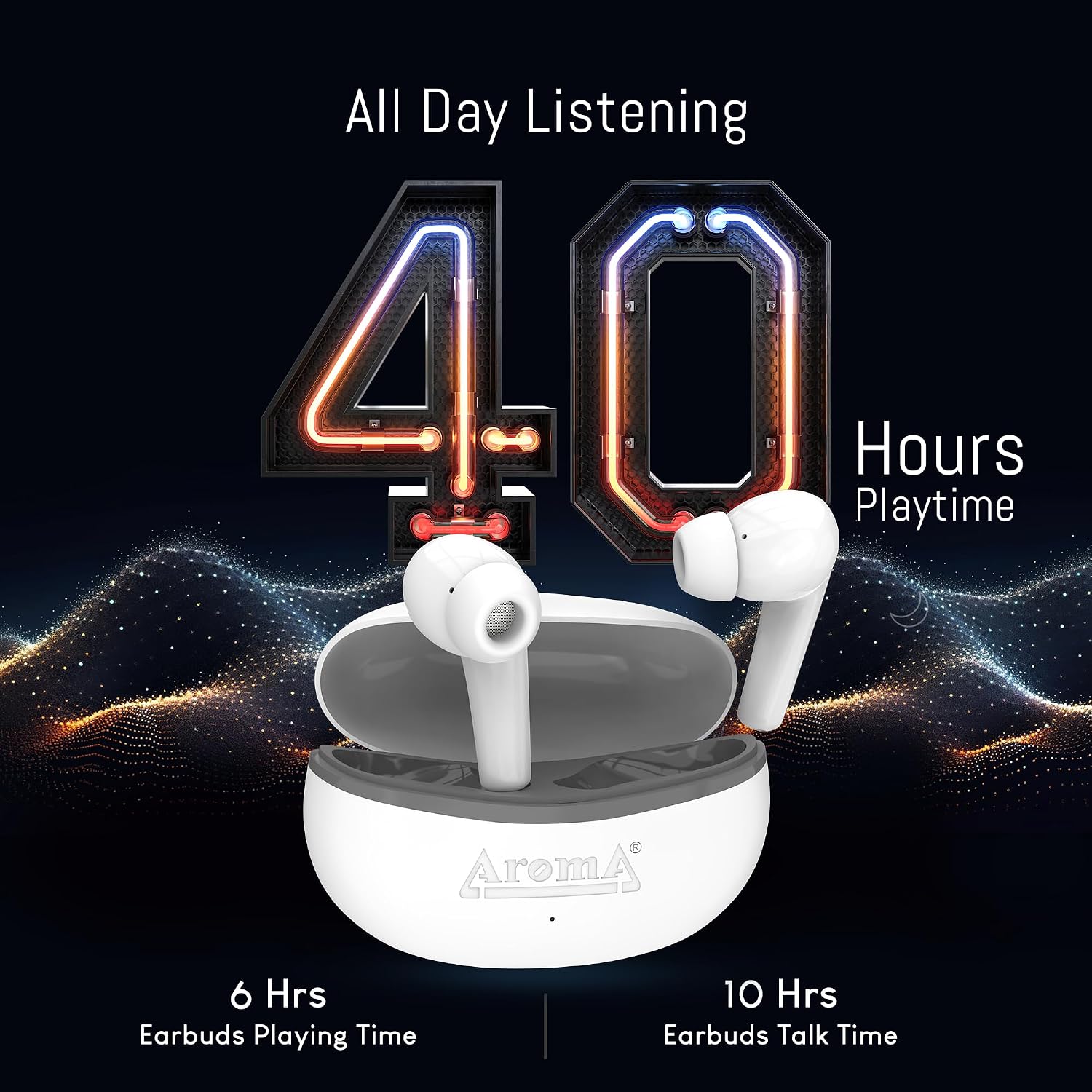
Image: The AROMA NB126 Beast earbuds resting in their open charging case, ready for Bluetooth pairing.
작동 지침
1. 전원 켜기/끄기
- 전원 켜기: 충전 케이스를 열면 이어버드가 자동으로 켜집니다. 또는 양쪽 이어버드의 터치 컨트롤 영역을 3초간 길게 누르세요.
- 전원 끄기 : 이어버드를 충전 케이스에 다시 넣고 뚜껑을 닫으세요. 이어버드가 자동으로 전원이 꺼지고 충전이 시작됩니다. 또는 양쪽 이어버드의 터치 컨트롤 영역을 5초 동안 길게 누르세요.
2. 터치 컨트롤
The AROMA NB126 Beast earbuds feature touch-sensitive controls on each earbud. Refer to the following table for common functions:
| 행동 | 왼쪽 이어버드 | 오른쪽 이어 버드 |
|---|---|---|
| 재생/일시정지 | 싱글 탭 | 싱글 탭 |
| 다음 트랙 | 더블 탭 | 더블 탭 |
| 이전 트랙 | 트리플 탭 | 트리플 탭 |
| 볼륨을 높이다 | 없음 | 누르고 있기 |
| 볼륨 낮추기 | 누르고 있기 | 없음 |
| 전화 받기/종료하기 | 싱글 탭 | 싱글 탭 |
| 전화 거부 | 누르고 있기 | 누르고 있기 |
| 음성 지원 활성화 | 길게 누르기(2초) | 길게 누르기(2초) |

이미지: 클로즈업 view of an AROMA NB126 Beast earbud, highlighting the general area for touch controls.
3. 음성 지원
To activate your device's voice assistant (e.g., Siri, Google Assistant), long press the touch control area on either earbud for approximately 2 seconds until you hear a prompt.
4. 듀얼 페어링 모드
The earbuds support dual pairing, allowing them to be connected to two Bluetooth devices simultaneously. To use this feature, pair the earbuds with the first device, then disconnect them. Pair with the second device. Reconnect to the first device from its Bluetooth settings. The earbuds should now be connected to both devices, allowing seamless switching between them.

Image: The AROMA NB126 Beast earbuds and their charging case, visually representing their wireless connectivity capabilities.
5. Hall Switch Functionality
The charging case is equipped with a Hall switch. Opening the lid of the charging case will automatically power on the earbuds and initiate connection with the last paired device. Closing the lid will power off the earbuds and begin charging them.
유지
1. 청소
- 부드럽고 마른 보푸라기 없는 천으로 이어버드와 충전 케이스를 조심스럽게 닦으세요.
- 독한 화학 물질, 세척 용제 또는 강한 세제를 사용하지 마십시오.
- 최적의 음질과 위생을 위해 귀지 및 이물질을 제거하도록 이어팁을 정기적으로 청소하십시오.
2. 보관
사용하지 않을 때는 이어버드를 충전 케이스에 보관하여 먼지와 손상으로부터 보호하고 충전 상태를 유지하세요. 케이스는 서늘하고 건조한 곳에 보관하고 극한의 온도는 피해 주세요.
문제 해결
If you encounter issues with your AROMA NB126 Beast earbuds, refer to the following common solutions:
- 이어버드가 페어링되지 않음: 양쪽 이어버드가 모두 충전되었는지 확인하세요. 이어버드를 케이스에 다시 넣고 뚜껑을 닫았다가 다시 열어 페어링 모드로 진입하세요. 기기의 블루투스 설정을 확인하고 다시 연결을 시도해 보세요.
- 한쪽 이어버드에서 소리가 나지 않습니다. Try placing both earbuds back in the case, closing the lid, and then taking them out again. Ensure they are properly paired.
- 충전 문제: Verify the USB Type-C cable is securely connected to both the case and the power source. Try a different cable or power adapter. Ensure the charging contacts on the earbuds and inside the case are clean and free of debris.
- 볼륨이 낮거나 음질이 좋지 않음: Clean the ear tips and speaker grilles. Adjust the volume on both your device and the earbuds. Ensure the earbuds are properly seated in your ears.
- 이어버드가 장치에 연결되지 않음: Turn off Bluetooth on your device, then turn it back on. Forget the "AROMA NB126 Beast" from your device's Bluetooth list and attempt to pair again.
문제가 지속되면 고객 지원팀에 문의하세요.
명세서
Technical specifications for the AROMA NB126 Beast Wireless Earbuds:
| 특징 | 사양 |
|---|---|
| 상표 | 방향 |
| 모델 번호 | NB126 Beast |
| 귀 위치 | 귀에 |
| 폼 팩터 | 귀에 |
| 제어 유형 | 미디어 제어 |
| 제어 방법 | 만지다 |
| 무선 기술 | 블루투스 |
| 배터리 평균 수명 | 최대 40시간(충전 케이스 사용 시) |
| 주파수 범위 | 20Hz - 20,000Hz |
| 오디오 드라이버 유형 | 동적 드라이버 |
| 제품 특징 | Splashproof, Sweatproof |
| 방수 레벨 | 방수복 |
| 인클로저 재료 | 플라스틱 |
| 호환 장치 | 스마트폰, 태블릿, 노트북, 데스크탑, 스마트 스피커 |
보증 정보
The AROMA NB126 Beast Wireless Earbuds come with a standard manufacturer's warranty. Please refer to the warranty card included in your product packaging for specific terms, conditions, and duration of the warranty. Keep your purchase receipt as proof of purchase for any warranty claims.
고객 지원
For further assistance, technical support, or warranty inquiries, please contact AROMA customer service:
Please provide your product model number (NB126 Beast) and details of your issue when contacting support.