
소개
The Majority Naga 80 Sound Bar is designed to enhance your home audio experience with powerful 140W peak output and 2.1 channel sound. Featuring advanced 3D surround sound technology and a built-in subwoofer, it delivers rich, clear audio for movies, gaming, and music. This manual provides detailed instructions for setup, operation, and maintenance of your sound bar.

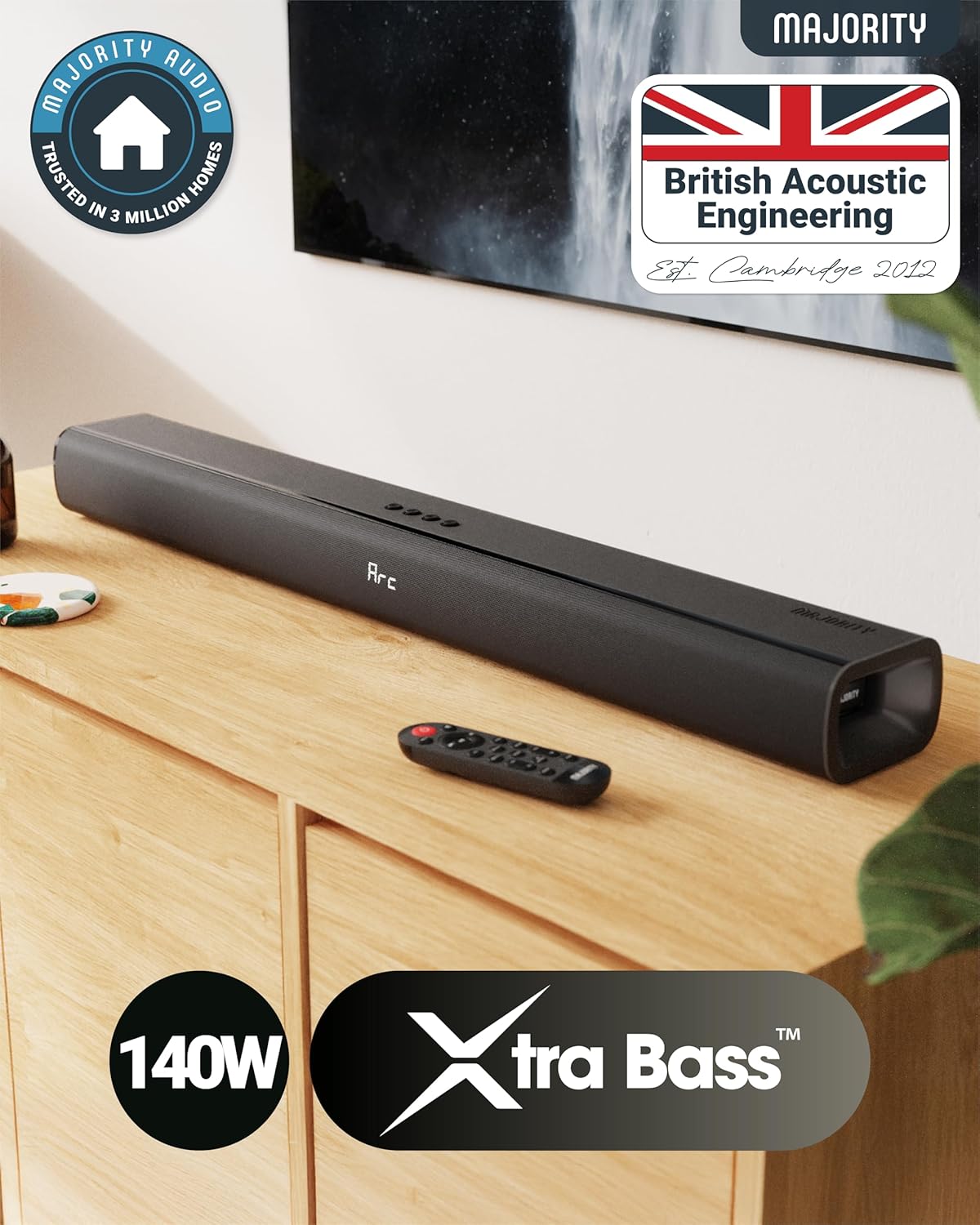
The Naga 80 TV Soundbar delivers powerful, high-quality sound to elevate your home entertainment.
상자 안에 무엇이 들어있나요?
택배 내용물을 꼼꼼히 확인해 주세요. 누락된 품목이나 손상된 품목이 있을 경우 고객 지원 센터로 문의해 주세요.
- 나가 80 사운드바
- 사용자 설명서
- 원격 제어
- 벽 브래킷
- HDMI, AUX, and Power cables
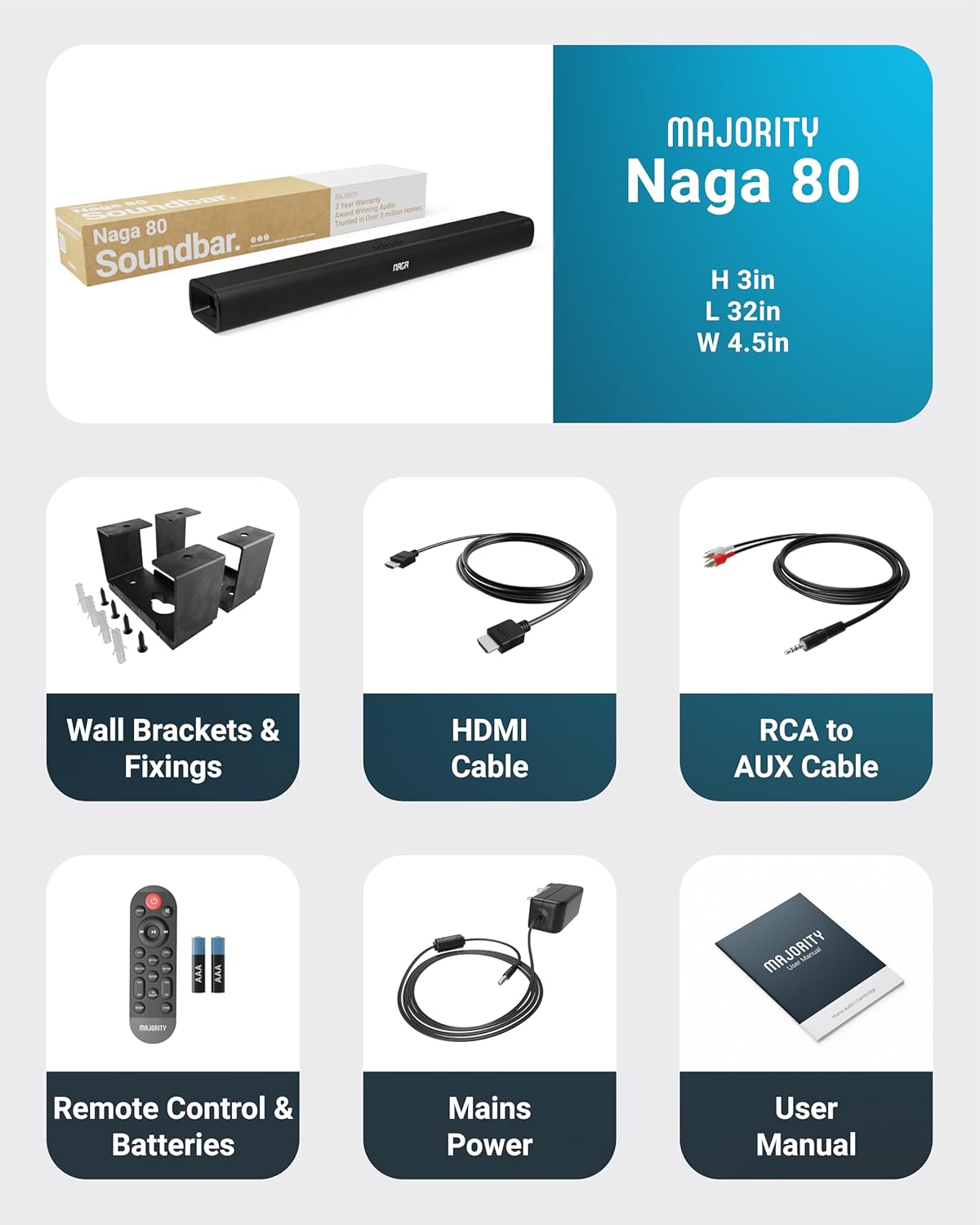
All items included in the Naga 80 Sound Bar package.
설정
전원 연결
- Ensure the sound bar is placed on a stable surface or securely wall-mounted.
- Connect the power adapter to the DC 24V input port on the back of the sound bar.
- 전원 어댑터를 벽면 콘센트에 꽂으세요.
오디오 연결
The Naga 80 Sound Bar offers multiple connectivity options for your devices:
- HDMI ARC : Connect an HDMI cable from the sound bar's ARC port to your TV's HDMI ARC port for high-quality audio and TV remote control integration.
- 광학 입력: Use an optical cable to connect to your TV or other audio source for digital audio transmission.
- 보조 입력: Connect devices using the 3.5mm AUX cable for analog audio input.
- USB: 오디오를 재생하려면 USB 드라이브를 삽입하세요. files directly from the sound bar.
- 블루투스: Pair your smartphone, tablet, or other Bluetooth-enabled devices wirelessly.
중요한: If you experience buzzing or static sound when using HDMI or Optical connections, adjust your TV's audio output settings to PCM (Pulse Code Modulation).

Rear panel connections of the Naga 80 Sound Bar.
블루투스 페어링
- Press the 'Input' button on the sound bar or remote control until 'BT' appears on the display.
- On your device (smartphone, tablet), enable Bluetooth and search for 'Naga 80'.
- Select 'Naga 80' to pair. A confirmation sound will indicate successful pairing.
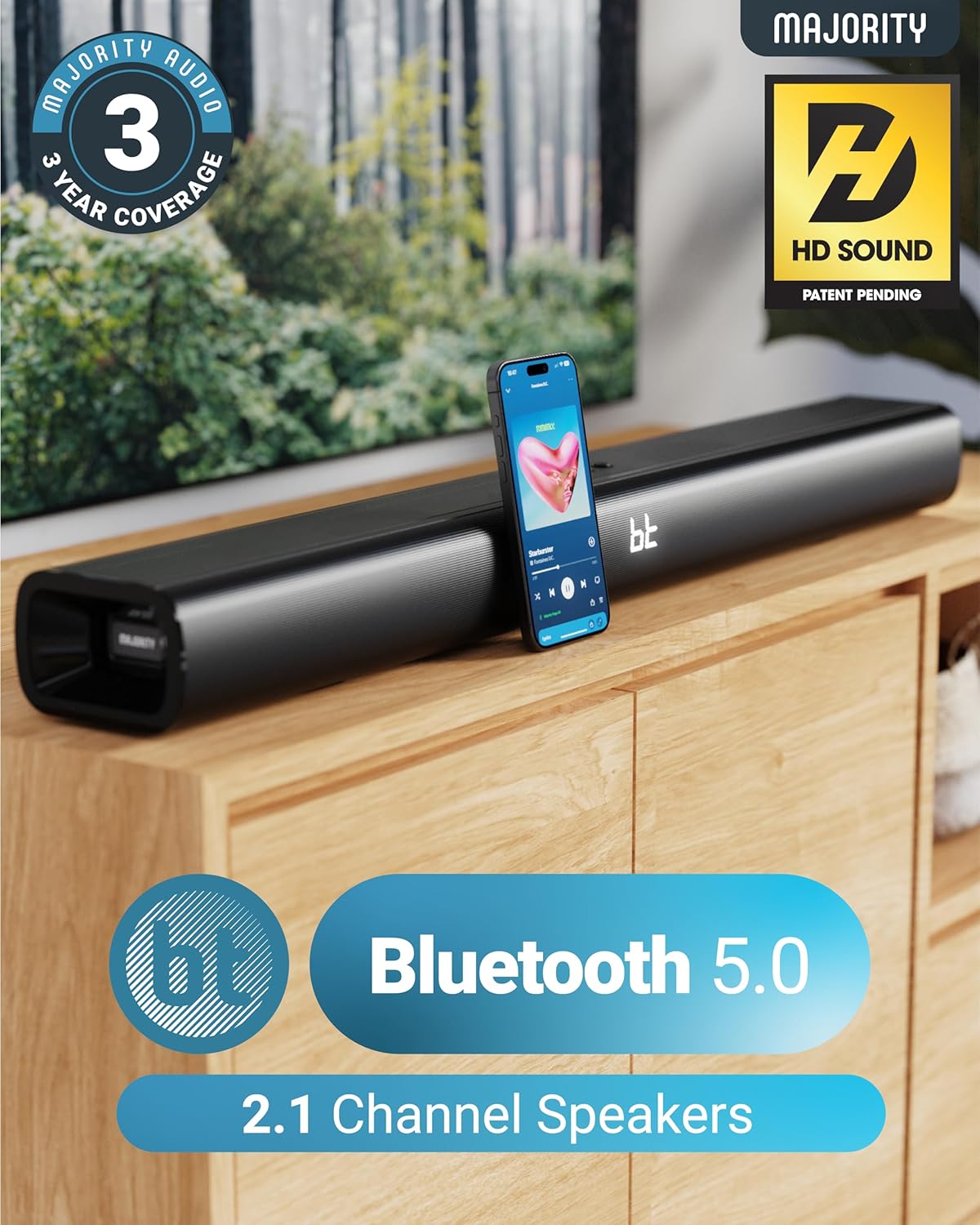
The Naga 80 Sound Bar supports Bluetooth 5.0 for wireless audio streaming.
작동 지침
원격 제어 기능
The included remote control allows full command over your sound bar's features:
- 힘: 사운드바를 켜거나 끄세요.
- 입력: Cycle through input sources (HDMI ARC, Optical, AUX, USB, Bluetooth).
- 볼륨 +/- : 마스터 볼륨을 조정합니다.
- 재생/일시정지, 트랙 건너뛰기: Control media playback in Bluetooth or USB mode.
- 사운드 모드: Select between Movie, Music, and Dialog modes.
- Bass +/- (BA+/-): 베이스 레벨을 조정하세요.
- Treble +/- (TR+/-): 고음 레벨을 조정하세요.
- 3D On/Off: Activate or deactivate 3D surround sound.
- 재설정 : Reset audio settings to default.
- 쌍: 블루투스 페어링을 시작하세요.
The remote control provides comprehensive control over your sound bar.
사운드 모드
전용 사운드 모드를 사용하여 오디오 환경을 최적화하세요.
- 영화 모드 : Enhances cinematic sound effects and dialogue for an immersive movie-watching experience.
- 음악 모드: 균형 잡힌 오디오 프로를 제공합니다file 다양한 음악 장르에 적합합니다.
- 대화 모드: Prioritizes vocal clarity, making conversations easier to understand, especially in TV shows or news broadcasts.
저음 및 고음 조정
You can fine-tune the bass and treble levels to your preference using the remote control. Both settings can be adjusted from -4 to +4, with 0 being the default. Use the 'BA+/-' buttons for bass and 'TR+/-' buttons for treble.
설치 및 배치
벽면 장착
The Naga 80 Sound Bar can be wall-mounted for a clean, space-saving setup. Use the included wall brackets and fixings. Ensure the mounting surface is sturdy enough to support the sound bar's weight (4.3 pounds).
Wall mount brackets for secure installation.
명세서
| 특징 | 사양 |
|---|---|
| 모델명 | 나가 80 |
| 스피커 유형 | 사운드바 |
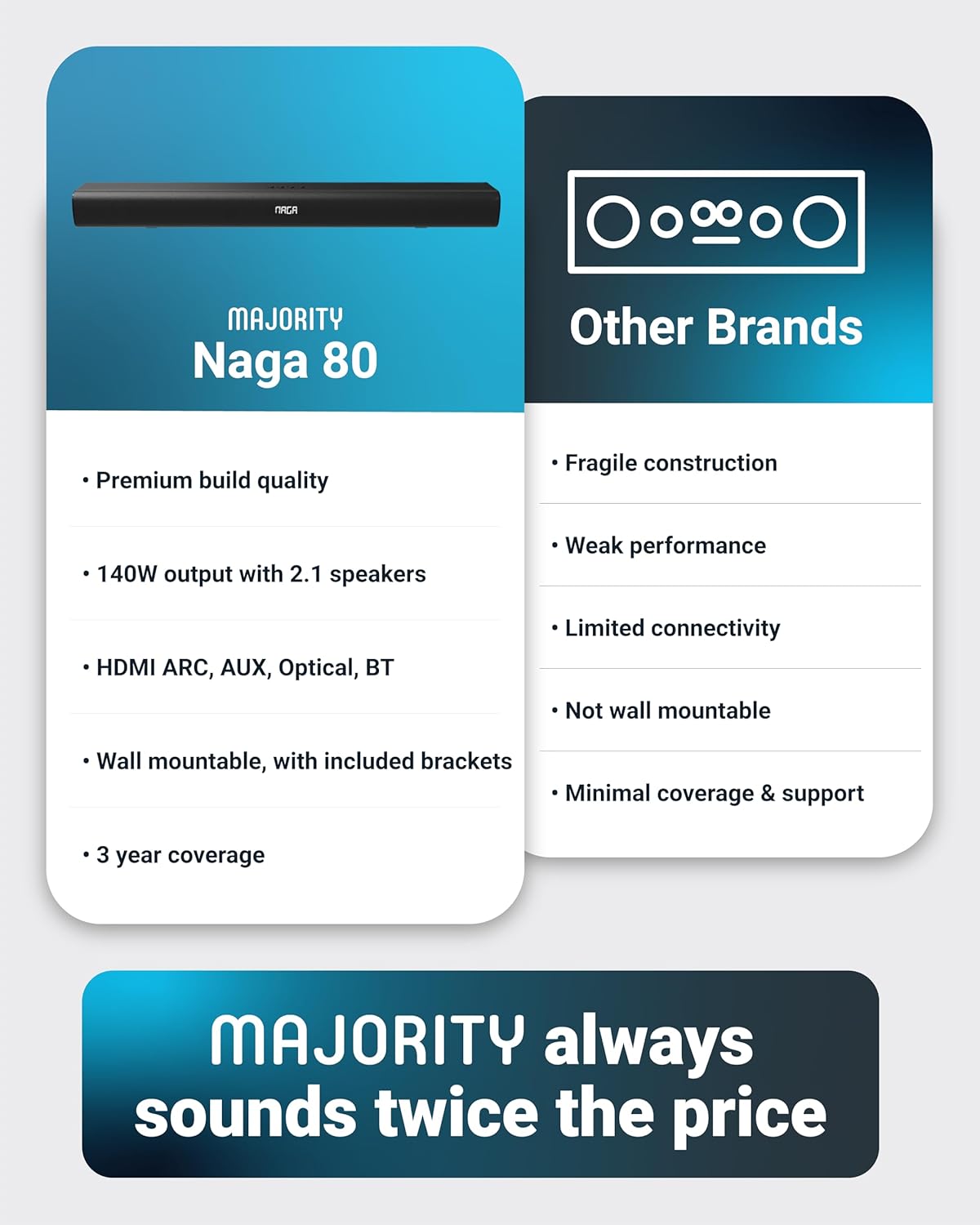
| 스피커 최대 출력 전력 | 140 와트 |
| 서라운드 사운드 채널 구성 | 2.1 |
| 연결 기술 | Bluetooth, HDMI, Optical, AUX, USB |
| 무선 통신 기술 | 블루투스 |
| 블루투스 범위 | 10 미터 |
| 제어 방법 | 원격 |
| 제품 치수 | 31.8인치 깊이 x 4.6인치 너비 x 3.06인치 높이 |
| 품목 무게 | 4.3 파운드 |
| 재료 | Plastic (Enclosure), Metal (Subwoofer) |
| 포함된 구성 요소 | HDMI, AUX and Power cables, Naga 80 Soundbar, Remote, User Manual, Wall Brackets |
| 배터리 | AAA 배터리 2개 필요(포함) |
| 장착 유형 | 벽걸이형 |
유지
To ensure the longevity and optimal performance of your Majority Naga 80 Sound Bar, follow these maintenance guidelines:
- 청소: Use a soft, dry cloth to wipe the exterior of the sound bar. Avoid using abrasive cleaners, waxes, or solvents.
- 통풍: Ensure proper ventilation around the sound bar to prevent overheating. Do not block any ventilation openings.
- 저장: 사운드바를 장기간 보관할 경우 전원을 분리하고 서늘하고 건조한 곳에 보관하세요.
문제 해결
사운드바 사용 중 문제가 발생하면 다음의 일반적인 문제 및 해결 방법을 참조하십시오.
- 전원 없음: Ensure the power cable is securely connected to both the sound bar and a working power outlet. Check if the power adapter is functioning correctly.
- 소리 없음: Verify the correct input source is selected on the sound bar. Check all audio cables for secure connections. Ensure the volume is not muted or set too low on both the sound bar and your connected device.
- Buzzing/Static Sound (HDMI/Optical): Adjust your TV's HDMI/Optical audio output settings to PCM. Some TVs may default to other formats that are not compatible with the sound bar.
- 블루투스 페어링 문제: Ensure the sound bar is in Bluetooth pairing mode. Turn off and on Bluetooth on your device, then try pairing again. Move your device closer to the sound bar to ensure it's within range (10 meters).
- 원격 제어가 작동하지 않음: Check the batteries in the remote control and replace them if necessary (2 AAA batteries). Ensure there are no obstructions between the remote and the sound bar.
보증 및 지원
The Majority Naga 80 Sound Bar comes with a 3년 연장 보증 upon registration. For warranty registration, technical support, or further assistance, please visit the official Majority web사이트를 방문하거나 고객 서비스에 문의하세요.
For more information and to register your product, visit: www.majority.co.uk