
소개
This manual provides comprehensive instructions for the setup, operation, and maintenance of your ZUMIMALL 2K Wireless Outdoor Solar Security Camera. Designed for home security, this camera features 3MP color night vision, 2.4GHz WiFi connectivity, two-way talk, spotlight, and siren, all within an IP66 waterproof casing. It is also compatible with Alexa for integrated smart home control.
상자 안에 무엇이 들어있나요?

패키지에는 다음이 포함됩니다.
- Security Camera: 1개 단위
- 카메라 브래킷: 1개 단위
- 태양광 패널: 1개 단위
- 데이터 케이블: 1 unit (USB-C charging cable)
- 나사 패키지: 2 sets (for mounting)
- 사용 설명서: 1개 단위
- Tip Sticker: 1 unit ("Hey! You are on camera")
제품 특징
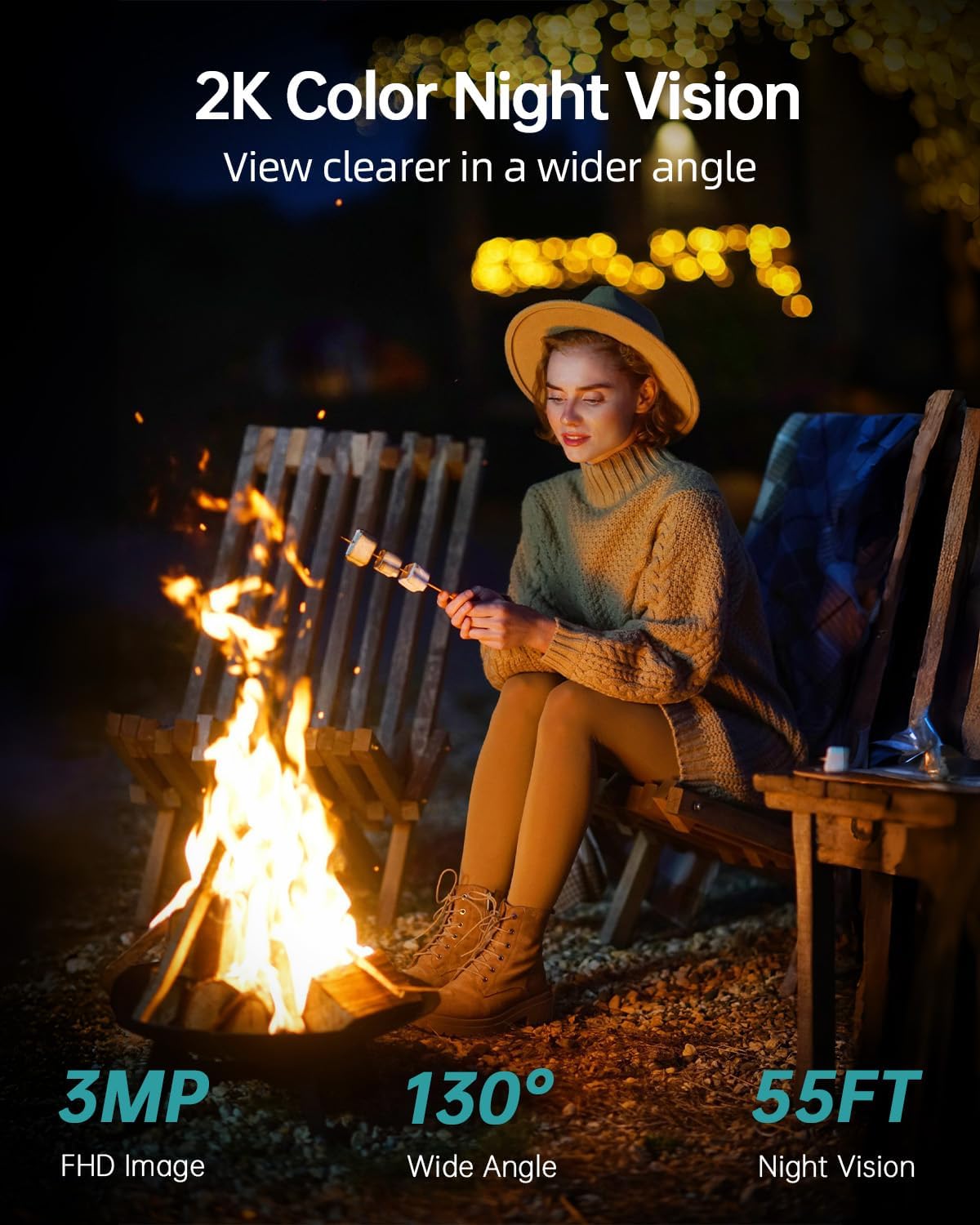
- 2K FHD & Color Night Vision: Equipped with 4 infrared LEDs, providing 130° wide-angle view and 55ft night vision range, automatically switching between black-white and color night vision.
- 태양열 및 배터리 구동: Features a large-capacity rechargeable battery and an efficient solar panel for continuous operation.
- DIY Detection Area & Real-Time Alert: Improved PIR sensor with adjustable sensitivity allows customization of alarm plans, intervals, and detection areas. Includes spotlight and siren.
- Two-Way Talk and Multi-User Sharing: Integrated microphone and high-power speaker for two-way communication. Supports sharing live broadcast with up to 4 devices.
- IP66 방수: Designed to operate in temperatures from -4°F to 120°F (-20°C to 50°C), resistant to rain, shine, or snow.
- 2.4GHz Wi-Fi 연결: Supports 2.4GHz WiFi for wireless installation (5G connectivity is not supported).
- 스마트 홈 호환성: 알렉사 및 구글 어시스턴트와 호환됩니다.
- 로컬 및 클라우드 스토리지: Supports up to 128GB SD card for local storage and optional cloud storage service.
설치 가이드
1. ZUMIMALL 앱을 다운로드하세요

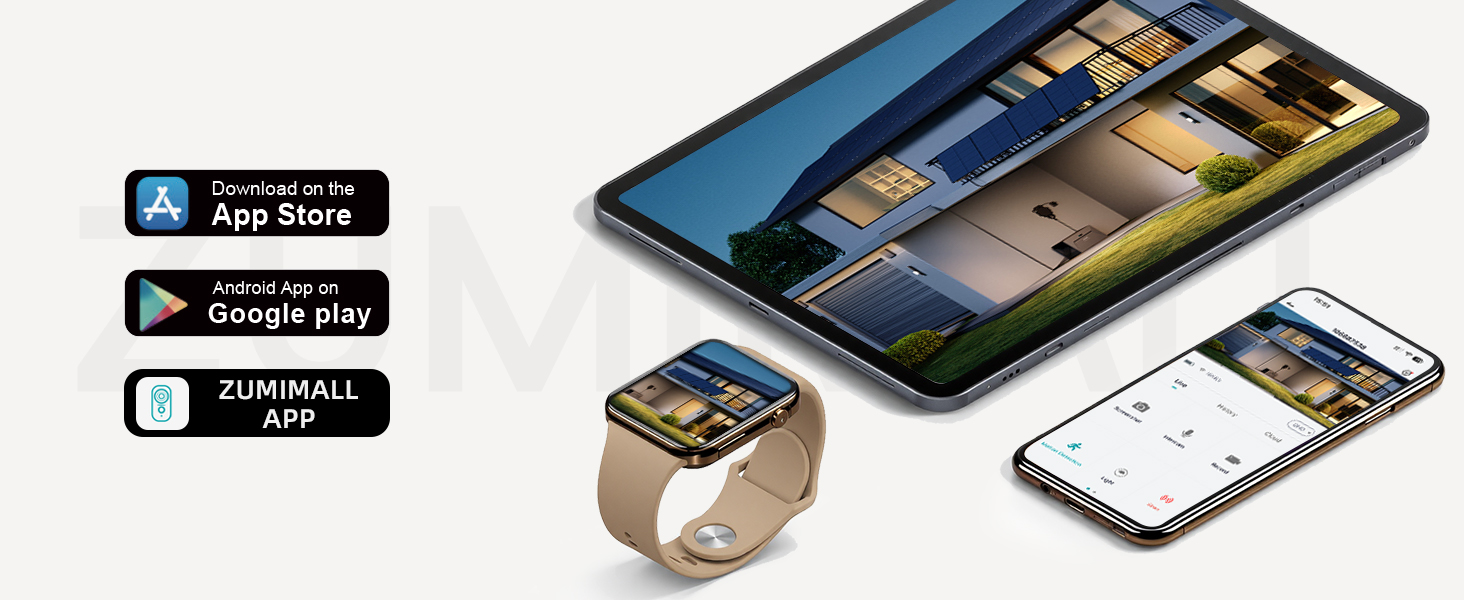
Download the "ZUMIMALL" app from the Apple App Store or Google Play Store on your smartphone or tablet. Create an account and log in.
2. Power On and Connect to WiFi
Power on your camera. Open the ZUMIMALL app and follow the on-screen instructions to add your device. Ensure your camera is connected to a 2.4GHz WiFi network. 참고: 5G WiFi는 지원되지 않습니다. If you have a dual-band router, select the 2.4GHz network during setup.

The app will guide you through the connection process, typically involving scanning a QR code displayed on your phone with the camera.
3. 물리적 설치
Mount the camera and solar panel using the provided screws and brackets. The solar panel ensures continuous power to the camera. Connect the solar panel cable to the camera's charging port.
설치 조언: Install the camera on the side of the detection area, approximately 7-10 feet (2-3 meters) above the ground, perpendicular to the wall, and tilted downwards at 10-15°. Avoid facing the camera toward strong lights, mirrors, windows, swimming pools, or white walls to prevent glare and false detections.
Video: ZUMIMALL Solar Security Cameras Wireless Outdoor. This video demonstrates the quick and easy installation process, highlighting the solar panel connection and initial setup steps for the ZUMIMALL wireless outdoor security camera.
작동 지침
살다 View 그리고 녹음
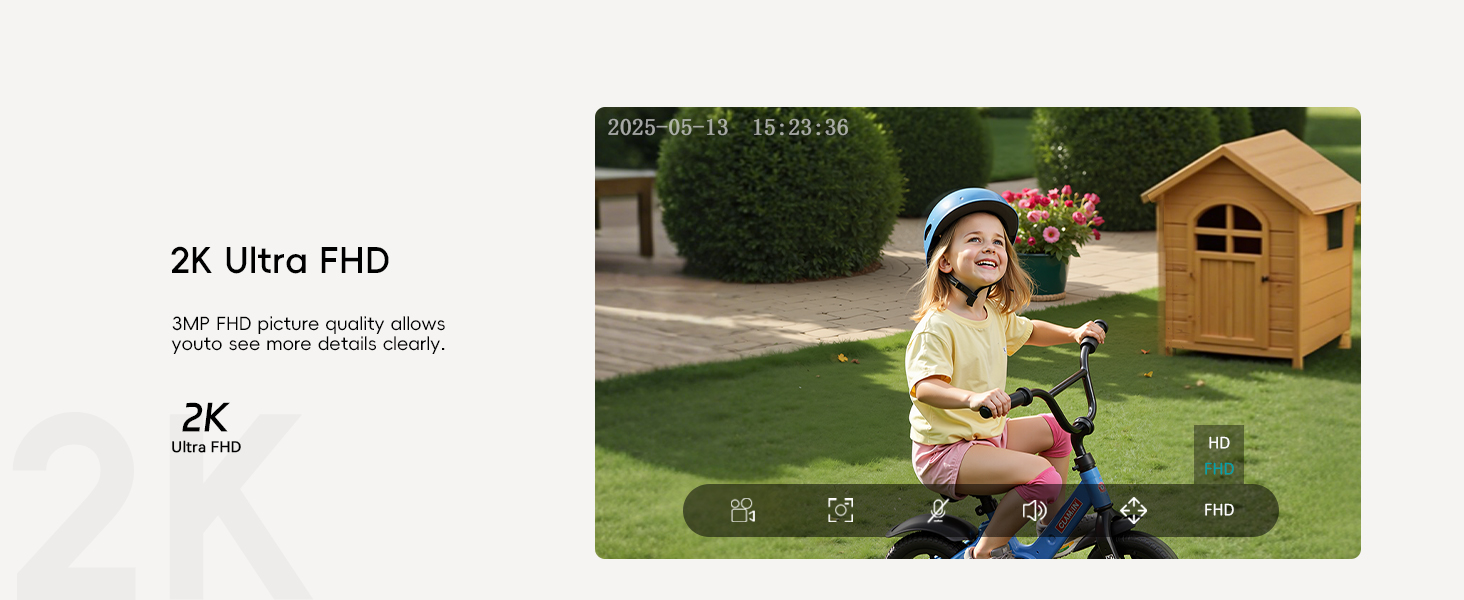
Access the live feed of your camera through the ZUMIMALL app. The camera provides 2K Ultra FHD resolution for clear viewing. You can take screenshots or record video directly from the live view 인터페이스.
양방향 대화

Use the two-way talk function to communicate with visitors or deter intruders. Simply press the intercom button in the app to speak through the camera's speaker.
모션 감지 및 경고

The camera features AI detection for people, pets, vehicles, and packages. You will receive instant notifications on your device when motion is detected.
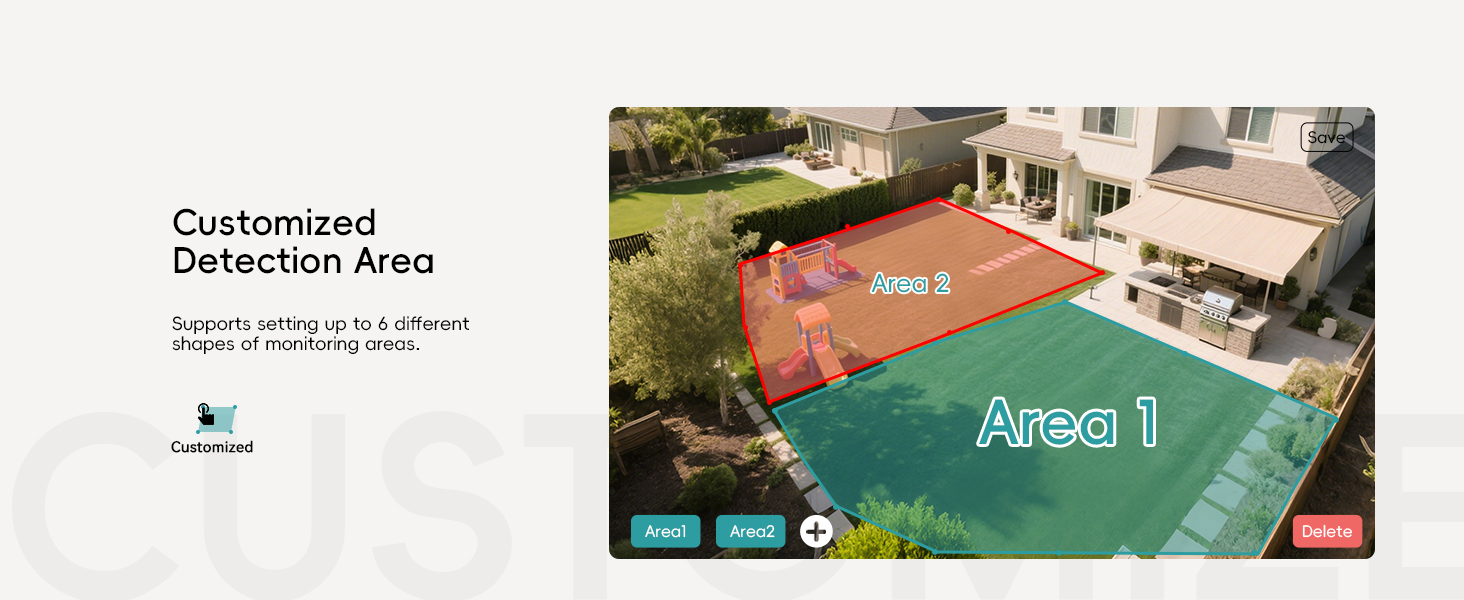
맞춤형 감지 영역: Set up to 6 different shapes of monitoring areas to focus on specific zones and reduce false alarms.
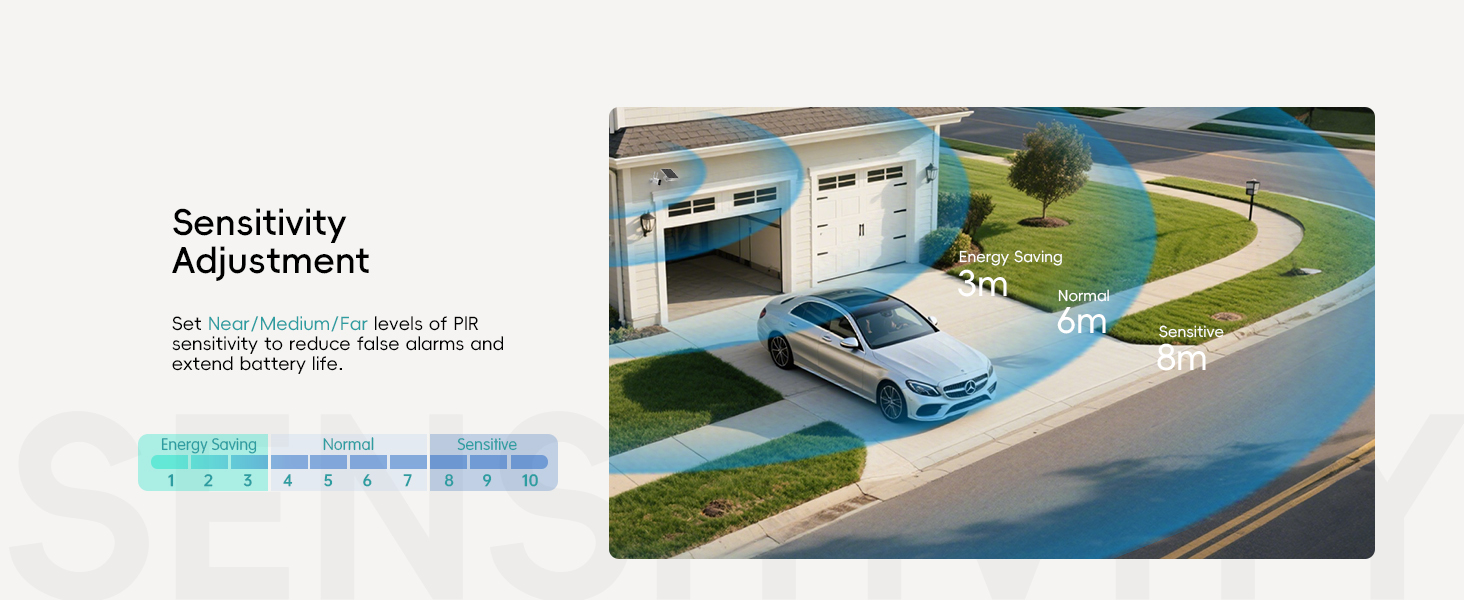
감도 조정 : Adjust the PIR sensor sensitivity (Near/Medium/Far) to optimize detection and battery life.

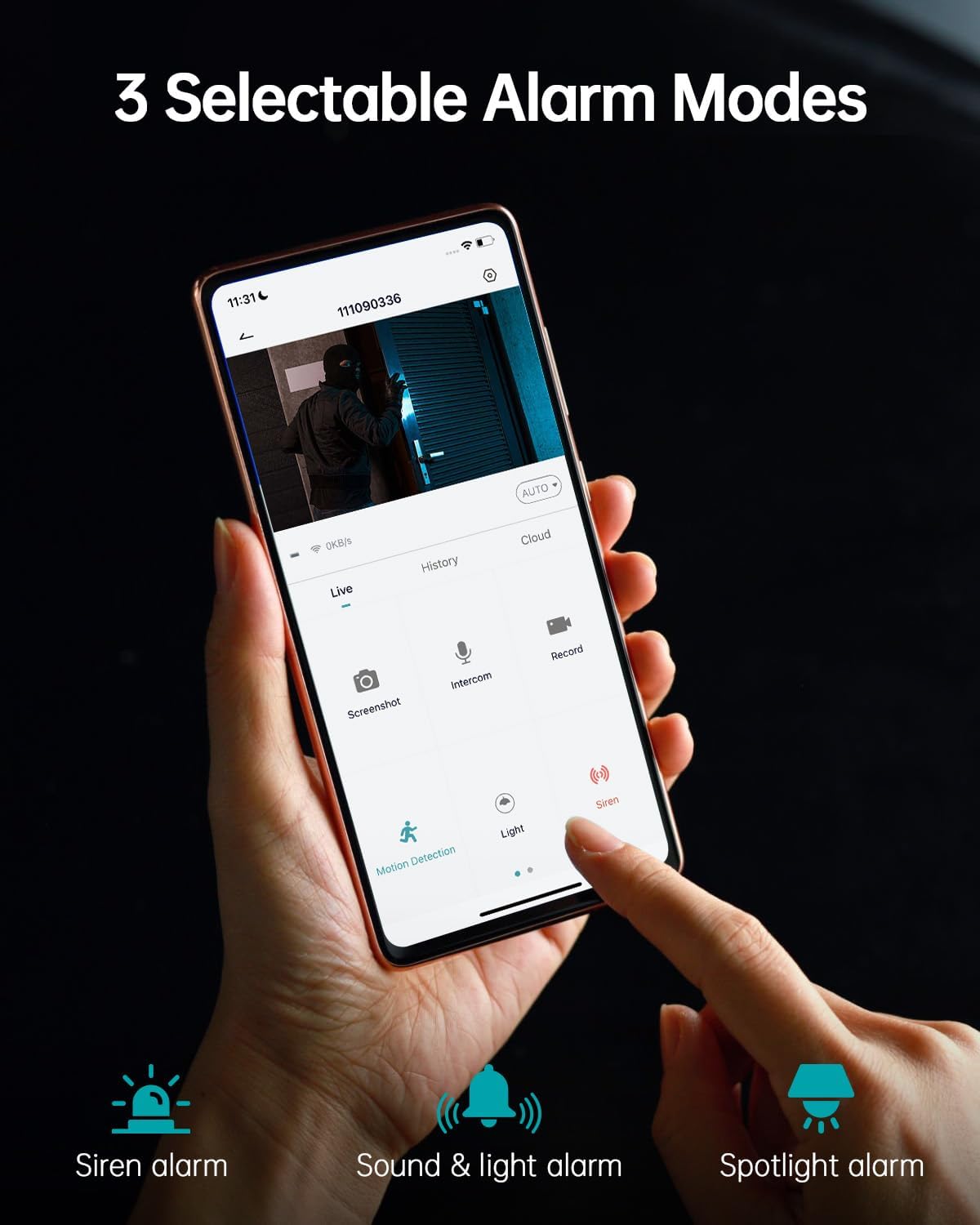
Choose from 3 selectable alarm modes: Siren alarm, Sound & light alarm, or Spotlight alarm. These can be activated automatically upon motion detection.
야간 투시경 모드

The camera offers 3MP Color Night Vision, providing clear and detailed images even in low-light conditions up to 55 feet. It automatically switches between black-white and color modes.
다중 사용자 공유
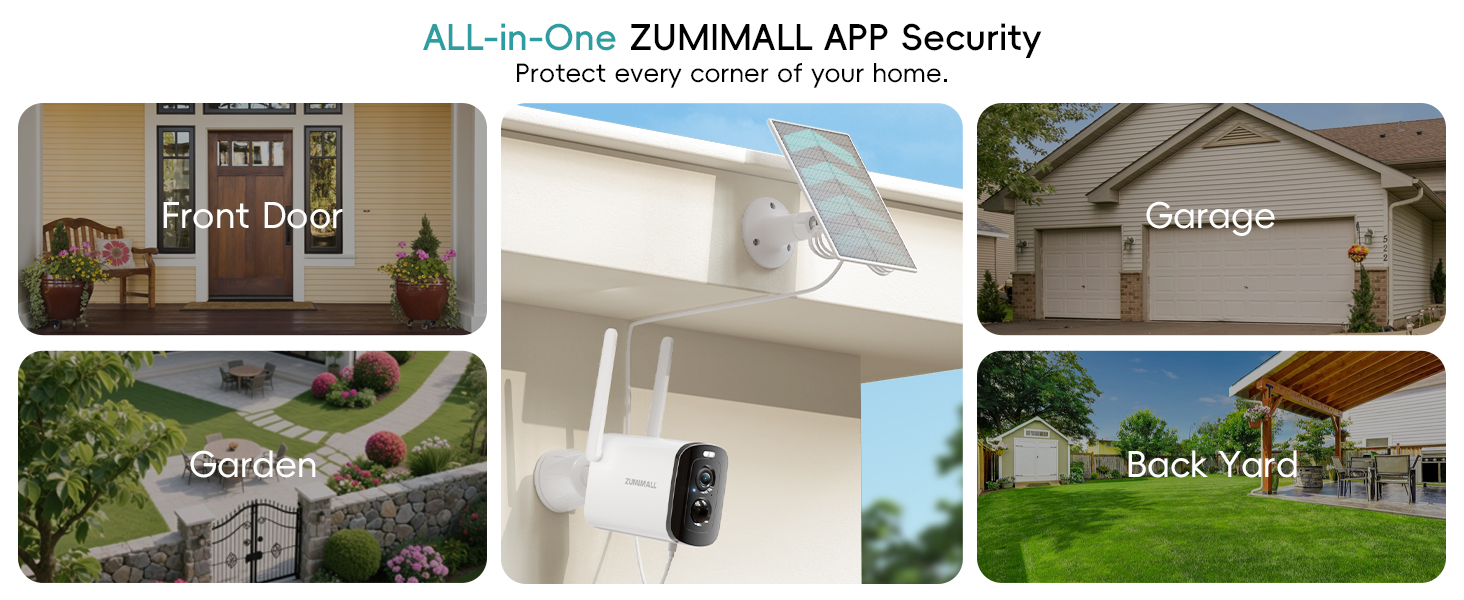
Share access to your camera's live feed with family members. They can view the live broadcast on their own devices after scanning a QR code or entering an account.

The ZUMIMALL app allows monitoring of up to 4 devices simultaneously.
Hide Indicator Light
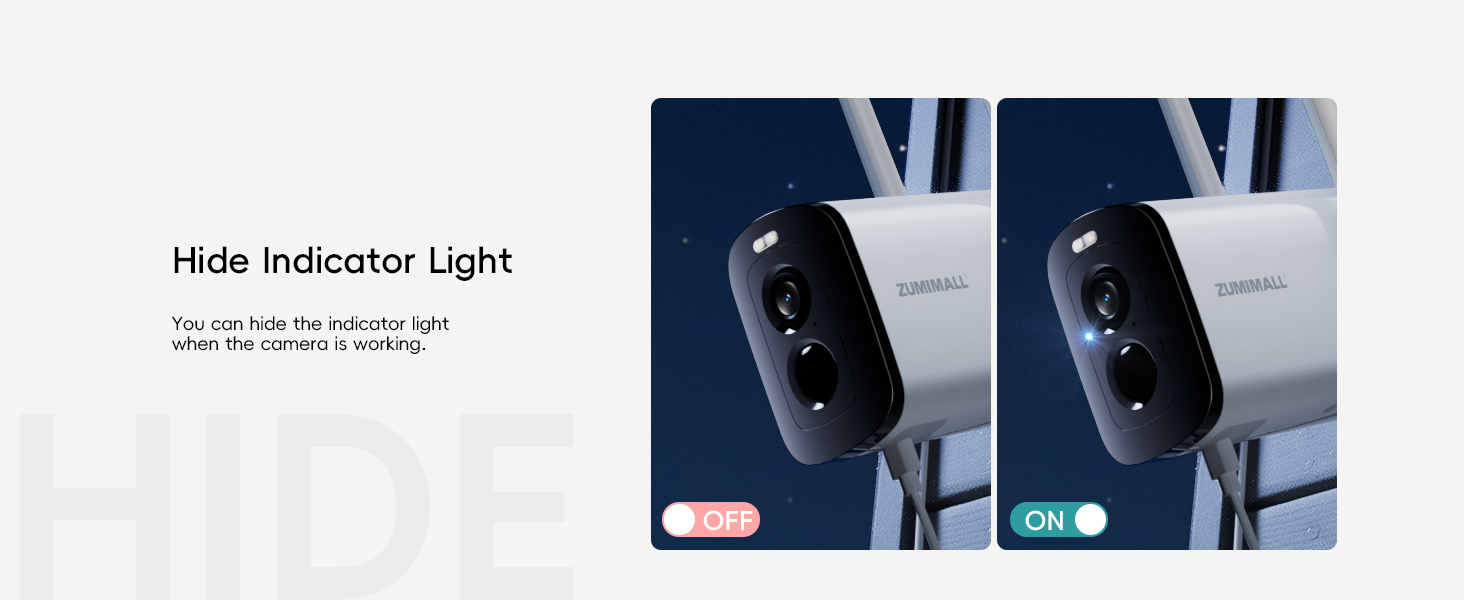
For discreet monitoring, you can hide the indicator light when the camera is actively working.
유지
- 청소: 카메라 렌즈와 태양광 패널은 부드러운 천으로 정기적으로 닦아주세요.amp 시야 확보와 효율적인 태양광 충전을 위한 천.
- 배터리 관리: The solar panel provides continuous charging. For optimal battery life, ensure the solar panel receives adequate sunlight. The camera supports multiple power usage modes (low, medium, high frequency) which affect battery duration (e.g., 3-4 months on low frequency, 1-2 months on high frequency).
- 펌웨어 업데이트: Keep the ZUMIMALL app and camera firmware updated to ensure optimal performance and access to new features.
문제 해결
- 연결 문제: Ensure your camera is within range of a 2.4GHz WiFi network. Check your router settings if you experience frequent disconnections.
- 낮은 비디오 품질: Verify the camera lens is clean and free from obstructions. Ensure sufficient lighting for optimal night vision performance.
- 허위 경보: Adjust the PIR sensor sensitivity and customize detection areas in the app to minimize unwanted alerts.
- 배터리가 충전되지 않음: Ensure the solar panel is clean and positioned to receive direct sunlight. Check the connection between the solar panel and the camera.
명세서
| 특징 | 세부 사항 |
|---|---|
| 비디오 캡처 해상도 | 1920p (2K FHD) |
| 이미지 센서 | 3MP CMOS |
| 나이트 비전 | Color Night Vision, 4 IR LEDs, 55 Feet Range |
| View잉 각도 | 130도 |
| 연결성 | 2.4GHz Wi-Fi (5G not supported) |
| 전원 | Solar Powered, Rechargeable Lithium Polymer Battery (included) |
| 내후성 | IP66 Waterproof, -4°F to 120°F (-20°C to 50°C) |
| 저장 | Max 128 GB Flash Memory (SD card not included), Cloud Storage option |
| 특별 기능 | 2-Way Audio, Built-In Spotlight, Siren, Motion Detection, Digital Zoom |
| 호환 장치 | Alexa, Android (via ZUMIMALL App) |
| 품목 무게 | 1.37파운드 |
| 패키지 크기 | 6.02 x 5.83 x 3.39 인치 |
보증 및 지원
ZUMIMALL is committed to providing high-quality products and customer satisfaction. For any questions, technical assistance, or warranty claims, please refer to the contact information provided in your product packaging or visit the official ZUMIMALL website. We offer one-on-one online support to ensure you always get the help you need.
또한 방문할 수 있습니다 아마존에서 ZUMIMALL 스토어를 만나보세요 더 많은 정보와 제품을 확인하세요.